
Monster E52
Monster Open Ear AC317 Wireless Headphones User Manual
Model: AC317 (E52)
1. Introduction
Thank you for choosing the Monster Open Ear AC317 Wireless Headphones. These open-ear earbuds are designed to provide a comfortable listening experience while maintaining situational awareness. This manual provides detailed instructions for setup, operation, and maintenance to ensure optimal performance and longevity of your device.
The Monster Open Ear AC317 headphones feature Bluetooth 5.4 for stable connectivity, stereo sound, crystal clear calls with AI noise reduction, and up to 24 hours of playback with the charging case.

Image 1.1: Monster Open Ear AC317 Wireless Headphones and Charging Case.
2. Package Contents
Verify that all items are present in your package:
- Monster Open Ear AC317 Headphones × 1 pair
- Charging Case × 1
- Type-C Charging Cable × 1
- User Manual × 1

Image 2.1: All items included in the product packaging.
3. Getting Started
3.1. Charging the Earbuds and Case
Before first use, fully charge the earbuds and the charging case.
- Place the earbuds into the charging case. Ensure they are correctly seated.
- Connect the Type-C charging cable to the charging port on the case and to a USB power source.
- The indicator lights on the case will show the charging status. A full charge for the case takes approximately 1 hour.
The earbuds provide up to 7 hours of playback on a single charge, and the charging case extends total listening time to up to 24 hours.

Image 3.1: Battery life indication for single charge and with charging case.
3.2. Power On/Off
- Power On: The earbuds automatically power on when removed from the charging case.
- Power Off: The earbuds automatically power off and begin charging when placed back into the charging case and the lid is closed.
3.3. Bluetooth Pairing
Follow these steps to pair your Monster Open Ear AC317 headphones with your device:
- Remove both earbuds from the charging case. They will automatically enter pairing mode.
- On your smartphone or Bluetooth-enabled device, go to the Bluetooth settings.
- Search for available devices and select "Monster Open Ear AC317" from the list.
- Once connected, you will hear a voice prompt confirming "Connected".

Image 3.2: Steps for connecting the earbuds via Bluetooth.
3.4. Wearing the Earbuds
The Monster Open Ear AC317 headphones feature an ergonomic open-ear design with flexible ear hooks for a secure and comfortable fit.
- Take the earbuds from the case.
- Position the ear hook behind your ear, ensuring the speaker part rests comfortably near your ear canal without inserting into it.
- Adjust the earbud by gently twisting for a secure and comfortable fit.

Image 3.3: Open-ear design and comfort features.

Image 3.4: Visual guide for wearing the earbuds correctly.
4. Operating Instructions: Touch Controls
The Monster Open Ear AC317 headphones feature smart touch controls on each earbud. The functions are as follows:
| Action | Left Earbud (L) | Right Earbud (R) |
|---|---|---|
| Play/Pause | Click × 2 | Click × 2 |
| Voice Assistant | Hold × 2s | Hold × 2s |
| Previous Song | Click × 3 | N/A |
| Next Song | N/A | Click × 3 |
| Answer Call | Click × 2 | Click × 2 |
| Reject Call | Hold × 2s | Hold × 2s |
| Volume Up | N/A | Click × 1 |
| Volume Down | Click × 1 | N/A |

Image 4.1: User interacting with the touch control area on the earbud.

Image 4.2: Comprehensive guide to earbud touch controls.
5. Key Features
5.1. Pure Monster Sound
Equipped with a unique digital audio processor and professional drivers, these earbuds deliver enhanced mid to high frequencies, providing a premium audio experience while maintaining an open-ear design.

Image 5.1: Internal components of the earbud demonstrating sound technology.
5.2. Crystal Clear Calls with AI Noise Reduction
The integrated AI noise reduction algorithm minimizes background distractions, ensuring clear voice transmission during calls, making conversations feel face-to-face.
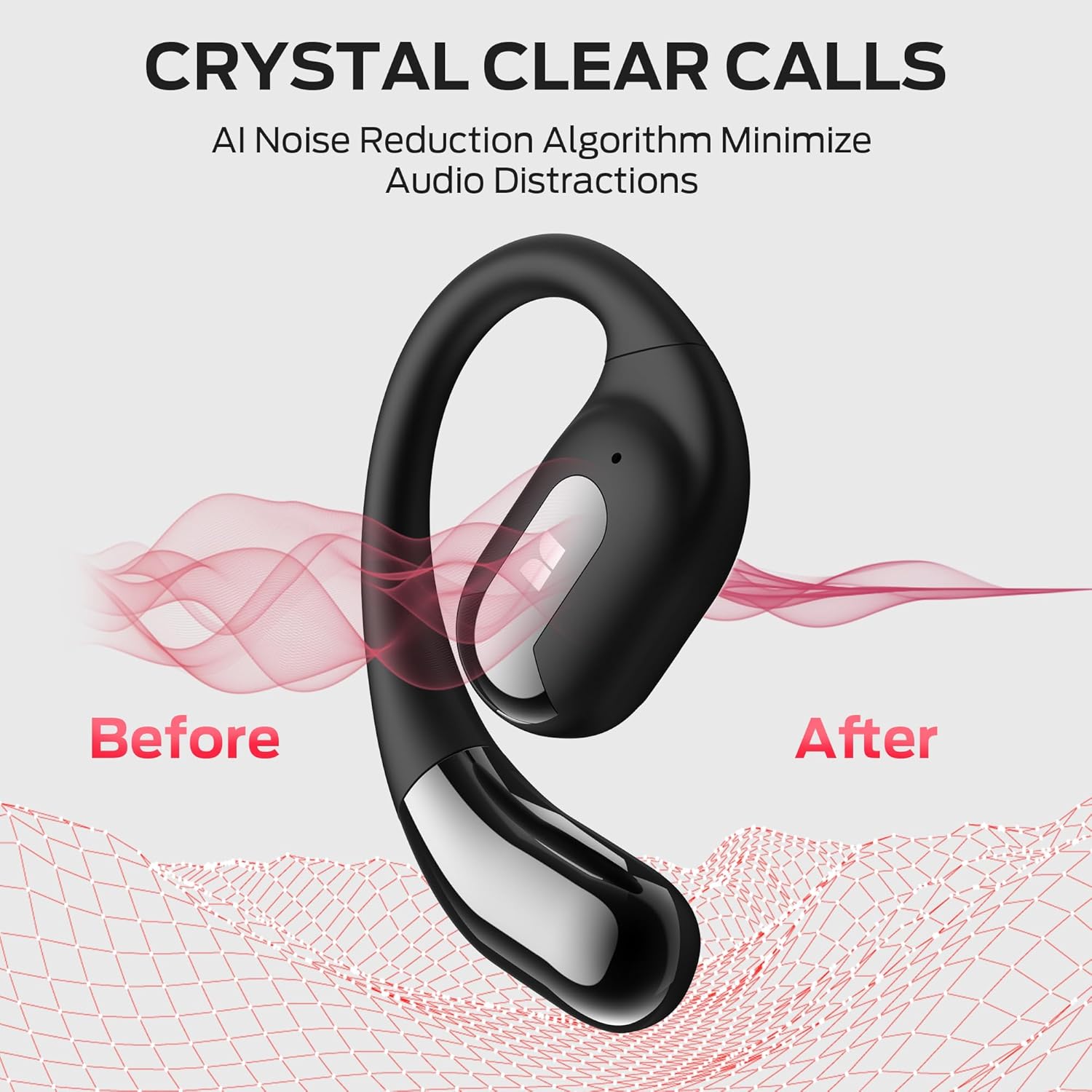
Image 5.2: Visual representation of AI noise reduction technology in action.
5.3. Bluetooth 5.4 Connectivity
Featuring the latest Bluetooth 5.4 technology, these headphones ensure a fast, stable, and low-latency connection, keeping audio and video perfectly synchronized.

Image 5.3: Internal view highlighting the Bluetooth 5.4 chip for enhanced connectivity.
5.4. IPX6 Water Resistance
The earbuds are rated IPX6 water resistant, providing protection against rain, humidity, and sweat, making them suitable for sports and outdoor activities.

Image 5.4: Earbuds demonstrating their IPX6 water-resistant capabilities.
6. Specifications
| Feature | Detail |
|---|---|
| Model Name | E52 (AC317) |
| Connectivity Technology | Wireless (Bluetooth 5.4) |
| Wireless Communication Technology | Bluetooth |
| Control Type | Touch Control |
| Ear Placement | Open Ear |
| Water Resistance Level | IPX6 |
| Battery Life (Earbuds) | 7 Hours (single charge) |
| Battery Life (with Case) | Up to 24 Hours |
| Charging Time (Case) | Approximately 1 Hour |
| Bluetooth Range | 10 Meters |
| Audio Driver Type | Dynamic Driver |
| Material | Plastic |
| Item Weight | 6 ounces |
7. Care and Maintenance
- Cleaning: Regularly wipe the earbuds and charging case with a soft, dry, lint-free cloth. Avoid using harsh chemicals or abrasive materials.
- Storage: When not in use, store the earbuds in their charging case to protect them from dust and damage. Store in a cool, dry place.
- Water Exposure: While IPX6 water resistant, avoid prolonged exposure to water or submerging the earbuds. Ensure they are dry before placing them back in the charging case.
- Charging: Use only the provided Type-C cable or a certified equivalent for charging.
8. Troubleshooting
If you encounter issues with your Monster Open Ear AC317 headphones, refer to the following common problems and solutions:
- Earbuds not pairing:
- Ensure both earbuds are removed from the charging case.
- Turn off and then on your device's Bluetooth.
- Forget "Monster Open Ear AC317" from your device's Bluetooth list and try pairing again.
- Ensure the earbuds are charged.
- No sound from one earbud:
- Place both earbuds back into the charging case, close the lid, wait a few seconds, then remove them again.
- Check the earbud's charge level.
- Earbuds not charging:
- Ensure the charging cable is securely connected to both the case and the power source.
- Check for any debris in the charging port of the case or on the earbud charging contacts.
- Try a different charging cable or power adapter.
- Poor sound quality:
- Ensure the earbuds are worn correctly and securely.
- Move closer to your paired device to avoid interference or range issues.
- Clean any debris from the earbud speakers.
9. Safety Information
- Do not disassemble, repair, or modify the product.
- Keep the product away from extreme temperatures, humidity, and corrosive environments.
- Avoid dropping or subjecting the product to strong impacts.
- Do not use the product at excessively high volumes for extended periods to prevent hearing damage.
- Dispose of batteries and electronic components responsibly according to local regulations.
10. Warranty and Support
Monster products are designed and manufactured to the highest quality standards. For warranty information, technical support, or customer service inquiries, please refer to the warranty card included in your package or visit the official Monster website.
Please retain your proof of purchase for warranty claims.
Related documentsE52


Ask a question about this manual
Ask about setup, troubleshooting, compatibility, parts, safety, or missing instructions. Manuals+ will review the question and use this page’s manual context to help answer it.