1. Introduction
Thank you for choosing the Crayola Kids Crayon Bluetooth Wireless Portable Speaker. This manual provides essential information for the safe and efficient operation of your speaker. Please read these instructions carefully before use and retain them for future reference.
2. Product Overview
2.1 Package Contents
- Crayola Kids Crayon Bluetooth Wireless Portable Speaker
- Power Cable (USB-C)
- User Manual (this document)
2.2 Speaker Features
- Bluetooth 5.3 for stable wireless connection
- 20W Peak Power HD Sound
- 1500mAh Battery for portable use
- True Wireless Stereo (TWS) Pairing for dual speaker audio
- Integrated FM Radio Tuner
- User-friendly controls for volume and playback
- USB-C Charging Port
2.3 Product Diagram

Image: Front view of the Crayola Crayon Speaker with labels indicating the charging port and control buttons for BT/FM mode, volume, and power.
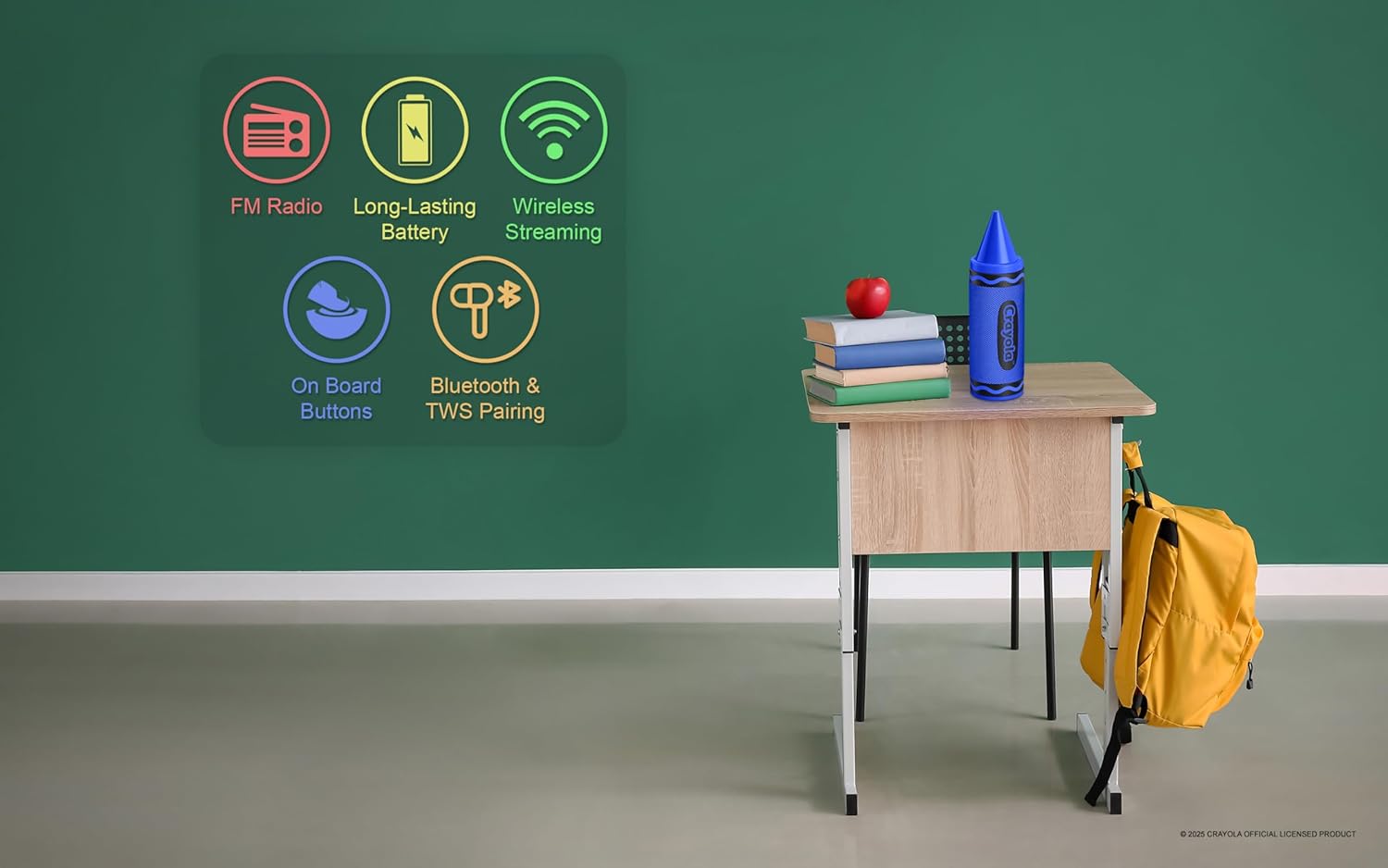
Image: Graphic illustrating the speaker's key features: FM Radio, Long-Lasting Battery, Wireless Streaming, On Board Buttons, and Bluetooth & TWS Pairing.
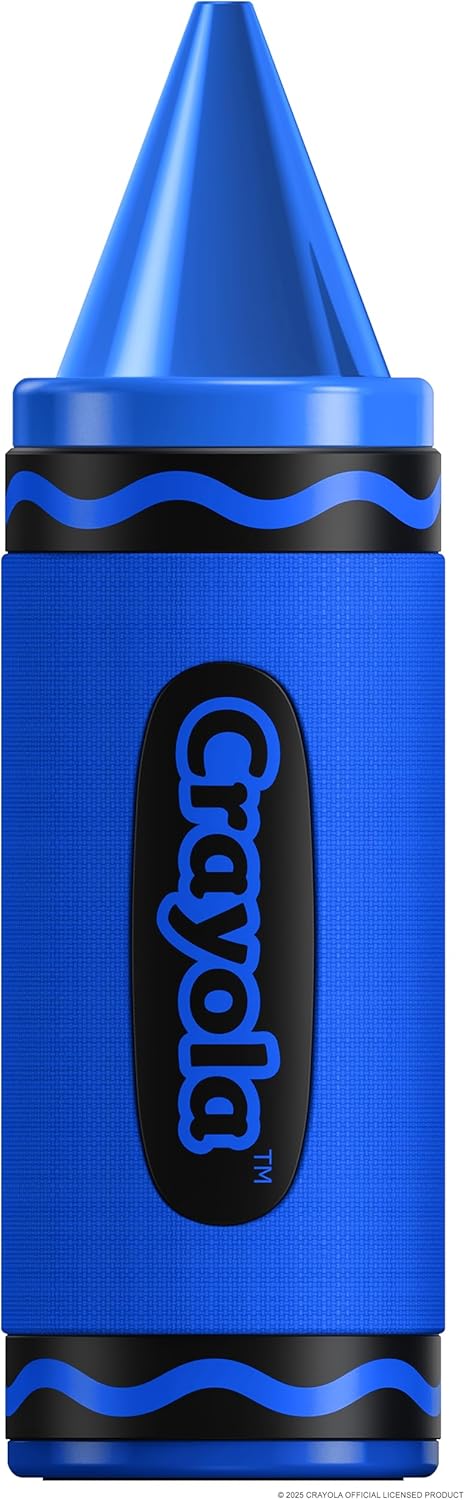
Image: A standalone blue Crayola Crayon Bluetooth Speaker, showcasing its design.
3. Setup
3.1 Charging the Speaker
- Connect the provided USB-C power cable to the charging port on the speaker.
- Connect the other end of the USB-C cable to a compatible USB power adapter (not included) or a computer USB port.
- The charging indicator light will illuminate during charging. It will turn off or change color once fully charged.
- A full charge provides approximately 3 hours of playtime.
3.2 Powering On/Off
- To Power On: Long press the Power button for 3 seconds. You will hear an audible indicator.
- To Power Off: Long press the Power button for 3 seconds. You will hear an audible indicator.
4. Operating Instructions
4.1 Bluetooth Pairing
- Ensure the speaker is powered on and in Bluetooth mode. If not, double press the Power button to switch modes until you hear the Bluetooth pairing prompt.
- On your mobile device (smartphone, tablet, etc.), enable Bluetooth and search for available devices.
- Select "Crayola Speaker" from the list of devices.
- Once paired, the speaker will indicate a successful connection.
4.2 True Wireless Stereo (TWS) Pairing
TWS allows you to connect two Crayola Crayon speakers for a stereo sound experience.
- Ensure both speakers are powered on and not connected to any Bluetooth device.
- On one speaker (this will be the primary speaker), triple press the Power button. The speaker will enter TWS pairing mode.
- The two speakers will automatically search for and connect to each other. You will hear a confirmation tone once connected.
- Once TWS is established, connect your mobile device to the primary speaker via Bluetooth as described in Section 4.1.
4.3 FM Radio Mode
- Power on the speaker. Double press the Power button to switch to FM Radio mode.
- In FM mode, short press the Power button to automatically search for and save available radio channels.
- Use the 'Previous Music/Channel' and 'Next Music/Channel' buttons to navigate through saved stations.
4.4 Control Functions
| Button | Action | Function |
|---|---|---|
| Power Button | Long Press (3s) | Power On/Off |
| Power Button | Short Press (FM Mode) | Search channels automatically |
| Power Button | Double Press | Switch Modes (Bluetooth/FM) |
| Power Button | Triple Press | Open/Off TWS Pairing |
| Previous Music/Channel | Short Press | Previous Music Track / Previous FM Channel |
| Previous Music/Channel | Long Press | Volume Down |
| Next Music/Channel | Short Press | Next Music Track / Next FM Channel |
| Next Music/Channel | Long Press | Volume Up |
5. Maintenance
5.1 Cleaning
- Wipe the speaker with a soft, dry cloth.
- Do not use abrasive cleaners, alcohol, or chemical solvents, as these may damage the surface.
- Avoid getting moisture into any openings. This product is not waterproof.
5.2 Storage
- Store the speaker in a cool, dry place away from direct sunlight and extreme temperatures.
- If storing for an extended period, charge the battery periodically (e.g., every 3 months) to maintain battery health.
6. Troubleshooting
| Problem | Possible Cause | Solution |
|---|---|---|
| Speaker will not turn on | Battery is depleted | Charge the speaker using the provided USB-C cable. |
| No sound | Volume is too low or muted | Increase the volume on both the speaker and your connected device. |
| Bluetooth pairing fails | Speaker is not in pairing mode or too far from device | Ensure speaker is in Bluetooth pairing mode. Move speaker closer to your device (within 10 meters). Turn off and on Bluetooth on your device. |
| TWS pairing fails | Speakers are already connected to another device | Ensure both speakers are disconnected from any Bluetooth devices before initiating TWS pairing. |
| Poor FM radio reception | Weak signal | Relocate the speaker to an area with better signal reception. |
7. Specifications
| Feature | Detail |
|---|---|
| Model Number | CBT450 |
| Bluetooth Version | 5.3 |
| Speaker Output Power | 20W Peak |
| Driver Size | 52 mm |
| Frequency Response | 80Hz-18kHz |
| Signal-to-Noise Ratio | >85 dB |
| Battery Capacity | 1500 mAh |
| Playtime | Up to 3 hours (on a single charge) |
| Charging Port | USB-C |
| Product Dimensions (D x W x H) | 2.8" x 2.8" x 9.3" |
| Item Weight | 12.3 ounces |
| Material | Plastic |
| Waterproof | No |

Image: A diagram illustrating the speaker's dimensions: 2.8 inches wide, 9.3 inches high, and 2.8 inches deep.
8. Warranty and Support
This product comes with a standard manufacturer's warranty. For specific warranty details, please refer to the documentation included with your purchase or contact the retailer. For technical support or further assistance, please contact Crayola customer service through their official website or the contact information provided with your product.


