
HainoTeko HainoTeko-10
HainoTeko-10 Smart Watch User Manual
Model: HainoTeko-10 | Brand: HainoTeko
Introduction
Thank you for choosing the HainoTeko-10 Smart Watch. This manual provides essential information for setting up, operating, and maintaining your device. Designed for versatility and convenience, the HainoTeko-10 features an AMOLED display, water resistance, and smart connectivity to enhance your daily life.
What's in the Box
Upon opening your HainoTeko-10 Smart Watch package, you should find the following items:
- HainoTeko-10 Smart Watch Unit
- 3 Pairs of Interchangeable Straps (various styles)
- Charging Cable
- User Manual


Product Overview
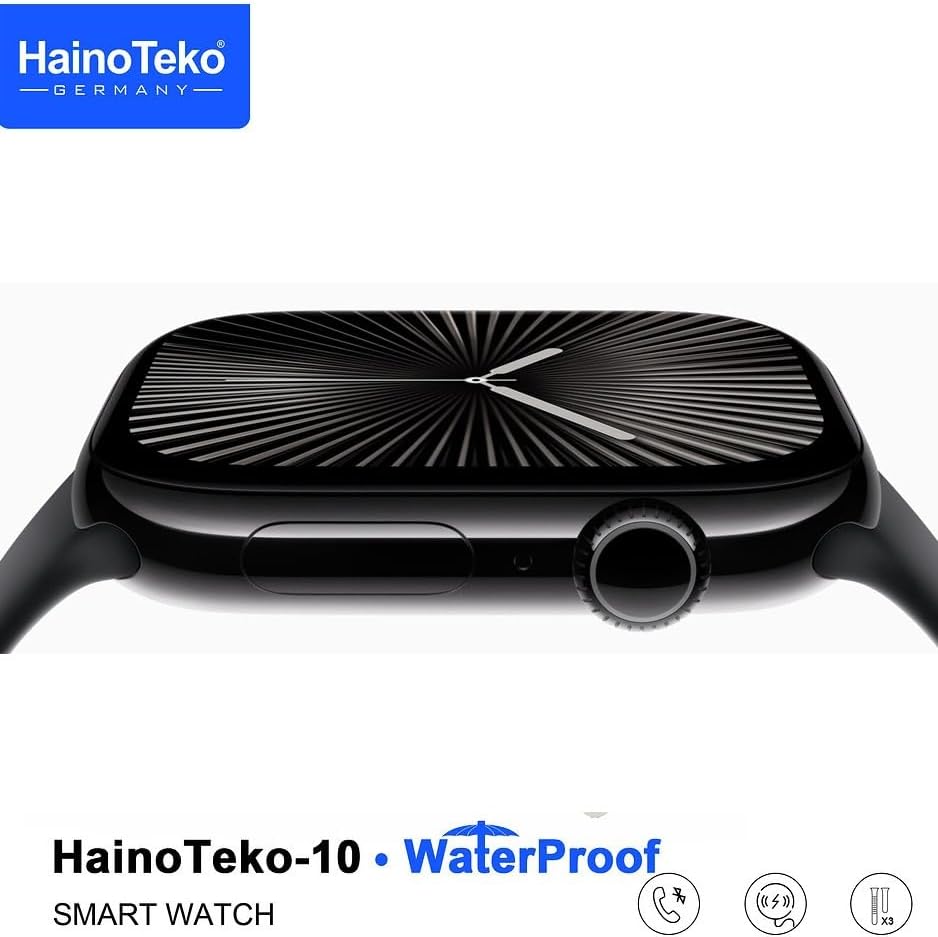
The HainoTeko-10 Smart Watch features a sleek design with a vibrant AMOLED display and intuitive controls.
Physical Components
- AMOLED Display: High-resolution touch screen for clear visuals and easy navigation.
- Side Button/Crown: Used for power on/off, screen wake-up, menu navigation, and selection.
- Strap Attachment Points: Allows for easy interchangeability of straps.
- Sensors: Located on the back for health monitoring (e.g., heart rate).
- Charging Contacts: On the back for wireless charging.
Setup
1. Charging the Device
Before first use, fully charge your HainoTeko-10 Smart Watch. Connect the charging cable to a USB power source and place the watch on the magnetic charging contacts. The screen will indicate charging status.
2. Powering On/Off
- Power On: Press and hold the side button until the HainoTeko logo appears.
- Power Off: Press and hold the side button, then select 'Power Off' from the options on the screen.
3. Pairing with Your Smartphone (Android)
The HainoTeko-10 Smart Watch operates on Android and connects via Bluetooth.
- Ensure Bluetooth is enabled on your smartphone.
- Download the companion app (refer to the watch screen or included QR code for app name/link) from the Google Play Store.
- Open the app and follow the on-screen instructions to search for and pair with your HainoTeko-10.
- Confirm the pairing request on both your phone and the watch.
Operating Instructions
The HainoTeko-10 Smart Watch offers a range of features accessible through its touch screen and side button.
Basic Navigation
- Swipe Up/Down: Scroll through menus or notifications.
- Swipe Left/Right: Access different widgets or quick settings.
- Tap: Select an item or open an application.
- Press Side Button: Return to the home screen or access the app menu.
Key Features
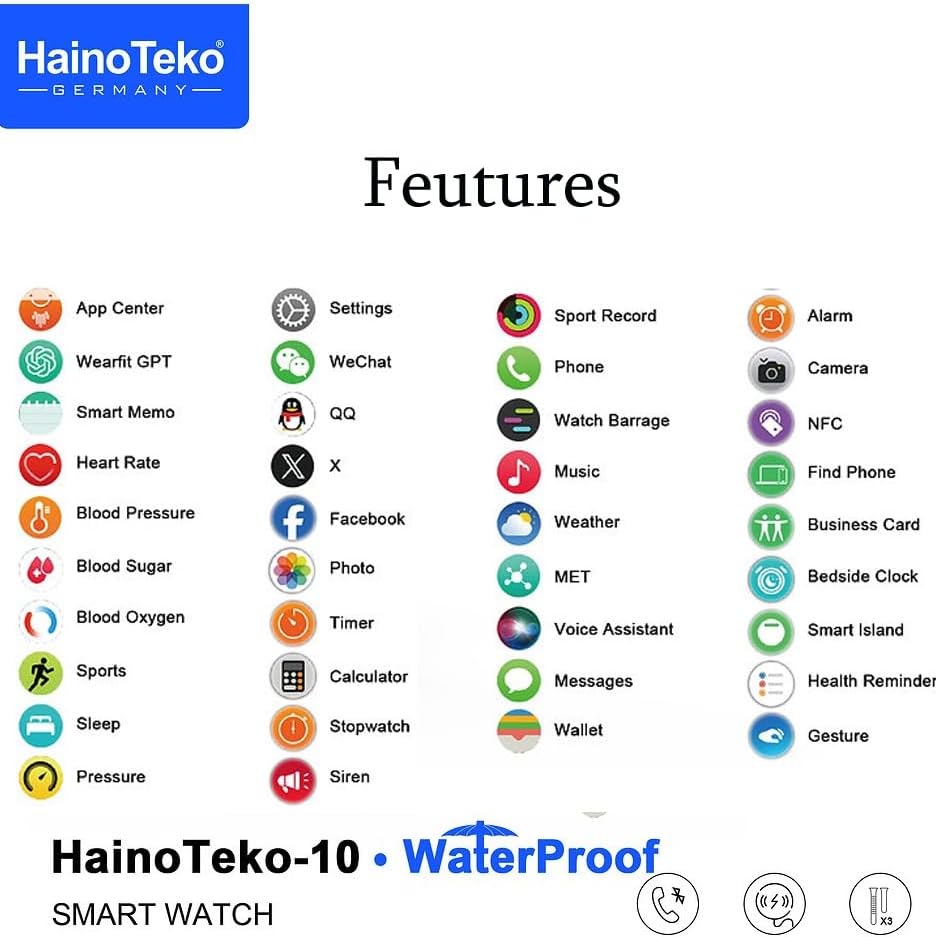
- Phone Features: Make or answer calls directly from your wrist after syncing with your smartphone.
- Notifications: Receive alerts for calls, messages, and social media apps.
- Voice Assistant: Utilize hands-free operation for various tasks.
- Camera Control: Remotely trigger your smartphone's camera for convenient photo taking.
- Health Monitoring: Track heart rate, blood pressure, blood oxygen, and sleep patterns.
- Sports Modes: Monitor various sports activities.
- Other Apps: Access features like App Center, Settings, Smart Memo, Timer, Calculator, Stopwatch, Wallet, and more.
Water Resistance
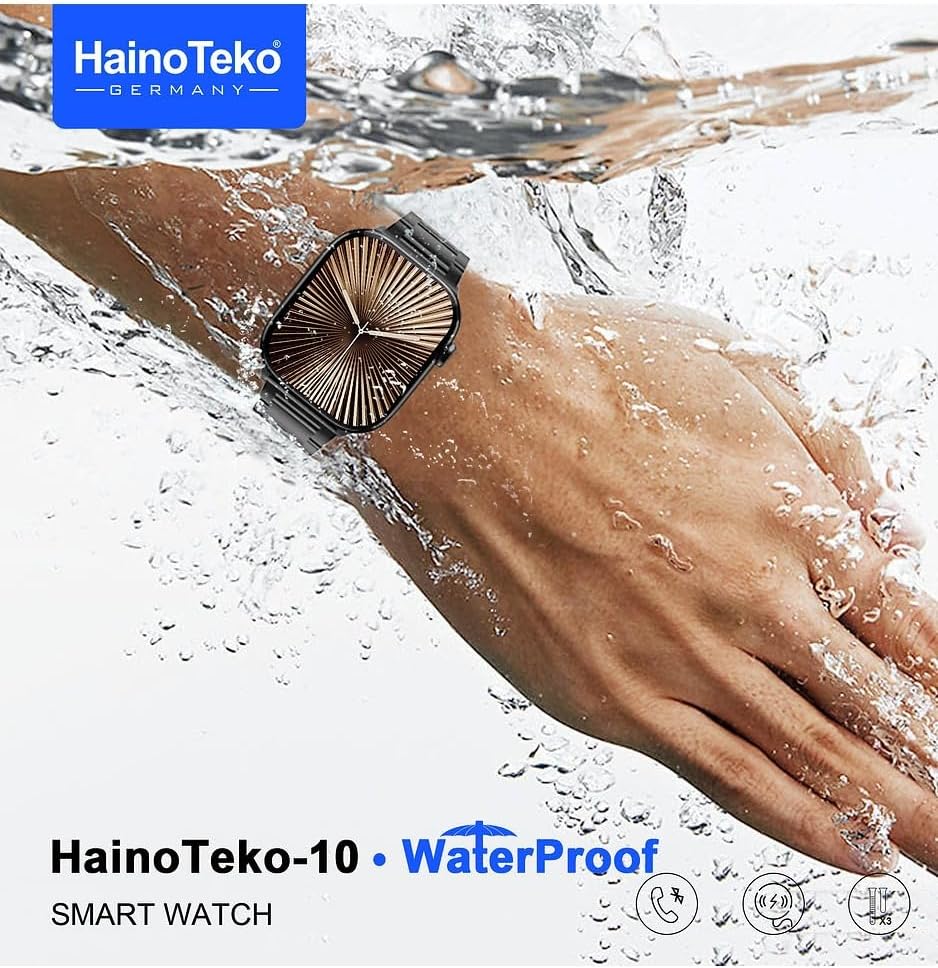
The HainoTeko-10 Smart Watch is designed to be water-resistant, making it suitable for daily wear and various activities without worry. It can withstand splashes, rain, and brief immersion in shallow water (maximum 1 meter depth for 30 minutes). However, it is not suitable for hot water, saunas, diving, or high-pressure water activities.
Care and Maintenance
- Cleaning: Wipe the watch and straps regularly with a soft, dry cloth. For stubborn dirt, use a slightly damp cloth and dry thoroughly.
- Avoid Chemicals: Do not use harsh chemicals, cleaning solvents, or strong detergents, as they may damage the watch's finish or internal components.
- Temperature: Avoid exposing the watch to extreme temperatures (hot or cold) or sudden temperature changes.
- Storage: When not in use for extended periods, store the watch in a cool, dry place.
Troubleshooting
| Problem | Possible Cause | Solution |
|---|---|---|
| Watch does not turn on | Low battery; Power button not pressed long enough | Charge the watch for at least 30 minutes; Press and hold the side button for 3-5 seconds. |
| Cannot pair with phone | Bluetooth off; App not open; Watch not in pairing mode | Ensure phone's Bluetooth is on; Open the companion app; Restart both devices and try again. |
| Notifications not received | App permissions; Notification settings | Check app permissions on your phone; Ensure notifications are enabled in the watch's companion app. |
| Screen unresponsive | Temporary software glitch | Restart the watch by holding the side button until it powers off and then on again. |
Specifications
| Feature | Detail |
|---|---|
| Brand | HainoTeko |
| Model Number | HainoTeko-10 |
| Display | AMOLED Screen |
| Water Resistance | Yes (Water Resistant) |
| Operating System | Android |
| Connectivity | Bluetooth |
| Battery Capacity | 100 mAh |
| Battery Cell Composition | Lithium Ion |
| Memory Storage Capacity | 50 MB |
| GPS | Without GPS system |
| Shape | Square |
| Special Features | Notifications, AMOLED screen, Water resistant, Wireless charging |
| Package Dimensions | 21.9 x 16.2 x 2.4 cm |
| Item Weight | 270 grams |
Warranty and Support
The HainoTeko-10 Smart Watch comes with a standard manufacturer's warranty. Please refer to the warranty card included in your package for specific terms and conditions, including warranty period and coverage details. For technical support, troubleshooting assistance, or warranty claims, please contact HainoTeko customer service through the contact information provided on the official HainoTeko website or your purchase receipt.
Related Documents - HainoTeko-10
 |
Zebra Voice Assistant 1.3.1 Release Notes - August 2025 Release notes for Zebra Voice Assistant version 1.3.1, detailing new features, device support, installation requirements, usage notes, resolved issues, and known limitations for front-line workers using Zebra devices. |
 |
iTouch Pulse Smartwatch User Manual Comprehensive user manual for the iTouch Pulse Smartwatch, detailing setup, functions, and features for both iPhone and Android devices. |
 |
Cisco Unity Connection 10.x Design Guide This design guide for Cisco Unity Connection Release 10.x provides comprehensive technical details for IT professionals on its architecture, features, integration capabilities with systems like Cisco Unified Communications Manager and Microsoft Exchange, and deployment strategies for enterprise voice messaging solutions. |
 |
APPLLP 2 PRO Smart Watch User Manual and Instructions Comprehensive user manual for the APPLLP 2 PRO Smart Watch, covering setup, SIM card installation, charging, troubleshooting, and feature overviews. Learn how to use your new smartwatch. |
 |
Amazfit Active 2 Square Smart Watch User Manual This document provides instructions and specifications for the Amazfit Active 2 Square Smart Watch, including setup, features, battery safety, and warranty information. Learn how to pair your watch with the Zepp app for a healthy lifestyle. |
 |
Ocular LTE v3 Home Assistant Integration Guide A comprehensive guide for integrating the Ocular LTE Plus v3 EV charger with a Home Assistant server using the OCPP protocol, including configuration, verification, and troubleshooting steps. |
Ask a question about this manual
Ask about setup, troubleshooting, compatibility, parts, safety, or missing instructions. Manuals+ will review the question and use this page’s manual context to help answer it.