
Introduction
This manual provides essential information for the safe and efficient use of your TESSAN TS-103-C-SG Short Extension Cord with Multiple Outlets. Please read these instructions carefully before use and retain them for future reference.
Product Overview
The TESSAN TS-103-C-SG is a compact power strip designed to expand your charging capabilities with a combination of AC outlets and USB ports, featuring surge protection and a space-saving flat plug design.
Key Features:
- 6-in-1 Power Solution: Equipped with 3 AC outlets and 3 USB ports (1 USB-C, 2 USB-A) to charge up to 6 devices simultaneously.
- Compact Design: Measuring approximately 3.46 x 3.46 x 1.05 inches, it is ideal for desktops, dorm rooms, offices, and travel.
- Flat Plug with 3FT Cord: Features an ultra-thin 0.31-inch flat plug and a 3-foot extension cord, allowing placement in tight spaces and behind furniture. The 45-degree angled plug prevents blocking adjacent outlets.
- USB Charging: Includes one USB-C port (15W max) and two USB-A ports (12W max) for efficient charging of various mobile devices.
- Surge Protection: Integrated surge protection safeguards connected devices from power surges and spikes.

Image: The TESSAN power strip displaying its 3 AC outlets, 2 USB-A ports, and 1 USB-C port, highlighting its 6-in-1 functionality and 1250W maximum power output.
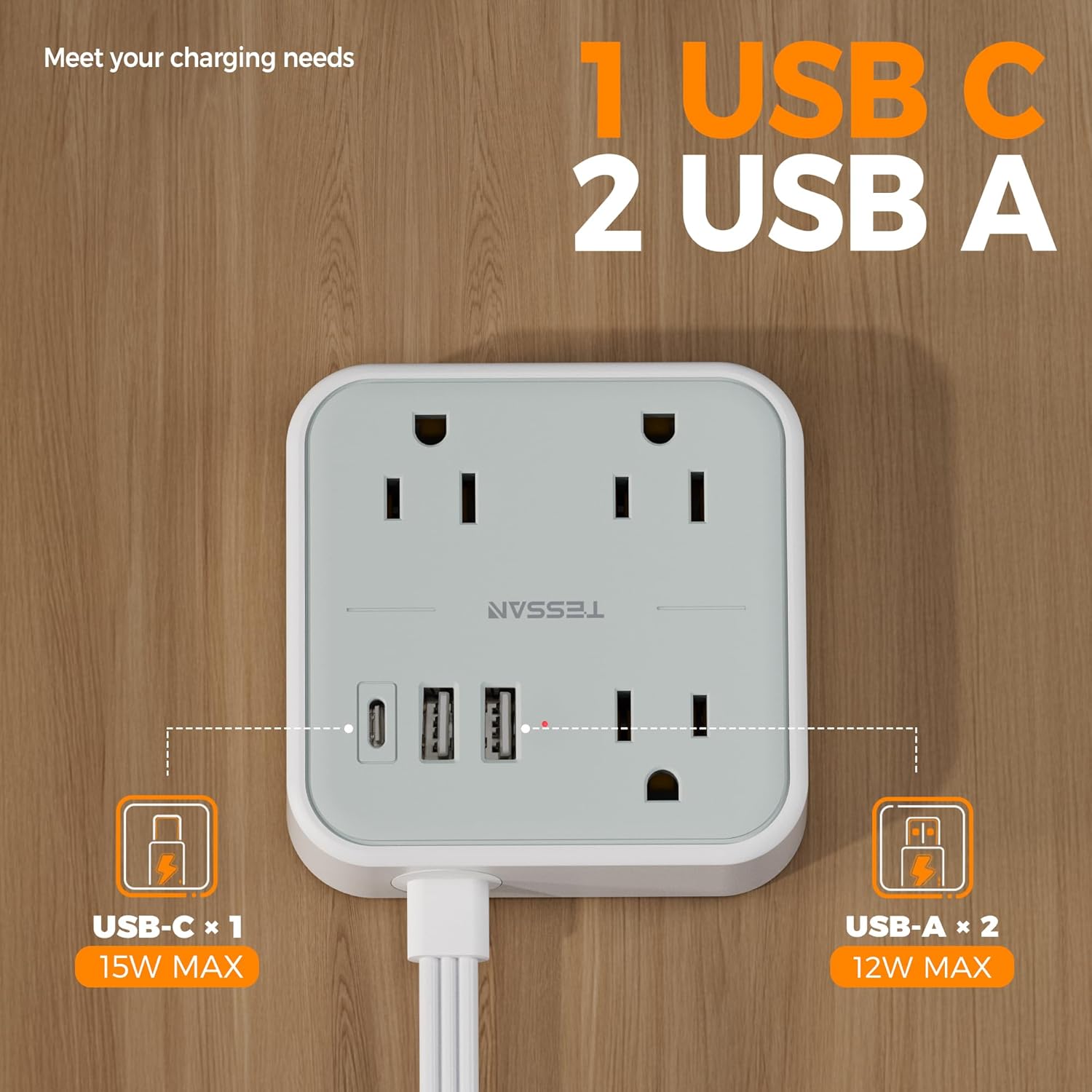
Image: A detailed view of the power strip's USB-C (15W max) and USB-A (12W max) charging ports.

Image: Illustration of the flat plug design allowing the power strip to be positioned discreetly behind furniture, compared to a standard plug.

Image: The 45-degree right angle of the flat plug, designed to keep the adjacent wall outlet clear.

Image: The compact size of the TESSAN power strip, shown held in a hand, with dimensions of 3.46 x 3.46 x 1.05 inches.
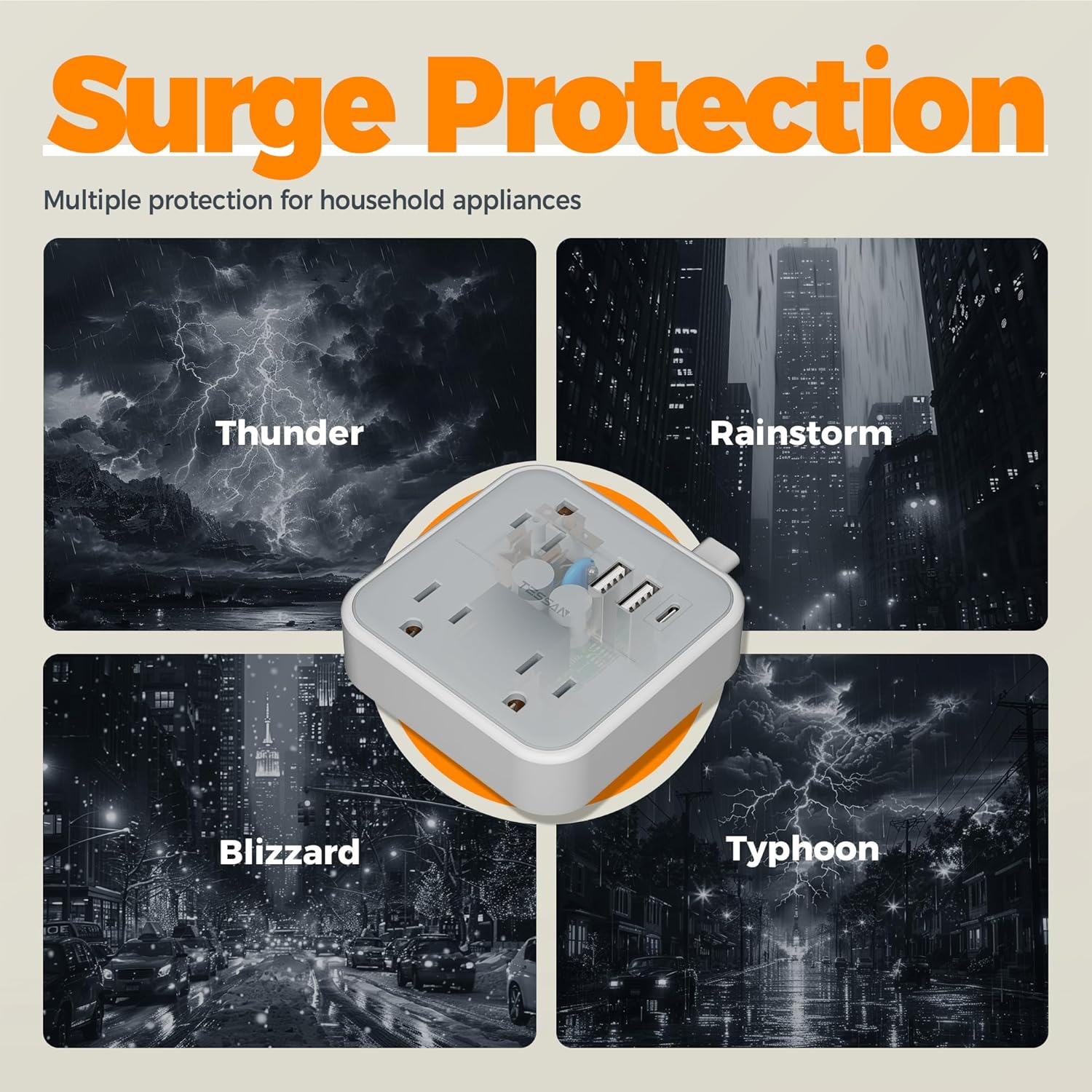
Image: Visual representation of the surge protection feature, illustrating protection against electrical disturbances caused by thunder, rainstorms, blizzards, and typhoons.
Safety Instructions
- Do not exceed the maximum power rating of 1250W.
- This device is for indoor use only. Do not expose to liquids, moisture, or extreme temperatures.
- Do not disassemble or modify the product. Refer all servicing to qualified personnel.
- Keep out of reach of children and pets.
- Ensure the plug is fully inserted into the wall outlet.
- Do not use with extension cords that are not properly grounded or rated for the load.
- Avoid running the cord under carpets or in areas where it can be pinched or damaged.
Setup
- Unpack the TESSAN TS-103-C-SG power strip from its packaging.
- Locate a standard 125V AC wall outlet.
- Plug the flat plug of the TESSAN power strip firmly into the wall outlet. The 45-degree angle allows for optimal space utilization.
- Ensure the power strip is placed on a stable surface or mounted securely if using the mounting holes (mounting hardware not included).
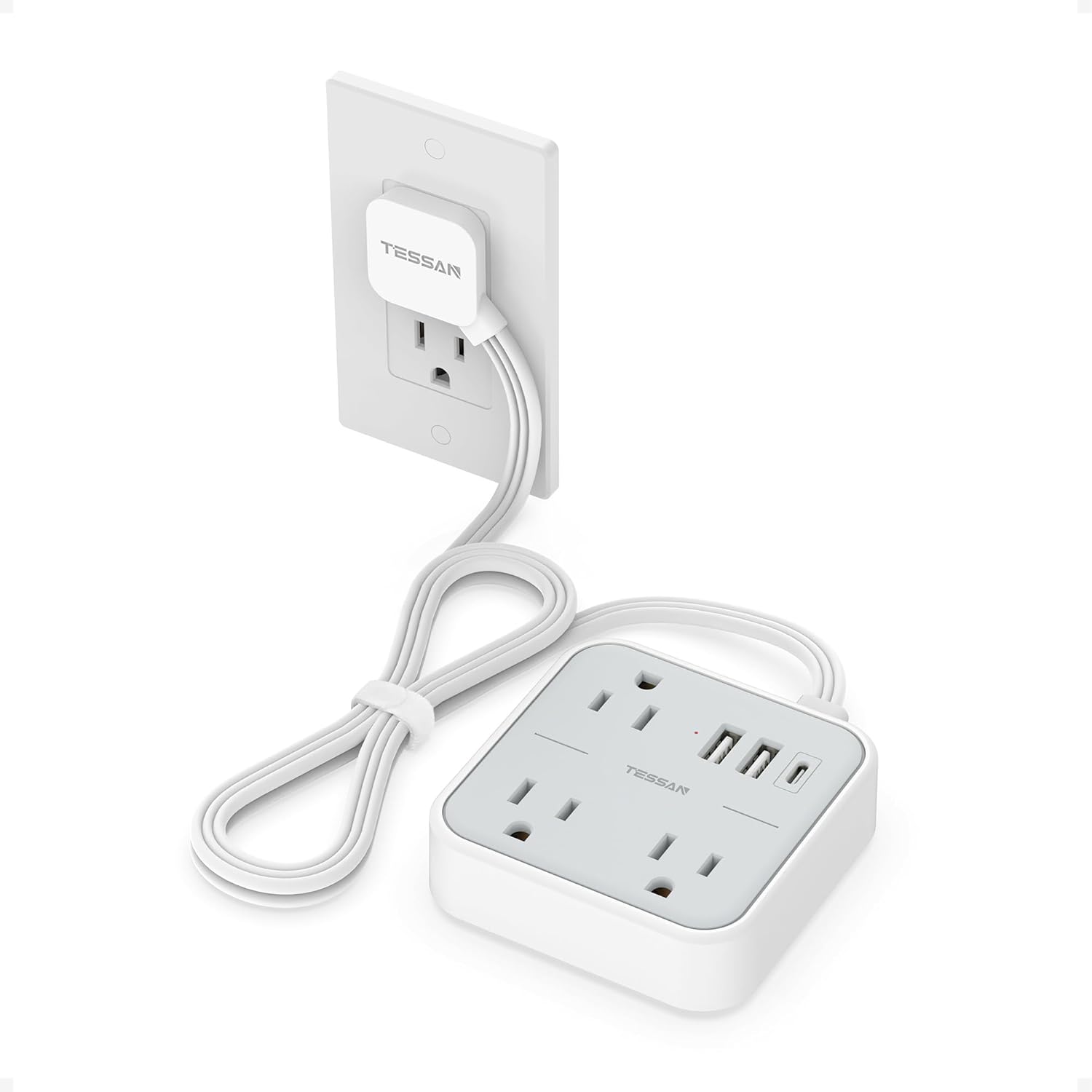
Image: The TESSAN power strip with its flat plug connected to a wall outlet, showing the extension cord leading to the main unit.
Operating Instructions
Once the power strip is plugged into a wall outlet, it is ready for use.
- Using AC Outlets: Plug your electronic devices (e.g., laptops, lamps, small appliances) into the 3 AC outlets. Ensure the total power consumption does not exceed 1250W.
- Using USB Ports: Connect your USB-powered devices (e.g., smartphones, tablets, smartwatches) to the USB-C port (15W max) or the USB-A ports (12W max). The power strip will automatically detect and deliver the appropriate charging current.

Image: An illustration demonstrating the universal compatibility of the power strip with various devices, including laptops, printers, lamps, sound boxes, smartwatches, cell phones, tablets, and more.

Image: The power strip shown in various settings such as a kitchen, bedroom, office, and living room, highlighting its versatility.
Maintenance
- Cleaning: Disconnect the power strip from the wall outlet before cleaning. Use a dry, soft cloth to wipe the surface. Do not use liquid cleaners or abrasive materials.
- Storage: When not in use, store the power strip in a cool, dry place away from direct sunlight and moisture.
- Inspection: Periodically inspect the cord and plug for any signs of damage. If any damage is found, discontinue use immediately and contact customer support.

Image: The underside of the power strip, showing the four rubber feet designed to prevent slipping and protect surfaces.
Troubleshooting
If you encounter issues with your TESSAN power strip, please refer to the following common problems and solutions:
- No Power to Devices:
- Ensure the power strip's plug is fully inserted into the wall outlet.
- Check if the wall outlet itself is functioning by plugging in another device directly.
- Verify that the total power consumption of connected devices does not exceed 1250W. Overloading can trigger internal safety mechanisms.
- Slow USB Charging:
- Ensure your device's charging cable is not damaged and is compatible with the USB port (USB-C or USB-A).
- Some devices may charge slower if multiple high-power devices are connected simultaneously to the AC outlets or other USB ports.
- Check your device's charging requirements; the USB-C port provides up to 15W, and USB-A ports provide up to 12W.
- Surge Protection Indicator (if applicable): If the surge protection indicator light (if present) is off, it may indicate that the surge protection has been compromised after a significant power surge. In this case, the power strip may still function as an extension cord, but its surge protection capability is no longer active. Consider replacing the unit.
Specifications
| Model Number | TS-103-C-SG |
| Brand | TESSAN |
| Product Dimensions | 3.46 x 3.46 x 1.05 inches |
| Item Weight | 8.8 ounces |
| AC Outlets | 3 |
| USB Ports | 3 (1 USB-C, 2 USB-A) |
| Input Voltage | 125 Volts |
| Max AC Output | 1250W |
| USB-C Output | 15W Max |
| USB-A Output | 12W Max |
| Cord Length | 3 FT |
| Manufacturer | Zhuhai Tessan Power Technology Co, Ltd. |
Warranty and Support
TESSAN products are designed for reliability and performance. For specific warranty details, please refer to the warranty card included with your purchase or visit the official TESSAN website. If you have any questions, concerns, or require technical assistance, please contact TESSAN customer support through their official channels.
You can find more information and support resources on the TESSAN Store on Amazon.