
DOGNESS F09
DOGNESS 9L Automatic Pet Feeder Instruction Manual
Model: F09
Introduction
Thank you for choosing the DOGNESS 9L Automatic Pet Feeder. This device is designed to provide convenient and reliable feeding for your pet, ensuring they receive meals on a consistent schedule. With its large capacity, programmable timer, voice recording function, and dual power supply, this feeder offers flexibility and peace of mind for pet owners.
This manual provides detailed instructions for the setup, operation, maintenance, and troubleshooting of your new automatic pet feeder. Please read it thoroughly before use to ensure proper functionality and to maximize the lifespan of the product.

Figure 1: The DOGNESS 9L Automatic Pet Feeder, showcasing its sleek black design and integrated control panel.
Setup
Unpacking and Components
Carefully remove all components from the packaging. Ensure the following items are present:
- DOGNESS 9L Automatic Pet Feeder Unit
- Food Tray
- Power Adapter
- Instruction Manual (this document)
Power Supply
The feeder supports dual power supply: AC adapter and backup batteries. It is recommended to use both for uninterrupted operation, especially during power outages.
- Connect the power adapter to the DC input port located on the back of the feeder. Plug the adapter into a standard wall outlet.
- For battery backup (not included), open the battery compartment on the bottom of the feeder. Insert three (3) D-size alkaline batteries, ensuring correct polarity.
Food Loading
The feeder has a large 9-liter capacity hopper. It is designed for dry pet food with kibble sizes between 0.2 and 0.6 inches (approximately 0.5 to 1.5 cm) in diameter. Using kibble outside this range may cause jamming or improper dispensing.
- Ensure the feeder is placed on a flat, stable surface.
- Lift the lid of the food hopper located at the top of the unit.
- Pour dry pet food into the hopper. Do not overfill.
- Close the lid securely to maintain food freshness and prevent pests.
- Attach the food tray to the front of the feeder by sliding it into the designated slot until it clicks into place.
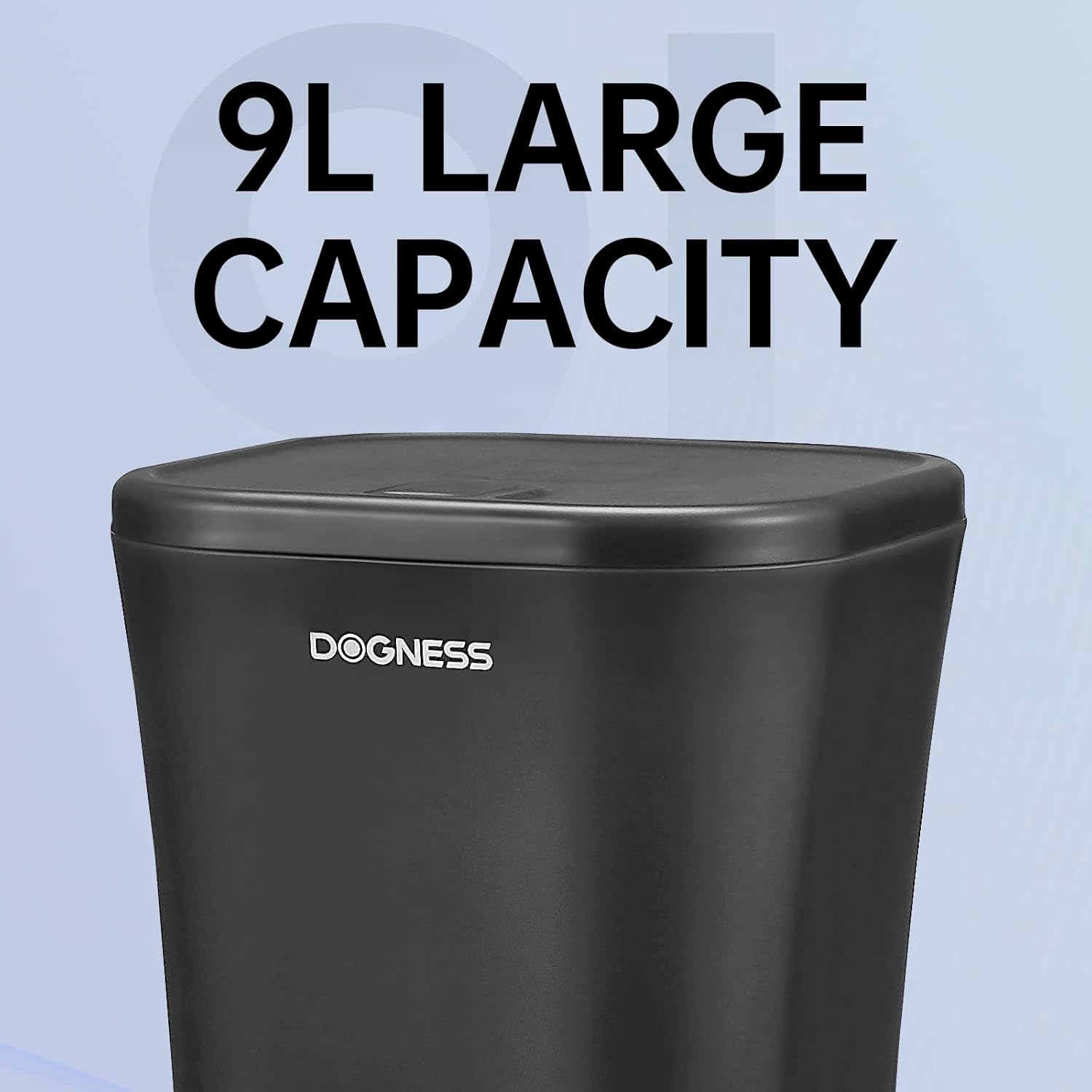
Figure 2: The 9L large capacity hopper, designed to hold a significant amount of dry pet food for extended periods.
Operating Instructions
Control Panel Overview
The feeder features an intuitive LCD screen and button interface for programming. Familiarize yourself with the buttons:
- SET: Enters programming mode and confirms settings.
- UP/DOWN Arrows: Navigates through options and adjusts values.
- MEAL: Selects meal number (M1-M4).
- REC/PLAY: Records or plays your voice message.
- MANUAL: Dispenses one portion manually.
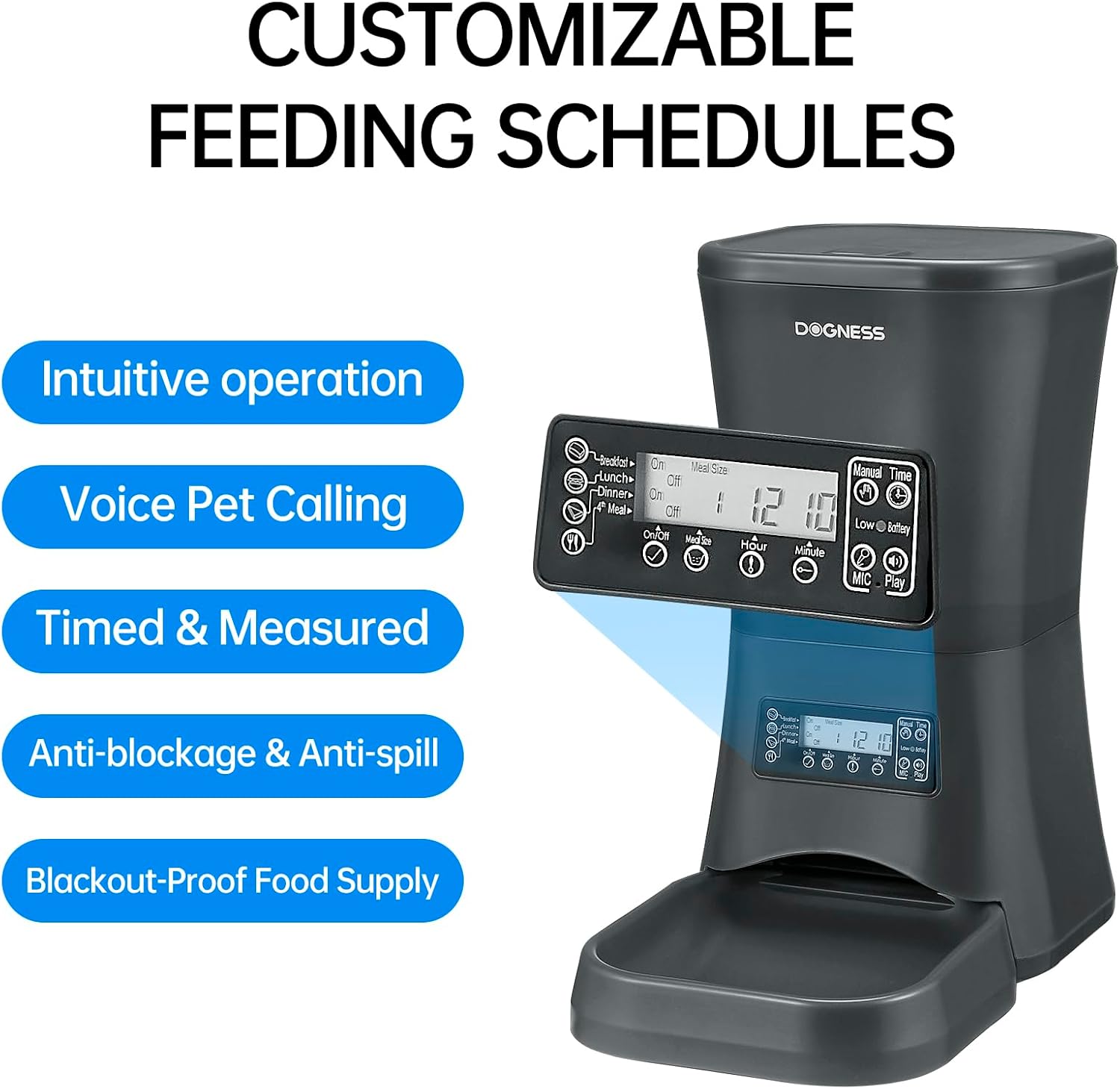
Figure 3: The control panel, highlighting buttons for intuitive operation, voice pet calling, timed and measured dispensing, and anti-blockage features.
Setting Current Time
- Press and hold the SET button until the hour display flashes.
- Use the UP/DOWN arrows to set the current hour.
- Press SET to confirm and move to minutes.
- Use the UP/DOWN arrows to set the current minute.
- Press SET to save the time and exit.
Programming Meal Schedules
The feeder allows up to 4 meals per day (M1-M4), with customizable times and portion sizes for each.
- Press the MEAL button to select the desired meal number (e.g., M1). The meal time will flash.
- Use the UP/DOWN arrows to set the hour for this meal. Press SET to confirm.
- Use the UP/DOWN arrows to set the minute for this meal. Press SET to confirm.
- The portion size display will flash. Use the UP/DOWN arrows to set the number of portions (typically 1-9, refer to product specifications for exact range). Each portion is a fixed amount of kibble.
- Press SET to save the settings for this meal.
- Repeat steps 1-5 for M2, M3, and M4 as needed. If a meal is not set, it will not dispense.
Voice Recording
You can record a personalized voice message (up to 10 seconds) that will play during each scheduled meal to alert your pet.
- Press and hold the REC/PLAY button. The microphone icon will appear on the LCD.
- Speak clearly into the microphone located on the front of the feeder.
- Release the REC/PLAY button to stop recording.
- Press the REC/PLAY button briefly to play back your recorded message.
Manual Feeding
To dispense a single portion of food immediately:
- Press the MANUAL button once. One portion of food will be dispensed into the tray.

Figure 4: A dog enjoying a meal dispensed by the DOGNESS 9L Automatic Pet Feeder, demonstrating its practical use in a home environment.
Maintenance
Cleaning
Regular cleaning ensures hygiene and proper functioning of the feeder.
- Disconnect the power adapter and remove batteries before cleaning.
- Remove the food tray and wash it with mild soap and water. Rinse thoroughly and dry completely.
- Wipe the exterior of the feeder unit with a soft, damp cloth. Do not immerse the main unit in water.
- For the food hopper, use a dry cloth or brush to remove any food residue. If necessary, a slightly damp cloth can be used, but ensure the interior is completely dry before refilling with food.
- Ensure all parts are completely dry before reassembling and reconnecting power.
Storage
If storing the feeder for an extended period:
- Empty any remaining food from the hopper and clean the unit thoroughly.
- Remove all batteries from the battery compartment.
- Store the feeder in a cool, dry place, away from direct sunlight and moisture.
Troubleshooting
If you encounter issues with your DOGNESS Automatic Pet Feeder, refer to the following common problems and solutions:
| Problem | Possible Cause | Solution |
|---|---|---|
| Feeder does not power on. | No power from adapter; batteries dead or incorrectly installed. | Check power adapter connection and wall outlet. Replace batteries or ensure correct polarity. |
| Food not dispensing. | Hopper empty; kibble size too large/small; food jammed; dispensing mechanism blocked. | Refill hopper. Ensure kibble is within 0.2-0.6 inch range. Clear any blockages in the dispenser chute. |
| Incorrect meal times/portions. | Programming error; current time not set correctly. | Re-program meal schedules carefully. Verify current time setting. |
| Voice message not playing or unclear. | Recording error; low battery. | Re-record the message. Ensure batteries are fresh if operating on battery power. |
| LCD screen is blank or flickering. | Low power; connection issue. | Check power source. If using batteries, replace them. |
Specifications
| Feature | Detail |
|---|---|
| Model Number | F09 |
| Capacity | 9 Liters (approx. 5.74 lbs of dry food) |
| Dimensions (LxWxH) | 15 x 14 x 8 inches |
| Material | Food Grade Material |
| Power Supply | AC Adapter (included), 3 x D-size Batteries (not included) |
| Kibble Size Compatibility | 0.2 - 0.6 inches (5mm - 15mm) |
| Meal Programming | Up to 4 meals per day |
| Voice Recording | Up to 10 seconds |
| Target Species | Dog (suitable for large and all breed sizes) |
| Manufacturer | DOGNESS |
| Country of Origin | China |
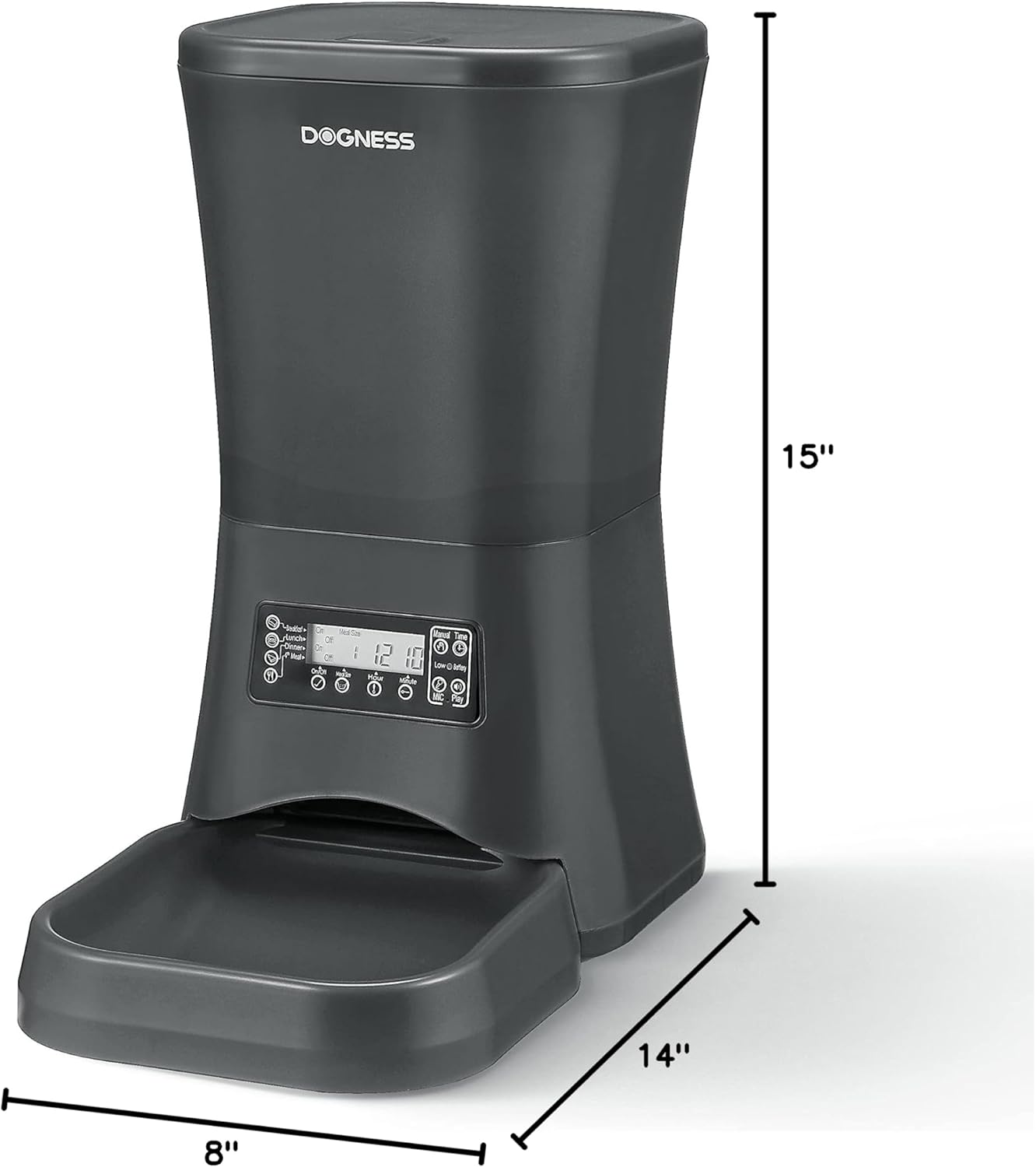
Figure 5: Dimensions of the DOGNESS 9L Automatic Pet Feeder: 15 inches tall, 14 inches deep, and 8 inches wide.
Customer Support
For further assistance, technical support, or inquiries not covered in this manual, please contact DOGNESS customer service. Refer to the product packaging or the official DOGNESS website for the most current contact information.
When contacting support, please have your product model number (F09) and purchase details readily available.
Ask a question about this manual
Ask about setup, troubleshooting, compatibility, parts, safety, or missing instructions. Manuals+ will review the question and use this page’s manual context to help answer it.