Introduction
This user manual provides comprehensive instructions for the xinwld A97 Pro Wireless Earbuds. Please read this manual carefully before use to ensure optimal performance and longevity of your device. These earbuds feature advanced Bluetooth 5.4 technology, Hi-Fi stereo sound with deep bass, ENC noise cancelling microphones, a dual LED display for battery status, and IP7 waterproof rating, making them suitable for various activities including leisure, exercise, and travel.
What's in the Box
- User Manual
- 1x USB-C Cable
- 2x Wireless Earbuds (Left and Right)
- 1x Lightweight Charging Case
- 3x Eartips (S/M/L sizes)
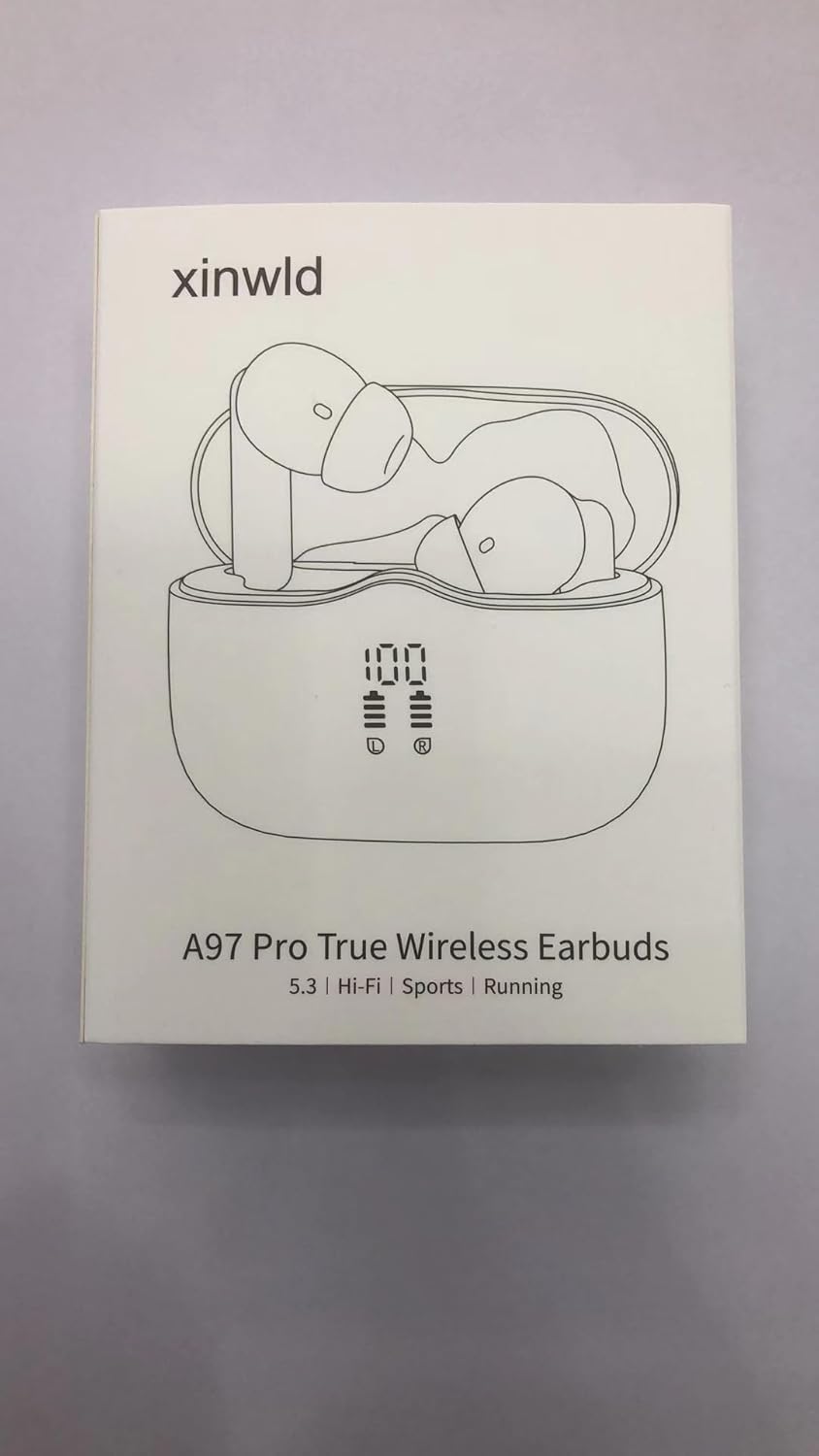
Image: The retail box for the xinwld A97 Pro True Wireless Earbuds, illustrating the included components such as the earbuds, charging case, USB-C cable, and various eartip sizes.
Product Features
- 2025 Bluetooth 5.4 Technology: Equipped with Bluetooth 5.4 chips for seamless pairing, reduced latency, increased battery life, and a stable connection up to 15 meters.
- Hi-Fi Deep Bass Stereo & ENC Noise Canceling: Features 13mm vibrating diaphragms and AAC/SBC audio coding for strong bass and clear sound. ENC noise cancelling microphones ensure clear calls by reducing moderate wind noise.
- Dual LED Display & 40H Long Playtime: Offers up to 8 hours of playback on a single charge (at 80% volume), with the charging case providing an additional 32 hours for a total of 40 hours. The separated LED display shows the charge level of each earbud and the charging case.
- IP7 Waterproof and Ergonomic Design: Made with ultra-light nanomaterials, achieving IP7 waterproof grade for dust and rain resistance. Ergonomically designed for a secure and comfortable fit during workouts or sports.
- Touch Control and Universal Compatibility: High-sensitivity touch controls allow easy management of playback, calls, and voice assistant activation. Compatible with Bluetooth 4.0 and above devices, including Android and iOS phones and tablets.

Image: The xinwld A97 Pro Wireless Earbuds resting in their open charging case, showcasing the digital LED display indicating battery levels for both earbuds and the case.

Image: A visual representation of the advanced Bluetooth 5.4 chip, highlighting its benefits such as faster speed, more stable connection, and lower latency for an enhanced audio experience.

Image: An exploded diagram detailing the internal structure of the earbud, emphasizing the 13mm driver and other components responsible for delivering immersive Hi-Fi stereo sound.

Image: A graphic illustrating the impressive battery life of the earbuds and charging case, indicating 8 hours of playtime per single charge and a total of 40 hours with the charging case.

Image: A user wearing one of the xinwld A97 Pro earbuds, highlighting its ultra-lightweight design (3.8g per earbud) and comfortable fit for extended wear.

Image: A side view of the product packaging, showing the clean, minimalist design of the box.
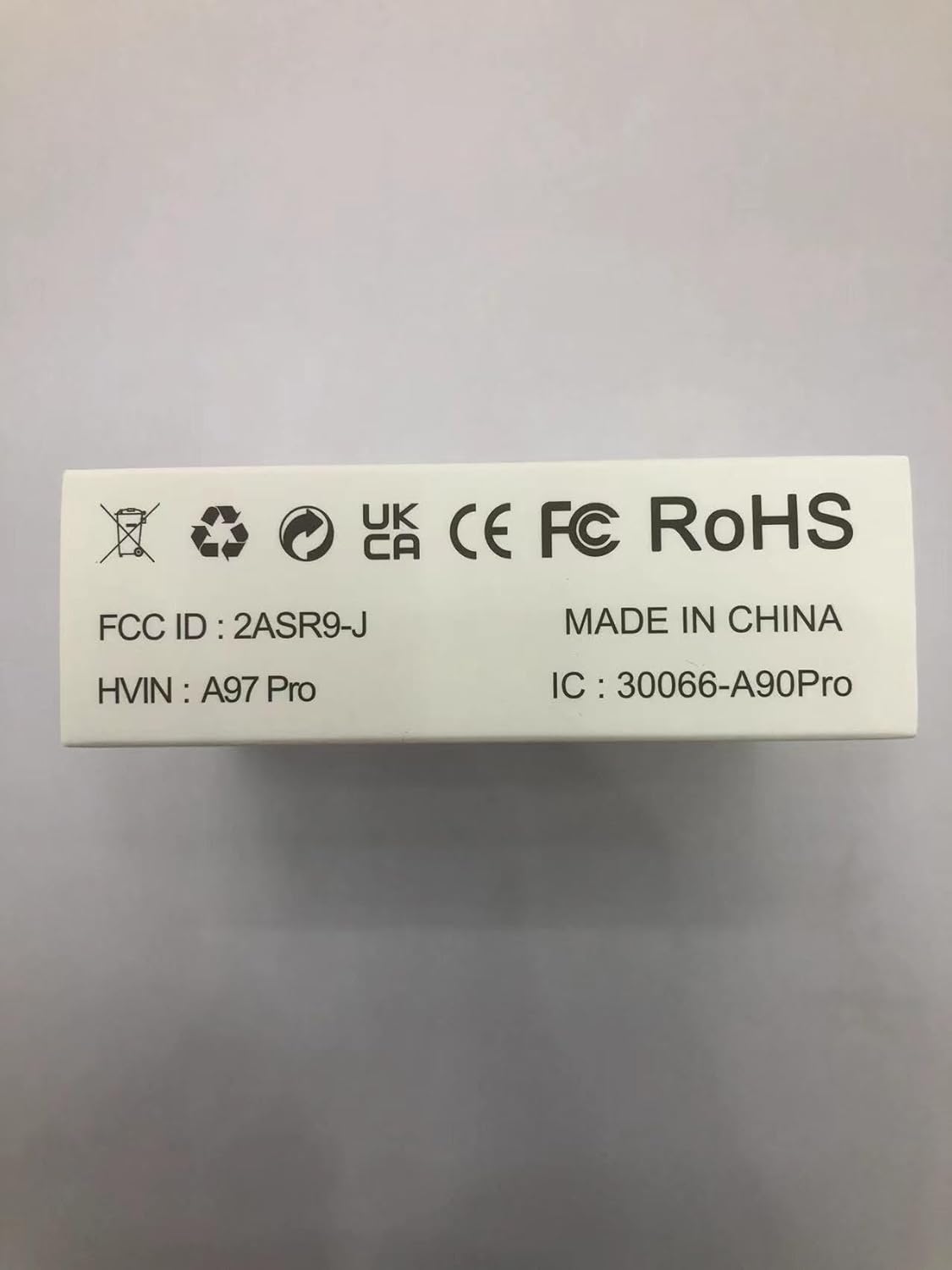
Image: A close-up of the product packaging displaying regulatory information such as FCC ID, HVIN (Hardware Version Identification Number), IC (Industry Canada) number, and the "MADE IN CHINA" label.
Image: A close-up of the product packaging detailing the contact information for the UK Representative (UK REP) and European Community Representative (EC REP), including company names, addresses, and email contacts.
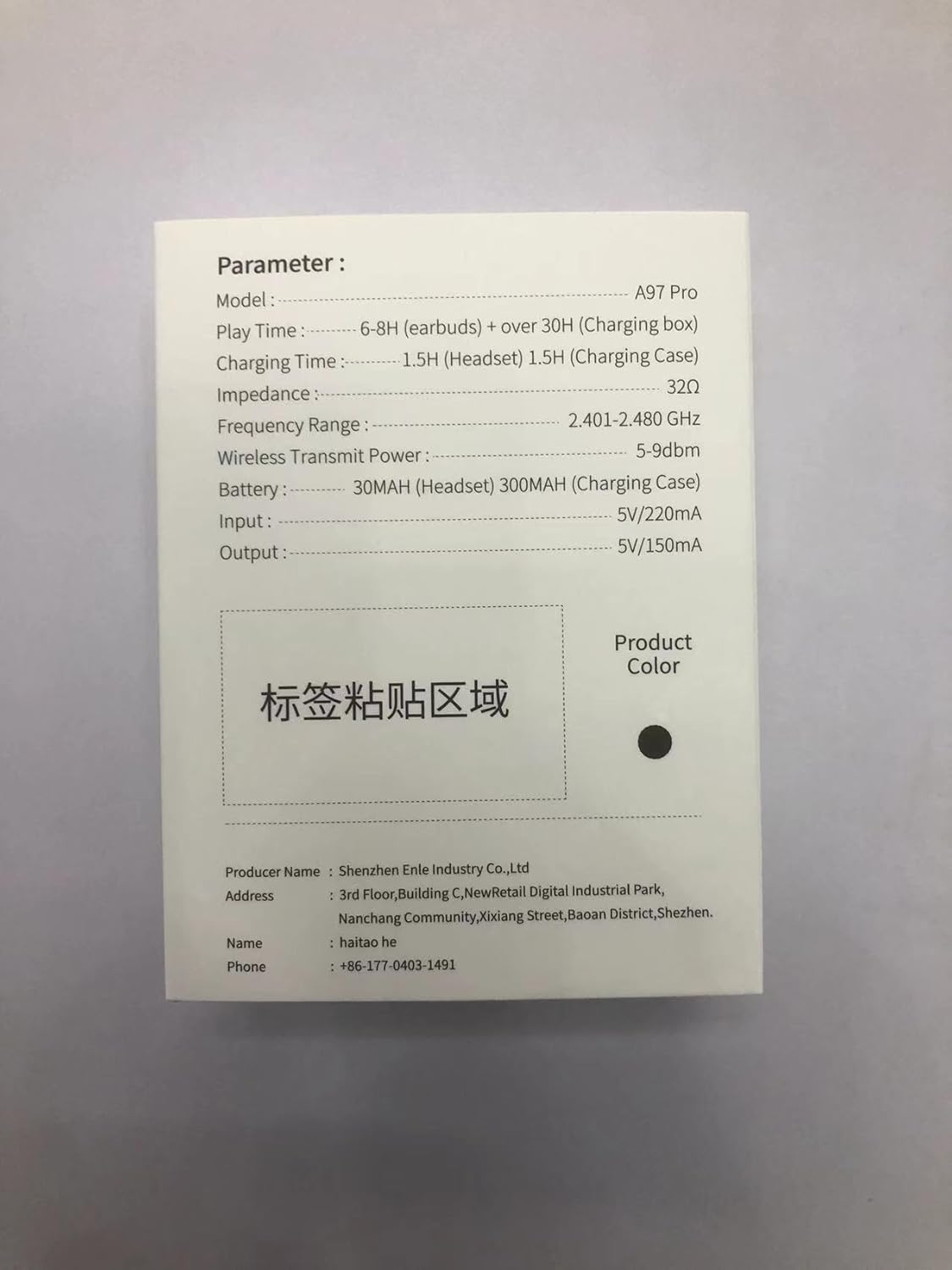
Image: A close-up of the product packaging displaying detailed technical parameters of the earbuds, including model number, play time, charging time, impedance, frequency range, wireless transmit power, battery capacity, input, and output specifications.
Setup
- Initial Charge: Before first use, place both earbuds into the charging case and connect the USB-C cable to a power source. Ensure the case and earbuds are fully charged. The LED display will show charging progress.
- Power On: The earbuds will automatically power on when removed from the charging case.
- Pairing:
- Open the charging case. The earbuds will enter pairing mode automatically.
- On your device (smartphone, tablet, etc.), enable Bluetooth.
- Search for "A97 Pro" in the list of available Bluetooth devices and select it to connect.
- Once connected, you will hear a confirmation prompt, and the earbuds' indicator lights will turn off.
- Single Earbud Mode: You can use either earbud independently. Simply take one earbud out of the case, and it will automatically connect. The other earbud can remain in the case or be used later.

Image: A visual guide to the one-step pairing process, showing hands interacting with the earbuds and charging case, emphasizing the ease of connection and seamless switching between single and dual earphone modes.
Operating Instructions
The xinwld A97 Pro Earbuds feature intuitive touch controls on each earbud. The touch-sensitive area is located on the outer surface of the earbud stem.
Music Playback Controls:
- Play/Pause: Tap either earbud once.
- Next Song: Tap the Right earbud twice.
- Previous Song: Tap the Left earbud twice.
- Volume Up: Quickly tap the Right earbud three times.
- Volume Down: Quickly tap the Left earbud three times.
Call Management Controls:
- Answer/End Call: Tap either earbud once.
- Reject Call: Press and hold either earbud for 2 seconds.
Voice Assistant:
- Activate Voice Assistant (Siri, Google Assistant, etc.): Press and hold either earbud for 2 seconds (when not on a call).
Power On/Off:
- Power On: Earbuds power on automatically when removed from the charging case.
- Power Off: Place earbuds back into the charging case. They will automatically disconnect and power off.

Image: A detailed diagram illustrating the one-click smart control functions for both the left and right earbuds, showing how different tap and hold gestures correspond to various operations like play/pause, track skipping, volume control, and call management.
Maintenance
- Cleaning: Regularly clean the earbuds and charging case with a soft, dry, lint-free cloth. For the eartips, remove them and clean with mild soap and water, then dry thoroughly before reattaching. Do not use harsh chemicals or abrasive materials.
- Charging: Always use the provided USB-C cable or a certified equivalent. Avoid exposing the charging case or earbuds to extreme temperatures.
- Storage: When not in use, store the earbuds in their charging case to protect them and ensure they remain charged. Store in a cool, dry place away from direct sunlight and excessive moisture.
- Water Resistance: The earbuds are IP7 waterproof, meaning they can withstand splashes and sweat. However, they are not designed for swimming or prolonged submersion. Ensure the charging ports are dry before charging.
Troubleshooting
| Problem | Possible Cause | Solution |
|---|---|---|
| Earbuds not pairing/connecting. | Bluetooth is off on device; earbuds are out of range; earbuds not in pairing mode; interference. | Ensure Bluetooth is on. Place earbuds closer to device. Put earbuds back in case, close, then reopen to re-enter pairing mode. Turn off other Bluetooth devices. |
| No sound or low volume. | Volume too low on device/earbuds; earbuds not properly seated; earbud dirty. | Increase volume on both device and earbuds. Adjust earbuds for a secure fit. Clean eartips and earbud mesh. |
| Charging case not charging. | Cable issue; power source issue; dirty charging port. | Try a different USB-C cable and power adapter. Ensure the charging port is clean and free of debris. |
| Earbuds not charging in case. | Earbuds not properly seated; charging contacts dirty. | Ensure earbuds are correctly placed in the case. Clean the charging contacts on both earbuds and inside the case with a dry cotton swab. |
Specifications
| Feature | Detail |
|---|---|
| Model Name | A97 Pro |
| Brand | xinwld |
| Connectivity Technology | Wireless (Bluetooth) |
| Bluetooth Version | 5.4 |
| Bluetooth Range | 15 Meters |
| Noise Control | Environmental Noise Cancellation (ENC) |
| Audio Driver Type | Dynamic Driver (13mm) |
| Battery Life (Earbuds) | Up to 8 hours (at 80% volume) |
| Battery Life (Total with Case) | Up to 40 hours |
| Charging Time | 1 Hour (earbuds), 1.5 Hours (charging case) |
| Water Resistance Level | IP7 Waterproof |
| Control Type | Touch Control |
| Item Weight (single earbud) | 2 Grams |
| Material | Plastic |
| Earpiece Shape | Bud |
| Impedance | 32 Ohm |
| Frequency Range | 2.401-2.480 GHz |
| Compatible Devices | Bluetooth 4.0 and above devices (iOS, Android, etc.) |
Warranty & Support
For warranty information and customer support, please refer to the documentation included with your purchase or visit the official xinwld website. You can also contact their customer service directly for assistance with product issues or inquiries.
Note: Specific warranty terms may vary by region and retailer. Please retain your proof of purchase for warranty claims.