
1. Introduction
Thank you for choosing the ADVWIN F380C Treadmill. This manual provides essential information for the safe assembly, operation, and maintenance of your new fitness equipment. Please read this manual thoroughly before using the treadmill and keep it for future reference.
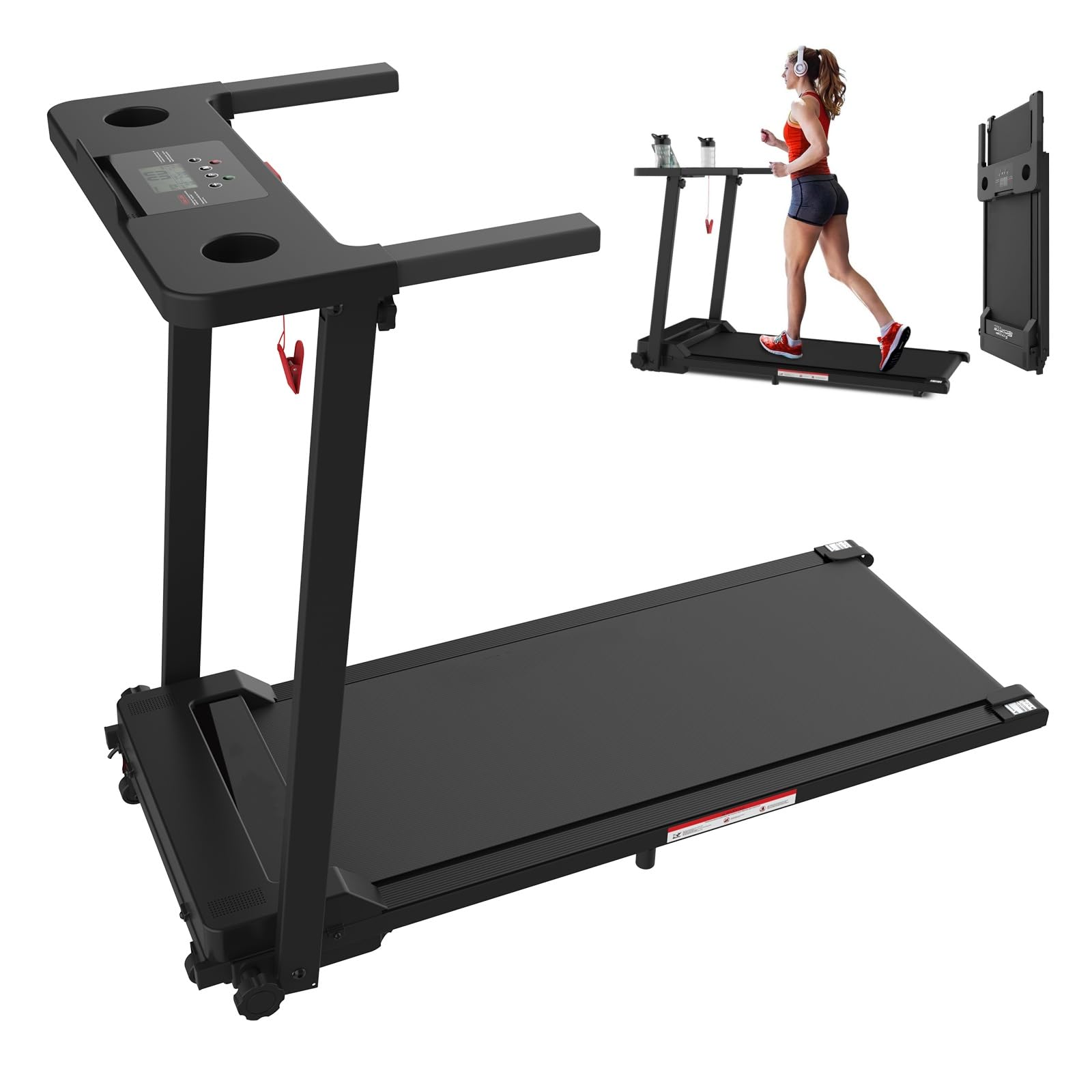
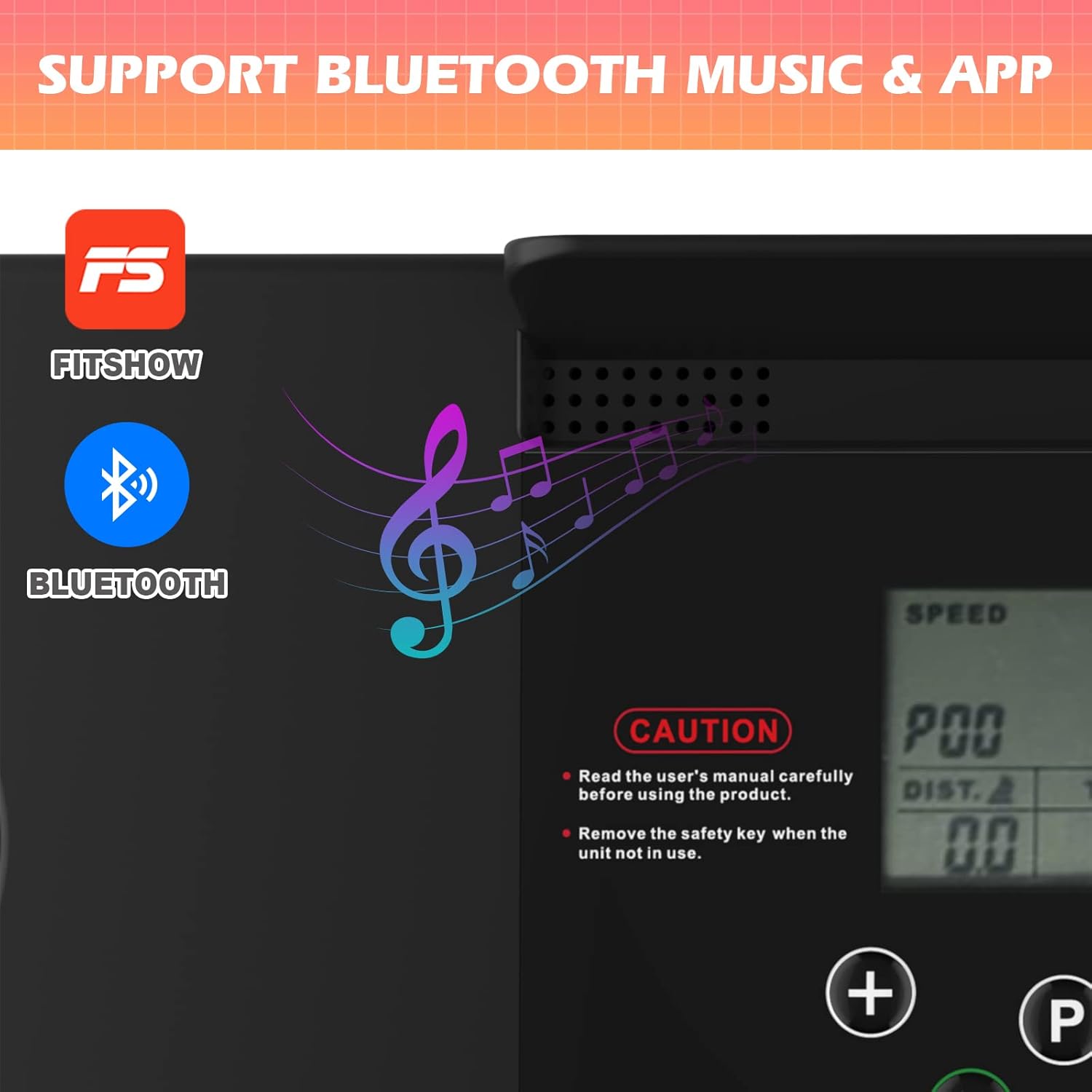
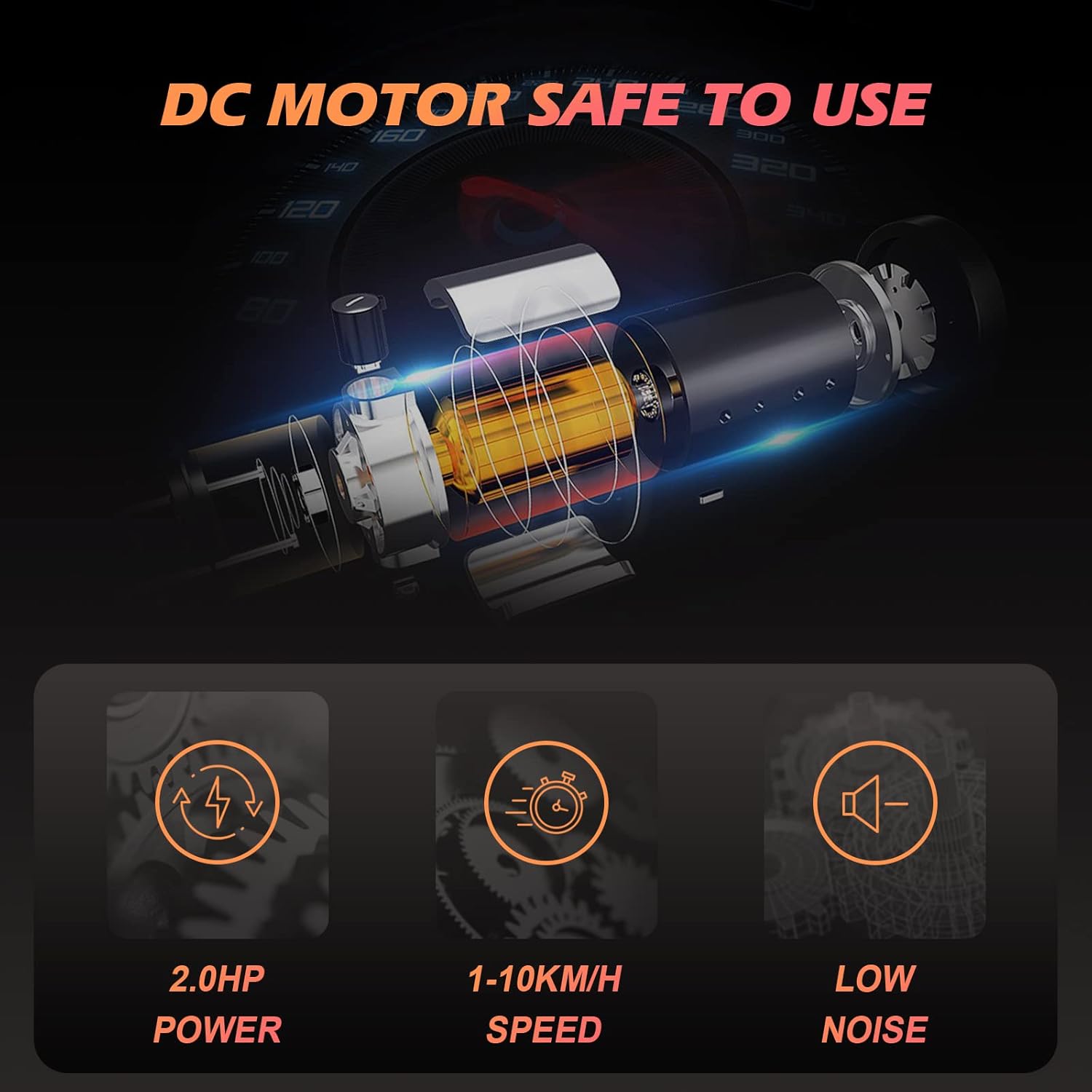
The ADVWIN F380C Treadmill is designed for home use, featuring a 2.0 HP motor, a speed range of 1-10 km/h, and 12 preset programs. It includes a 3.5-inch LCD display, Bluetooth connectivity for music and app control, and a convenient foldable design for easy storage.
2. Important Safety Instructions
To reduce the risk of serious injury, read all instructions before using this treadmill. The manufacturer is not responsible for personal injury or property damage sustained by or through the use of this product.
- Consult your physician before starting any exercise program.
- Always place the treadmill on a level surface with at least 0.6 meters (2 feet) of clear space around it.
- Keep children and pets away from the treadmill during operation.
- Ensure the safety key is properly attached to both the treadmill and your clothing before starting. The treadmill will stop immediately if the safety key is disengaged.
- Wear appropriate exercise clothing and athletic shoes.
- Do not operate the treadmill if it has a damaged cord or plug, or if it is not working properly.
- The maximum user weight capacity for this treadmill is 120 kg (264 lbs).
- Remove the safety key when the unit is not in use to prevent accidental activation.
3. Package Contents
Carefully unpack the box and ensure all items are present. If any parts are missing or damaged, please contact customer support.
- 1 x ADVWIN Treadmill
- 1 x Safety Key
- 1 x Power Cable
- 1 x User Manual
4. Setup
The ADVWIN F380C Treadmill features a foldable design for minimal assembly. Follow these steps to set up your treadmill:
- Unpack: Remove the treadmill and all components from the packaging.
- Position: Place the treadmill on a flat, stable surface. Ensure there is adequate space around the unit for safe operation.
- Unfold: Carefully unfold the treadmill from its compact storage position. Ensure all locking mechanisms are securely engaged.
- Connect Power: Plug the power cable into a grounded electrical outlet (AC 220-240V 50-60Hz).
- Attach Safety Key: Place the safety key into its designated slot on the control panel.

5. Operating Instructions
5.1 Power On/Off
- To power on, ensure the power cable is connected and the safety key is in place. The LCD display will illuminate.
- To power off, remove the safety key and unplug the power cable from the outlet.
5.2 Using the Control Panel and LCD Display
The 3.5-inch LCD display provides real-time feedback on your workout metrics:
- Speed: Current running speed (1-10 km/h).
- Time: Duration of your workout.
- Distance: Total distance covered.
- Calories: Estimated calories burned.
Use the control buttons to:
- Start/Stop: Begin or end your workout.
- Speed +/-: Adjust the running speed.
- Program/Mode: Select from 12 preset programs or 3 countdown modes (Time, Distance, Calories).
5.3 Bluetooth Connectivity
The treadmill features built-in Bluetooth speakers for audio playback and app control.
- Bluetooth Audio: Activate Bluetooth on your mobile device and connect to the treadmill (usually named 'ADVWIN' or similar). You can then play music through the integrated speakers.
- FitShow App: Download the 'FitShow' application from your device's app store. Connect the app to your treadmill via Bluetooth to record and review training data, display statistics, and manage fitness plans. The app is compatible with both iPhone and Android devices.
5.4 Using the iPad/Tablet Holder
The treadmill is equipped with an enlarged countertop and an iPad/tablet holder, allowing you to place your device for entertainment or work while exercising.
6. Maintenance
Regular maintenance ensures the longevity and optimal performance of your treadmill.
- Cleaning: Wipe down the treadmill surfaces with a damp cloth after each use. Avoid using abrasive cleaners.
- Storage: When not in use, fold the treadmill and store it in a dry, clean area. Always remove the safety key before storing.
- Belt Lubrication: Periodically check the running belt for proper lubrication. Refer to the specific lubrication instructions provided with your treadmill or contact customer support for guidance.
- Belt Tension and Alignment: Inspect the running belt for proper tension and alignment. If the belt feels loose or is drifting to one side, refer to the adjustment instructions in the full manual or contact customer support.
7. Troubleshooting
If you encounter issues with your ADVWIN F380C Treadmill, refer to the following common solutions:
- Treadmill not starting: Ensure the power cable is securely plugged in and the safety key is correctly inserted into its slot. Check the power switch.
- Display not working: Verify power connection and safety key. If the issue persists, contact customer support.
- Running belt slipping: The belt may require tension adjustment. Refer to the maintenance section or contact customer support.
- Unusual noises: Stop the treadmill immediately. Inspect for any loose parts or obstructions. If the noise continues, contact customer support.
For more complex issues, please contact ADVWIN customer support.
8. Specifications
| Feature | Specification |
|---|---|
| Model Name | F380C |
| Motor Power | 2.0 HP |
| Speed Range | 1-10 km/h |
| Programs | 12 Preset Programs |
| Modes | 3 (Time, Distance, Calories Countdown) |
| Display Type | 3.5-inch LCD |
| Running Area | 100 cm x 38 cm |
| Max User Weight | 120 kg (264 lbs) |
| Overall Dimensions (L x W x H) | 121 cm x 58 cm x 93.5 cm |
| Folded Dimensions (L x W x H) | 121 cm x 58 cm x 12.5 cm |
| Net Weight | 22 kg |
| Power Source | AC 220-240V 50-60Hz |
| Material | Steel, ABS, PVC, Alloy Steel |
| Special Features | Lightweight, Portable, Bluetooth Speakers, App Control, iPad Holder |


9. Warranty and Support
This product includes a user manual. Please note that specific warranty information is not provided within this document. For warranty details, technical support, or service inquiries, please contact ADVWIN customer service through your purchase platform or the official ADVWIN website.
