
EUQQ Q10-White
EUQQ Wireless Earbuds User Manual
Model: Q10-White
1. Product Overview
The EUQQ Q10-White Wireless Earbuds are designed to provide a high-fidelity audio experience with advanced features such as Active Noise Cancellation (ANC) and Transparency Mode. Equipped with Bluetooth 5.4 technology, these earbuds offer stable connectivity and efficient power consumption. They feature a dual LED display on the charging case for battery status, IPX7 waterproofing for durability, and an ergonomic design for comfortable wear. The earbuds deliver clear calls with 4 HD microphones and CVC 8.0 noise reduction.

Image: The EUQQ Q10-White wireless earbuds in their charging case, showcasing the LED battery display and the sleek white design.
2. What's in the Box
Upon opening your EUQQ Wireless Earbuds package, you will find the following components:
- 2 x Q10 Wireless Earbuds (Left and Right)
- 1 x Portable Charging Case
- 1 x USB-C Charging Cable
- 3 x Pairs of Silicone Ear Tips (Sizes: Small, Medium, Large)
- 1 x User Manual

Image: A visual representation of all items included in the product package: the earbuds, charging case, USB-C cable, and ear tips.
3. Setup Guide
3.1. Charging the Earbuds and Case
Before first use, ensure both the earbuds and the charging case are fully charged. The charging case features a dual LED display that shows the battery level of the case and the charging status of each earbud.
- Place the earbuds into the charging case. Ensure they are correctly seated.
- Connect the USB-C charging cable to the charging port on the case and the other end to a compatible USB power source (e.g., wall adapter, computer USB port).
- The LED display on the case will indicate charging progress. A full charge for the case typically takes approximately 1 hour.
- Once fully charged, the earbuds provide up to 6 hours of playtime, and the charging case extends total playtime to 36 hours. The case offers over 90 hours of standby time.
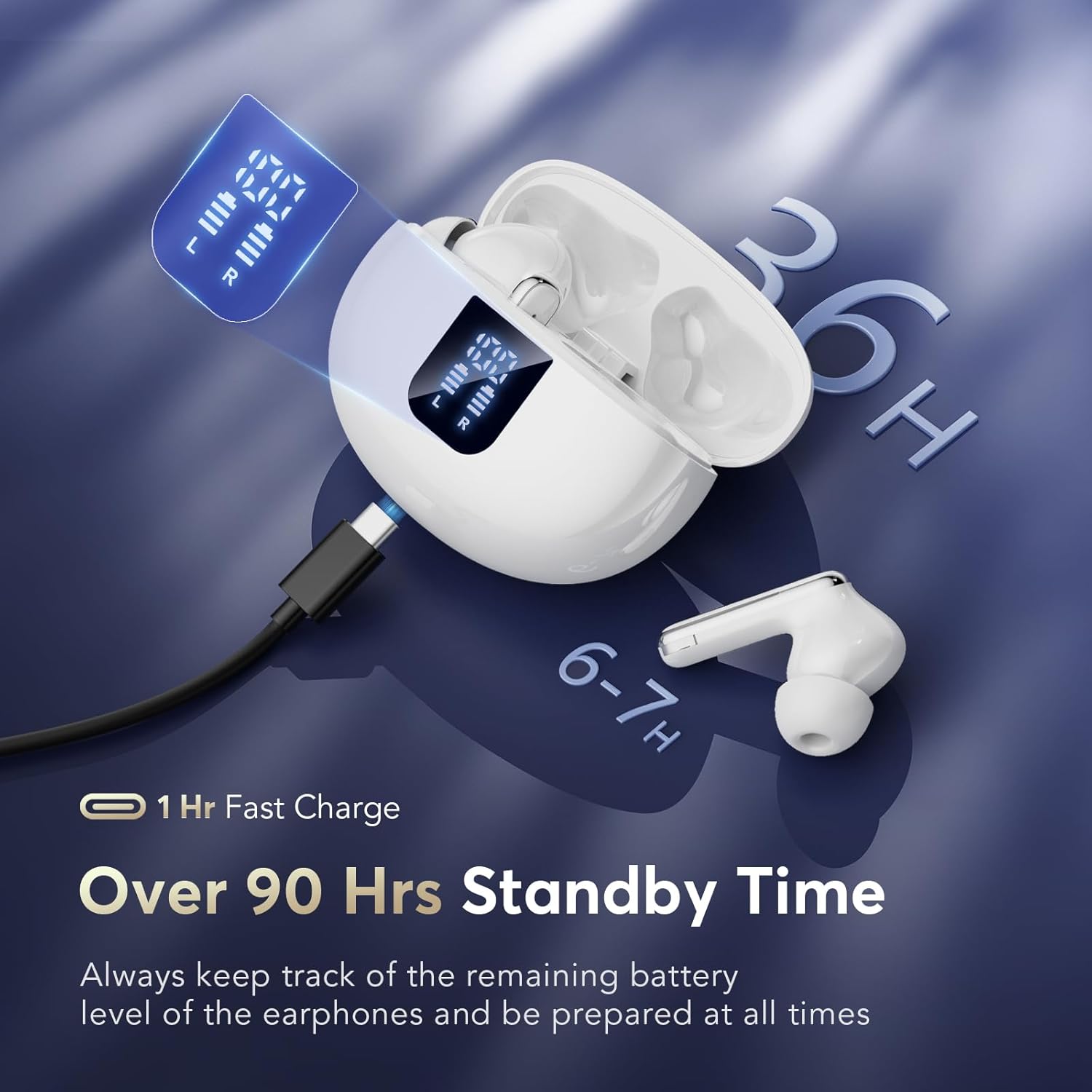
Image: The earbuds are shown charging within their case, highlighting the LED display that indicates battery levels and the USB-C charging port.
3.2. Initial Pairing
The EUQQ Q10-White earbuds utilize upgraded Bluetooth 5.4 technology for a stable and fast connection. They support automatic pairing after the initial setup.
- Ensure your mobile device's Bluetooth is turned on.
- Open the charging case. The earbuds will automatically power on and enter pairing mode.
- On your device, search for Bluetooth devices and select "YYK-Q10" from the list.
- Once connected, you will hear an audible confirmation, and the earbuds will be ready for use.
- For subsequent uses, simply open the charging case, and the earbuds will automatically connect to the last paired device. Closing the case will power them off and begin charging.
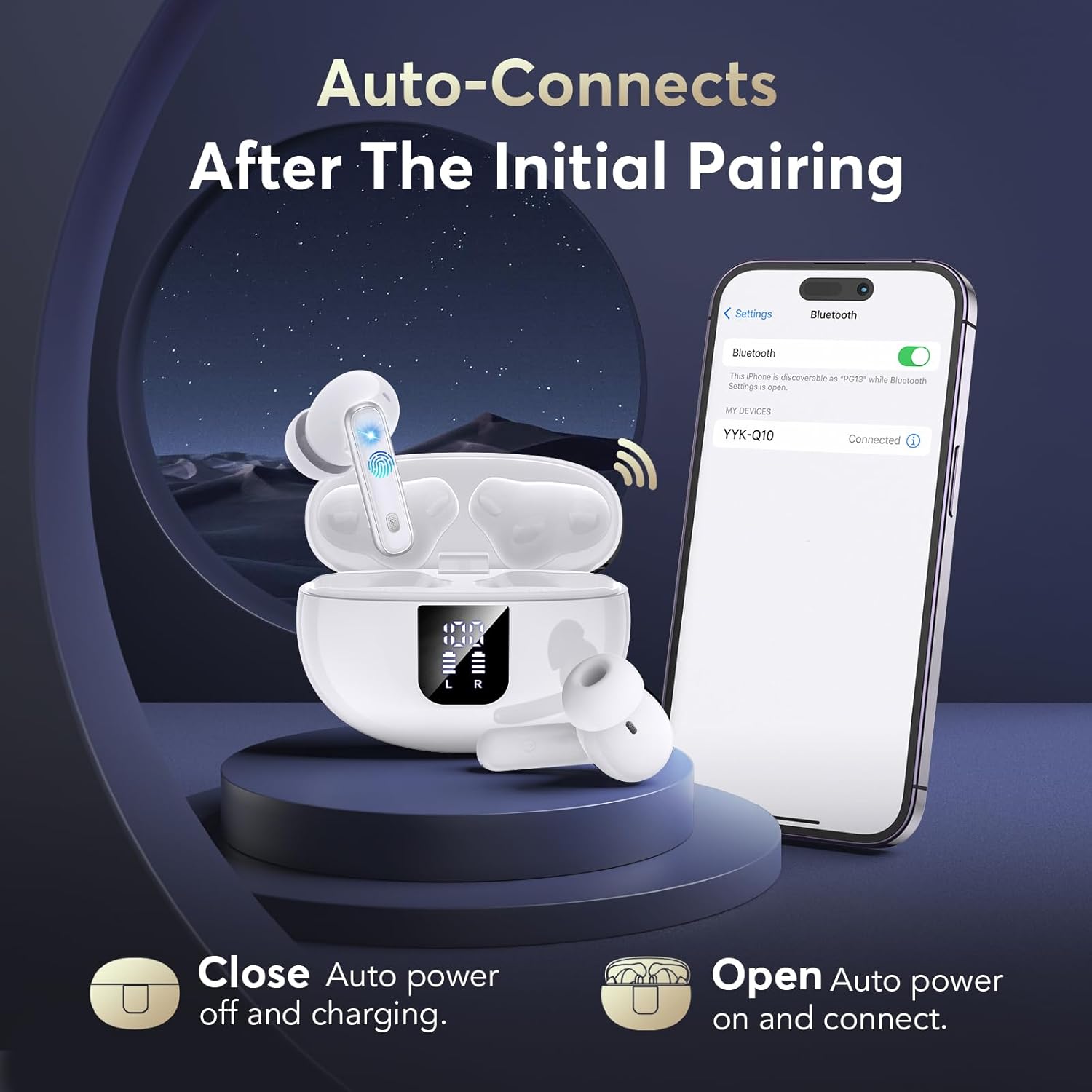
Image: The earbuds are shown in their open charging case, with a smartphone displaying the Bluetooth connection screen, illustrating the auto-connect feature.
4. Operating Instructions
4.1. Touch Controls
The earbuds feature intuitive touch controls on their outer surface. Specific functions are activated by tapping or long-pressing the touch sensitive area.
| Action | Function |
|---|---|
| Single Tap (Left/Right Earbud) | Play/Pause Music, Answer/End Call |
| Double Tap (Right Earbud) | Next Track |
| Double Tap (Left Earbud) | Previous Track |
| Long Press (Left/Right Earbud) | Switch between Active Noise Cancellation (ANC) / Transparency Mode / Normal Mode |
| Triple Tap (Left/Right Earbud) | Activate Voice Assistant |
4.2. Active Noise Cancellation (ANC) & Transparency Mode
The Q10-White earbuds offer dual modes for environmental sound control:
- Active Noise Cancellation (ANC): This mode actively reduces ambient noise, creating a more immersive listening experience. It is ideal for noisy environments like commutes or offices.
- Transparency Mode: This mode allows you to hear your surroundings clearly without removing the earbuds. It is useful for conversations or when you need to be aware of your environment.
To switch between ANC, Transparency Mode, and Normal Mode, long press the touch button on either earbud. You will hear an audible prompt indicating the current mode.
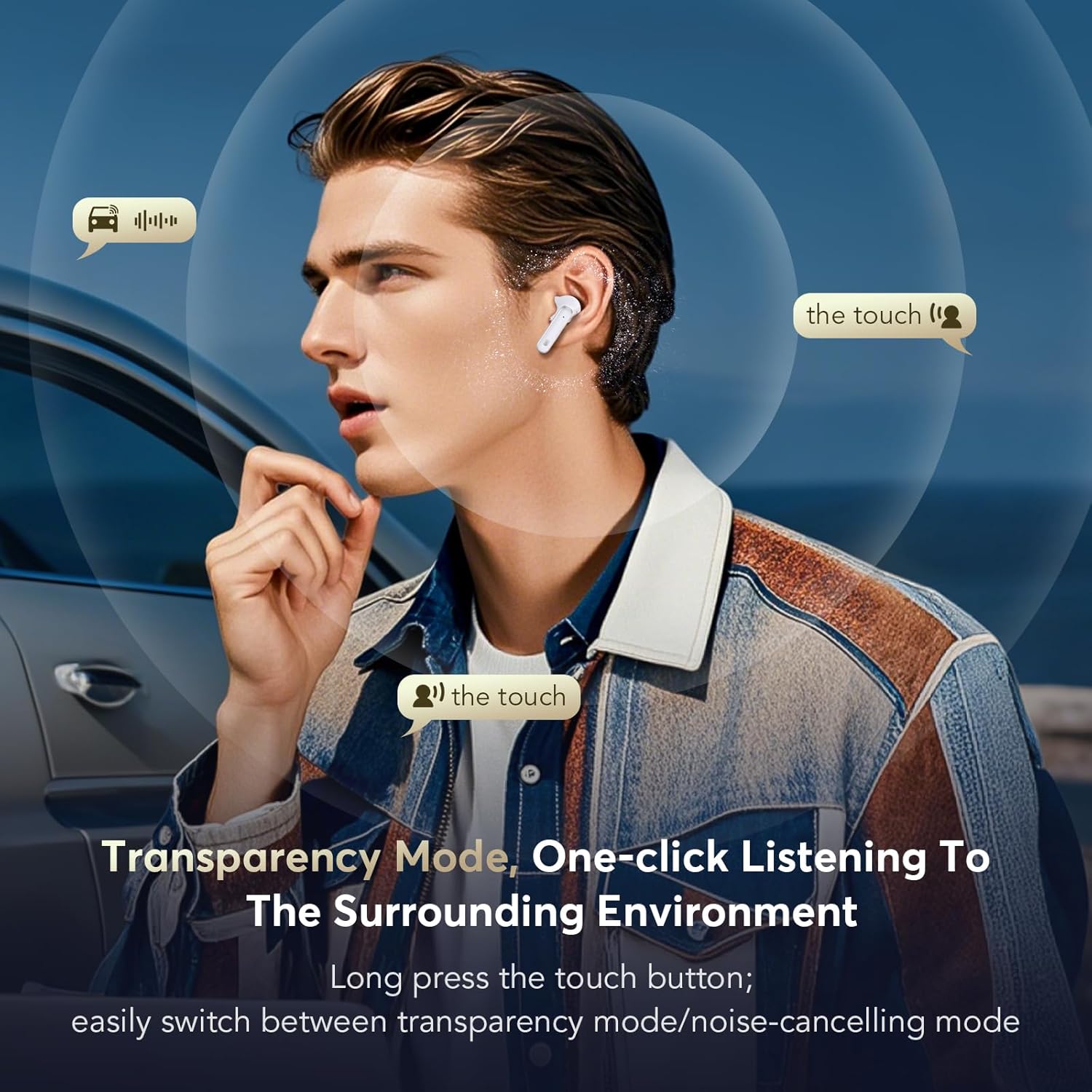
Image: A person is shown wearing the earbuds, with visual cues indicating that they can hear surrounding sounds while in Transparency Mode.
4.3. Hi-Fi Stereo Sound and Clear Calls
Experience rich, clear audio with the 13mm dynamic drivers and advanced AAC/SBC audio codecs. The composite diaphragm design optimizes sound across all frequencies, delivering deep bass and crisp highs. For calls, the earbuds are equipped with six noise-canceling microphones and CVC 8.0 technology, ensuring your voice is clear and background noise is minimized.
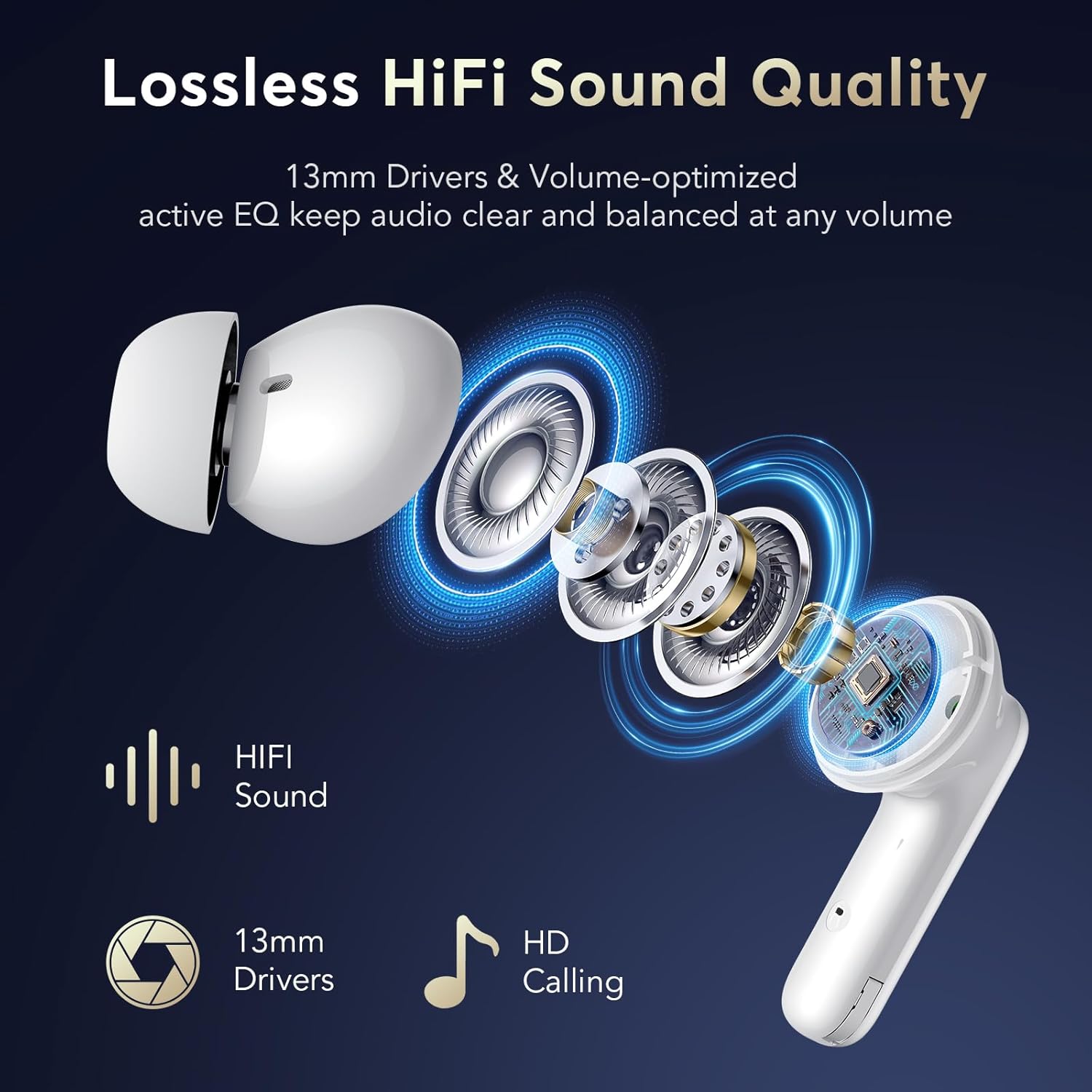
Image: An exploded view diagram of an earbud, illustrating the 13mm driver for HiFi sound and the microphone placement for HD calling.
5. Maintenance
Proper maintenance ensures the longevity and optimal performance of your earbuds.
- Cleaning: Regularly clean the earbuds and charging case with a soft, dry, lint-free cloth. For ear tips, you can remove them and gently wipe with a damp cloth, ensuring they are completely dry before reattaching. Do not use harsh chemicals or abrasive materials.
- Water Resistance: The earbuds have an IPX7 waterproof rating, meaning they are protected against immersion in water up to 1 meter for 30 minutes. They are resistant to sweat and rain, making them suitable for workouts and outdoor activities. However, the charging case is not waterproof. Avoid exposing the charging case to liquids.
- Storage: When not in use, store the earbuds in their charging case to protect them and keep them charged. Store in a cool, dry place away from extreme temperatures.
6. Troubleshooting
If you encounter issues with your EUQQ Wireless Earbuds, please refer to the following common solutions:
| Problem | Solution |
|---|---|
| Earbuds not pairing with device. |
|
| No sound from one or both earbuds. |
|
| Charging case not charging. |
|
| Active Noise Cancellation (ANC) not working effectively. |
|
7. Product Specifications
| Feature | Detail |
|---|---|
| Model Name | YYK-Q10 White |
| Connectivity Technology | Wireless (Bluetooth 5.4) |
| Wireless Communication Technology | Latest Bluetooth 5.4 |
| Ear Placement | In Ear |
| Noise Control | Active Noise Cancellation, Passive Noise Cancellation, Sound Isolation |
| Control Type | Touch Control |
| Battery Average Life (Earbuds + Case) | 36 Hours |
| Charging Time | Approx. 1 Hour (Case) |
| Water Resistance Level | IPX7 Waterproof (Earbuds only) |
| Maximum Operating Distance | 15 Meters |
| Frequency Range | 20Hz - 20,000Hz |
| Material | Plastic |
| Color | Elegant White |
| Manufacturer | EUQQ |
8. Warranty and Support
For warranty information and customer support, please refer to the documentation included with your purchase or contact EUQQ customer service directly. Specific warranty terms may vary by region and retailer.
For further assistance, please visit the official EUQQ website or contact their support team through the contact information provided on the product packaging or purchase receipt.
Related documentsQ10-White


Ask a question about this manual
Ask about setup, troubleshooting, compatibility, parts, safety, or missing instructions. Manuals+ will review the question and use this page’s manual context to help answer it.