
1. Introduction
Thank you for choosing the Lefant LS100 Cordless Wet Dry Vacuum Cleaner. This manual provides essential information for the safe and efficient operation, maintenance, and troubleshooting of your new appliance. Please read it thoroughly before first use and keep it for future reference.
The Lefant LS100 is designed to simplify your cleaning routine, offering powerful vacuuming and wet mopping for hard floors. Its lightweight design and cordless operation provide unparalleled freedom and ease of use.
2. Safety Instructions
Always follow basic safety precautions when using electrical appliances to reduce the risk of fire, electric shock, or injury.
- Read all instructions before using the appliance.
- Do not immerse the appliance, battery, or charging base in water or other liquids.
- Keep hair, loose clothing, fingers, and all parts of the body away from openings and moving parts.
- Use only as described in this manual. Use only manufacturer's recommended attachments.
- Do not use with a damaged cord or plug. If the appliance is not working as it should, has been dropped, damaged, left outdoors, or dropped into water, return it to a service center.
- Do not handle the charger or appliance with wet hands.
- Do not pick up flammable or combustible liquids, such as gasoline, or use in areas where they may be present.
- Do not pick up anything that is burning or smoking, such as cigarettes, matches, or hot ashes.
- Exercise extra care when cleaning on stairs.
- Store the appliance indoors in a cool, dry area.
3. Package Contents
Please check the package contents to ensure all items are present and in good condition:
- Lefant LS100 Main Unit
- Handle Assembly
- Charging Base
- Power Adapter
- Brush Rolls (x2)
- Cleaning Solution Bottle (x1)
- User Manual
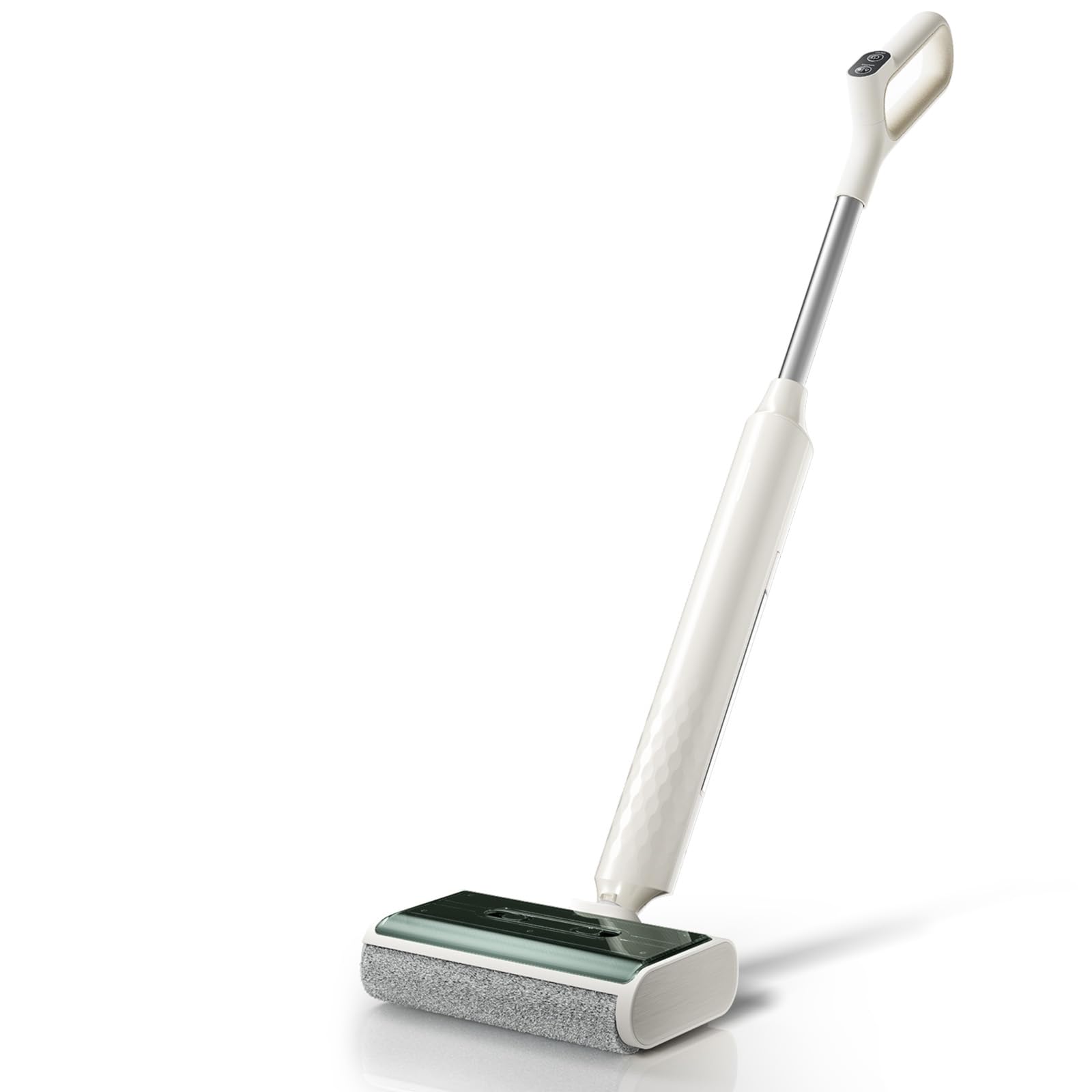
Figure 3.1: The Lefant LS100 main unit with its included accessories, including brush rolls and cleaning solution bottle.
4. Product Overview
The Lefant LS100 is a versatile cordless wet dry vacuum cleaner designed for hard floors. Key features include:
- Lightweight Design: Weighing only 2.65 kg, it is easy to maneuver.
- 170° Flat Design: Allows access under furniture and into tight spaces.
- 60-Minute Runtime: Provides ample time for cleaning multiple rooms on a single charge.
- Self-Propelled Function: Reduces effort during cleaning.
- Flexible Cleaning Modes: Switch between slightly wet and fully wet modes for different cleaning needs.
- Edge Cleaning: Designed to clean close to walls and edges.
- Self-Cleaning System: Simplifies maintenance of the brush roll.
5. Setup
5.1 Assembly
- Insert the handle assembly into the main unit until it clicks securely into place.
- Place the charging base on a flat, stable surface near a power outlet.
- Connect the power adapter to the charging base and plug it into the wall outlet.
5.2 Initial Charging
Before first use, fully charge the appliance. Place the assembled vacuum onto the charging base. The charging indicator lights will illuminate to show charging status. A full charge typically takes approximately 4-5 hours.
5.3 Filling the Clean Water Tank
- Press the clean water tank release button and remove the tank from the main unit.
- Open the tank cap and fill with clean tap water. You may add a small amount of non-foaming cleaning solution specifically designed for wet dry vacuums (refer to solution instructions for dilution). Do not overfill.
- Close the cap securely and reinsert the clean water tank into the main unit until it clicks.
6. Operating Instructions
6.1 Powering On/Off
Press the Power button on the handle to turn the vacuum on. Press it again to turn off.
6.2 Selecting Cleaning Modes
The LS100 offers different cleaning modes. Press the Mode button to cycle through available options (e.g., slightly wet, fully wet). Select the mode appropriate for your floor type and cleaning needs.
6.3 Cleaning Your Floors
- Ensure the clean water tank is filled and the dirty water tank is empty.
- Turn on the vacuum and select your desired cleaning mode.
- Tilt the vacuum back to engage the brush roll and begin cleaning. The self-propelled feature will assist in movement.
- Move the vacuum slowly and steadily over the floor, overlapping passes to ensure thorough cleaning.
- For stubborn stains, hold the vacuum over the area for a few seconds to allow the brush and water to work.
6.4 Edge Cleaning
The design of the LS100 allows for effective cleaning along edges and baseboards. Position the vacuum with the side closest to the edge to maximize cleaning coverage.
7. Maintenance
Regular maintenance ensures optimal performance and extends the lifespan of your Lefant LS100.
7.1 Self-Cleaning Function
- After each use, place the vacuum on its charging base.
- Ensure the clean water tank has sufficient water.
- Press the Self-Clean button (if available, or follow specific model instructions). The vacuum will run a cycle to clean the brush roll and internal pathways.
- Empty the dirty water tank immediately after the self-cleaning cycle.
7.2 Emptying and Cleaning the Dirty Water Tank
- Press the dirty water tank release button and remove the tank.
- Carefully open the tank and dispose of the dirty water.
- Rinse the tank thoroughly with clean water. Clean any debris from the filter screen inside the tank.
- Allow the tank and filter to air dry completely before reassembling.
7.3 Cleaning the Brush Roll
- Turn off the vacuum and remove it from the charging base.
- Open the brush roll cover.
- Remove the brush roll. Use the provided cleaning tool to remove any hair or debris wrapped around it.
- Rinse the brush roll under running water.
- Allow the brush roll to air dry completely before reinstalling.
7.4 Filter Maintenance
The vacuum uses a fabric filter. Regularly check the filter for debris and rinse it with water as needed. Ensure it is completely dry before reinserting to prevent damage to the motor.
8. Troubleshooting
If you encounter issues with your Lefant LS100, please refer to the following common problems and solutions:
| Problem | Possible Cause | Solution |
|---|---|---|
| Vacuum does not turn on. | Battery is depleted. | Charge the vacuum fully. |
| Poor cleaning performance. | Dirty brush roll; Clogged dirty water tank/filter; Insufficient clean water. | Clean the brush roll; Empty and clean the dirty water tank and filter; Refill the clean water tank. |
| Water leakage. | Tank caps not sealed properly; Tank not installed correctly. | Ensure all tank caps are securely closed; Reinstall tanks until they click into place. |
| Vacuum stops during operation. | Battery is low; Dirty water tank is full. | Recharge the battery; Empty the dirty water tank. |
If the problem persists after trying these solutions, please contact Lefant customer support.
9. Specifications
| Feature | Detail |
|---|---|
| Model Number | LS100 |
| Brand | Lefant |
| Dimensions (L x W x H) | 27 x 20.7 x 106.5 cm |
| Item Weight | 2.65 Kilograms |
| Power Source | Battery Powered (1 Lithium-ion battery included) |
| Battery Life / Runtime | 60 minutes / 1 hour |
| Special Feature | Self-propelled, Cordless |
| Filter Type | Fabric |
| Recommended Surface | Hard floors (Tile, Wood, Vinyl, Marble) |
| UPC / GTIN | 787480985699 |
10. Warranty and Support
Lefant products are manufactured to high-quality standards. For information regarding warranty coverage, terms, and conditions, please refer to the warranty card included with your purchase or visit the official Lefant website.
For technical support, replacement parts, or service inquiries, please contact Lefant customer service through their official website or the contact information provided in your product packaging. When contacting support, please have your model number (LS100) and purchase date available.
Official Website: Lefant Official Store


