
Fockety Focketykowgcnrqza
Earbuds Charging Case User Manual
Model: Focketykowgcnrqza | Brand: Fockety
Introduction
This manual provides detailed instructions for the safe and efficient use of your new Fockety Earbuds Charging Case. Designed for Elite 8 Active and Elite 8 Sports Wireless Bluetooth Earbuds, this replacement charging case offers quick charging, robust protection, and convenient portability. Please read this manual thoroughly before using the product and retain it for future reference.
Safety Information
To ensure safe operation and prevent damage, please observe the following precautions:
- Do not expose the charging case to extreme temperatures, humidity, or liquids.
- Avoid dropping or subjecting the case to strong impacts.
- Do not attempt to disassemble, repair, or modify the device. This will void the warranty and may cause harm.
- Use only the provided USB Type-C cable or a certified equivalent for charging.
- Keep out of reach of children.
- Ensure proper ventilation when charging.
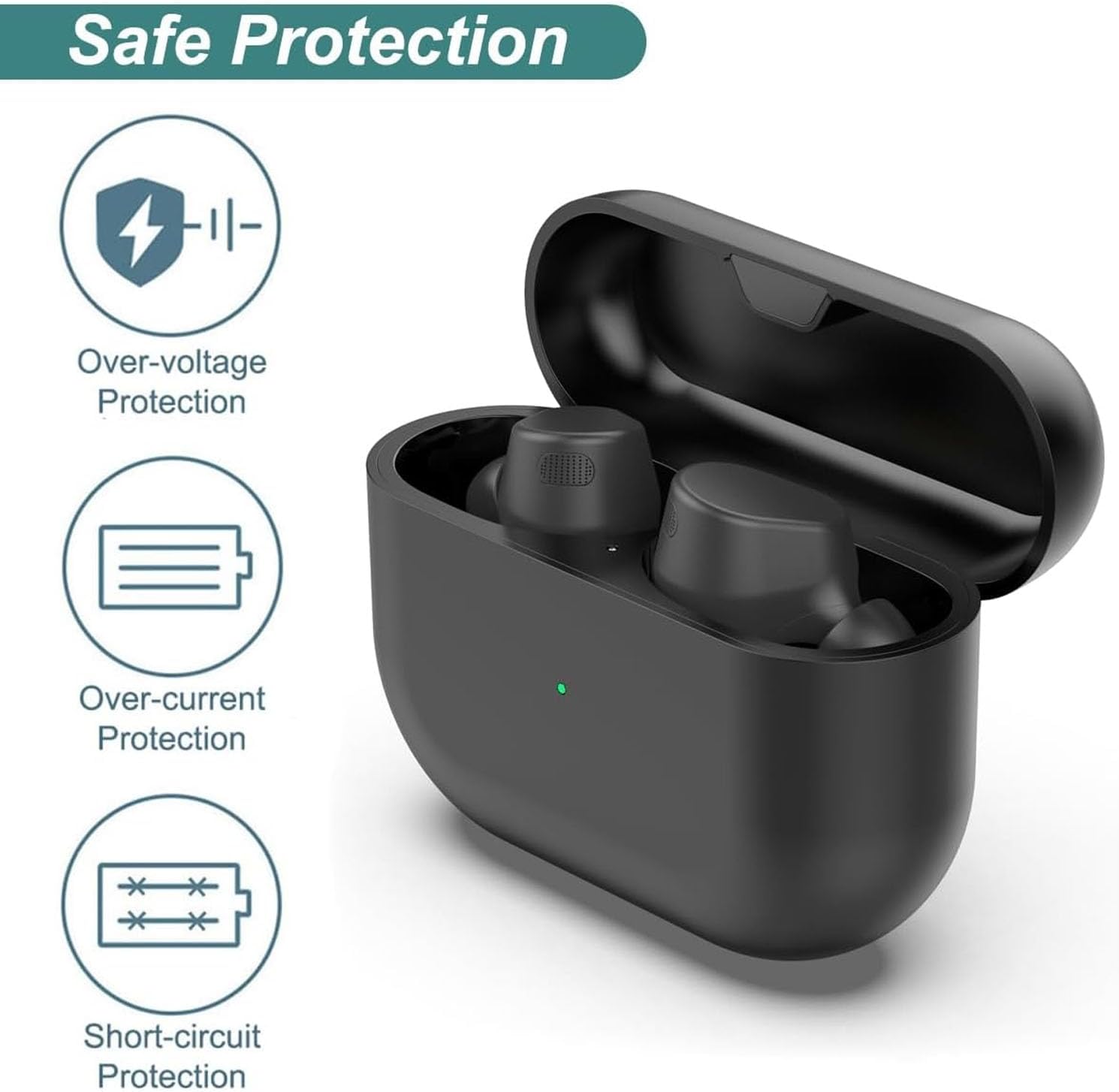
Figure 1: Built-in Protection Features. This image illustrates the safety features of the charging case, including protection against over-voltage, over-current, and short-circuits, ensuring safe charging for your earbuds.
Package Contents
Please check the package for the following items:
- 1 x Earbuds Charging Case
- 1 x USB Type-C Charging Cable (3.3 feet)
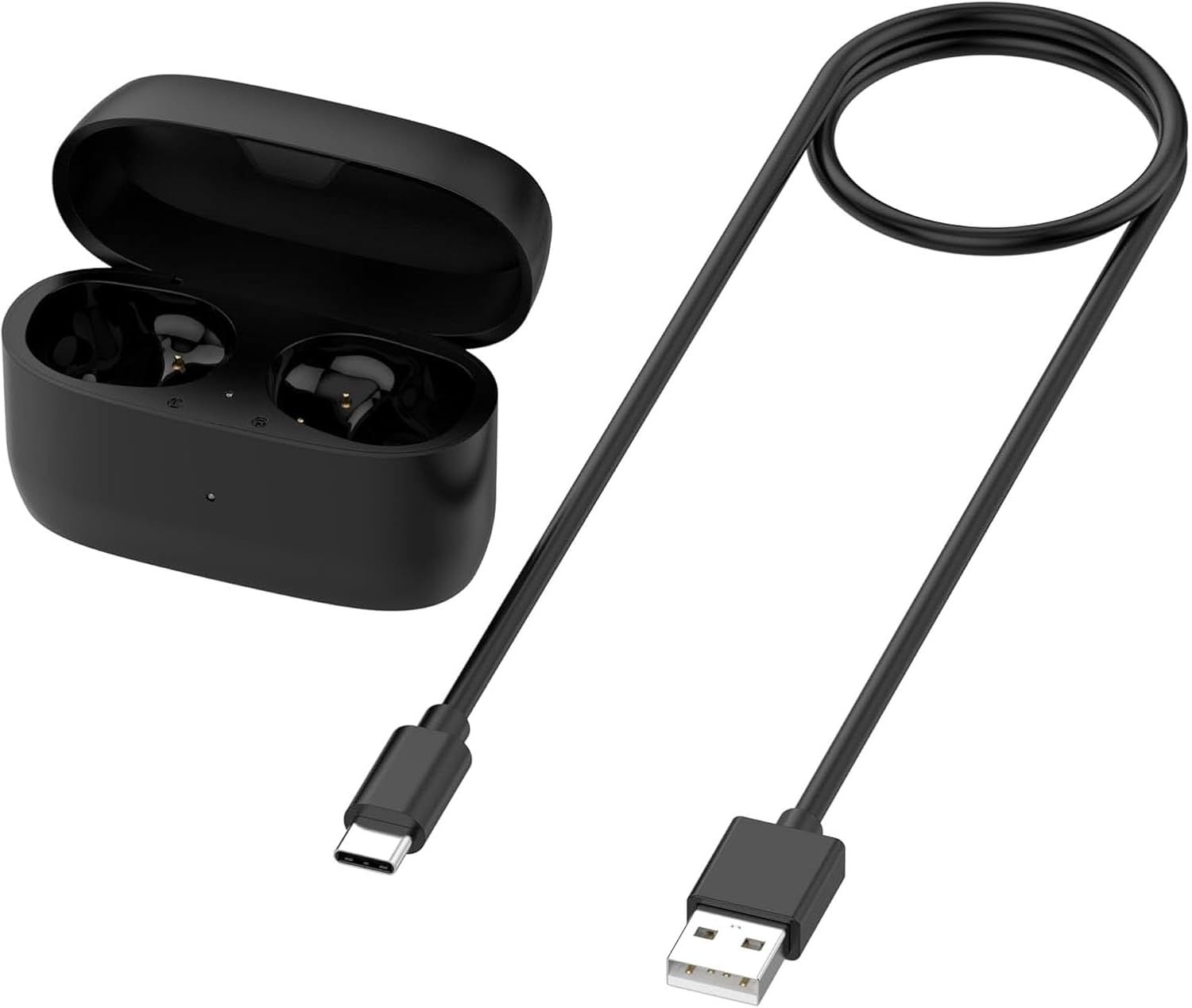
Figure 2: Package Contents. This image displays the main components included in the package: the earbuds charging case and its accompanying USB Type-C charging cable.
Product Overview
Familiarize yourself with the components of your charging case.
- Charging Port: USB Type-C port for charging the case.
- Earbud Slots: Designated slots for left and right earbuds.
- LED Indicators: Lights indicating charging status and battery level.
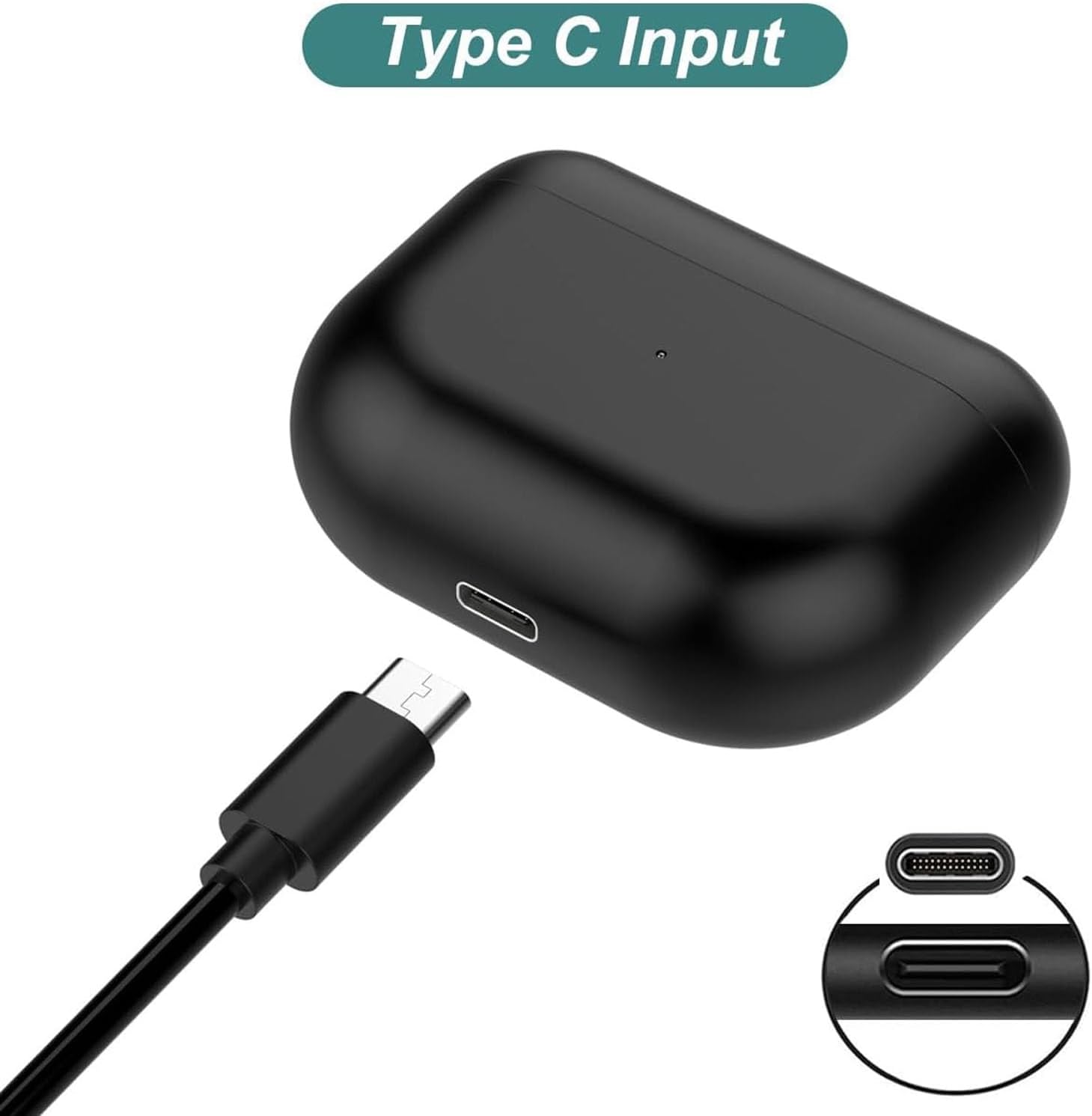
Figure 3: USB Type-C Input. This image highlights the USB Type-C charging port on the case, which is used to recharge the case's internal battery.

Figure 4: Case Overview. This image provides a view of the charging case, both open with earbuds inserted and closed, demonstrating its compact design.
Setup
The charging case is ready for use upon removal from its packaging. For optimal performance, it is recommended to fully charge the case before its first use.
- Connect the provided USB Type-C cable to the charging port on the case.
- Connect the other end of the USB cable to a compatible USB power source (e.g., wall adapter, computer USB port).
- The LED indicator on the case will show its charging status. Allow the case to charge until the LED indicates a full charge (green light).
Operating Instructions
Charging Earbuds
To charge your Elite 8 Active or Elite 8 Sports Wireless Bluetooth Earbuds:
- Place your earbuds into their respective slots inside the charging case. Ensure they are correctly seated.
- Close the lid of the charging case.
- The earbud lights will signal red when charging and turn green when fully charged.

Figure 5: Earbud Charging. This image demonstrates how to place the earbuds into the charging case for recharging.
Charging the Case
The charging case has a built-in 590 mAh battery and can recharge your earbuds up to four times on a single charge.
- Connect the USB Type-C cable to the charging port on the case.
- Connect the other end to a USB power source.
- The charging case's own indicator light will show red while charging and turn green when fully charged.

Figure 6: Quick Charging Feature. This image highlights the quick charging capability of the case, which allows it to recharge earbuds multiple times.
LED Indicators
The LED indicators provide important information about the charging status of both your earbuds and the charging case itself.
- Earbud Lights:
- Red: Earbuds are charging.
- Green: Earbuds are fully charged.
- Charging Case Indicator:
- Red: Case is charging.
- Green: Case is fully charged.
- External LED Status (Battery Percentage):
- Red flickering: 0% to 30% battery remaining.
- Yellow: 30% to 80% battery remaining.
- Green: 80% to 100% battery remaining.

Figure 7: LED Indicator Guide. This image provides a visual guide to the LED indicators on the charging case, explaining what each color signifies regarding battery level and charging status.
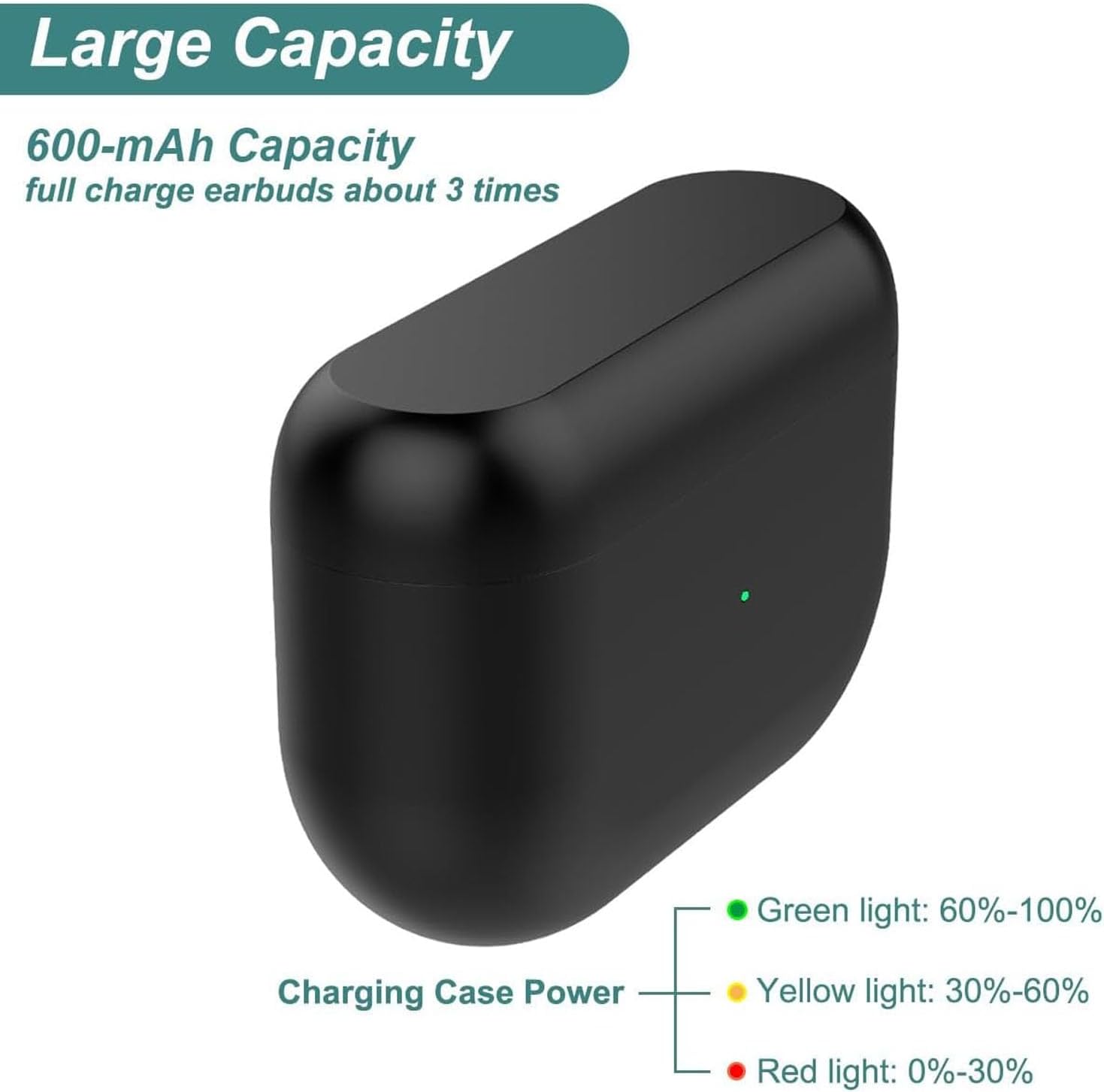
Figure 8: Battery Capacity and Indicators. This image illustrates the large capacity of the charging case and reiterates the meaning of the green, yellow, and red LED lights for battery percentage.
Maintenance
Proper maintenance ensures the longevity of your charging case.
- Clean the case regularly with a soft, dry, lint-free cloth.
- Do not use abrasive cleaners, solvents, or aerosol sprays.
- Keep the charging contacts inside the case clean and free of debris to ensure proper charging of earbuds.
- Store the case in a cool, dry place when not in use.
Troubleshooting
If you encounter issues with your charging case, refer to the following common problems and solutions:
| Problem | Possible Cause | Solution |
|---|---|---|
| Case not charging | Loose cable connection, faulty cable/adapter, power source issue. | Ensure cable is securely connected. Try a different USB-C cable or power adapter. Test with a different USB port or power outlet. |
| Earbuds not charging in case | Earbuds not seated correctly, dirty charging contacts, case battery low. | Ensure earbuds are properly placed in their slots. Clean the charging contacts on both earbuds and inside the case with a dry cotton swab. Charge the case fully. |
| LED indicators not working | Case battery completely depleted, internal malfunction. | Charge the case for at least 30 minutes. If still unresponsive, contact customer support. |
Specifications
| Model Name | Focketykowgcnrqza |
| Brand | Fockety |
| Material | Polycarbonate (PC), Acrylonitrile Butadiene Styrene (ABS) |
| Battery Capacity | 590 mAh (Li Polymer, Built-in) |
| Charging Port | USB Type-C |
| Compatible Earbuds | For Elite 8 Active, For Elite 8 Sports Wireless Bluetooth Earbuds |
| Color | Black |
| Item Weight | 2.54 ounces |
| Package Dimensions | 3.94 x 3.15 x 1.57 inches |

Figure 9: Internal Markings. This image shows the internal markings of the charging case, including model and input specifications.
Warranty and Support
For warranty information or technical support, please contact Fockety customer service through the retailer where you purchased the product or visit the official Fockety website. Please have your model number (Focketykowgcnrqza) and purchase details ready when contacting support.
Related documentsFocketykowgcnrqza


Ask a question about this manual
Ask about setup, troubleshooting, compatibility, parts, safety, or missing instructions. Manuals+ will review the question and use this page’s manual context to help answer it.