
1. Introduction
Thank you for choosing Retevis RT15 and H-777H series walkie talkies. These portable two-way radios are designed for reliable and clear communication in various environments, from family outings to outdoor adventures. This manual provides essential information for safe and effective use of your devices.
The RT15 model is known for its compact size, durability, and simple operation, featuring easy-to-use channel and power buttons. The H-777H model offers a hidden display, Type-C charging, and VOX hands-free functionality, making it versatile for different communication needs.
2. Safety Information
- Do not disassemble or modify the radio. Unauthorized modifications can void your warranty and may cause damage.
- Keep the radio away from extreme temperatures, direct sunlight, and moisture.
- Use only Retevis-approved batteries and chargers. Improper charging can lead to battery damage or fire.
- Avoid exposing the antenna to direct contact with your body during transmission.
- Do not operate the radio in explosive atmospheres (e.g., near flammable gases, dust, or powders).
- Turn off the radio before entering areas with electromagnetic interference, such as hospitals or aircraft.
3. Package Contents
Please check the package carefully to ensure all items are present:
- 3x Retevis RT15 Walkie Talkies
- 3x Retevis H-777H Walkie Talkies
- 6x Li-ion Batteries (1000mAh)
- 3x Chargers (for RT15)
- 3x Desktop Chargers (for H-777H)
- 6x Belt Clips
- 6x User Manuals (this document)
- 6x Power Adapters

Image: Overview of the Retevis RT15 (top row) and H-777H (bottom row) walkie talkies, along with their charging bases, illustrating the complete package contents.
4. Product Overview
4.1 Retevis RT15 Walkie Talkie
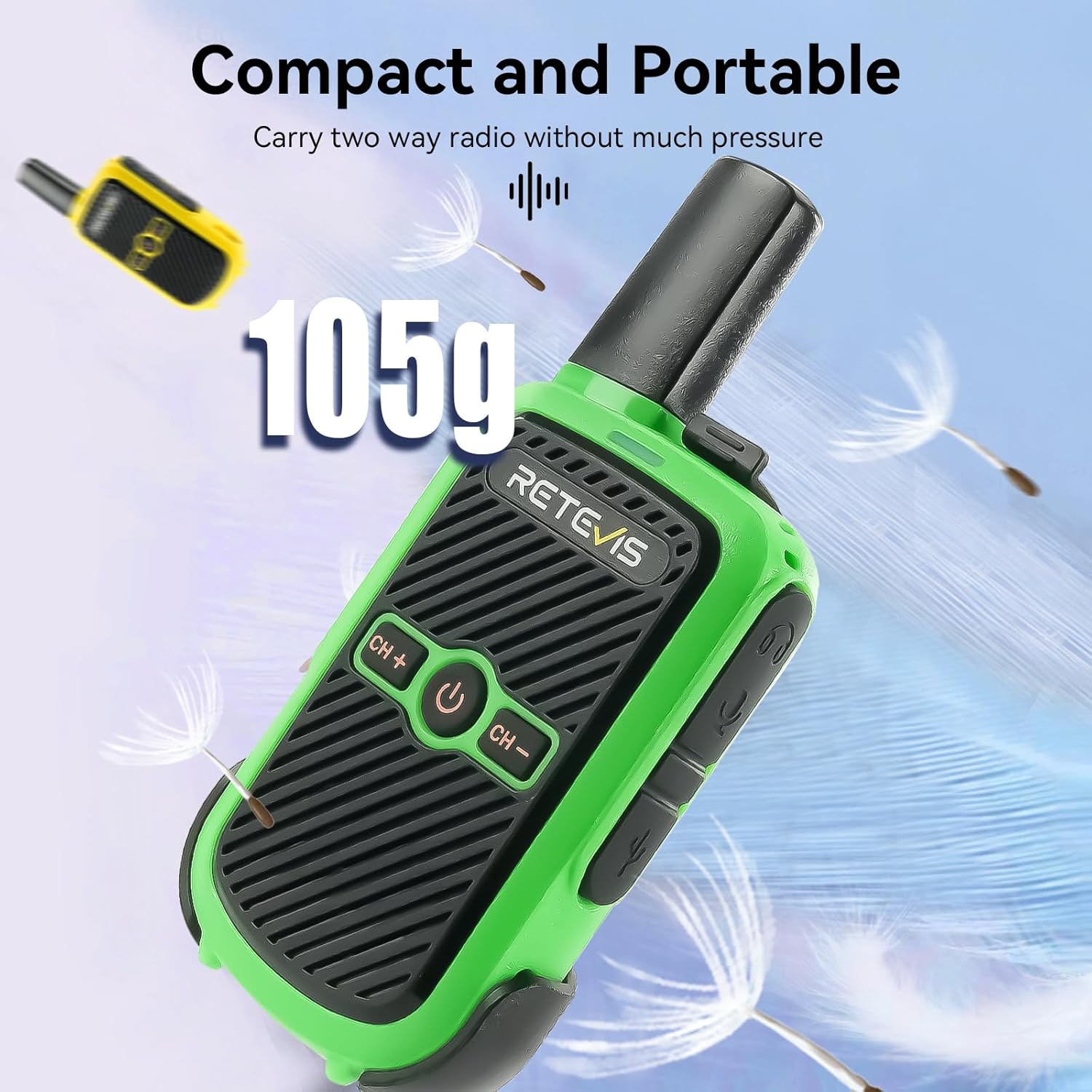
Image: A green Retevis RT15 walkie talkie floating amidst dandelion seeds, highlighting its compact size and light weight of 105g, emphasizing its portability.
The RT15 is designed for ease of use and portability. Its compact form factor makes it comfortable to carry without much pressure.

Image: A red Retevis RT15 walkie talkie held in a hand, with callouts showing the 'CH+' and 'CH-' buttons for channel selection, the power on/off button, and the volume up/down buttons on the side.
Key controls include Channel Up/Down (CH+/CH-), Power On/Off, and Volume adjustment buttons.
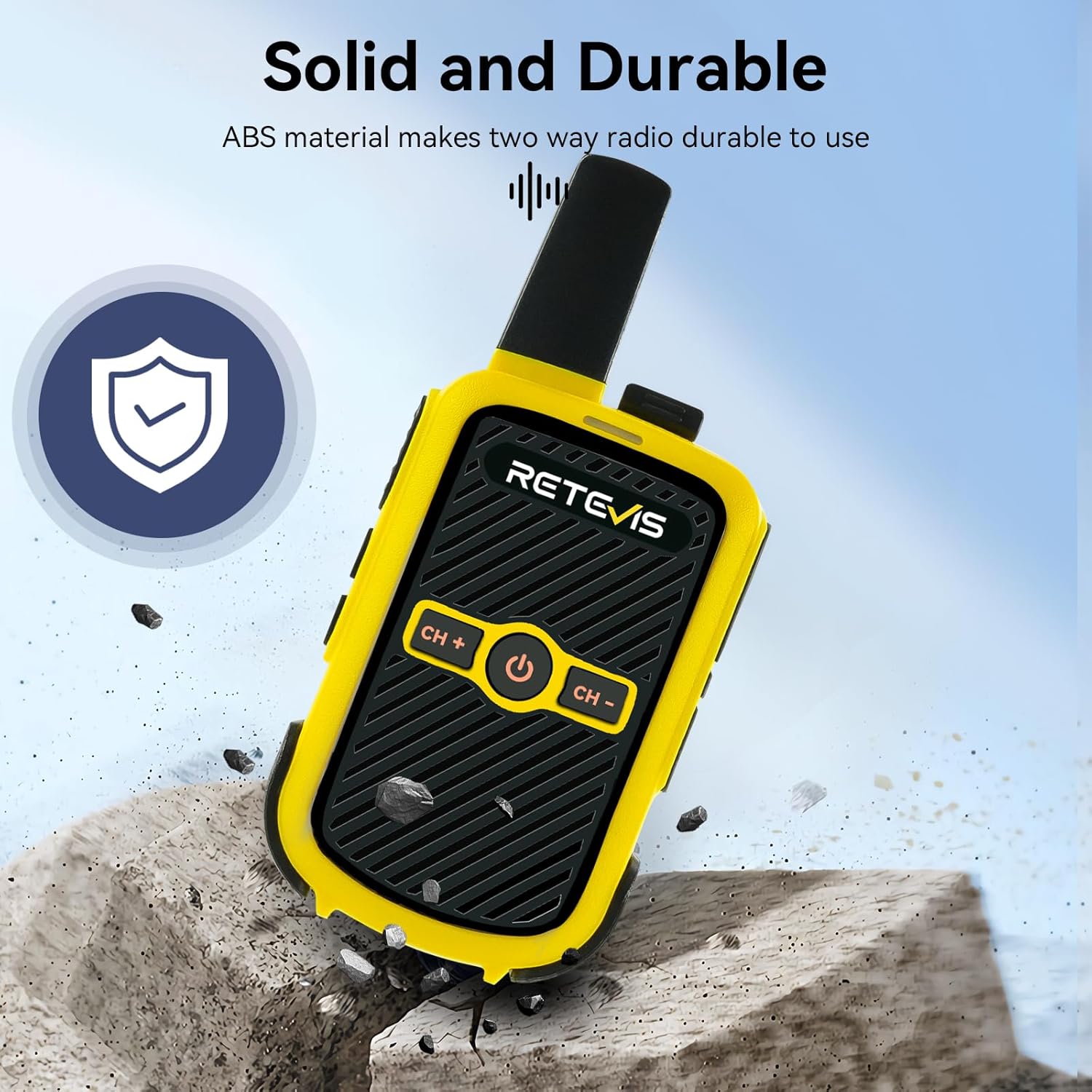
Image: A yellow Retevis RT15 walkie talkie resting on a rocky surface, with a shield icon indicating its solid and durable ABS material construction, designed for resilience.
Constructed from sturdy ABS material, the RT15 is built to withstand daily use and various outdoor conditions.
4.2 Retevis H-777H Walkie Talkie

Image: A black Retevis H-777H walkie talkie with a glowing green display showing channel and battery status, set against a background of people camping, emphasizing its shatterproof hidden display for direct status confirmation.
The H-777H features a hidden display that shows channel and battery status, providing essential information without being overtly visible.
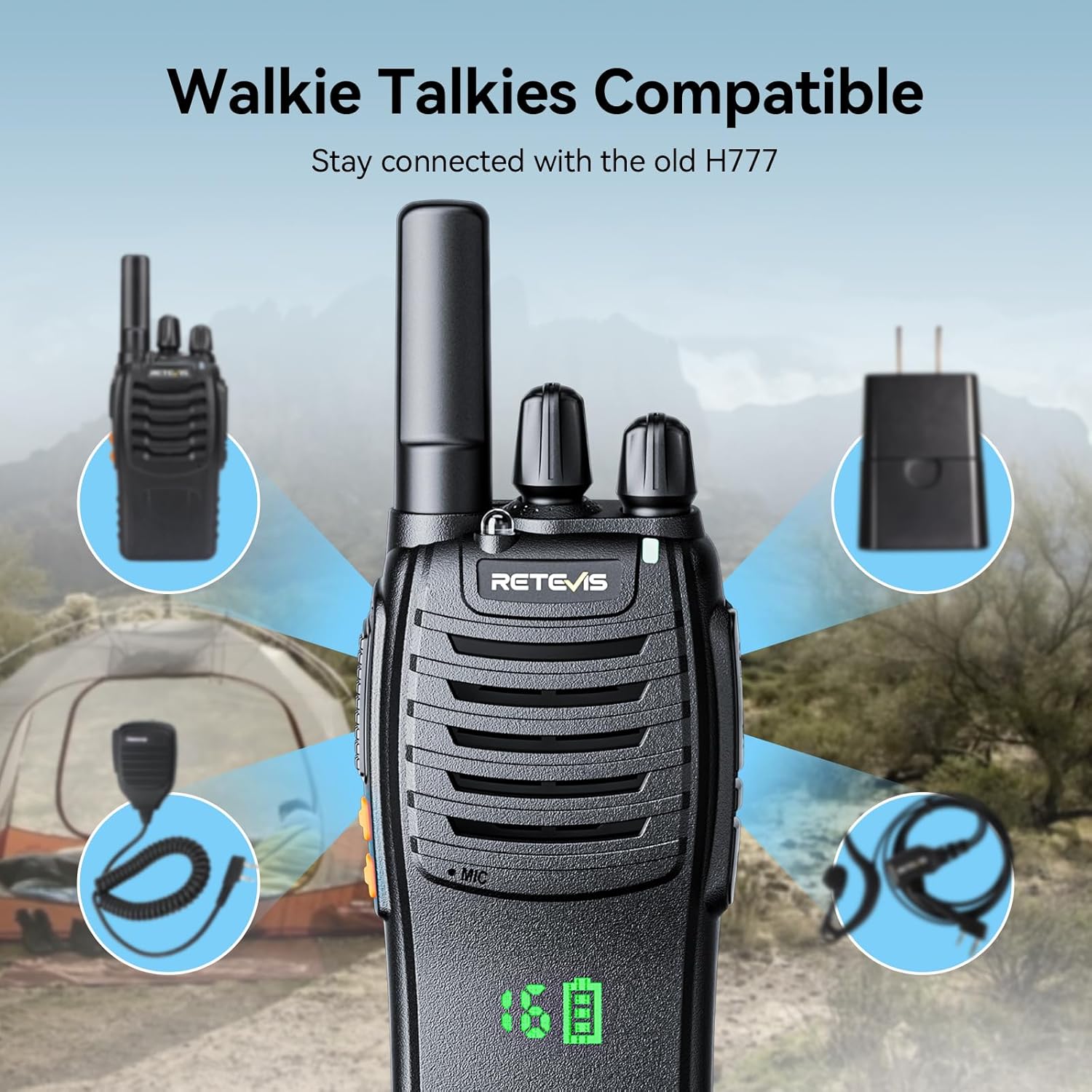
Image: A black Retevis H-777H walkie talkie surrounded by various accessories like a speaker microphone, earpiece, and power adapter, illustrating its compatibility with older H777 series accessories.
The H-777H is designed to be compatible with existing H777 accessories, allowing for seamless integration with your current setup.
5. Setup
5.1 Battery Installation
- Ensure the radio is turned off.
- Locate the battery compartment cover on the back of the radio.
- Slide the latch or unscrew the cover to open the compartment.
- Insert the Li-ion battery, ensuring the contacts align correctly.
- Close the battery compartment cover securely.
5.2 Charging the Battery
Before first use, fully charge the battery. A full charge typically takes 3-4 hours.

Image: A green Retevis RT15 walkie talkie being charged via a USB cable plugged into a wall adapter, illustrating its 1000mAh rechargeable battery and USB charging capability.
For RT15: Connect the provided charger cable to the radio's charging port and plug the adapter into a power outlet. The charging indicator light will show the charging status.
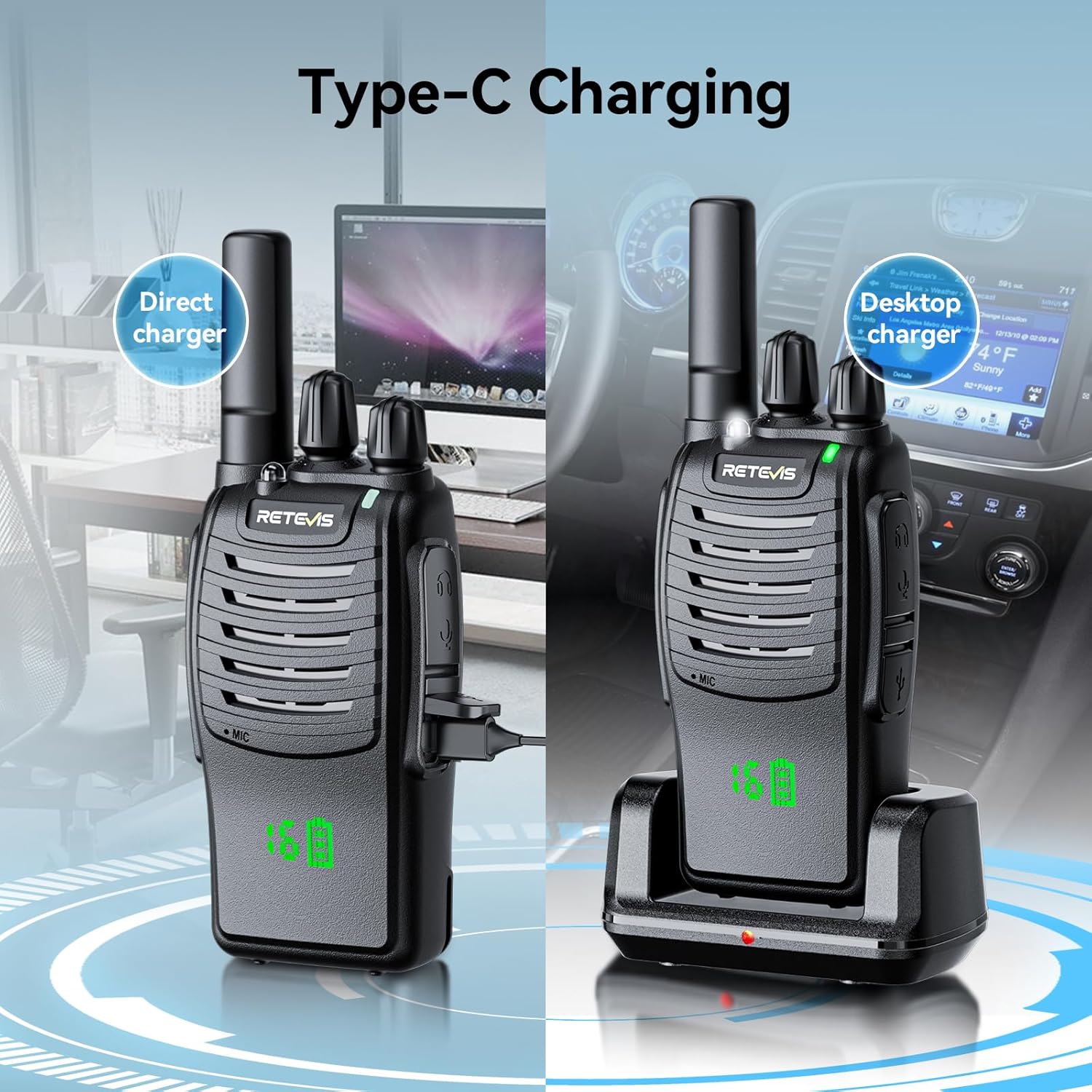
Image: Two black Retevis H-777H walkie talkies demonstrating charging methods: one on the left shows direct Type-C charging, and one on the right shows charging via a desktop charging cradle.
For H-777H: You can charge the radio directly via its Type-C port or by placing it in the provided desktop charging cradle. Connect the desktop charger to a power source using the adapter.
5.3 Attaching the Belt Clip
Align the belt clip with the screw holes on the back of the radio and secure it with the provided screws. This allows for convenient carrying.
6. Operating Instructions
6.1 Power On/Off
- RT15: Press and hold the power button (center button) until the radio turns on/off.
- H-777H: Rotate the power/volume knob clockwise to turn on the radio. Rotate counter-clockwise until it clicks to turn off.
6.2 Channel Selection
For communication, both radios must be set to the same channel.
- RT15: Use the 'CH+' and 'CH-' buttons to cycle through available channels.
- H-777H: Rotate the channel knob (top knob) to select the desired channel. The hidden display will show the current channel number.
6.3 Transmitting and Receiving
- To transmit, press and hold the Push-To-Talk (PTT) button located on the side of the radio. Speak clearly into the microphone. Release the PTT button to finish transmitting.
- To receive, simply ensure your radio is on and set to the same channel as the transmitting party. The radio will automatically receive incoming transmissions.
6.4 Volume Adjustment
- RT15: Use the dedicated volume up/down buttons on the side of the radio.
- H-777H: Rotate the power/volume knob (the same knob used for power) to adjust the listening volume.
6.5 VOX (Voice Operated Transmission) Function
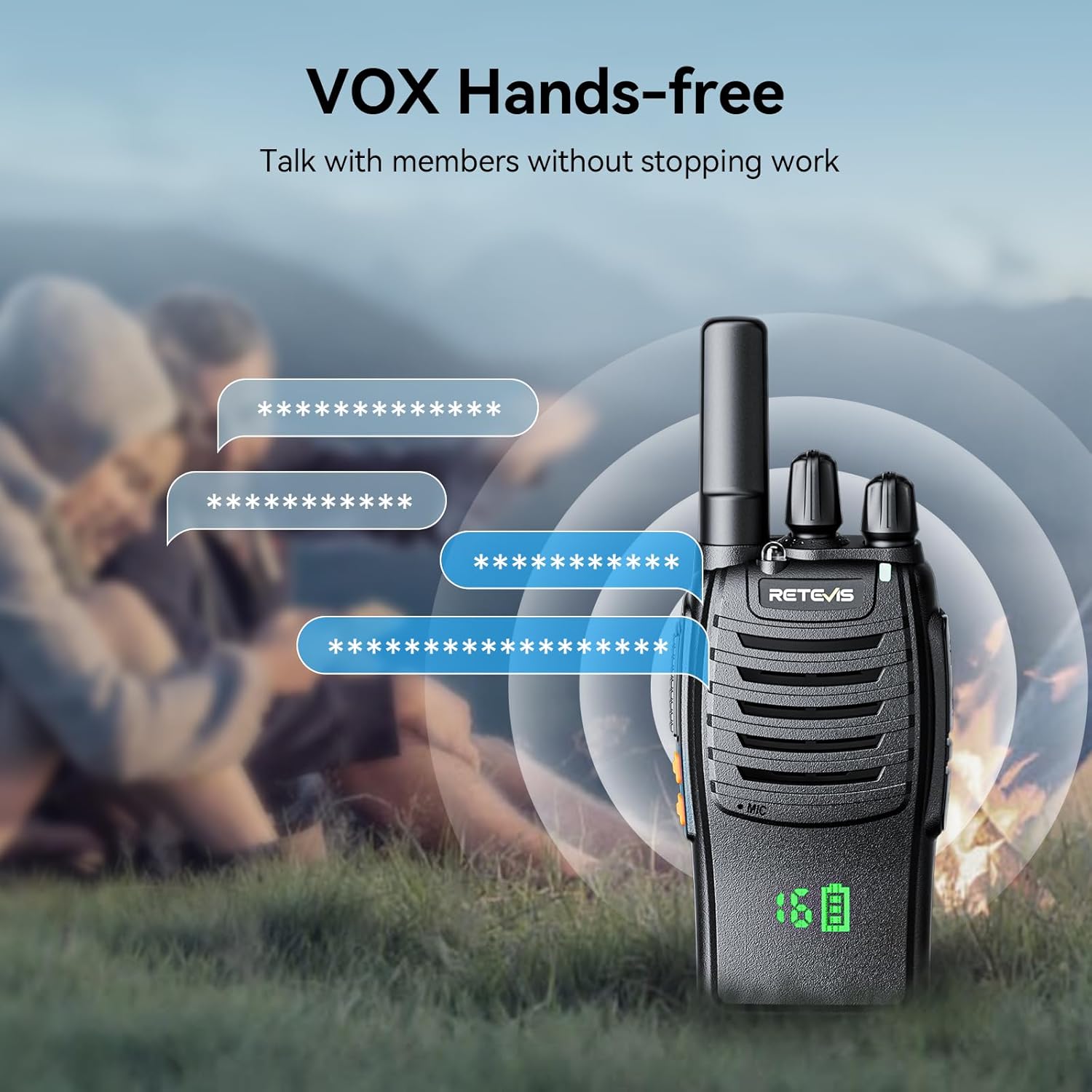
Image: A black Retevis H-777H walkie talkie with speech bubbles indicating hands-free communication, set against a background of people outdoors, demonstrating the VOX function for talking without stopping work.
The VOX function allows you to transmit by speaking into the microphone without pressing the PTT button. This is ideal for hands-free operation.
- Activation: Refer to the specific user manual for each model (RT15 or H-777H) for detailed instructions on how to activate and adjust VOX sensitivity. This usually involves a combination of button presses during power-on or through programming software.
- Usage: Once activated, the radio will automatically transmit when it detects your voice.
6.6 Compatibility
The H-777H walkie talkies are designed to be compatible with the older H777 series, allowing for seamless communication between different models within the Retevis family. This ensures you can stay connected with existing equipment.
7. Maintenance
- Cleaning: Use a soft, damp cloth to clean the radio's surface. Do not use harsh chemicals or abrasive cleaners.
- Battery Care: To prolong battery life, avoid overcharging or completely draining the battery. Store batteries in a cool, dry place when not in use. If storing for extended periods, charge the battery to about 50% capacity.
- Storage: When not in use, store the radios in a dry, dust-free environment, away from direct sunlight and extreme temperatures.
8. Troubleshooting
| Problem | Possible Cause | Solution |
|---|---|---|
| No power | Battery is low or not installed correctly. | Charge the battery. Reinstall the battery, ensuring proper contact. |
| Cannot transmit or receive | Different channels. Out of range. Battery low. | Ensure both radios are on the same channel. Move closer to the other radio. Charge the battery. |
| Poor audio quality | Low battery. Obstructions. Volume too low/high. | Charge the battery. Move to an open area. Adjust volume. |
| VOX not working | VOX not activated or sensitivity too low. | Activate VOX function. Adjust VOX sensitivity to a higher level. |
9. Specifications
| Feature | Detail |
|---|---|
| Battery Capacity | 1000mAh Li-ion Battery |
| Work Time | 8-12 hours (typical use) |
| Charging Type (RT15) | USB Charging |
| Charging Type (H-777H) | Type-C Direct Charging, Desktop Cradle Charging |
| Material | Durable ABS |
| Features | VOX Hands-Free, Compact Design, Hidden Display (H-777H) |
| License | License-free 2-Way Radio |
10. Warranty Information
Retevis products are manufactured to high-quality standards. This product comes with a standard manufacturer's warranty against defects in materials and workmanship. Please refer to the warranty card included in your package or visit the official Retevis website for detailed warranty terms and conditions.
11. Customer Support
For technical assistance, troubleshooting, or any inquiries regarding your Retevis walkie talkies, please contact Retevis customer support. You can find contact information on the official Retevis website or through the retailer where you purchased the product.
Online resources such as FAQs and additional user guides may also be available on the Retevis website.