1. Introduction
Thank you for purchasing the Wiytamo 12L Compressor Dehumidifier. This appliance is designed to efficiently reduce humidity in your indoor environment, helping to prevent mold, mildew, and unpleasant odors. It also features functions for clothes drying and air purification, contributing to a healthier and more comfortable living space. Please read this manual thoroughly before operation and retain it for future reference.

The dehumidifier is suitable for various spaces including storage areas, changing rooms, laundry rooms, bathrooms, bedrooms, and living rooms.
2. Safety Instructions
To ensure safe operation and prevent damage, always follow these basic safety precautions:
- Read all instructions carefully before using the appliance.
- Keep the dehumidifier out of reach of children and pets.
- Do not block the air inlet or outlet vents. Maintain at least 20 cm clearance around the unit.
- Place the unit on a stable, level surface to prevent tipping and water spillage.
- Always unplug the dehumidifier from the power outlet before cleaning, maintenance, or when not in use.
- Do not operate the unit with a damaged power cord or plug. Contact customer support for repairs.
- Do not insert objects into the air vents or any openings.
- Avoid using the dehumidifier in extremely dusty or corrosive environments.
- This appliance is for indoor use only. Do not use outdoors.
3. Product Overview
The Wiytamo 12L Compressor Dehumidifier features a compact design with powerful dehumidification capabilities, clothes drying, and air purification functions. It is equipped with a user-friendly control panel and convenient mobility features.
Key Features:
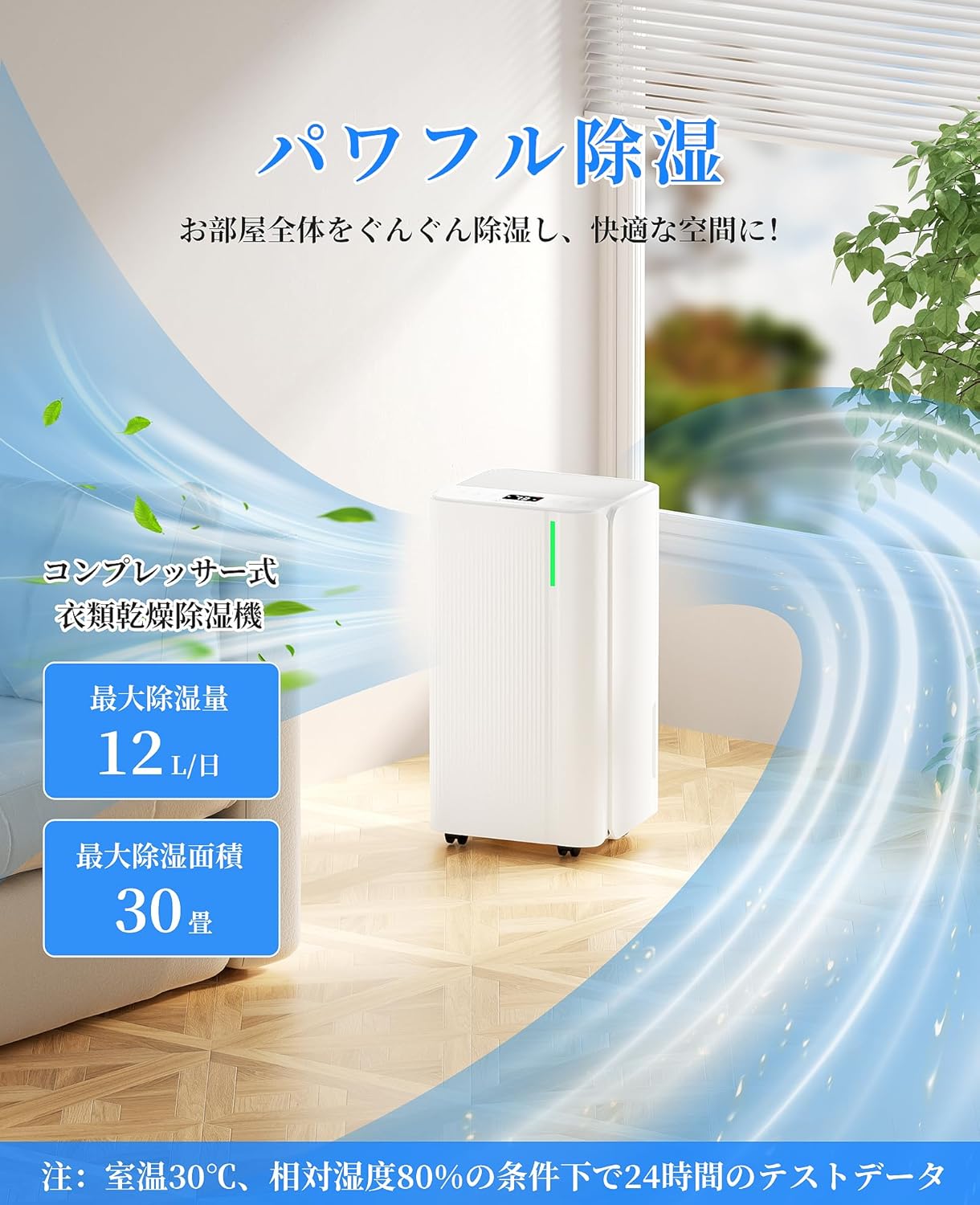
- Compressor Technology: Efficiently removes up to 12 liters of moisture per day (at 60Hz, 30°C, 80% RH).
- Clothes Drying Mode: Accelerates the drying of laundry indoors, preventing musty odors.
- Air Purification: Helps maintain cleaner indoor air.
- Humidity Control: Adjustable humidity settings from 30% to 80% in 5% increments.
- 24-Hour Timer: Program the unit to turn on or off automatically.
- Large Water Tank: 2-liter capacity with automatic shut-off when full.
- Continuous Drainage: Option for continuous water removal using the included hose.
- Quiet Operation: Operates at a low noise level of ≤36dB.
- Child Lock: Prevents accidental changes to settings.
- Portable Design: Equipped with 360° rotating casters for easy movement.
Unit Components:
Front view of the dehumidifier, showing the air outlet and control panel.
The control panel with buttons for power, mode, humidity setting, timer, fan speed, and child lock.

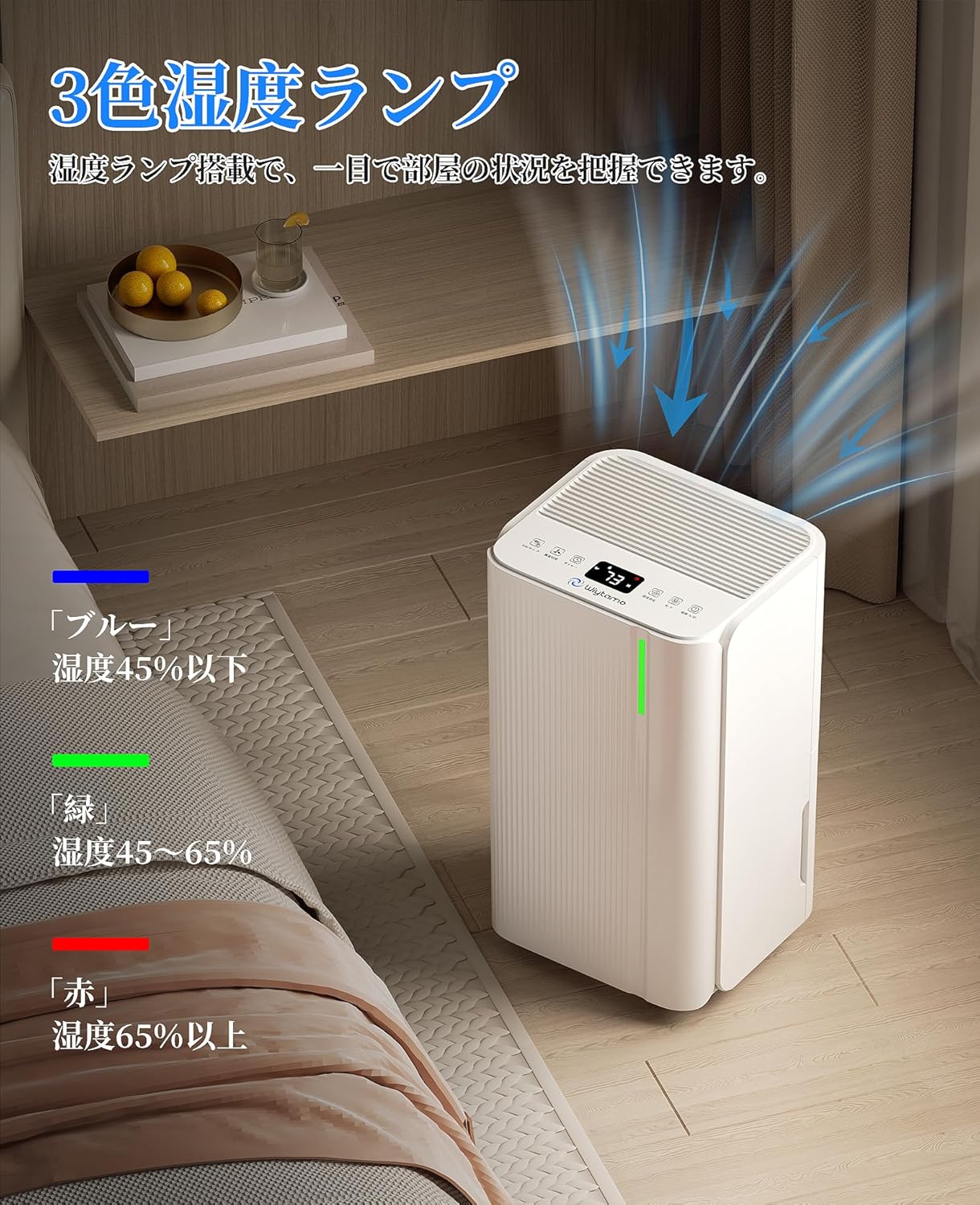
The unit features a 3-color humidity indicator light: Blue (humidity below 45%), Green (humidity 45-65%), Red (humidity above 65%).
4. Setup
Follow these steps to set up your dehumidifier for the first time:
- Unpack the Unit: Carefully remove the dehumidifier from its packaging. Retain the packaging for future storage or transport.
- Placement: Place the dehumidifier upright on a firm, level surface. Ensure there is at least 20 cm of clear space around all sides of the unit for proper airflow. Do not place it against a wall or near heat sources.
- Caster Installation: The unit comes with pre-installed 360° rotating casters for easy mobility. No additional installation is required.
- Power Connection: Ensure the power cord is securely plugged into a grounded electrical outlet with the correct voltage (AC100V, 50/60Hz).
- Water Tank: Ensure the water tank is correctly inserted into the unit.

The unit is equipped with convenient casters for easy movement between rooms.
5. Operating Instructions
Familiarize yourself with the control panel and operating modes:
5.1 Power On/Off
- Press the Power button (
 ) to turn the unit on or off.
5.2 Mode Selection
Press the Mode button to cycle through the available modes:
- Dehumidify Mode: Standard operation for reducing room humidity.
- Clothes Drying Mode: Optimized airflow for faster drying of laundry.
- Air Purification Mode: Operates the fan to circulate air.

The unit can operate in Air Purification Mode for cleaner air.

Use Clothes Drying Mode to efficiently dry laundry indoors, especially during rainy seasons.
5.3 Humidity Setting
- In Dehumidify Mode, press the Humidity Setting button to adjust the desired humidity level from 30% to 80% in 5% increments. The unit will automatically turn off when the set humidity is reached and restart if humidity rises.
5.4 Timer Function
- Press the Timer button to set an auto-on or auto-off time from 0 to 24 hours. Each press increases the time by 1 hour.
5.5 Fan Speed
- Press the Fan Speed button to switch between High and Low fan speeds. Low speed is ideal for quiet operation, such as during sleep.
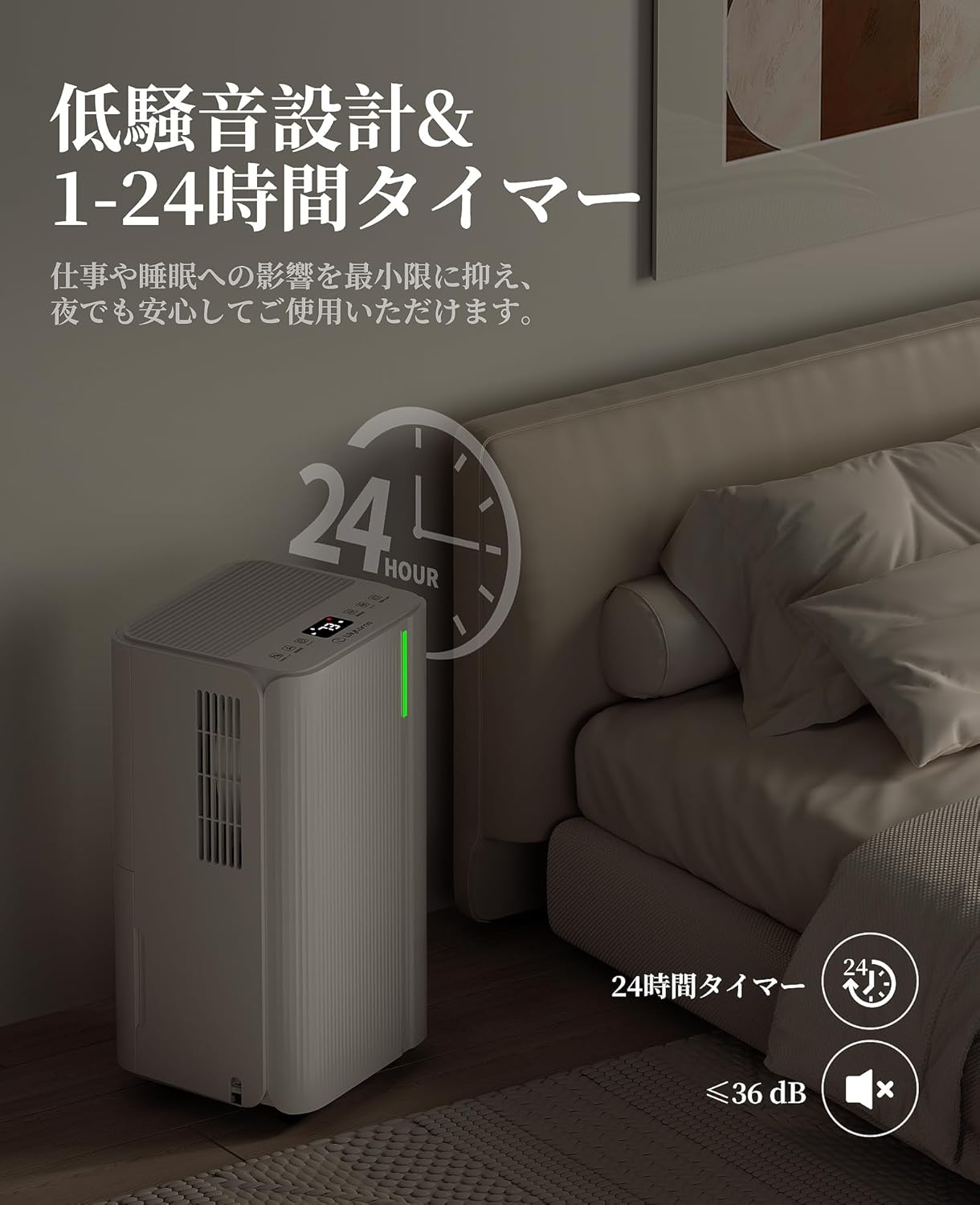
The unit operates quietly (≤36dB), making it suitable for use in bedrooms without disturbing sleep.
5.6 Continuous Drainage
For continuous operation without needing to empty the water tank:
- Locate the drainage outlet at the back of the unit.
- Connect the included drainage hose to the outlet.
- Ensure the hose is directed downwards to a floor drain or a larger container, allowing gravity to drain the water.

The unit supports both manual tank emptying and continuous drainage via a hose.
5.7 Water Tank Full Indicator
- When the 2-liter water tank is full, the unit will automatically stop operation, and an indicator light will illuminate to alert you to empty the tank.
5.8 Child Lock
- Press and hold the Child Lock button for a few seconds to activate or deactivate the child lock function. This prevents accidental changes to settings.
6. Maintenance
Regular maintenance ensures optimal performance and extends the lifespan of your dehumidifier.
6.1 Cleaning the Air Filter
- It is recommended to clean the air filter every two weeks or more frequently if used in a dusty environment.
- Turn off and unplug the unit.
- Remove the air filter from the back of the unit.
- Gently vacuum any dust or rinse the filter under running water. If rinsing, ensure it is completely dry before reinserting.
6.2 Emptying and Cleaning the Water Tank
- When the water tank is full, carefully pull it out from the unit.
- Pour out the collected water.
- Clean the tank with mild detergent and water periodically to prevent mold or bacterial growth. Rinse thoroughly and ensure it is dry before reinserting.
6.3 Exterior Cleaning
- Wipe the exterior of the unit with a soft, damp cloth. Do not use abrasive cleaners or solvents.
6.4 Storage
- If storing the unit for an extended period, ensure the water tank is empty and clean, and the filter is clean and dry.
- Store the unit upright in a cool, dry place, away from direct sunlight.
7. Troubleshooting
Before contacting customer support, please refer to the following troubleshooting guide:
| Problem | Possible Cause | Solution |
|---|---|---|
| Unit does not turn on | No power supply Power cord not plugged in Water tank full or incorrectly inserted | Check power outlet Ensure power cord is securely plugged in Empty water tank and reinsert correctly |
| No dehumidification | Air filter clogged Room temperature too low Humidity setting too high Air inlet/outlet blocked | Clean the air filter Dehumidifiers are less effective below 5°C Lower the desired humidity setting Ensure proper clearance around the unit |
| Unusual noise | Unit not on a level surface Foreign object inside Air filter clogged | Place on a flat, stable surface Turn off and inspect for obstructions Clean the air filter |
| Water leakage | Water tank not properly inserted Drainage hose improperly connected (if using continuous drainage) | Reinsert water tank correctly Check hose connection and ensure it slopes downwards |
8. Specifications
Product specifications for the Wiytamo 12L Compressor Dehumidifier:

Visual representation of the dehumidifier's dimensions and key specifications.
| Feature | Specification |
|---|---|
| Power Voltage | AC100V, 50/60Hz |
| Power Consumption | 185W (50Hz) / 225W (60Hz) |
| Dehumidification Capacity (30°C, 80% RH) | 10L/day (50Hz) / 12L/day (60Hz) |
| Applicable Area | Wood: up to 15 tatami mats Reinforced Concrete: up to 30 tatami mats |
| Water Tank Capacity | 2 Liters |
| Noise Level | ≤36dB |
| Product Dimensions (approx.) | 25.5 cm (W) x 22 cm (D) x 47 cm (H) |
| Product Weight | 10 kg |
| Included Accessories | Dehumidifier unit, Drainage hose, Instruction manual |
9. Warranty and Support
Warranty information for this product is not available in the provided data. For specific warranty details, please refer to the documentation included with your purchase or contact Wiytamo customer support directly.
If you encounter any issues not covered in the troubleshooting section or require further assistance, please contact Wiytamo customer support through their official website or the retailer where you purchased the product.