1. Introduction
This manual provides essential information for using your Samsung Galaxy M06 5G smartphone. Please read this guide carefully to ensure proper and safe operation of your device. Keep this manual for future reference.
2. Device Setup
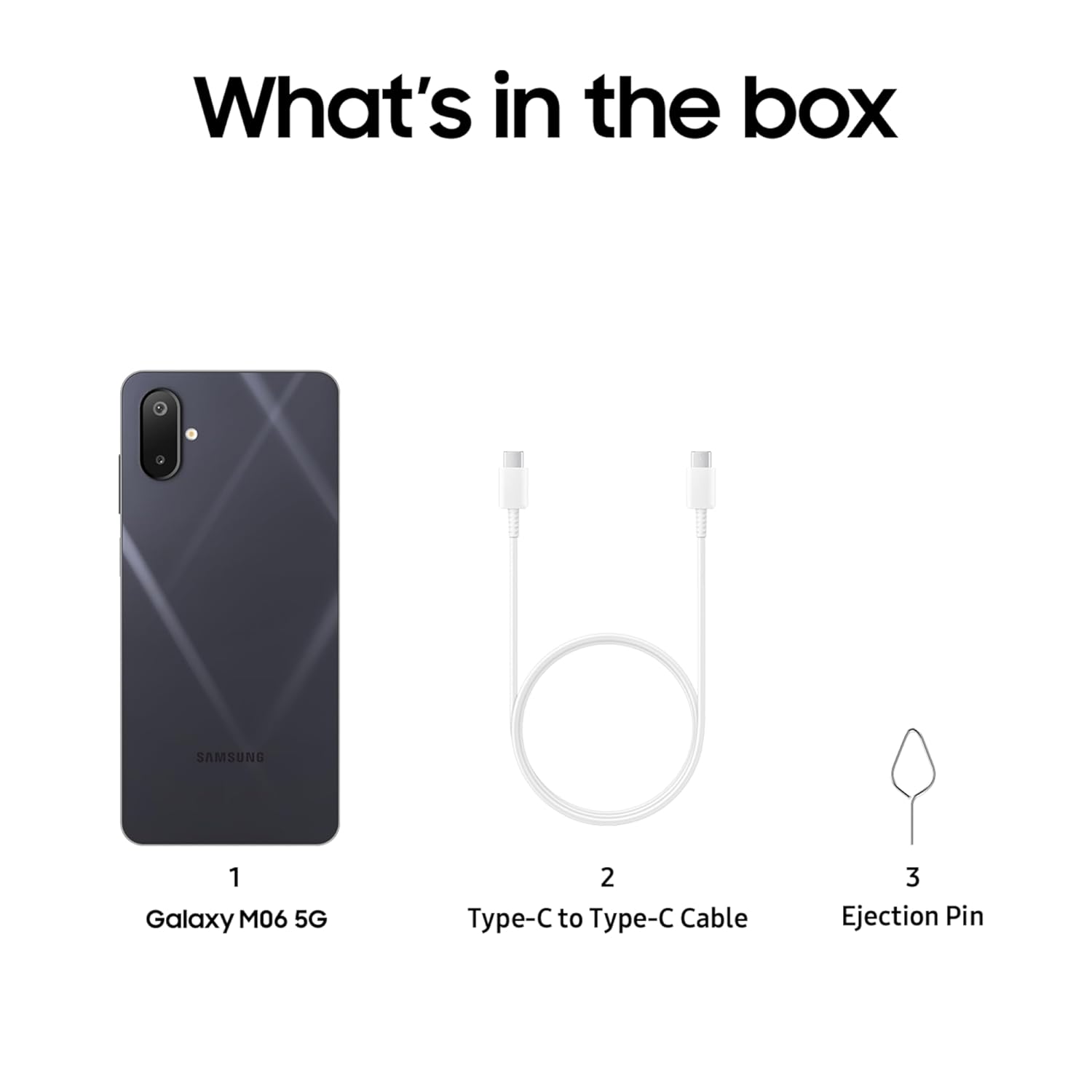
2.1 What's in the Box
The retail package for your Samsung Galaxy M06 5G includes the following items:
- Smartphone
- Data Cable (USB Type-C to Type-C)
- SIM Ejection PIN
- Quick Start Guide
Note: A charging adapter is not included in the box and must be purchased separately.
2.2 Initial Device Configuration
- Insert SIM Card: Use the provided SIM Ejection PIN to open the SIM tray. Insert your Nano-SIM card(s) and/or microSD card into the tray, then reinsert the tray into the phone.
- Power On: Press and hold the Power key until the Samsung logo appears.
- Follow On-Screen Prompts: The device will guide you through initial setup steps, including language selection, Wi-Fi connection, Google account setup, and data transfer options.
3. Operating Your Device
The Samsung Galaxy M06 5G offers a range of features designed for enhanced mobile experience. Below are key operational aspects:
3.1 Display
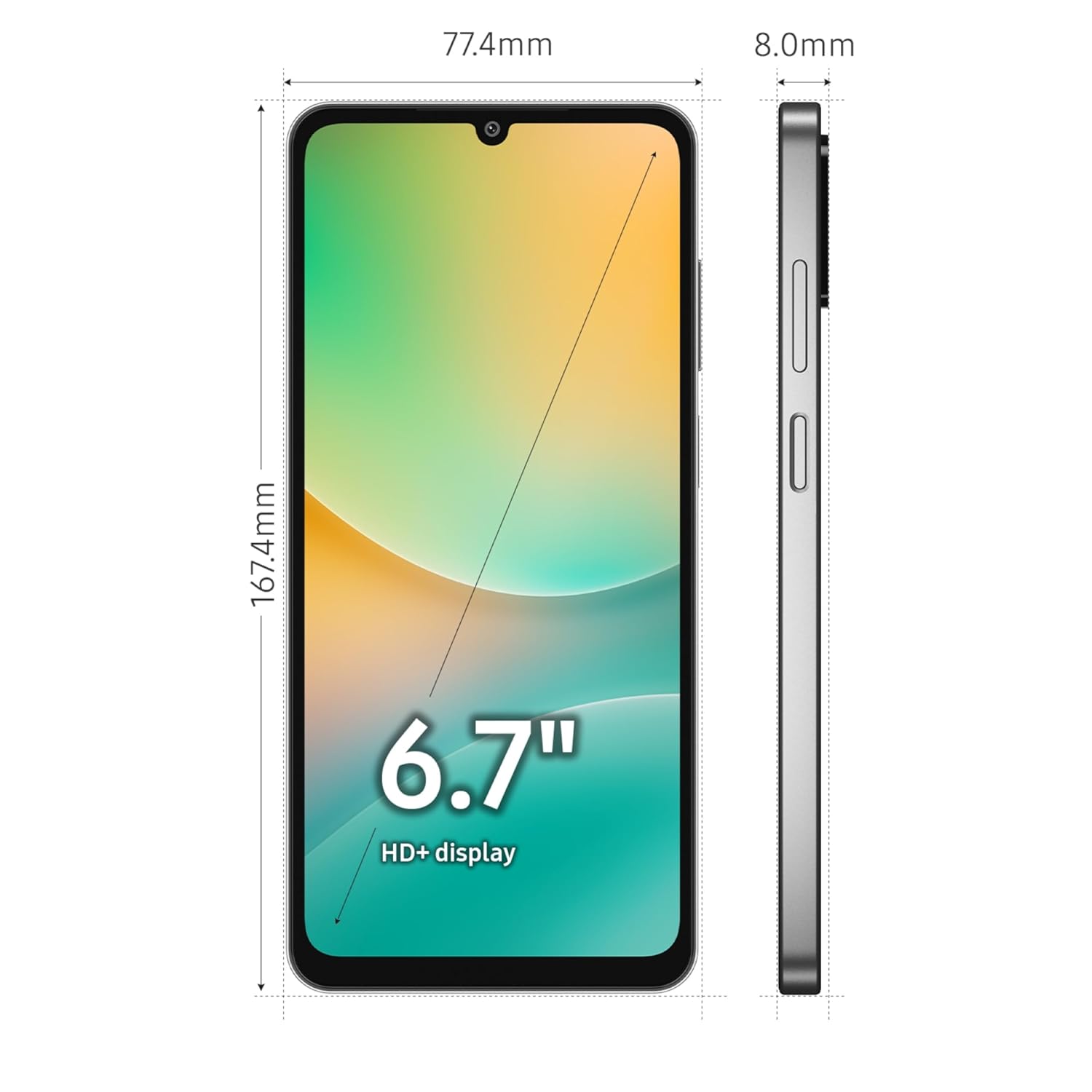
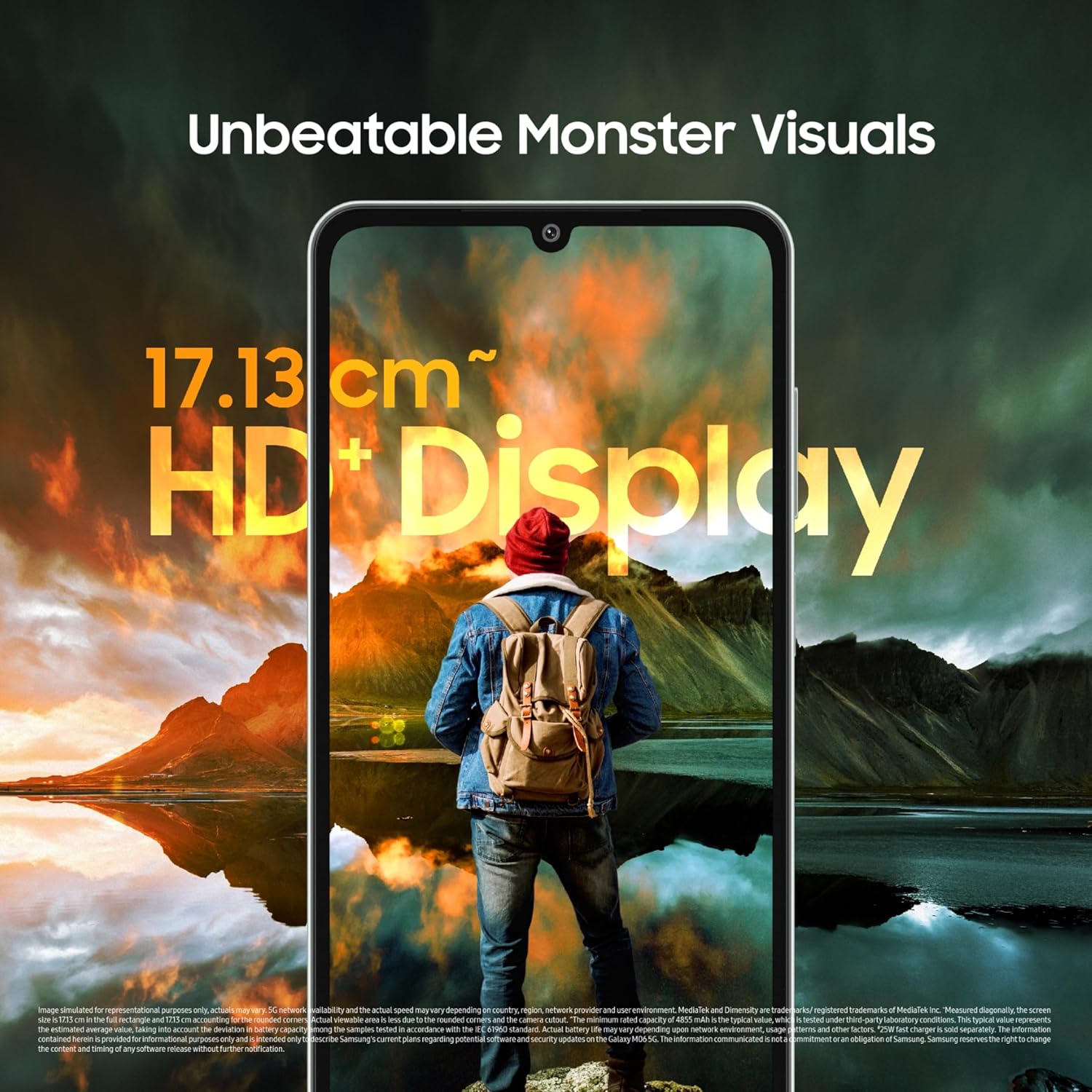
The device features a 17.13 cm (6.7 inches) HD+ display, providing clear visuals for media consumption and daily tasks.

3.2 Performance
Powered by the MediaTek Dimensity 6300 Octa-Core processor (2.4GHz, 2GHz), the Galaxy M06 5G delivers efficient performance for multitasking and applications. It runs on the latest Android 15 operating system with One UI 7.0 platform, offering a user-friendly interface and access to the newest features.
3.3 Camera System
Capture moments with the versatile camera setup:
- Main Camera: 50MP (F1.8) Wide Angle Camera
- Depth Camera: 2MP
- Selfie Camera: 8MP (F2.0)
Video recording supports a maximum resolution of Full HD (1920 x 1080) at 30 frames per second.
3.4 Connectivity
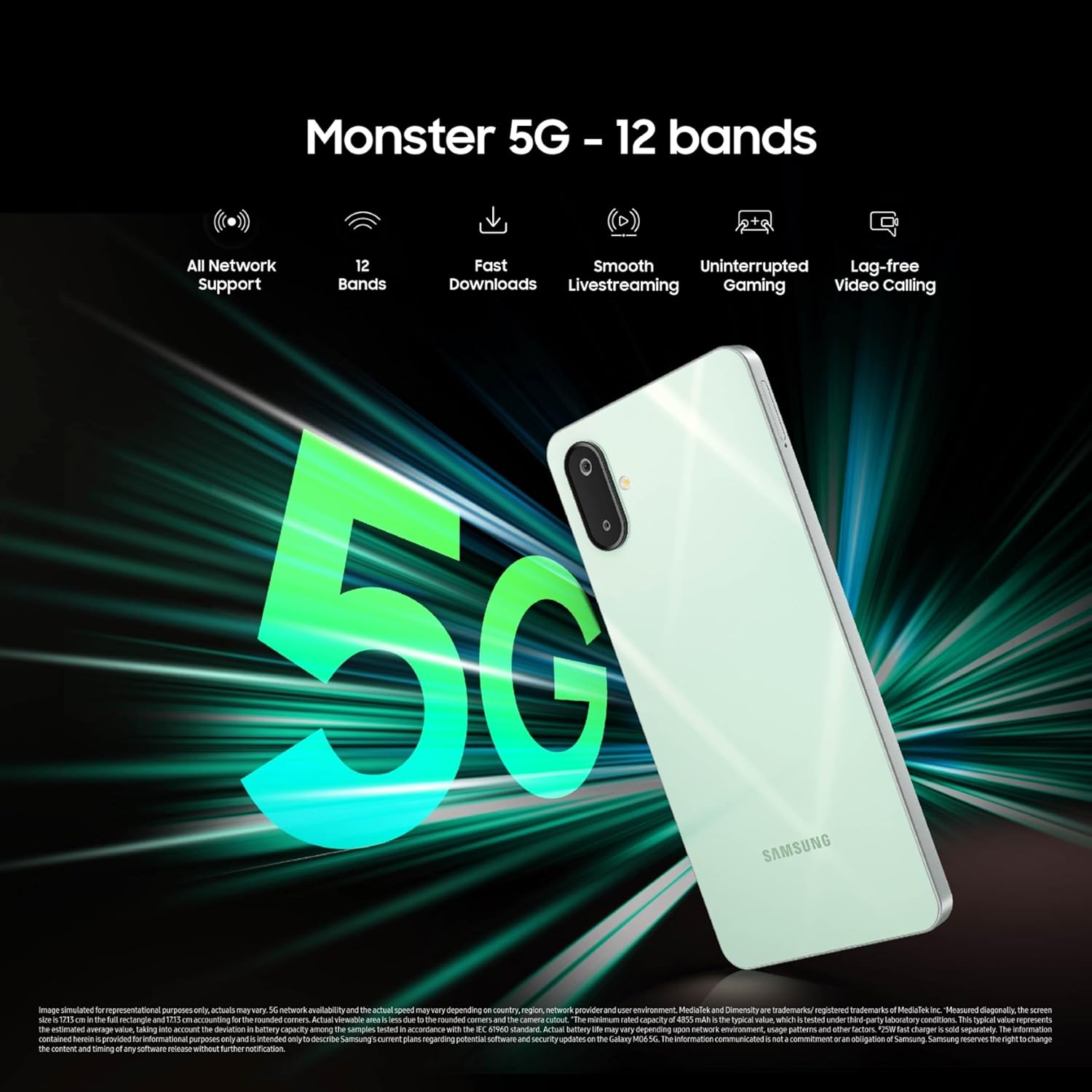
Experience robust connectivity with support for 12 5G bands, ensuring broad network compatibility and faster download/upload speeds. The device also includes Bluetooth, USB, Wi-Fi, and built-in GPS for navigation.

3.5 Battery and Charging
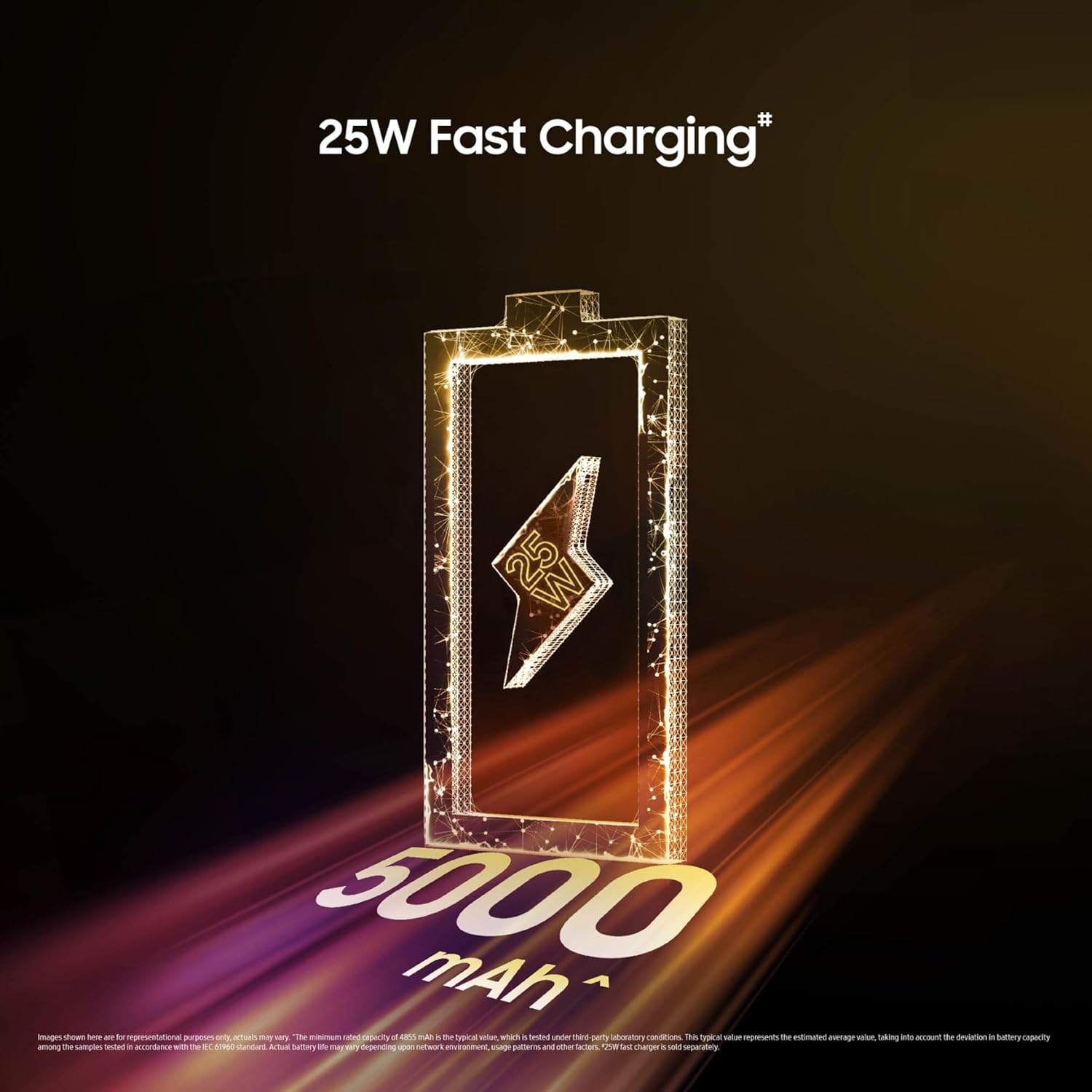
The Galaxy M06 5G is equipped with a massive 5000mAh Lithium-ion battery (non-removable) to support extended usage. It also features 25W fast charging support, allowing for quicker power replenishment.
3.6 Software Updates and Security
The device comes with Knox Security for enhanced data protection. Samsung commits to providing 4 generations of Android OS upgrades and 4 years of security updates, ensuring your phone remains current with the latest software developments and security patches.

3.7 Product Overview Video
4. Specifications
Detailed technical specifications for the Samsung Galaxy M06 5G (SM-M066B):
| Feature | Detail |
|---|---|
| Operating System | Android 15.0 (with One UI 7.0) |
| Processor | MediaTek Dimensity 6300 Octa-Core (2.4 GHz, 2 GHz) |
| RAM Memory | 6 GB (available in other variants) |
| Internal Storage | 128 GB (available in other variants) |
| Display Size | 17.13 cm (6.7 inches) HD+ |
| Resolution | 720 x 1600 |
| Main Camera | 50MP (F1.8) Wide Angle + 2MP Depth |
| Front Camera | 8MP (F2.0) |
| Video Recording | FHD (1920 x 1080) @ 30fps |
| Battery Capacity | 5000 mAh Lithium-ion (Non-Removable) |
| Charging | 25W Fast Charging Support |
| Connectivity | 12 5G Bands, Bluetooth, USB, Wi-Fi |
| Special Features | Built-In GPS, Dual SIM, Expandable Memory, Mobile Hotspot, Stereo Speakers, Knox Security |
| Dimensions (LxWxH) | 16.74 x 7.74 x 0.8 cm |
| Item Weight | 191 g |
| Audio Jack | 3.5 mm |
| Manufacturer | Samsung |
| Country of Origin | India |
5. Maintenance
To ensure the longevity and optimal performance of your Samsung Galaxy M06 5G, consider the following maintenance tips:
- Software Updates: Regularly check for and install software updates to benefit from new features, performance improvements, and security enhancements.
- Cleaning: Use a soft, lint-free cloth to clean the screen and body of the device. Avoid harsh chemicals or abrasive materials.
- Battery Care: Avoid extreme temperatures. Do not let the battery completely drain frequently.
- Storage Management: Periodically clear unnecessary files and apps to maintain optimal performance and free up storage space.
6. Troubleshooting
If you encounter issues with your device, try these common troubleshooting steps:
- Device Not Responding: Press and hold the Power key and Volume Down key simultaneously for more than 7 seconds to restart the device.
- App Issues: Clear the cache and data of the problematic app, or uninstall and reinstall it.
- Network Problems: Toggle Airplane Mode on and off, or restart your device. Check your SIM card insertion.
- Slow Performance: Close background apps, clear device cache, or consider a factory reset (back up your data first).
For persistent issues, refer to the official Samsung support website or contact customer service.
7. Warranty and Support
Your Samsung Galaxy M06 5G comes with a standard brand warranty. For specific warranty terms and conditions, please refer to the warranty card included with your device or visit the official Samsung website.
Samsung provides extensive customer support with over 3300+ service touchpoints across India, offering 24x7 support for your convenience.

For further assistance, you can visit the Samsung Store on Amazon.in or contact Samsung customer care directly.


