
Lafocuse B0DX5P8567
Lafocuse 12 Inch Analog Atomic Wall Clock Instruction Manual
Model: B0DX5P8567
1. Introduction
Thank you for purchasing the Lafocuse 12 Inch Analog Atomic Wall Clock. This clock is designed to provide precise timekeeping by automatically synchronizing with the WWVB radio signal from Fort Collins, Colorado. This manual will guide you through the setup, operation, and maintenance of your new clock to ensure optimal performance.
2. Product Overview
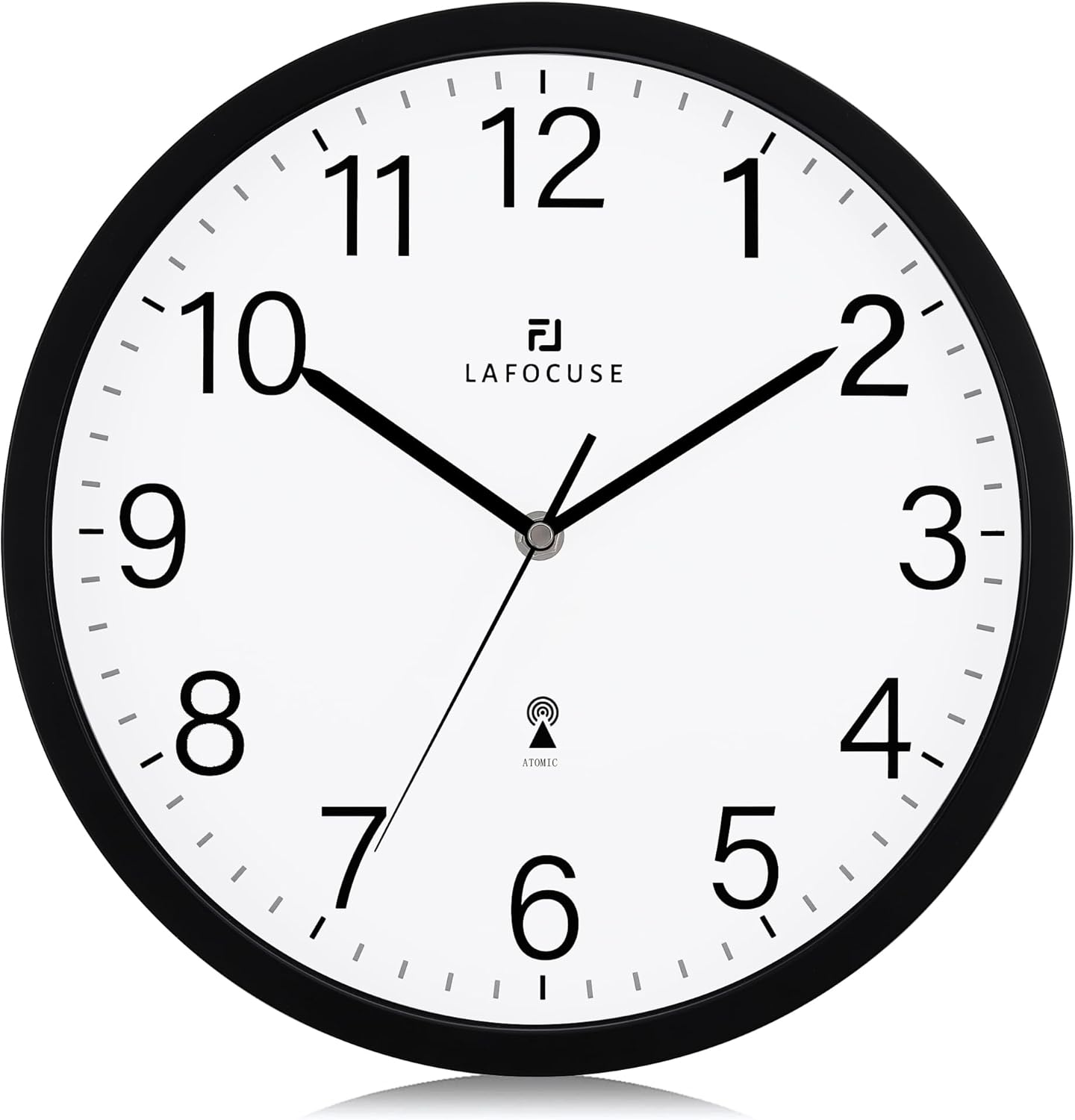
The Lafocuse Atomic Wall Clock features a classic analog display with a black frame, white dial, and clear black numerals, making it easy to read from a distance. It is battery-operated for convenient placement in any room.

3. Key Features
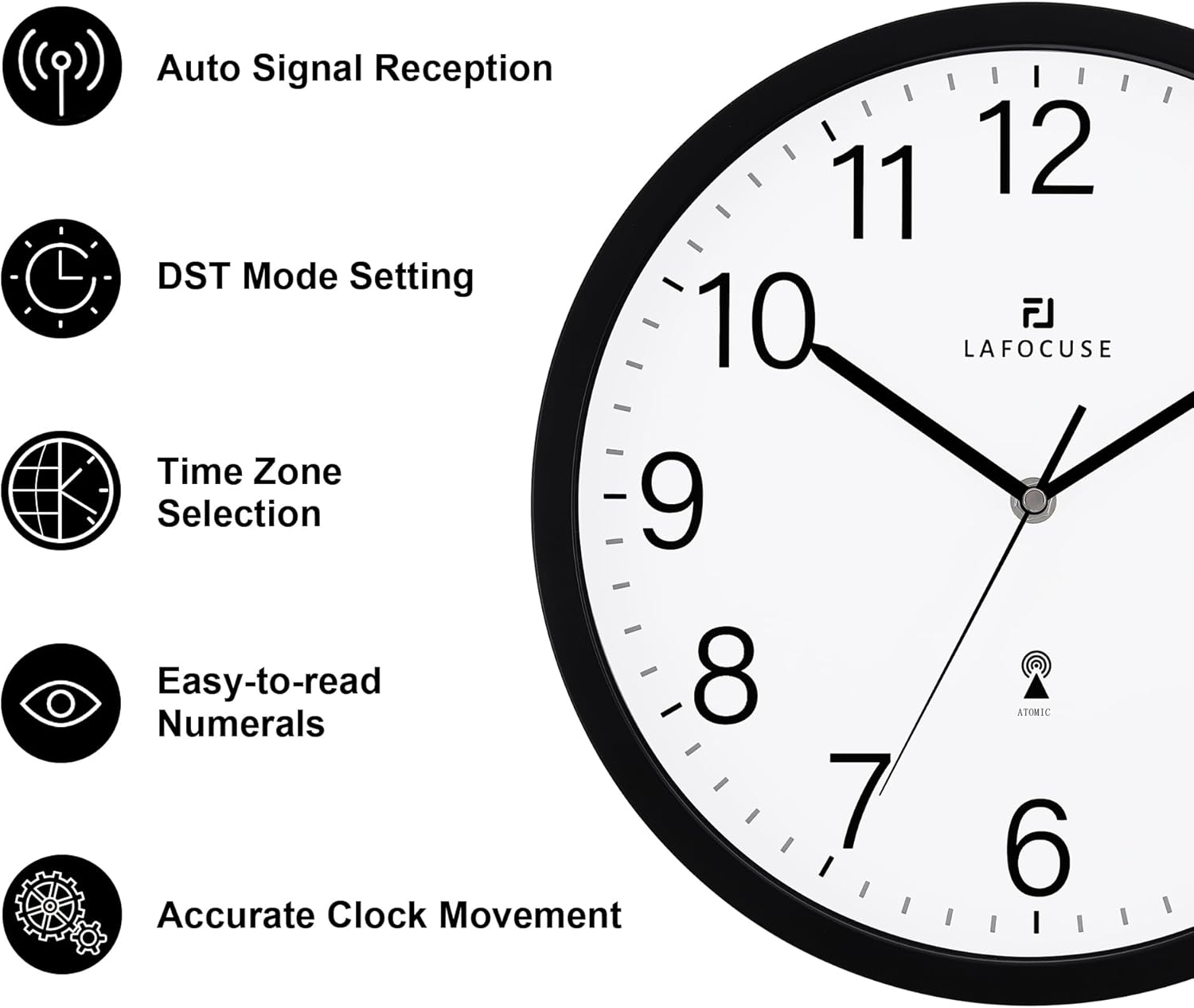
- Auto-Time Setting & Correction: Receives radio signals to automatically set and calibrate time, minimizing errors.
- Manual Time Setting: Option to set time manually if automatic signal reception is challenging.
- Time Zone Selection: Supports 4 USA Time Zones (Pacific, Mountain, Central, Eastern) via a switch on the back.
- Daylight Saving Time (DST) Function: Adjustable switch for automatic DST adjustments.
- Battery Operated: Requires one AA battery (not included) for power.
- Silent Movement: Designed for quiet operation, ideal for various environments.
4. Setup Guide
Follow these steps to set up your Lafocuse Atomic Wall Clock:
4.1 Battery Installation
- Locate the battery compartment on the back of the clock.
- Insert one new AA battery (not included), ensuring the correct polarity (+/-).
4.2 Time Zone & DST Setting
Before the clock attempts to receive the atomic signal, set the appropriate switches on the back:
- Time Zone Switch: Select your time zone (P for Pacific, M for Mountain, C for Central, E for Eastern).
- Daylight Saving Time (DST) Switch: Set to ON if your region observes DST, or OFF if it does not.

4.3 Signal Reception & Initial Synchronization
After installing the battery and setting the switches, the clock hands will automatically move to 12:00 and then attempt to receive the WWVB atomic signal. This process can take several minutes to several hours, depending on your location and environmental conditions.
- For best reception, place the clock near a window or in an open area, away from other electrical appliances that may cause interference.
- Avoid placing the clock near large metal objects or in basements, which can obstruct the signal.
- Once the signal is successfully received, the clock will automatically adjust to the correct time for your selected time zone.

4.4 Manual Time Setting
If the clock does not synchronize automatically after an extended period (e.g., overnight), you can set the time manually:
- Locate the manual set button on the back of the clock.
- Press and hold the button. The hands will begin to advance rapidly.
- Release the button just before the desired time. Due to a slight delay, the hands may continue to move for a moment after release.
- Repeat as necessary for fine adjustments.
5. Operating Instructions
Once set up, your Lafocuse Atomic Wall Clock operates continuously. It will periodically attempt to resynchronize with the atomic signal to maintain accuracy. No further user intervention is typically required for daily operation.
6. Maintenance
- Cleaning: Wipe the clock with a soft, dry cloth. Do not use abrasive cleaners or solvents.
- Battery Replacement: Replace the AA battery annually or when the clock hands stop moving or begin to slow down.
- Storage: If storing the clock for an extended period, remove the battery to prevent leakage.
7. Troubleshooting
If you encounter issues with your clock, refer to the following common problems and solutions:
| Problem | Possible Cause | Solution |
|---|---|---|
| Clock does not set automatically or shows incorrect time. | Weak or no atomic signal reception. Incorrect time zone or DST setting. | Ensure the clock is placed near a window or in an open area. Verify time zone and DST switches are correctly set. Allow up to 24 hours for initial synchronization. Try manual setting if auto-sync fails repeatedly. |
| Clock hands are stuck or not moving. | Low battery. Obstruction to hands. | Replace the AA battery with a fresh one. Check for any physical obstructions preventing the hands from moving freely. |
| Clock makes unusual noises. | Internal mechanism issue. | This clock is designed for silent operation. If you hear unusual noises, contact customer support. |
8. Specifications
- Brand: Lafocuse
- Model: B0DX5P8567
- Color: Black
- Display Type: Analog
- Product Dimensions: 12 inches (Diameter)
- Power Source: 1 x AA Battery (not included)
- Material: Plastic
- Special Features: Atomic (Radio-Controlled), Auto-Time Setting, Manual Setting, 4 USA Time Zones, DST Function
9. Warranty and Support
Lafocuse is committed to providing high-quality products and excellent customer service. If you have any problems with your clock that cannot be resolved using this manual, please contact our professional after-sales service team. We are dedicated to solving your issues promptly and efficiently.
For support, please refer to the contact information provided with your purchase or visit the official Lafocuse store on Amazon.
Ask a question about this manual
Ask about setup, troubleshooting, compatibility, parts, safety, or missing instructions. Manuals+ will review the question and use this page’s manual context to help answer it.