
Introduction
Thank you for choosing Xprite UTV Side View Mirrors with integrated LED Spot Lights. These mirrors are designed for off-road use, offering enhanced visibility and illumination. Crafted from heavy-duty aluminum with a PC protective plate, they feature an IP67 waterproof rating and a long-lasting LED light system. This manual provides essential information for proper installation, operation, and maintenance to ensure optimal performance and longevity of your product.
Compatibility and Important Notices
These UTV side view mirrors are compatible with vehicles featuring a Pro-Fit cage, including models such as:
- Polaris Ranger (Pro-Fit cage models)
- Polaris RZR XP 1000 / 900 / 570 (Pro-Fit cage models)
- Polaris General (Pro-Fit cage models)
- Can-Am Defender (Pro-Fit cage models)
- Kawasaki Mule (Pro-Fit cage models)
Important Compatibility Notices:
- Will NOT fit on round tube roll bars.
- Will NOT fit vehicles with full doors or full windshields that obstruct mounting.

Figure 1: Compatibility overview. The top image shows proper mounting on a Pro-Fit cage. The bottom images illustrate incompatible setups: a round tube roll bar (left) and a full door/windshield (right).
Setup and Installation
Follow these steps for proper installation of your UTV side view mirrors:
- Unpack Components: Carefully remove all components from the packaging. Ensure you have two mirrors, C-type mounting brackets, and any necessary hardware and wiring harness.
- Choose Mounting Location: Identify a suitable location on your vehicle's Pro-Fit cage that does not obstruct your view or interfere with other vehicle components. Refer to the compatibility section.
- Install C-Type Bracket: Attach the C-type mounting bracket to the chosen location on the cage. The kit includes a rubber insert to ensure a snug fit and prevent scratching. Secure the bracket firmly but do not overtighten initially.
- Attach Mirror: Connect the mirror assembly to the C-type bracket. The ball joint design allows for significant adjustability.
- Adjust Mirror Angle: Loosen the adjustment points on the C-type bracket and ball joint to position the mirror for optimal rear and side visibility. The mirror can be rotated and folded inward to prevent damage from obstacles.
- Secure Mirror: Once the desired angle is achieved, tighten all adjustment points to secure the mirror in place.
- Wiring for LED Lights: Connect the integrated LED spot lights to your vehicle's 12V power system. The product is designed for a constant light mode and typically includes a wiring harness with a switch for easy control. Ensure all connections are secure and protected from the elements.

Figure 2: Easy installation process, highlighting the use of the rubber insert within the C-type bracket for a secure fit.

Figure 3: Mirror adjustability, showing the 180-degree foldable design to prevent damage and the wide range of rotation for optimal viewing angles.
Operating Instructions
Once installed, operating your Xprite UTV Side View Mirrors is straightforward:
- Mirror Adjustment: Before each ride, ensure your mirrors are adjusted to provide a clear view of your surroundings. The C-type bracket and ball joint allow for fine-tuning the angle.
- LED Spot Lights: Activate the integrated LED spot lights using the connected switch (e.g., a Wrangler-style switch). These lights provide additional illumination for off-road visibility, especially in low-light conditions.
- Anti-Glare Feature: The high-definition mirror incorporates anti-glare technology to reduce reflections from bright lights, enhancing clarity and comfort during operation.
- Breakaway Function: In the event of impact with an obstacle, the mirrors are designed to fold inward, minimizing potential damage to both the mirror and your vehicle.

Figure 4: High intensity integrated spot lights providing extended visibility for night trails and off-road conditions.

Figure 5: The blue tinted anti-glare mirrors provide a larger, wider viewing range and crystal clear image stabilization, even in challenging weather conditions.
Maintenance
Regular maintenance will help prolong the life and performance of your UTV side view mirrors:
- Cleaning: Clean the mirror surfaces and housing regularly with a soft cloth and mild soap and water. Avoid abrasive cleaners or solvents that could damage the mirror coating or housing finish.
- Inspection: Periodically inspect all mounting hardware and electrical connections for tightness and signs of wear or corrosion. Tighten any loose fasteners.
- Waterproof Rating: The mirrors have an IP67 waterproof rating, ensuring high dust and water resistance. While designed for harsh environments, avoid prolonged submersion or high-pressure washing directly on the LED light area to prevent potential water ingress over time.
- Durability: The heavy-duty aluminum construction and PC protective plate are designed for durability. However, inspect for any physical damage after impacts or rough terrain use.
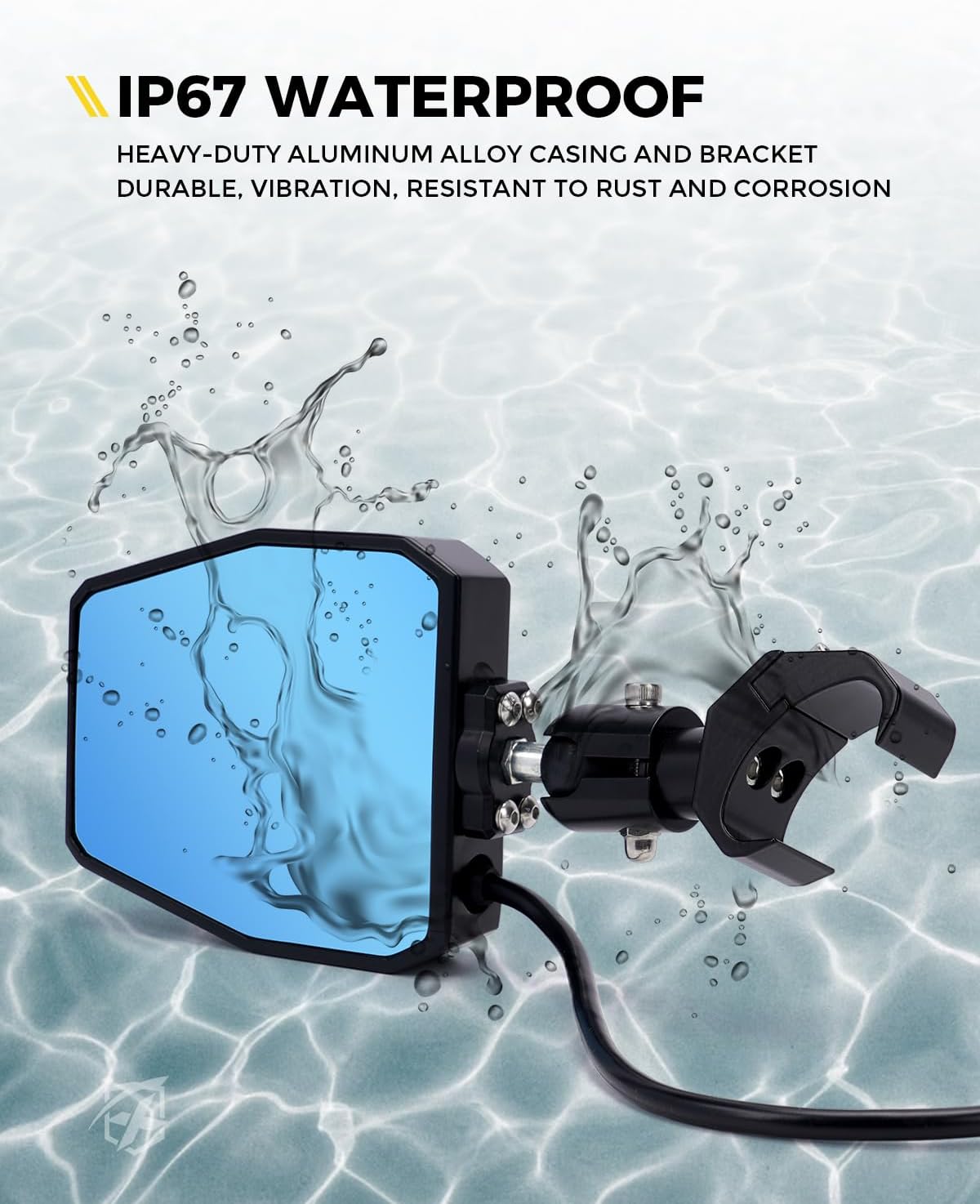
Figure 6: The IP67 waterproof design ensures the mirrors are resistant to dust and water, making them suitable for various outdoor conditions.
Troubleshooting
If you encounter issues with your UTV side view mirrors, refer to the following common solutions:
- LED Lights Not Working:
- Check all electrical connections for tightness and proper contact.
- Verify the wiring harness is correctly connected to the vehicle's power source.
- Ensure the switch is in the 'ON' position.
- Check for any blown fuses in the vehicle's electrical system or the wiring harness.
- Mirror Not Holding Position:
- Tighten the adjustment screws on the C-type bracket and the ball joint.
- Ensure the rubber insert is properly seated within the C-type bracket to provide adequate grip on the cage.
- Excessive Vibration:
- Ensure all mounting hardware is securely tightened.
- Verify the mirror is properly seated in the C-type bracket.
- Reduced Visibility / Fogging:
- Clean the mirror surface thoroughly.
- While IP67 rated, extreme temperature changes or prolonged exposure to moisture can sometimes cause temporary fogging. Allow time for conditions to normalize.
If these steps do not resolve the issue, please contact Xprite customer support.
Specifications
| Feature | Detail |
|---|---|
| Model Number | SXL-SM-G25-CLR-V1 |
| Material | Heavy-duty Aluminum, PC Protective Plate |
| Mounting Type | C-Mount |
| Special Features | Integrated LED Spot Lights, Breakaway Design, Anti-Glare Mirror |
| Waterproof Rating | IP67 |
| LED Light Lifespan | Up to 30,000 hours |
| Compatibility | Pro-Fit Polaris Ranger, RZR XP 1000/900/570, General, Can-Am Defender, Kawasaki Mule (Does not fit round tube roll bars, full doors, or full windshields) |
| UPC | 764046282935 |
Warranty Information
Xprite products are manufactured to high-quality standards. This product comes with a limited warranty against defects in materials and workmanship. For specific warranty terms, duration, and claim procedures, please refer to the warranty card included with your product packaging or visit the official Xprite website. Keep your proof of purchase for warranty claims.
Customer Support
For technical assistance, troubleshooting beyond this manual, or inquiries regarding your Xprite UTV Side View Mirrors, please visit the official Xprite website for contact information. You may find FAQs, additional resources, and direct contact options for customer service.