
Introduction
Thank you for choosing the COMFIER Back Massager with Heat, Model CF-2421-US. This massage cushion is designed to provide soothing vibration massage and comforting heat to your back, hips, and thighs. It features an adjustable lumbar support system, multiple massage modes, and intelligent timing for a personalized relaxation experience. Please read this manual thoroughly before use to ensure safe and effective operation.

Figure 1: COMFIER Back Massager with Heat, Model CF-2421-US.
Important Safety Instructions
- Always read and follow the instructions before use.
- Keep the massager away from water.
- Do not use if you have a pacemaker or any other electronic medical device.
- Consult your doctor before use if you are pregnant, have any medical conditions, or are taking blood-thinning medication.
- Do not use for more than 15 minutes at a time.
- Keep the massager clean and dry when not in use.
- Unplug the massager when not in use and store the cord safely to prevent tripping hazards.
- Do not use the massager while sleeping or lying down.
- Always use the massager in a well-ventilated area.
Package Contents
- COMFIER Back Massager Cushion
- Remote Control
- Power Adapter
- Adjustable Lumbar Pump
- Carrying Bag
Setup
1. Placing the Cushion
Place the COMFIER Back Massager cushion on your desired seating surface, such as a sofa, office chair, or recliner. The cushion is designed to fit various chairs. Use the integrated straps on the back of the cushion to secure it to the chair, preventing it from slipping during use.
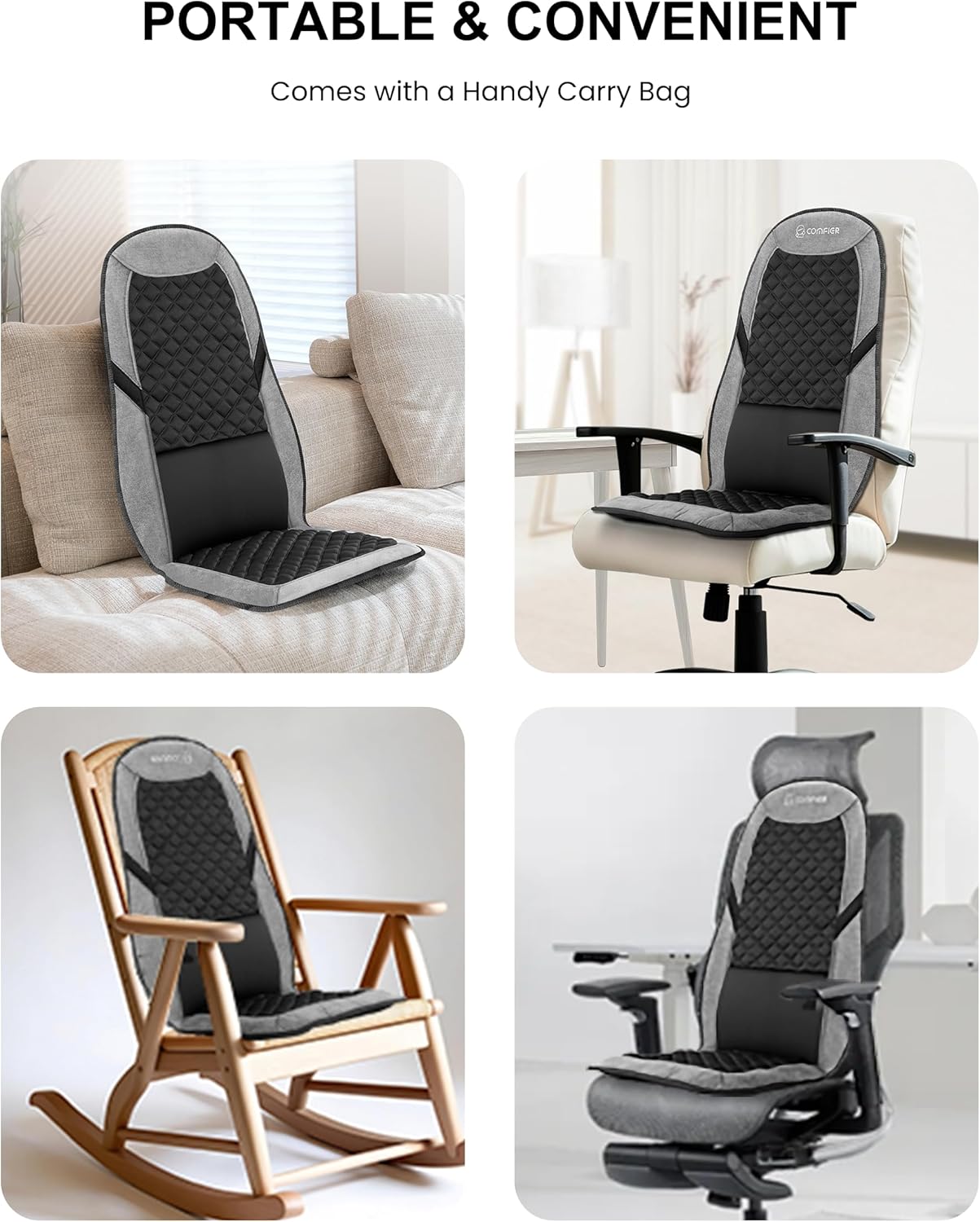
Figure 2: Securing the massager to a chair using the integrated straps.
2. Connecting Power
Connect the power adapter to the massager's input port and then plug the adapter into a standard electrical outlet. Ensure the connection is secure.
3. Adjusting Lumbar Support
The massager features a manually adjustable gas bag support system for the lumbar region. Locate the small inflatable pump attached to the side of the cushion. Squeeze the pump repeatedly to inflate the lumbar support to your desired firmness. To release air and decrease support, press the small button on the pump.

Figure 3: Inflating the adjustable lumbar support.
Video 1: Demonstration of the COMFIER Back Massager with Adjustable Lumbar Support.
Operating Instructions
Use the wired remote control to operate the massager's functions. The remote can be stored in the side pocket of the cushion when not in use.
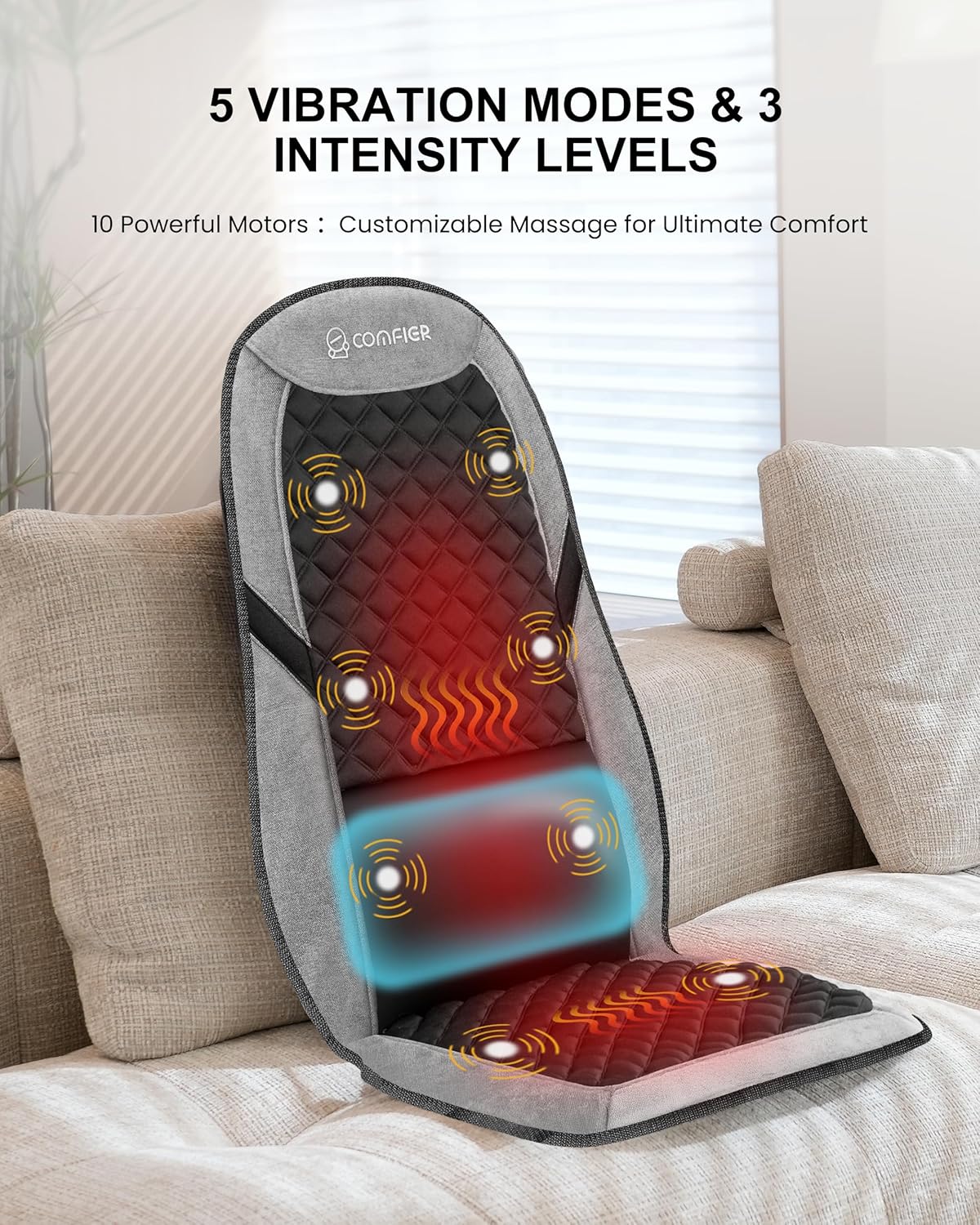
Figure 4: Remote control for the massager.
1. Power On/Off
- Press the Power button (
 ) to turn the massager on or off. The indicator light will illuminate when powered on.
2. Vibration Modes and Intensity
- The massager offers 5 different rhythmic vibration modes (M1-M5). Press the Mode button (M) to cycle through the modes.
- Adjust the vibration intensity with 3 levels (Low, Medium, High) using the Intensity button (
 ).
).
Figure 5: Adjusting vibration modes and intensity.
3. Targeted Massage Areas
- Select specific massage zones: Upper Back, Lower Back, Hips, and Thighs. Press the corresponding button to activate or deactivate a zone.
- You can combine multiple zones for a comprehensive massage.
4. Heat Function
- Activate the dual-zone heating for the back and seat by pressing the Heat button ().
- There are 2 levels of heat adjustment: Red for High, Yellow for Medium. Press the button to cycle through the settings.
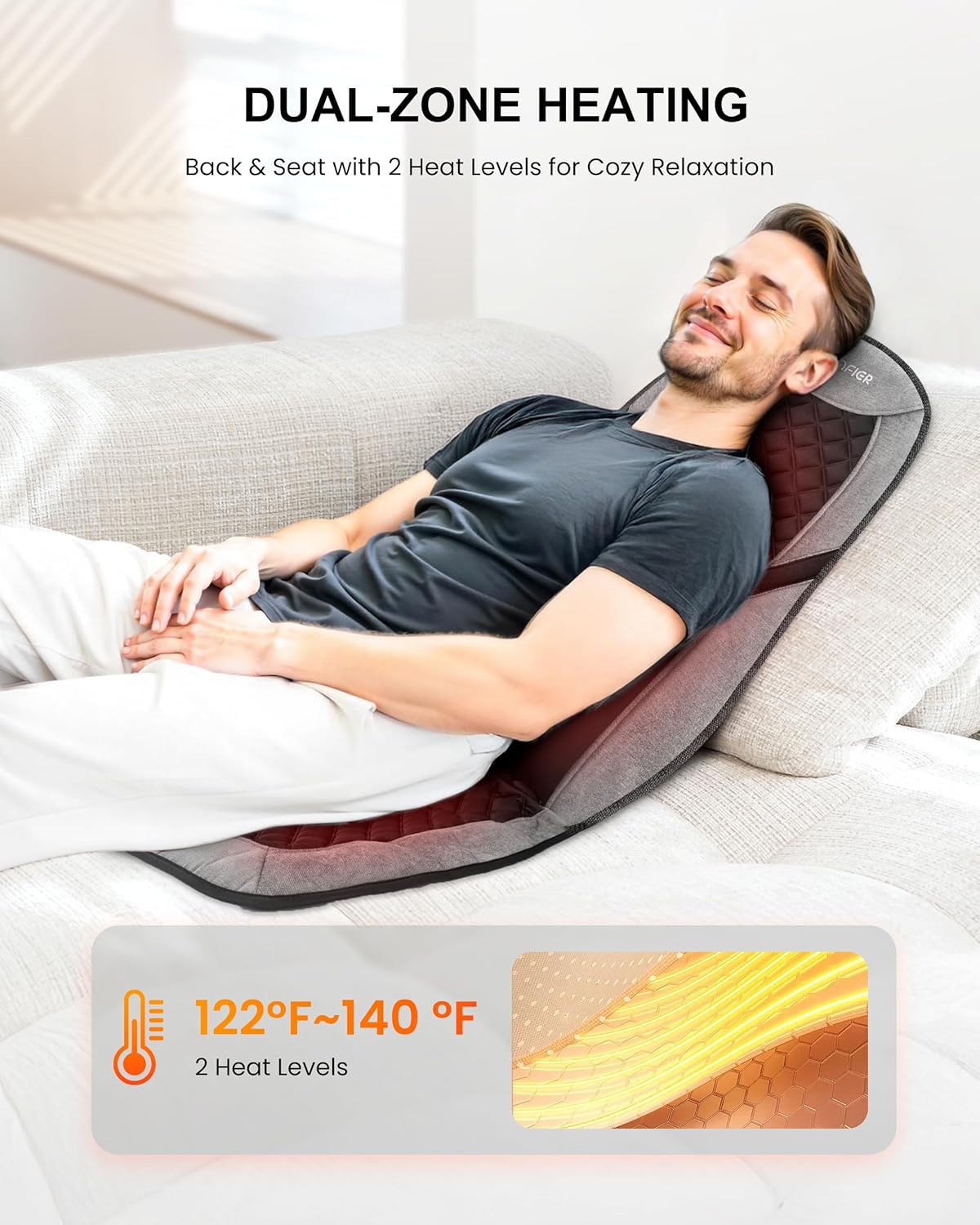
Figure 6: Dual-zone heating for back and seat.
5. Timer Function
- Set an automatic shut-off timer for 30, 60, or 90 minutes by pressing the Timer button (). The massager will automatically turn off once the selected time has elapsed.
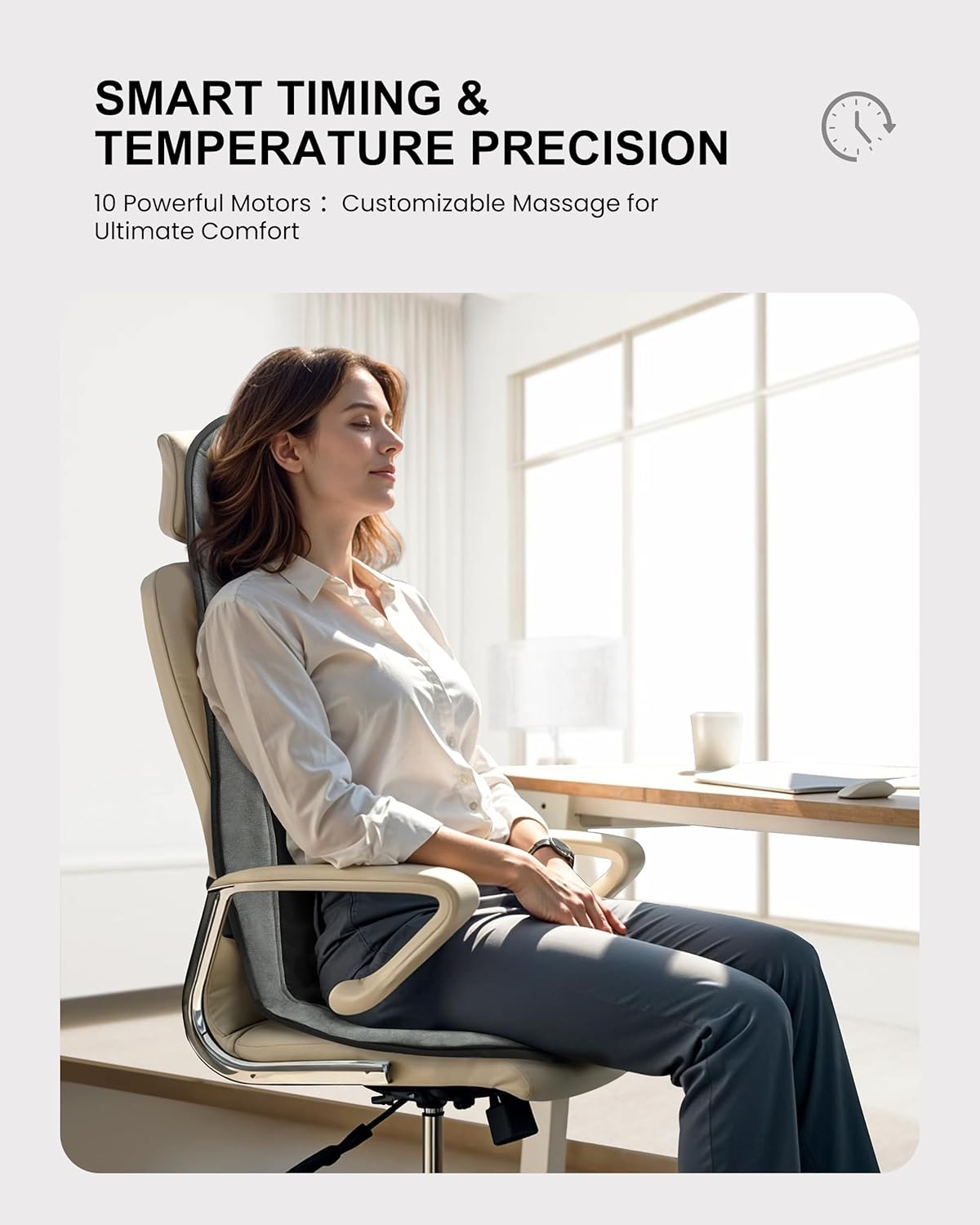
Figure 7: Setting the automatic shut-off timer.
Maintenance
Cleaning
- Always unplug the massager from the power outlet before cleaning.
- Wipe the surface of the massager with a soft, slightly damp cloth. Do not use abrasive cleaners or harsh chemicals.
- Ensure the massager is completely dry before storing or using again.
Storage
- When not in use, store the massager in a cool, dry place.
- Avoid placing heavy objects on the massager.
- The massager can be folded and stored in the provided carrying bag for convenience and protection.

Figure 8: Storing the massager in its carrying bag.
Troubleshooting
- Unit does not power on: Ensure the power adapter is securely connected to both the massager and a working electrical outlet.
- No heat: Check if the heat function is activated on the remote control. Allow a few minutes for the heat to build up.
- Weak vibration: Adjust the intensity level using the remote control. Ensure the massager is placed on a stable surface.
- Lumbar support not inflating/deflating: Check the connection of the pump to the cushion. Ensure the release button is not stuck if deflating.
If you experience any other issues not covered here, please contact COMFIER customer support.
Specifications
- Product Dimensions: 14.57"L x 5.91"W x 11.81"H
- Item Model Number: CF-2421-US
- Item Weight: 3.35 Pounds
- Brand: COMFIER
- Color: Charcoal Black
- Manufacturer: COMFIER
Warranty & Support
For warranty information or customer support, please refer to the contact details provided with your purchase or visit the official COMFIER website. Keep your purchase receipt for warranty claims.


