Introduction
This manual provides essential instructions for the setup, operation, and maintenance of your Lexibook Disney Stitch My Best-e Portable Game Console. This interactive companion allows users to engage with Stitch through various games and activities, fostering an educational and playful experience. Please read this manual thoroughly before use to ensure proper functionality and safety.

Image: The Lexibook Disney Stitch My Best-e Portable Game Console, shown with its retail packaging.
Safety Information
Warning: This product is not suitable for children under 5 years of age due to small parts which may present a choking hazard. Adult supervision is recommended during play.
Setup
Battery Installation
The Lexibook Disney Stitch My Best-e Portable Game Console requires 1 AAA battery (included). Follow these steps to install the battery:
- Locate the battery compartment on the back of the device.
- Using a small screwdriver, carefully open the battery compartment cover.
- Insert one AAA battery, ensuring the correct polarity (+/-) as indicated inside the compartment.
- Replace the battery compartment cover and secure it with the screw.

Image: The rear view of the Stitch console, showing the battery compartment location.
Initial Power-On
After installing the battery, press and hold the power button (usually located on the front or side of the console) until the screen illuminates. The device will then guide you through any initial setup steps, such as setting the time or date.
Operating Instructions
The Stitch console features intuitive button controls for navigation and interaction. Familiarize yourself with the buttons to effectively manage Stitch's well-being and play games.
Caring for Stitch
Your primary objective is to care for Stitch. This involves several interactive activities:
- Feeding: Select the food icon to feed Stitch when he is hungry.
- Playing: Engage Stitch in various play activities to keep him entertained.
- Sleeping: Put Stitch to bed when he shows signs of tiredness.
- Disciplining: Guide Stitch's behavior by selecting the discipline option when necessary.
- Teaching Tricks: Discover and teach Stitch new tricks as you progress.

Image: The Stitch console display showing various interactive icons for care and play, such as food, sleep, and games.
Mini-Games
The console includes a selection of mini-games to further interact with Stitch:
- Two mini-games are available from the start, where Stitch can avoid obstacles and catch hearts.
- A third surprise game will unlock on the fifth day of consistent play.
Stitch's Animations
Observe Stitch's personality through over 1900 unique animations. These animations depict Stitch engaging in various activities like surfing, playing guitar, or interacting with other characters, enhancing the immersive experience.
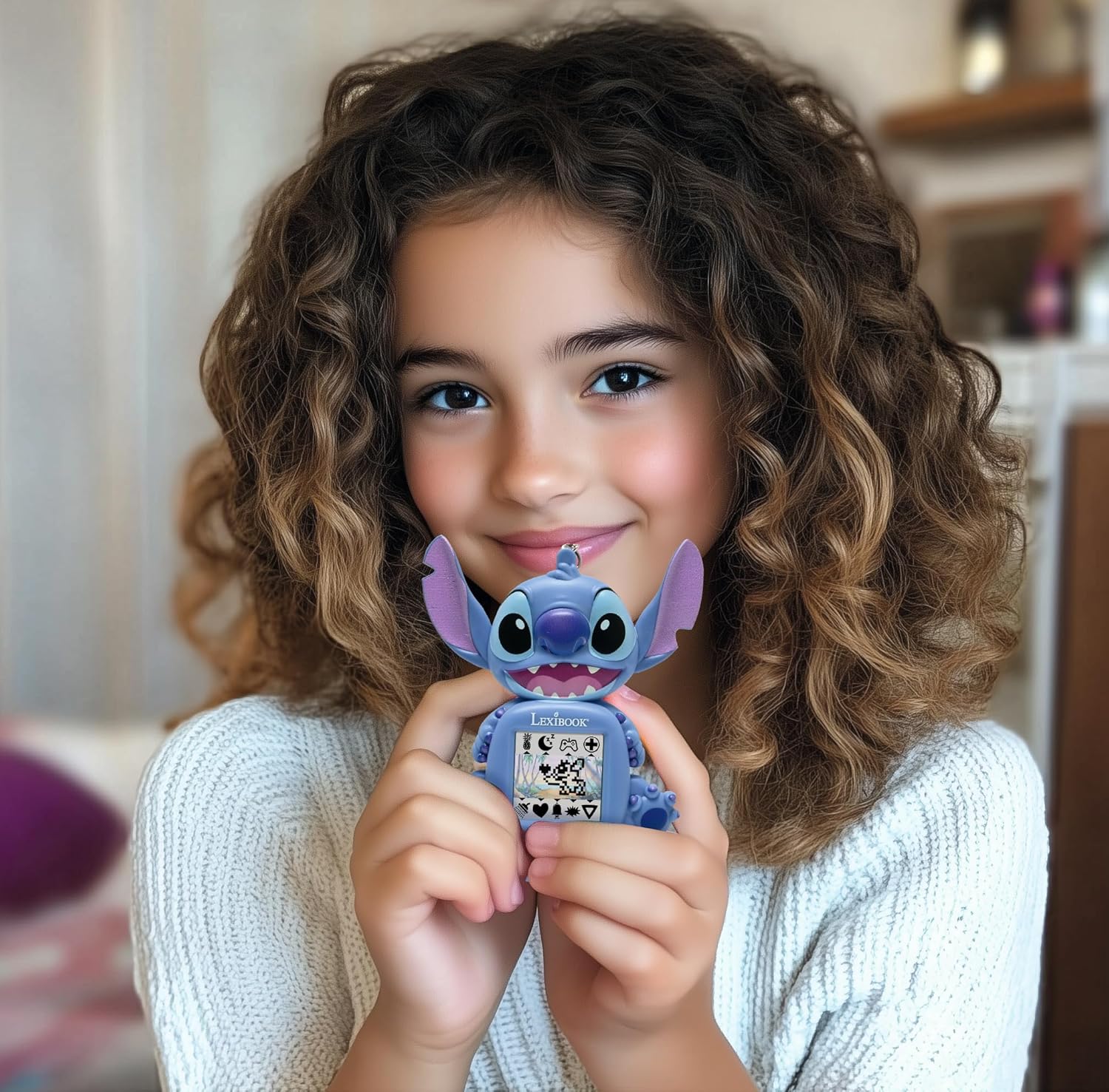
Image: A child smiling while holding the compact Stitch console, demonstrating its portability and appeal.
Maintenance
Cleaning
To clean the console, gently wipe the surface with a soft, dry cloth. Do not use abrasive cleaners or solvents, as these can damage the device. Avoid exposing the console to excessive moisture.
Storage
When not in use for extended periods, store the console in a cool, dry place away from direct sunlight. Remove the battery if the device will not be used for several weeks or months to prevent potential leakage.
Troubleshooting
- Device Not Turning On: Ensure the AAA battery is correctly installed with the proper polarity and is not depleted. Replace the battery if necessary.
- Screen Issues (Blank/Flickering): Try removing and reinserting the battery. If the issue persists, the battery may be low.
- Buttons Not Responding: Check for any debris around the buttons. If the problem continues, try restarting the device by removing and reinserting the battery.
- Sound Not Working: Verify that the volume is not set to minimum or muted.
If you encounter persistent issues not covered here, please refer to the Warranty and Support section for further assistance.
Specifications
| Feature | Detail |
|---|---|
| Product Dimensions | 5.91"L x 4.72"W x 1.26"H |
| Controller Type | Button Control |
| Item Weight | 1.76 ounces (0.05 Kilograms) |
| Power Source | Battery Powered |
| Number of Batteries | 1 AAA battery required (included) |
| Age Range (Description) | Youth (Manufacturer recommended age: 5 - 5 years) |
| Display Type | Digital |
| Material | Plastic |
| Form Factor | Handheld |
| Model Number | JLMB10D |
| GTIN | 03380743113609 |
Warranty and Support
Lexibook products are designed for quality and safety. For any questions, technical support, or warranty claims regarding your Disney Stitch My Best-e Portable Game Console, please contact Lexibook customer service. Refer to the product packaging or the official Lexibook website for the most current contact information.
Please retain your proof of purchase for warranty purposes.


