
1. Safety Information
Please read all safety instructions carefully before using this appliance. Failure to follow these instructions may result in electric shock, fire, or serious injury.
- Always place the appliance on a stable, flat surface.
- Do not immerse the appliance, cord, or plug in water or other liquids.
- Unplug the appliance from the power outlet when not in use, before filling/emptying water, or before cleaning.
- Keep out of reach of children and pets.
- Do not block air inlets or outlets.
- Use only with the provided power adapter.
2. Product Overview
The Dreo IceWind 712S is an advanced evaporative air cooler designed to provide efficient and customizable cooling for your home. It combines cooling, fan, and humidify functions for all-in-one comfort.

Figure 2.1: Dreo IceWind 712S Evaporative Air Cooler with included accessories.
Key Features:
- Ultimate Cooling Performance: Delivers wind speeds up to 25 ft/s with a 22% higher evaporation rate and a 6L water tank for rapid heat relief.
- Evaporative Cooling: Infuses water into the breeze, providing a cooling sensation on your skin without drastically changing room temperature.
- IceWind Cooling System: Features dynamic air ducts, a 35-blade turbine, and an optimized cooling pad for a powerful, refreshing breeze.
- All-in-one Comfort: Combines cooling, fan, and humidify functions. Equipped with smooth caster wheels for easy portability.
- Smart Convenience: Control via the DREO app or voice commands (Alexa/Google). Monitor temperature and humidity from your smartphone.

Figure 2.2: Hyperfast winds for instant coolness.
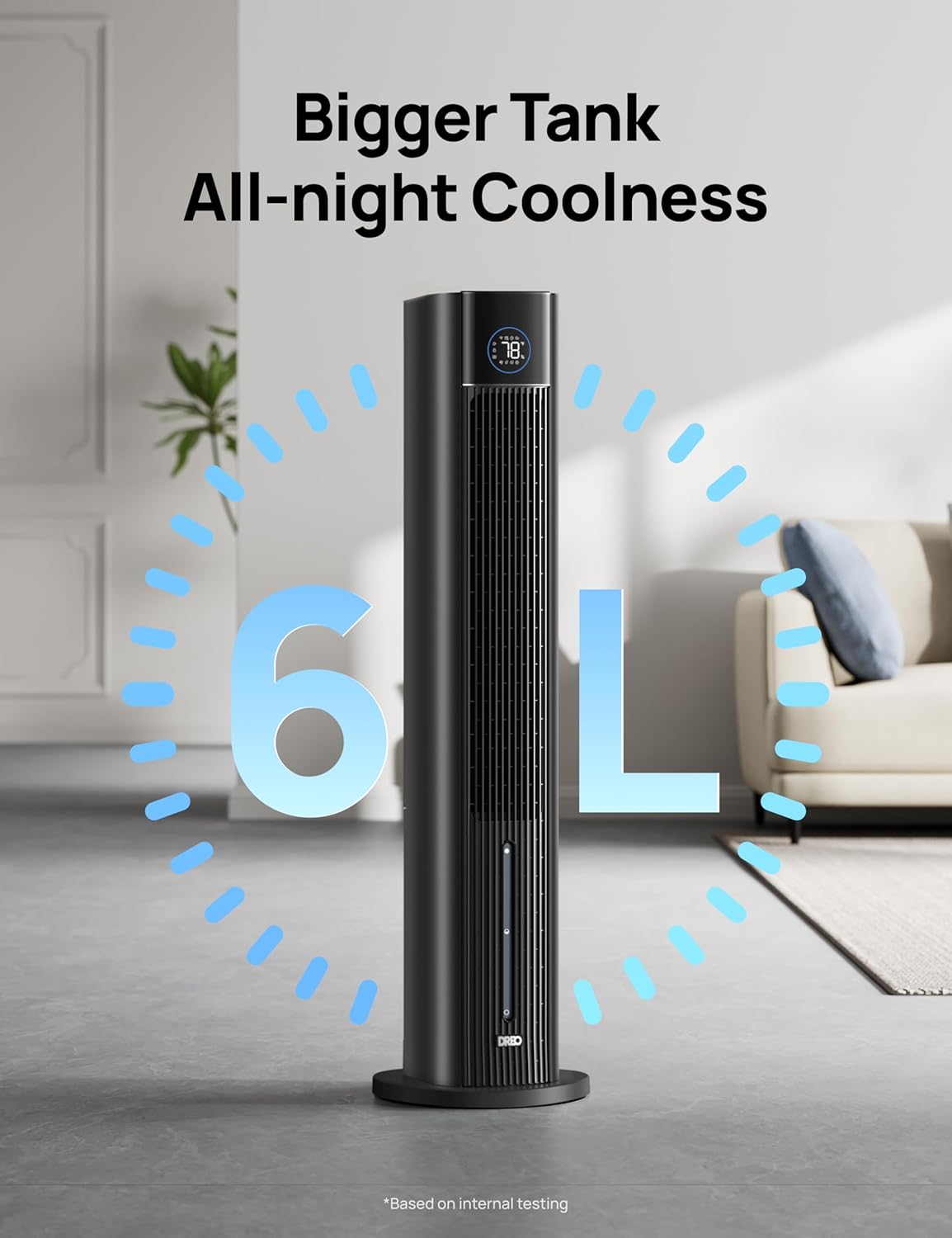
Figure 2.3: Large 6L water tank for extended cooling.
3. Setup
3.1 Assembly
- Carefully remove the evaporative cooler from its packaging.
- Attach the base to the bottom of the main unit. Ensure it clicks securely into place.
- Secure the base with the provided screw.
3.2 Filling the Water Tank
- Pull out the water tank from the rear of the unit.
- Remove the filter assembly from the tank.
- Fill the water tank with clean, cool water. Do not exceed the maximum fill line.
- For enhanced cooling, place the included ice packs in your freezer until completely frozen. Once frozen, add them to the water tank.
- Reinsert the filter assembly into the tank.
- Slide the water tank back into the unit until it is securely in place.

Figure 3.1: Steps for removing and filling the water tank.

Figure 3.2: The 3-in-1 functionality with fan, water, and ice packs.
3.3 App Connection
For smart control features, download the DREO app and connect your device. Ensure your phone's Wi-Fi and Bluetooth are enabled.
Video 3.1: How to download the DREO app and create an account.
Video 3.2: Instructions on how to configure a network for the device.
4. Operating Instructions
4.1 Control Panel & Remote Control
The unit features an intuitive LED touch control panel on top. All functions can also be accessed via the included remote control.

Figure 4.1: Seamless smart control via the DREO app.
4.2 Modes and Speeds
- Fan Speeds: Choose from 4 adjustable speeds to suit your comfort needs.
- Normal Mode: Provides a consistent airflow at your selected speed.
- Natural Mode: Simulates a natural breeze with varying fan speeds.
- Sleep Mode: Operates at a low noise level (as low as 33 dB) for undisturbed rest.
- Auto Mode: Adjusts fan speed automatically based on ambient temperature and humidity.
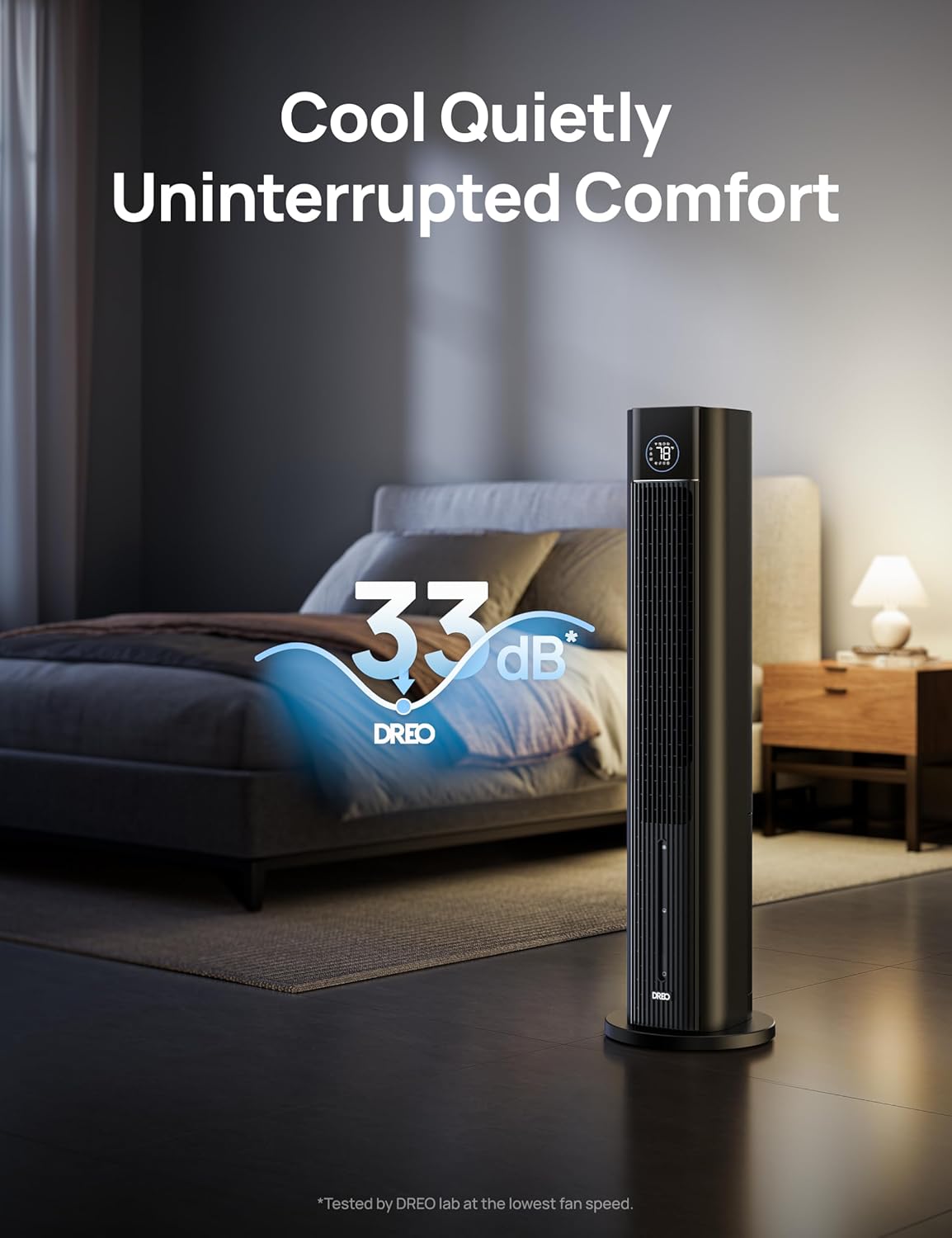
Figure 4.2: Whisper-quiet operation for uninterrupted comfort.
4.3 Oscillation & Timer
- 85° Oscillation: Activate oscillation for widespread cooling coverage across the room.
- 12-Hour Timer: Set the timer to automatically turn off the unit after a specified duration (up to 12 hours).

Figure 4.3: Widespread 85° oscillation for whole-room cooling.
5. Maintenance
Regular maintenance ensures optimal performance and longevity of your Dreo IceWind 712S.
5.1 Cleaning the Water Tank
- Unplug the unit from the power outlet.
- Remove the water tank and empty any remaining water.
- Clean the inside of the water tank with a soft cloth and mild detergent. Rinse thoroughly with clean water.
- Allow the tank to air dry completely before reinserting.
5.2 Cleaning the Cooling Pad/Filter
- Unplug the unit and remove the water tank.
- Carefully pull out the cooling pad/filter assembly.
- Rinse the cooling pad under running water to remove dust and mineral deposits. For stubborn buildup, soak in a mild descaling solution.
- Allow the cooling pad to dry completely before reassembling.

Figure 5.1: Detachable filter design for easy cleaning.
6. Troubleshooting
If you encounter any issues with your evaporative air cooler, please refer to the following common problems and solutions:
| Problem | Possible Cause | Solution |
|---|---|---|
| No power | Unit not plugged in; Power outlet malfunction | Ensure unit is securely plugged in; Test outlet with another device |
| Weak airflow | Low water level; Dirty filter; Air inlets/outlets blocked | Refill water tank; Clean filter; Clear any obstructions |
| No cooling effect | Water tank empty; Ice packs not frozen; High humidity environment | Fill water tank; Freeze ice packs; Evaporative coolers are less effective in high humidity |
| Unit making unusual noise | Unit not on a flat surface; Obstruction in fan blades | Place on a stable surface; Check for and remove any obstructions (unplug first) |
| App connection issues | Incorrect Wi-Fi password; Router issues; Device too far from router | Verify Wi-Fi password; Restart router; Move device closer to router |
7. Specifications
| Specification | Value |
|---|---|
| Brand | Dreo |
| Model Name | IceWind 712S |
| Model Number | DR-HEC002s AC Black |
| Mounting Type | Floor Mount |
| Color | Black |
| Air Flow Capacity | 1327 Cubic Feet Per Minute |
| Controls Type | App, Touch, Remote |
| Reservoir Capacity | 6 Liters |
| Floor Area Coverage | 25 Feet Per Second (wind speed) |
| Noise Level | 33 dB |
| Number of Speeds | 4 |
| Product Dimensions | 11.42"D x 11.42"W x 42.99"H |
| Voltage | 120 Volts |
| Item Weight | 22.6 pounds |
| Included Components | User Manual, Remote Control, Evaporative Cooler, Ice Pack |
8. Warranty and Support
Your Dreo IceWind 712S Evaporative Air Cooler comes with a 12-month default warranty.
You can extend your warranty up to 30 months by registering your product on the official Dreo website. Please refer to the user manual included in the box for detailed registration instructions.
For further assistance, troubleshooting, or warranty claims, please contact Dreo Customer Support.