
1. Introduction
This manual provides detailed instructions for the safe and efficient use of your DOOGEE Tab E3+ Android 15 Tablet. Please read this manual thoroughly before operating the device and retain it for future reference. The DOOGEE Tab E3+ features a 12-inch FHD+ 90Hz display, a Helio G100 octa-core processor, 32GB RAM, 256GB ROM (expandable to 2TB), an 8800mAh battery, and runs on Android 15 with Gemini AI integration.

Image: An overview of the DOOGEE Tab E3+ tablet's key features, including its display, processor, memory, battery, and operating system.
2. Setup
2.1. What's in the Box
Verify that all items are present in your product package:
- 1*Tab E3+ tablet
- 1*Type-C USB Cable
- 1*Charger
- 1*Card removal needle
- 1*Protective Film (Pre-applied)
- 1*User Manual

Image: Contents of the DOOGEE Tab E3+ tablet package, including the tablet, USB cable, charger, card removal tool, pre-applied protective film, and user manual.
2.2. Device Overview
Familiarize yourself with the physical components of your tablet.
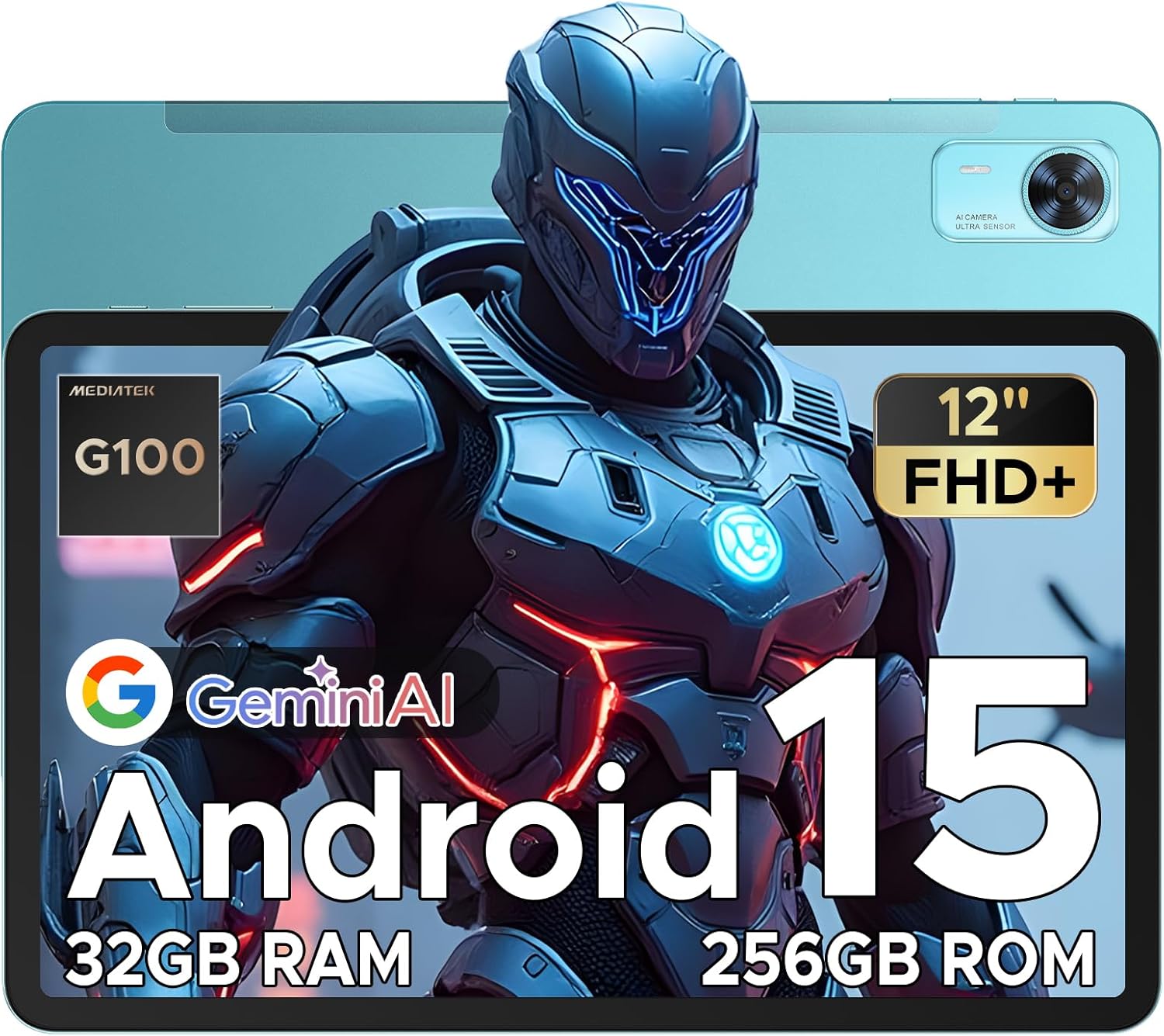
Image: Front and back view of the DOOGEE Tab E3+ tablet, highlighting its sleek design and camera module.
- Display: 12-inch FHD+ IPS display with 90Hz refresh rate.
- Front Camera: 5MP for video calls and selfies.
- Rear Camera: 13MP main camera.
- Power Button: Located on the side, used to power on/off and wake/sleep the device.
- Volume Buttons: Adjust audio levels.
- USB Type-C Port: For charging and data transfer.
- 3.5mm Audio Jack: For wired headphones.
- SIM/TF Card Slot: Supports dual SIM cards for LTE connectivity and TF card for expandable storage up to 2TB.
- Quad Speakers: Located on the sides for immersive audio.

Image: Side profile of the DOOGEE Tab E3+ tablet, illustrating its ultra-thin design (7.65mm) and lightweight build (583g).
2.3. Initial Setup
- Charge the Tablet: Connect the included Type-C USB cable and charger to the tablet and a power outlet. Ensure the tablet is fully charged before first use.
- Power On: Press and hold the Power button until the DOOGEE logo appears.
- Language and Region: Follow the on-screen prompts to select your preferred language and region.
- Wi-Fi Connection: Select your Wi-Fi network and enter the password to connect to the internet.
- Google Account: Sign in with your Google account or create a new one. This is necessary to download apps from the Google Play Store and access Google services.
- Security Setup: Set up a screen lock (PIN, pattern, password) and configure Face Unlock for quick and secure access.
- Insert SIM/TF Card (Optional): Use the provided card removal needle to open the SIM/TF card tray. Insert your SIM card(s) and/or TF card as shown in the diagram.

Image: Diagram illustrating the insertion of dual SIM cards and a TF card into the DOOGEE Tab E3+ tablet's card slot.
3. Operating Instructions
3.1. Basic Navigation
- Home Screen: Swipe left or right to access different home screens.
- App Drawer: Swipe up from the bottom of the screen to view all installed applications.
- Notifications: Swipe down from the top of the screen to access notifications and quick settings.
- Multitasking: Tap the square icon (or swipe up and hold from the bottom) to view recently used apps.
3.2. Advanced Features
Display and Visuals

Image: The 12-inch FHD+ IPS display of the DOOGEE Tab E3+ showcasing its 90Hz refresh rate and high resolution.
- 12-inch FHD+ 90Hz Display: Enjoy vibrant visuals and smooth scrolling with the 2000x1200 IPS display and 90Hz refresh rate.
- Eye Comfort Mode: Reduces blue light emission to minimize eye strain during prolonged use.
- Dark Mode: Softens screen light for comfortable night use.
- 5:3 Aspect Ratio: Provides a wider view for enhanced visual immersion.
Performance and Storage

Image: A visual representation of the MediaTek Helio G100 octa-core processor, highlighting its 2.2GHz frequency and 6nm advanced process technology.
- Helio G100 Octa-Core Processor: Provides efficient performance for multitasking, gaming, and productivity.
- Android 15 System: Features AI optimization, smart motion sensing, and advanced privacy controls.
- 32GB RAM (8GB + 24GB Extended): Ensures smooth app switching and lag-free operation.
- 256GB ROM: Ample storage for applications, media, and documents.
- Expandable Storage: Supports TF cards up to 2TB for additional storage capacity.
- Built-in Gemini AI: An intelligent assistant for content creation, information retrieval, image analysis, and more.
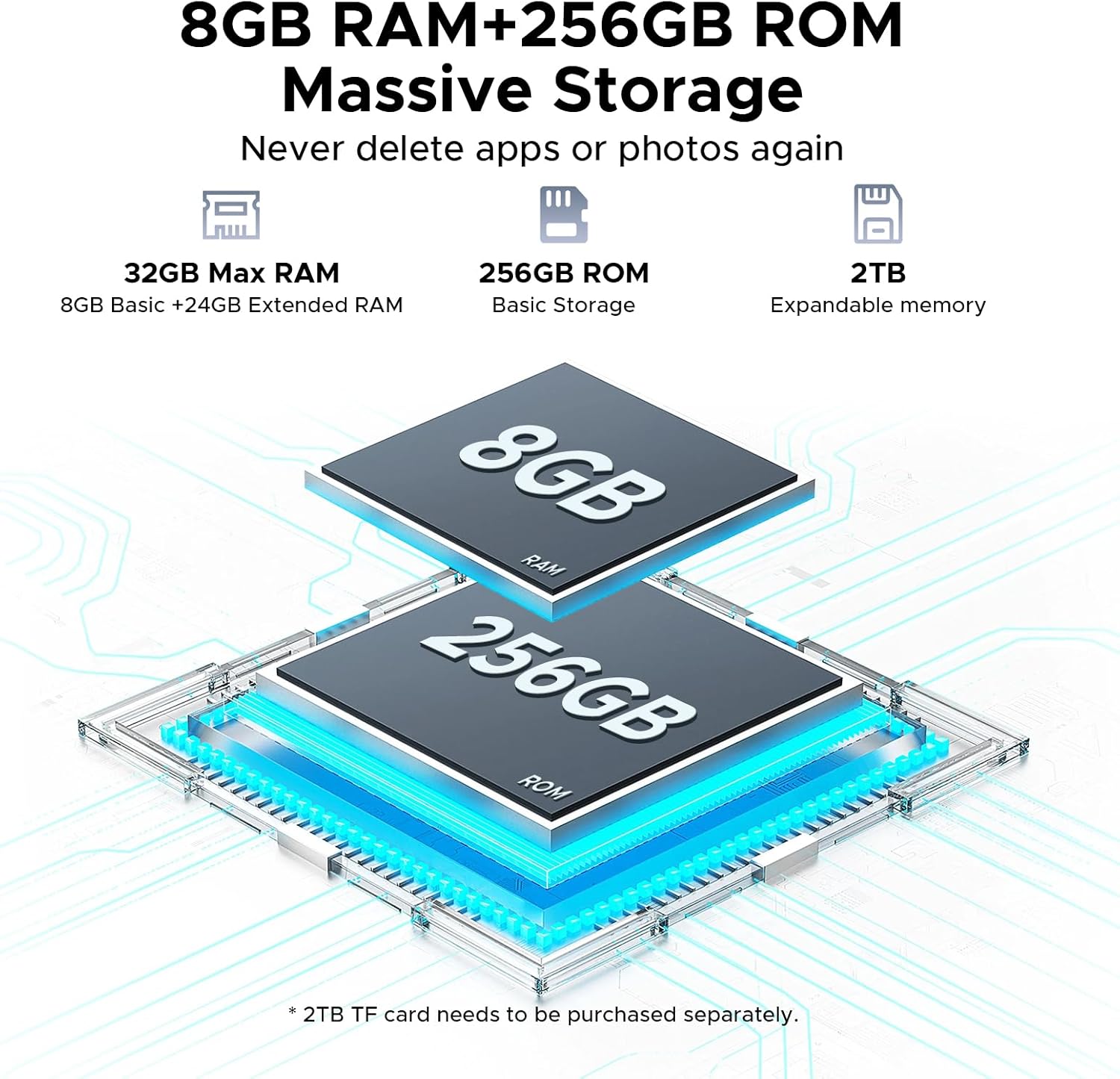
Image: Illustration of the 8GB RAM and 256GB ROM storage, with an indication of 32GB Max RAM (8GB Basic + 24GB Extended) and 2TB expandable memory.
Battery and Charging
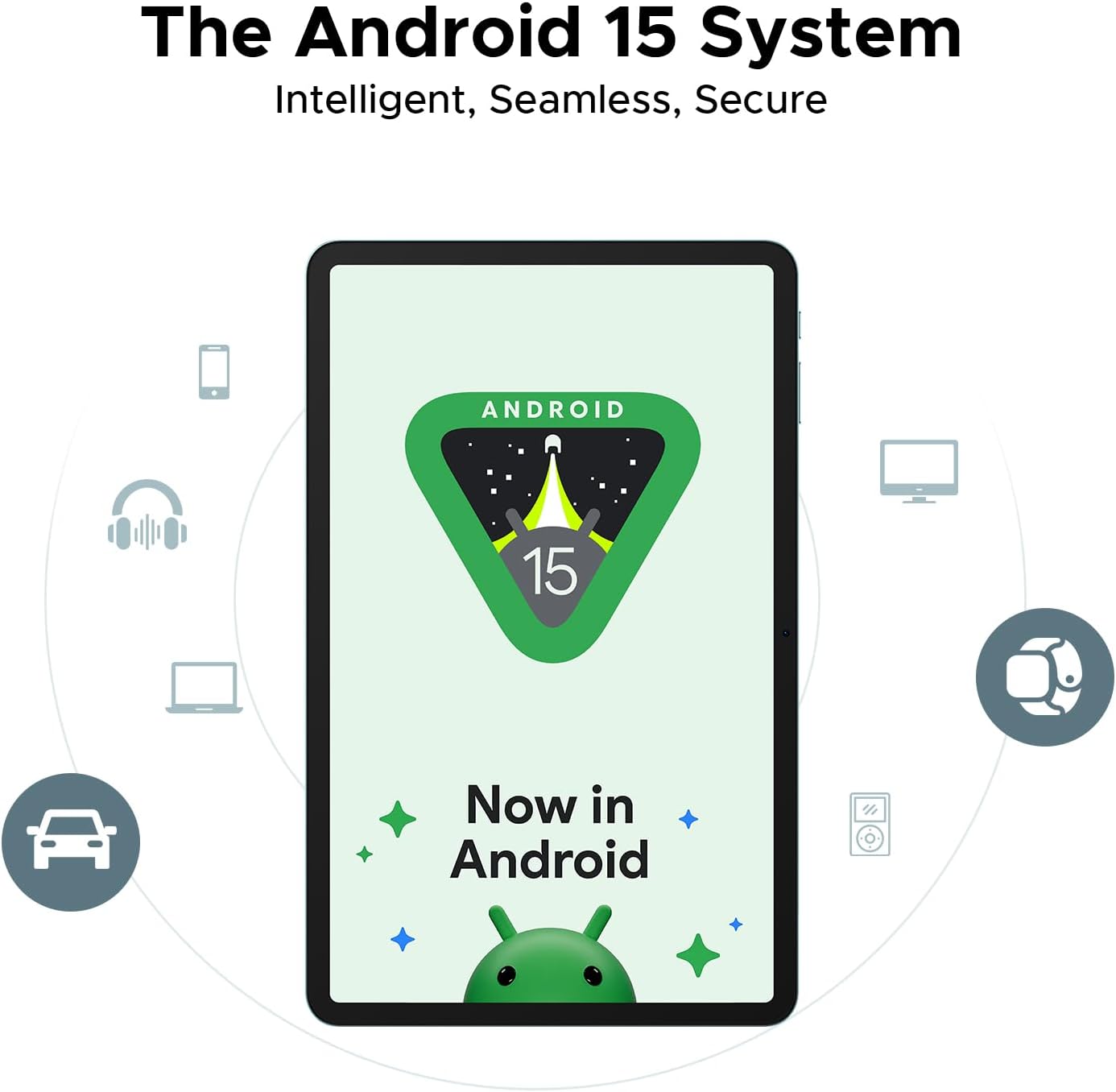
Image: Diagram showing the 8800mAh battery capacity of the DOOGEE Tab E3+, with estimated usage times for standby, music playback, video watching, and web browsing.
- 8800mAh Battery: Provides extended usage time, up to 14 hours of video playback.
- 18W Fast Charging: Allows for quick recharging of the tablet.
- OTG Support: Enables easy file transfer and reverse charging for other devices.
Cameras and Multimedia
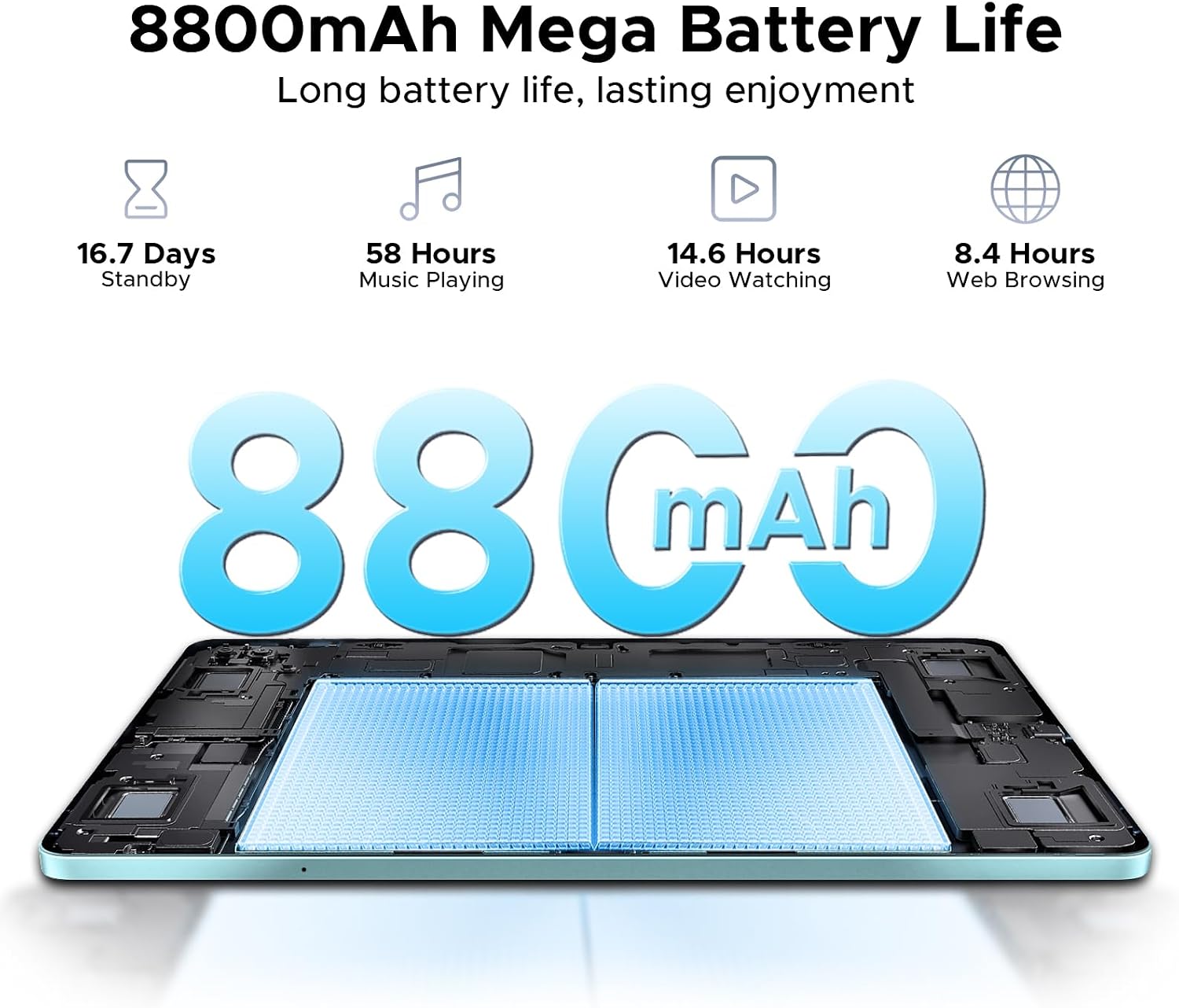
Image: Close-up of the DOOGEE Tab E3+ rear camera module (13MP) and a visual indicating the 5MP front camera, with example photos taken by the cameras.
- 13MP Rear Camera: Capture clear photos and videos.
- 5MP Front Camera: Ideal for video calls and selfies.
- 2K Video Recording: Record high-resolution videos.
- Anti-Flicker Mode: Enhances visual comfort during camera use.
- Quad Speakers: Deliver balanced, room-filling sound for an immersive audio experience.
- FM Radio Function: Enjoy radio broadcasts.
Connectivity and Security

Image: Visual representation of the DOOGEE Tab E3+ connectivity features, including Bluetooth 5.0, 5G WiFi, and Dual SIM support.
- Dual SIM 4G LTE: Stay connected with cellular data and calls.
- Dual-Band Wi-Fi (2.4GHz/5GHz): Provides stable and fast internet connectivity.
- Bluetooth 5.2: For connecting wireless accessories.
- Face Unlock: Securely unlock your tablet using facial recognition.
- Precise Navigation System: Supports GPS, Glonass, Galileo, and Beidou for accurate location services.
Productivity
- Built-in PC-level WPS Office: For document, spreadsheet, and presentation tasks.
- Efficient Split-Screen Multitasking: Run two applications side-by-side for enhanced productivity.
4. Maintenance and Care
- Cleaning: Use a soft, lint-free cloth to clean the screen and body. Avoid abrasive materials or harsh chemicals.
- Battery Care: Avoid extreme temperatures. Do not let the battery fully discharge frequently. For long-term storage, charge the battery to about 50%.
- Software Updates: Regularly check for and install system updates to ensure optimal performance and security.
- Storage: Store the tablet in a cool, dry place away from direct sunlight and moisture.
- Protection: Consider using a protective case and screen protector to prevent physical damage.
5. Troubleshooting
| Problem | Possible Solution |
|---|---|
| Tablet does not power on. | Ensure the battery is charged. Connect the charger and wait a few minutes before attempting to power on again. Press and hold the power button for 10-15 seconds. |
| Wi-Fi connection issues. | Restart the tablet and your Wi-Fi router. Forget the network in settings and reconnect. Ensure you are within range of the Wi-Fi signal. |
| Slow performance or apps crashing. | Close unnecessary background applications. Clear cache for problematic apps. Restart the tablet. Ensure sufficient storage space is available. |
| Screen is unresponsive. | Restart the tablet by holding the power button. If unresponsive, force restart (refer to device overview for specific button combinations if available, otherwise assume long press power). |
| Battery drains quickly. | Reduce screen brightness. Disable unused features like Bluetooth or GPS. Close background apps. Check battery usage in settings to identify power-hungry apps. |
6. Specifications
| Feature | Detail |
|---|---|
| Brand | DOOGEE |
| Model Name | Tab E3+ |
| Operating System | Android 15 |
| Screen Size | 12 Inches |
| Screen Resolution | 2000 x 1200 pixels (FHD+) |
| Processor | MediaTek Helio G100 Octa-Core (2.2 GHz) |
| RAM | 32GB (8GB + 24GB Extended) |
| Internal Storage (ROM) | 256 GB |
| Expandable Storage | Up to 2TB via TF card |
| Rear Camera | 13MP |
| Front Camera | 5MP |
| Battery Capacity | 8800mAh |
| Fast Charging | 18W |
| Wireless Connectivity | 802.11ac, 802.11ax, 802.11g (Dual-Band Wi-Fi 2.4G/5G), Bluetooth 5.2 |
| Cellular Connectivity | Dual SIM 4G LTE |
| Navigation | GPS, Glonass, Galileo, Beidou |
| Dimensions (LxWxH) | 10.11 x 6.64 x 0.29 inches (7.4mm ultra-thin) |
| Item Weight | 14.7 ounces |
| Color | Blue (variant) |
7. Warranty and Support
DOOGEE provides comprehensive support for your Tab E3+ tablet.
- Limited Warranty: The product comes with a 2-year limited warranty.
- Money Back Guarantee: A 30-day money-back guarantee and free return policy are available.
- Online Support: 24/7 one-on-one online support is provided for assistance.
- Protection Plans: Extended protection plans are available for purchase (e.g., 2-Year Protection Plan, 4-Year Protection Plan).
- Seller Information: This product is sold by Aweihao. For specific inquiries, you may contact the seller through the Amazon platform.
- DOOGEE Store: Visit the Official DOOGEE Store for more information and products.


