
Introduction
This manual provides detailed instructions for the safe and efficient operation of your AddAcc Portable Waist Fan K200. Please read this manual thoroughly before use and retain it for future reference.
Package Contents
- AddAcc Portable Waist Fan K200
- USB-C Charging Cable
- Lanyard
- User Manual
Product Features
- Powerful Airflow: Equipped with a brushless motor, providing up to 15000 RPM and 21 ft/s airflow.
- Adjustable Speeds: 5 speed settings, including 4 normal speeds and 1 ultra-powerful "Storm Mode".
- Long-Lasting Battery: Integrated 14500mAh rechargeable battery offers 6 to 67 hours of cooling on a single charge.
- Power Bank Function: 5V/2A input/output port allows charging of other devices.
- Integrated LED Light: Features a steady beam and an SOS signaling mode for emergencies.
- Versatile Wearing Options: Strong 360° rotatable clip for attaching to waistbands or belts, and a lanyard for neck wear.
- Desktop Functionality: Built-in kickstand allows use as a desktop fan.
- Durable Design: Silicone case provides protection against drops and impacts.
- Compact and Lightweight: Dimensions of 2.48"D x 3.74"W x 3.9"H and weighing 0.83 lbs for easy portability.
Setup
Initial Charging
Before first use, fully charge the fan. Connect the provided USB-C cable to the fan's charging port and a compatible USB power adapter (not included). The smart display will indicate the charging status. A full charge takes approximately 6.5 hours.
Attaching the Lanyard
If desired, attach the lanyard to the designated loop on the fan for neck wear. Ensure it is securely fastened.
Video: This video demonstrates various ways to use the AddAcc Portable Waist Fan, including clipping it to a belt, wearing it with a lanyard, and using it as a desktop fan, highlighting its versatility for different activities like camping, working, and fishing.
Operating Instructions
Power On/Off
Press and hold the power button (usually marked with a power symbol) for 2-3 seconds to turn the fan on or off.
Adjusting Fan Speed
Once powered on, short press the power button to cycle through the 4 normal fan speeds. The smart display will show the current speed level.
Activating Storm Mode
To activate the ultra-powerful "Storm Mode," locate the dedicated Storm Mode button (often indicated by a swirl icon) and press it. This provides maximum airflow.
Video: This video showcases the powerful airflow of the AddAcc Portable Waist Fan, demonstrating its five speed settings and the 'Storm Mode' for maximum cooling. It also highlights the fan's quiet operation and the LED display for battery and speed indication.
Wearing the Fan
Waist/Belt Clip
Utilize the strong, 360° rotatable clip to securely attach the fan to your waistband or belt. Position it to direct airflow as needed.

Image: The AddAcc K200 Portable Waist Fan clipped to a person's waistband, providing cooling airflow.
Lanyard Use
For hands-free cooling, wear the fan around your neck using the provided lanyard.
Desktop Use
Extend the built-in kickstand to place the fan on a flat surface for desktop cooling.

Image: The AddAcc K200 Portable Waist Fan standing on its kickstand, providing airflow while charging a smartphone.
Charging and Power Bank Function
Recharging the Fan
Connect the USB-C cable to the fan's input port and a power source. The display will show battery percentage.
Using as a Power Bank
To charge external devices, connect your device's charging cable to the fan's USB-A output port. The fan will provide 5V/2A output.

Image: Illustration of the fan's Type-C input for charging and USB output for power bank functionality.
LED Light and SOS Function
Activating the LED Light
Short press the LED light button (usually marked with a light bulb icon) to turn on the steady LED light.
SOS Signaling
With the LED light on, short press the LED light button again to switch to SOS flashing mode for emergency signaling. Press a third time to turn off the light.
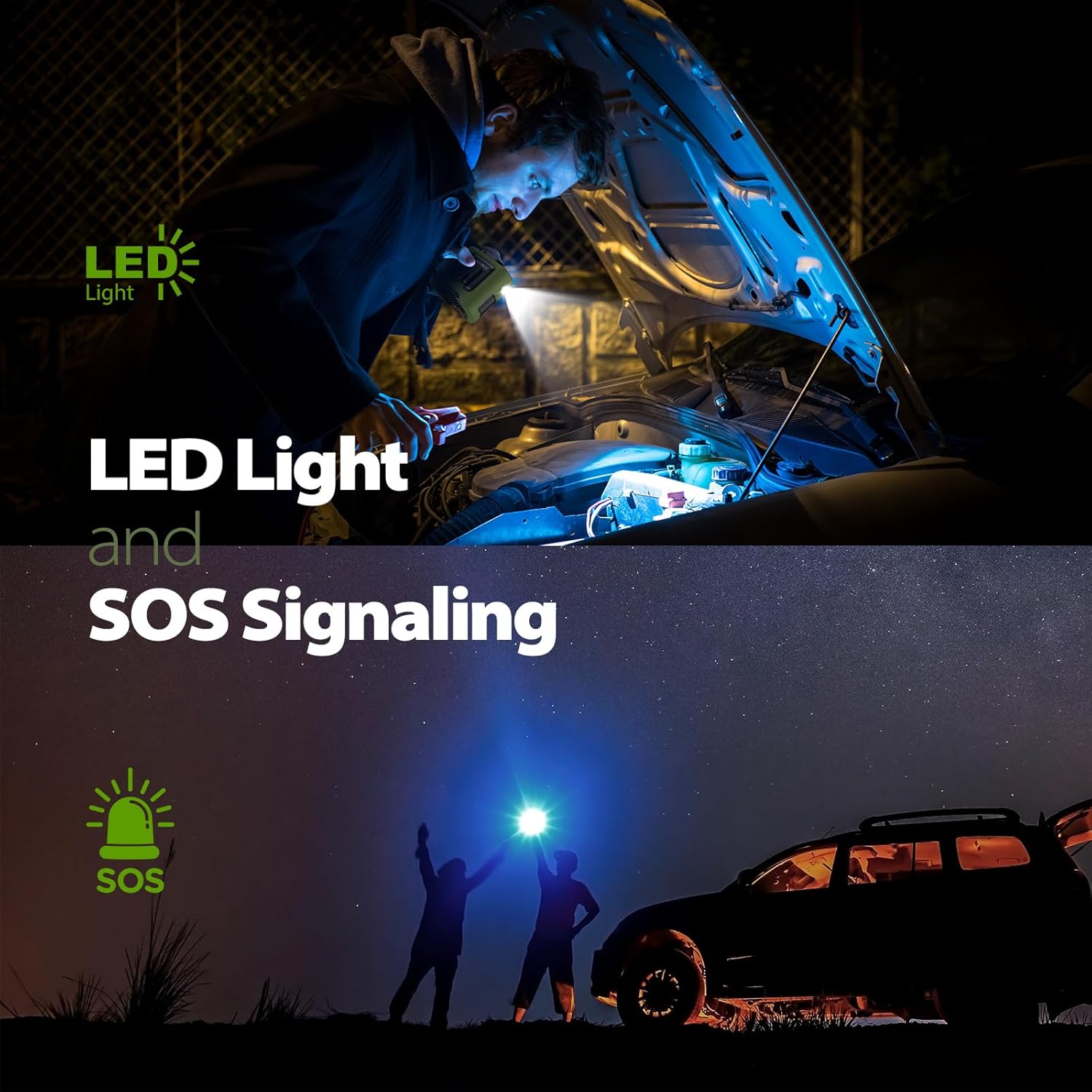
Image: Demonstrating the LED light for illumination and the SOS signaling feature of the fan.
Maintenance
Cleaning
Ensure the fan is turned off and unplugged before cleaning. Use a soft, dry cloth to wipe the exterior. Do not use harsh chemicals or immerse the fan in water.
Storage
Store the fan in a cool, dry place away from direct sunlight when not in use.
Troubleshooting
Fan Not Turning On
- Check battery level on the smart display. Recharge if necessary.
- Ensure the power button is pressed and held for 2-3 seconds.
Weak Airflow
- Increase the fan speed using the power button.
- Ensure the fan's intake and exhaust vents are not obstructed.
Device Not Charging from Fan
- Verify the fan has sufficient battery charge.
- Ensure the charging cable is correctly connected to the fan's USB-A output port and your device.
- Check if your device is compatible with 5V/2A charging.
Specifications
| Feature | Specification |
|---|---|
| Brand | AddAcc |
| Model | K200 |
| Battery Capacity | 14500mAh |
| Runtime | 6 to 67 hours (depending on speed) |
| Recharge Time | Approximately 6.5 hours |
| Max Fan Speed | 15000 RPM |
| Max Airflow | 21 ft/s |
| Fan Speeds | 5 (4 normal, 1 Storm Mode) |
| USB Output | 5V/2A |
| Dimensions (L x W x H) | 2.48" x 3.74" x 3.9" |
| Weight | 0.83 lbs (13.28 oz) |
| Color | Green |
Warranty and Support
For warranty information or technical support, please refer to the contact details provided on the product packaging or visit the official AddAcc website.