Introduction
This manual provides instructions for the WINFLIKE Replacement Remote Control, designed for various Skyworth Android TV and Coocaa Smart LED TV models. This is an infrared remote control that requires no programming; simply insert batteries to begin use.
Compatibility
This remote control is compatible with the following television series and models:
- Skyworth Android TV UB5 Series: UB5000, UB5550, UB5560 series, including 43UB5500, 43UB5550, 43UB5560, 50UB5500, 50UB5550, 50UB5560, 55UB5500, 55UB5550, 55UB5560.
- Skyworth Android TV TB5000 Series: TB5000, TB5050 series, including 32TB5000, 40TB5000, 43TB5000, 32TB5050, 40TB5050, 43TB5050.
- Coocaa Smart LED TV S3N Series: 32S3N, 40S3N, 43S3N, 55S3N.
- Coocaa Smart LED TV S3N-E Series: 43S3N-E, 50S3N-E, 55S3N-E, 65S3N-E.
- Coocaa Smart LED TV S6G Series: 43S6G, 50S6G, 55S6G, 65S6G.
- Other compatible models include 32E20-7M41G, S3U Series, S3M Series (32S3M, 42S3M, 55S3M), and 55U20-9M42G.
Setup
To prepare your remote control for use, follow these simple steps:
- Open the Battery Compartment: Locate the battery compartment cover on the back of the remote control. Slide or press the latch to open it.
- Insert Batteries: Insert two (2) AAA alkaline batteries into the compartment. Ensure the positive (+) and negative (-) terminals of the batteries match the indicators inside the compartment.
- Close the Battery Compartment: Replace the battery compartment cover until it clicks securely into place.
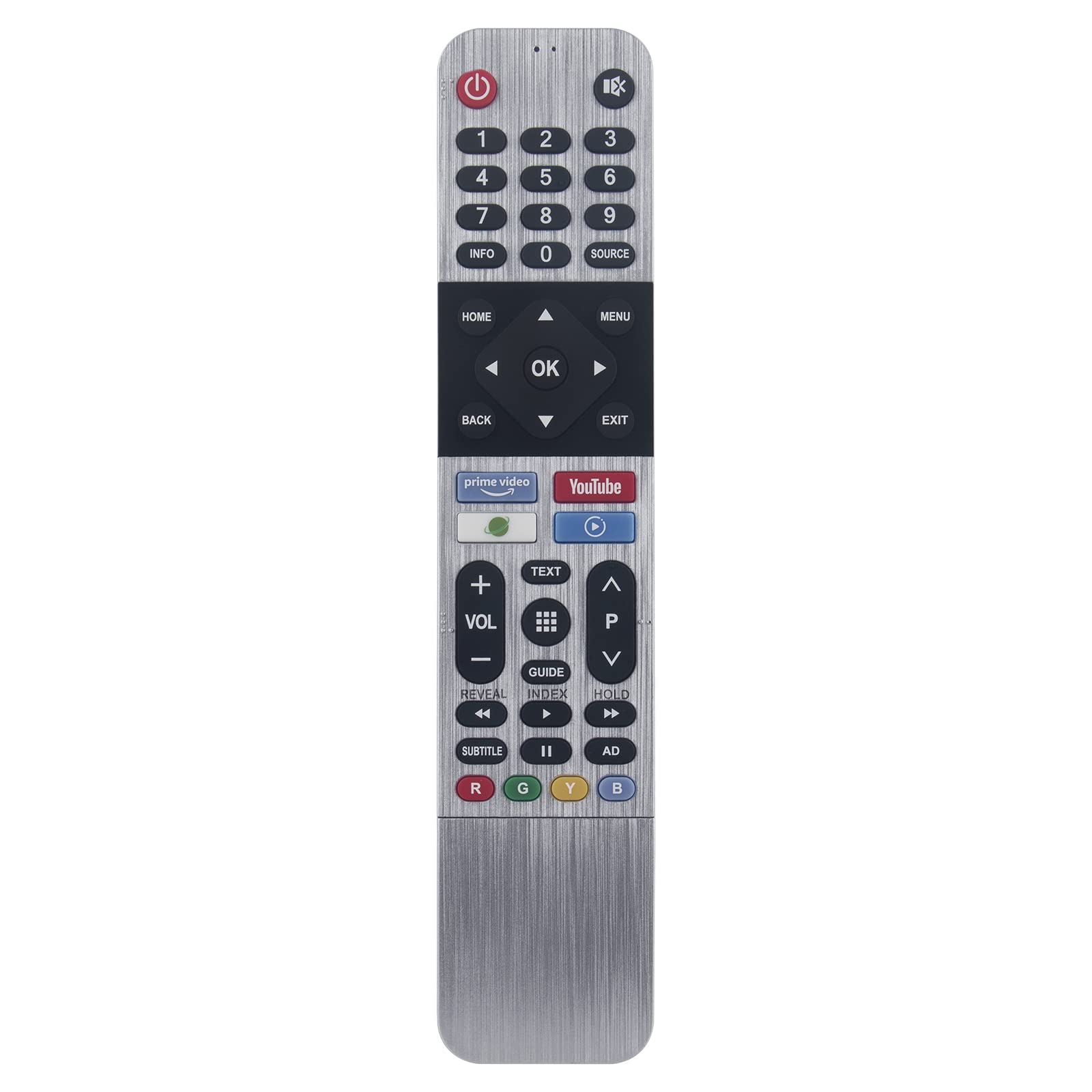
Image: Back of the remote control with the battery compartment open, illustrating where to insert two AAA batteries.
The remote control is now ready for use. No additional programming is required.
Operating Instructions
This infrared remote control provides full functionality for your compatible television. Point the remote directly towards your TV's infrared receiver for optimal performance.
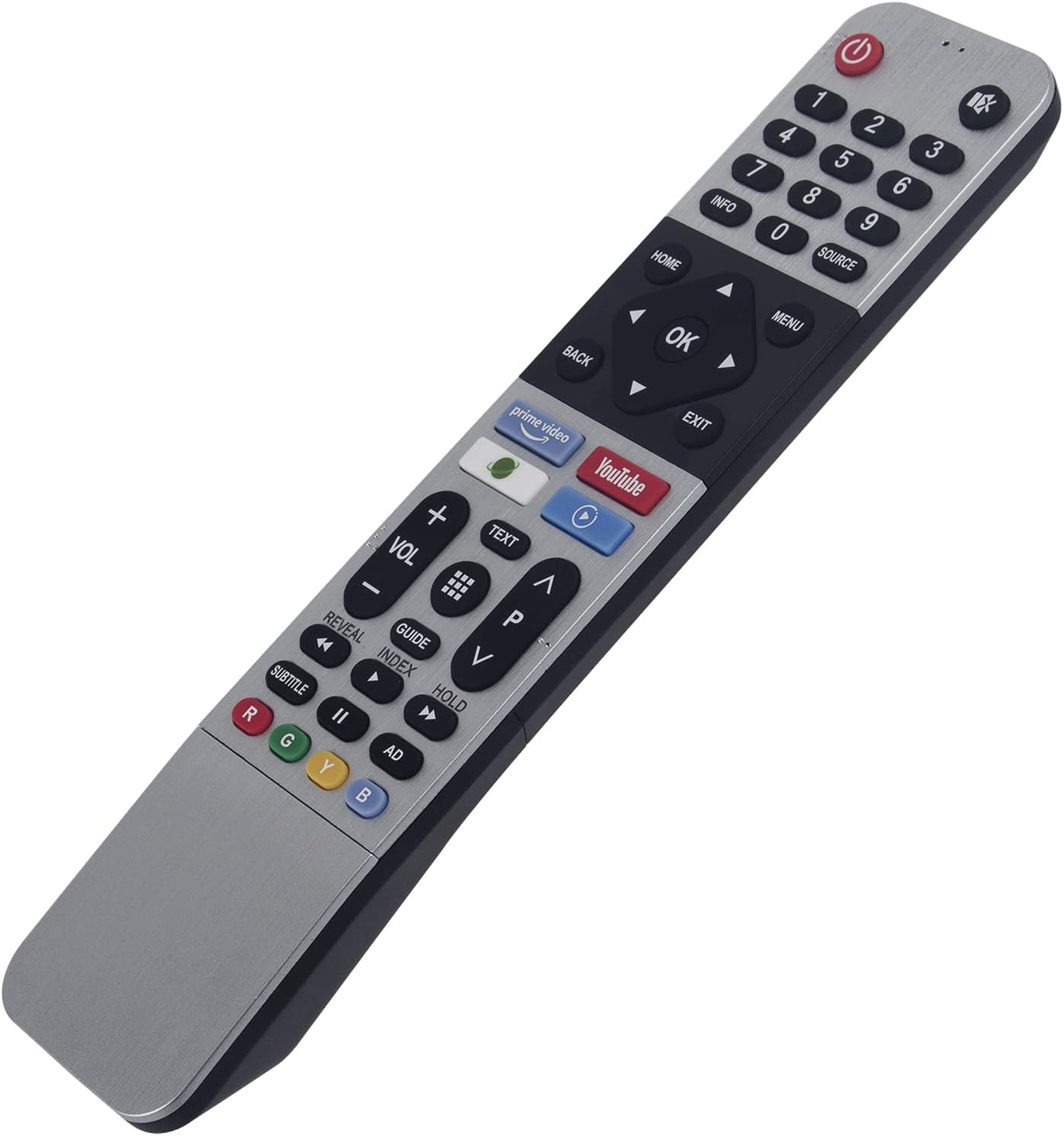
Image: Front view of the remote control, highlighting the layout of all functional buttons.
Key Functions:
- Power Button (⏻): Turns the TV on or off.
- Number Pad (0-9): Direct channel selection.
- Volume Up/Down (VOL +/-): Adjusts the sound level.
- Channel Up/Down (CH +/-): Changes TV channels.
- Navigation Buttons (Up, Down, Left, Right, OK): Used to navigate menus and confirm selections.
- Home Button: Accesses the TV's main smart interface or home screen.
- Back Button: Returns to the previous screen or menu.
- Menu/Settings Button: Opens the TV's settings or options menu.
- Source Button: Selects input sources (HDMI, AV, etc.).
- App Buttons (e.g., Prime Video, YouTube): Provides quick access to pre-programmed streaming applications.
- Color Buttons (Red, Green, Yellow, Blue): Functionality varies by TV model and application, often used for interactive features.
Maintenance
Proper care will extend the life of your remote control:
- Cleaning: Wipe the remote with a soft, dry cloth. Do not use liquid cleaners or abrasive materials.
- Storage: Store the remote in a dry place, away from direct sunlight and extreme temperatures.
- Battery Replacement: Replace batteries promptly when the remote's performance degrades. If the remote will not be used for an extended period, remove the batteries to prevent leakage.
- Avoid Drops: Protect the remote from physical impact, as drops can damage internal components.
Troubleshooting
If you encounter issues with your remote control, try the following solutions:
- Remote Not Responding:
- Ensure there is a clear line of sight between the remote and the TV's infrared sensor.
- Check if the batteries are inserted correctly with the correct polarity.
- Replace the batteries with fresh AAA alkaline batteries.
- Limited Functionality:
- Verify that your TV model is listed in the compatibility section of this manual.
- Some advanced smart TV features or specific app functions may require the original TV remote or a smart remote with voice/pointer capabilities. This remote is an infrared replacement.
- Buttons Not Working:
- Ensure the remote is clean and free of debris that might obstruct button presses.
- If only specific buttons are not working, it might indicate internal damage; consider replacing the remote.
Specifications
| Model Number | 43UB5500-43UB5550-IR |
| Brand | WINFLIKE |
| Product Dimensions | 5 x 1 x 0.5 inches (12.7 x 2.54 x 1.27 cm) |
| Item Weight | 0.7 ounces (19.8 grams) |
| Batteries Required | 2 x AAA batteries (not included) |
| Special Feature | Ergonomic, No Programming Required |
| Compatible Devices | Television |


