Introduction
This manual provides essential instructions for the safe operation, setup, and maintenance of your CANKETEC S159 GPS Drone. Please read this manual thoroughly before operating the drone to ensure proper function and to maximize your flying experience. This drone features a 4K HD camera, GPS capabilities, an upgraded LCD remote control, and intelligent flight modes.
1. Safety Guidelines
- Read the Manual: Always read this user manual and watch the guide videos available in the companion application before your first flight.
- Outdoor Calibration: Perform outdoor calibration as instructed in the app's guide video before each flight to ensure stable operation.
- Flight Environment: Operate the drone in open areas, away from people, animals, buildings, and obstacles. Avoid flying in strong winds or adverse weather conditions.
- Battery Safety: Use only approved batteries and chargers. Do not overcharge or puncture batteries.
- Respect Privacy: Be mindful of privacy laws and regulations when capturing images or videos.
- Age Recommendation: This product is suitable for users of all skill levels, but adult supervision is recommended for younger operators.
2. Package Contents
Verify that all items listed below are included in your package:
- Foldable GPS Drone x 1
- Remote Control with LCD Screen x 1
- Battery x 2
- User Manual x 1
- Carrying Case x 1
- Spare Blade x 4
- USB Cable x 1

Figure 2.1: CANKETEC S159 GPS Drone and included accessories: remote control with LCD screen, two batteries, spare propellers, USB cable, and carrying case.
3. Component Overview
Familiarize yourself with the main components of your drone and remote control.
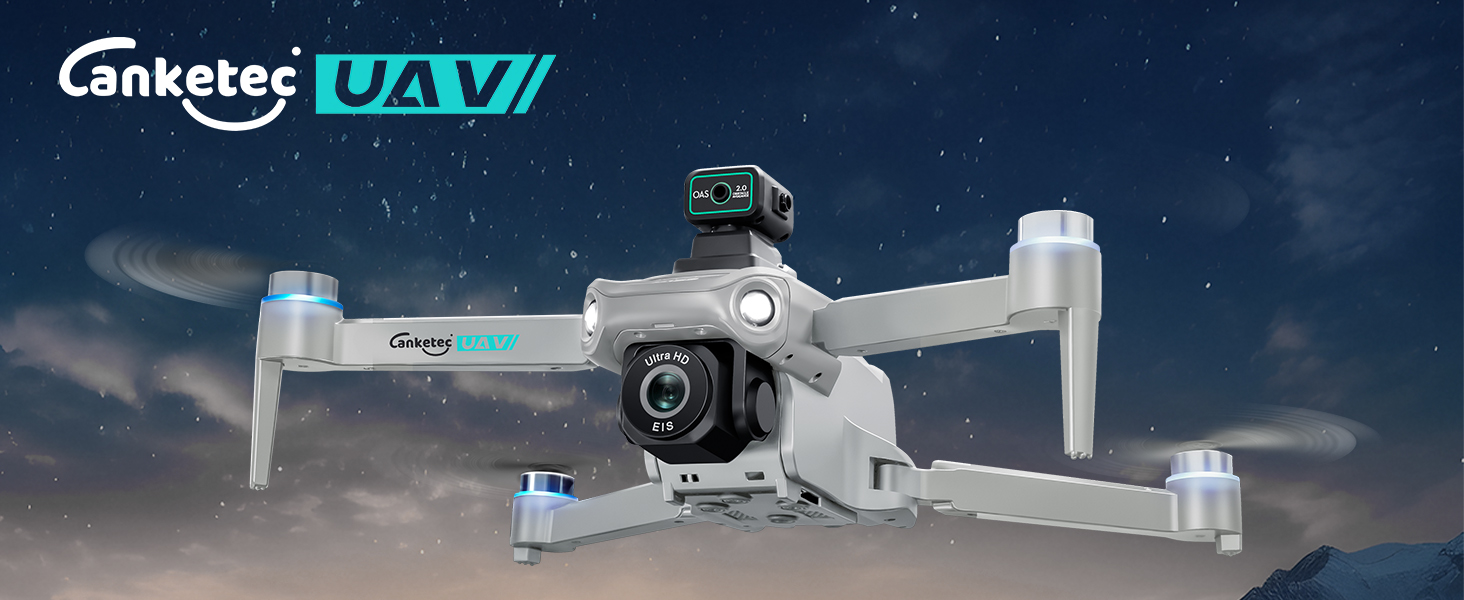
Figure 3.1: CANKETEC S159 Drone overview (illustrative image).

Figure 3.2: Remote Control overview.
4. Setup
4.1 Battery Charging and Installation
The drone comes with two intelligent batteries, providing up to 60 minutes of flight time. Ensure batteries are fully charged before use.
- Connect the battery to the USB charging cable.
- Plug the USB cable into a suitable USB power adapter (not included).
- The charging indicator will show the charging status. Once fully charged, disconnect the battery.
- Insert the charged battery into the drone's battery compartment until it clicks securely into place.
4.2 Propeller Installation
The drone includes spare propellers. Ensure propellers are correctly installed before flight.
- Match the propellers with the corresponding motor arms (usually marked A and B).
- Attach the propellers firmly to the motor shafts.
4.3 Remote Control Setup
The upgraded LCD screen controller offers real-time image display and flight information.
- Ensure the remote control battery is charged.
- Power on the remote control.
- The LCD screen will display essential flight data such as battery life, speed, distance, and mode status.

Figure 4.1: Upgraded LCD Screen Controller.
4.4 App Installation and Connection
For full functionality and FPV transmission, download the dedicated CANKETEC drone application.
- Scan the QR code in the quick start guide or search for the CANKETEC drone app in your device's app store.
- Install the application on your smartphone.
- Power on the drone and the remote control.
- Connect your smartphone to the drone's Wi-Fi network (5G transmission).
- Open the app and follow the on-screen instructions to establish a connection.
4.5 Pre-Flight Calibration
Outdoor calibration is crucial for stable flight. Refer to the guide video within the app for detailed steps.
- Place the drone on a flat, open surface outdoors.
- Follow the app's instructions for compass and gyroscope calibration.
- Ensure a strong GPS signal is acquired before takeoff.
5. Operation
5.1 Basic Flight Controls
The CANKETEC S159 drone is designed for ease of use, suitable for all skill levels.
- One-Key Start/Landing: Press the dedicated button on the remote control for automatic takeoff or landing.
- Speed Adjustment: Adjust the drone's speed settings (3-speed adjustable) via the remote control or app to match your skill level and flying conditions.
- Headless Mode: In Headless Mode, the drone's orientation is relative to the pilot, simplifying control regardless of the drone's front direction.
- Altitude Hold: The drone maintains a stable altitude, allowing for easier control of horizontal movement and camera focus.
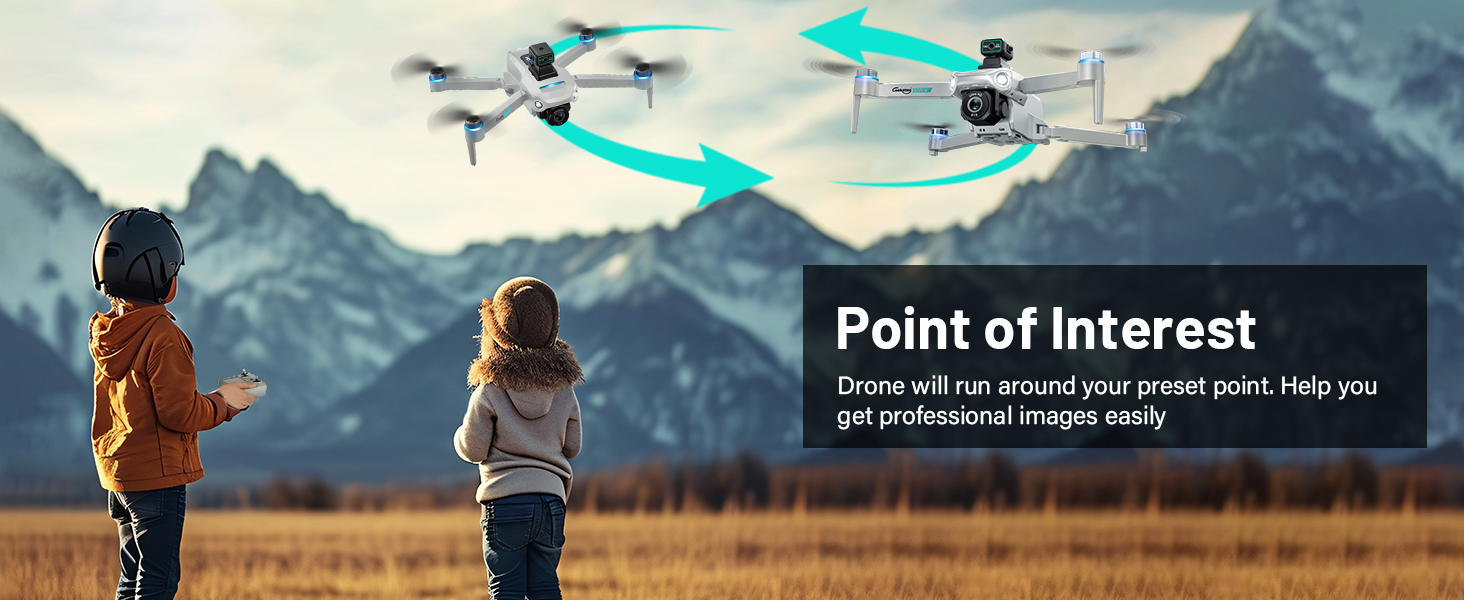
Figure 5.1: Beginner-Friendly Features.
5.2 Advanced Flight Modes (GPS Functions)
Leverage the drone's GPS technology for intelligent and automated flight experiences.
- GPS Auto Return Home: The drone automatically returns to its takeoff point if it loses signal, goes out of range, or has low battery.
- Follow Me: The drone will automatically follow your movements, capturing dynamic footage as you move.
- Waypoint Fly (Tap Fly): Draw a flight path on the app's map, and the drone will fly along the designated route.
- Point of Interest (Fly Around): Select a central point on the map, and the drone will orbit around it at a set distance and altitude.
- Optical Flow Positioning: Works in conjunction with GPS for more accurate and stable hovering, especially indoors or in areas with weak GPS signals.

Figure 5.2: Advanced Intelligent Flight Modes.

Figure 5.3: GPS Auto Return and Optical Flow in action.
5.3 Camera Operation
Capture high-quality aerial photos and videos with the integrated 4K camera.
- 4K HD Camera: Records stunning high-resolution photos and videos.
- Adjustable Lens: Features a 120° wide-angle lens and a 90° adjustable camera angle for versatile shooting perspectives.
- 5G Real-Time Transmission (FPV): View live footage directly on your remote control's LCD screen or connected smartphone via the app.
- SD Card Support: Insert an SD card (not included) into the drone for direct storage of captured media.

Figure 5.4: 4K UHD Advanced Camera features.

Figure 5.5: 5G FPV Transmission for real-time viewing.
6. Maintenance
Regular maintenance ensures the longevity and optimal performance of your drone.
- Cleaning: Gently wipe the drone body, camera lens, and propellers with a soft, dry cloth after each flight to remove dust and debris. Avoid using liquids directly on electronic components.
- Propeller Replacement: Inspect propellers for damage (cracks, bends) before each flight. Replace any damaged propellers immediately using the provided spare blades. Ensure correct A/B propeller placement.
- Battery Care: Store batteries in a cool, dry place. Do not fully discharge batteries for extended periods. Charge them periodically if not in use.
- Storage: When not in use, store the drone and all accessories in the provided carrying case to protect them from damage.
7. Troubleshooting
If you encounter issues, refer to the common problems and solutions below. For further assistance, contact CANKETEC Support.
| Problem | Possible Cause | Solution |
|---|---|---|
| Drone does not take off or flies erratically. | Improper calibration, weak GPS signal, low battery, damaged propellers. | Perform outdoor calibration. Ensure strong GPS signal (at least 9 satellites detected). Charge batteries. Inspect and replace damaged propellers. |
| Video feed is not displayed in the app or on the remote control. | Wi-Fi connection issue, app malfunction. | Ensure your smartphone is connected to the drone's 5G Wi-Fi network. Restart the app and drone. Check app guide videos for connection steps. |
| Auto Return Home function is inaccurate or fails. | Weak GPS signal, interference. | Ensure the drone has a strong GPS signal before takeoff. Fly in open areas away from tall structures or strong magnetic fields. |
| Drone loses altitude during maneuvers (turning, strafing). | Normal flight characteristic for some drones. | This can be a characteristic of the drone's flight dynamics. Adjust controls smoothly and practice in open areas. |
| Motors act strangely or drone won't respond to controls. | Motor malfunction, control signal loss. | Ensure drone and remote control are fully charged and paired. If issues persist, contact support. |
For any technical support or inquiries about drone accessories, please reach out to our dedicated CANKETEC Support Team for service and assistance.
8. Specifications
| Feature | Detail |
|---|---|
| Brand | CANKETEC |
| Model Name | S159 (RM) |
| Special Features | Obstacle Avoidance, Follow Me, Waypoints, Auto Follow, GPS Drone, First Person View (FPV), Speed Adjustment |
| Age Range (Description) | All |
| Color | Grey |
| Video Capture Resolution | 4K |
| Connectivity Technology | Wi-Fi |
| Included Components | Foldable GPS Drone x 1, Remote Control x 1, Battery x 2, User Manual x 1, Carrying Case x 1, Spare Blade x 4, USB Cable x 1 |
| Skill Level | All |
| Item Weight | 249 Grams (8.8 ounces) |
| Product Dimensions | 13.3"L x 11.8"W x 3.7"H |
| Batteries | 1 A batteries required (included) |
| Battery Cell Composition | Lithium Ion |
| Manufacturer Part Number | S159 |
| Optical Sensor Technology | Optical Flow |
9. Warranty and Support
For any technical support, warranty claims, or inquiries regarding your CANKETEC S159 drone or its accessories, please contact the CANKETEC Support Team. Refer to the product packaging or the official CANKETEC website for contact information.
Always provide your model number (S159) and purchase details when contacting support for efficient service.

