
TECLAST P30
TECLAST P30 Tablet User Manual
Model: P30
1. Introduction
Welcome to the user manual for your new TECLAST P30 Tablet. This guide provides comprehensive instructions to help you set up, operate, maintain, and troubleshoot your device, ensuring you get the most out of its advanced features. The TECLAST P30 is a 10.1-inch tablet running Android 15, equipped with an octa-core processor, 12GB RAM, 64GB ROM (expandable to 1TB), WiFi 6, and dual speakers, designed for a smooth and immersive experience.
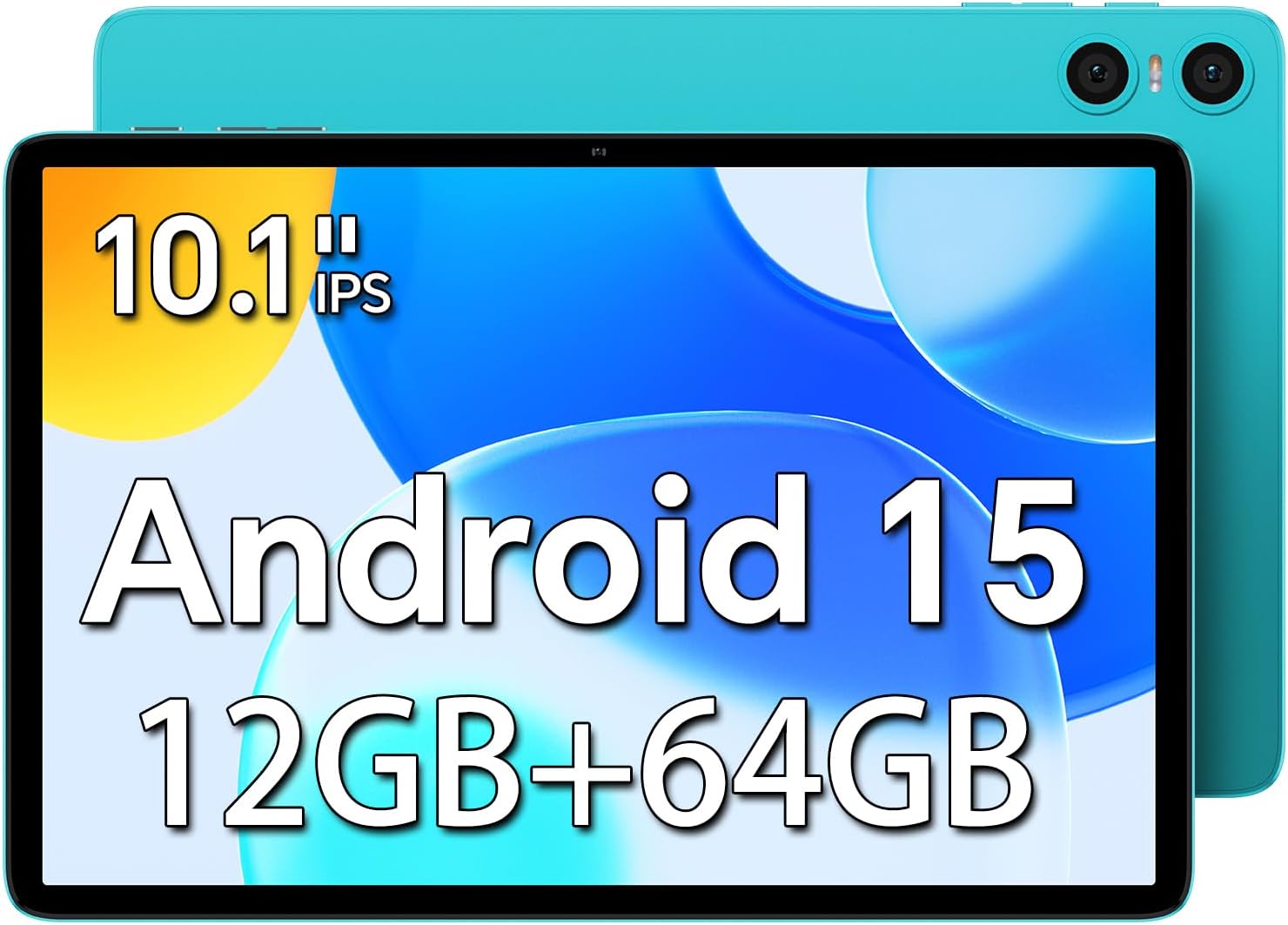
Image: Front view of the TECLAST P30 Tablet highlighting its 10.1-inch IPS display, Android 15 operating system, and 12GB RAM + 64GB storage.
2. What's in the Box
Upon unboxing your TECLAST P30 Tablet, please ensure all the following items are present:
- Charger
- Manual
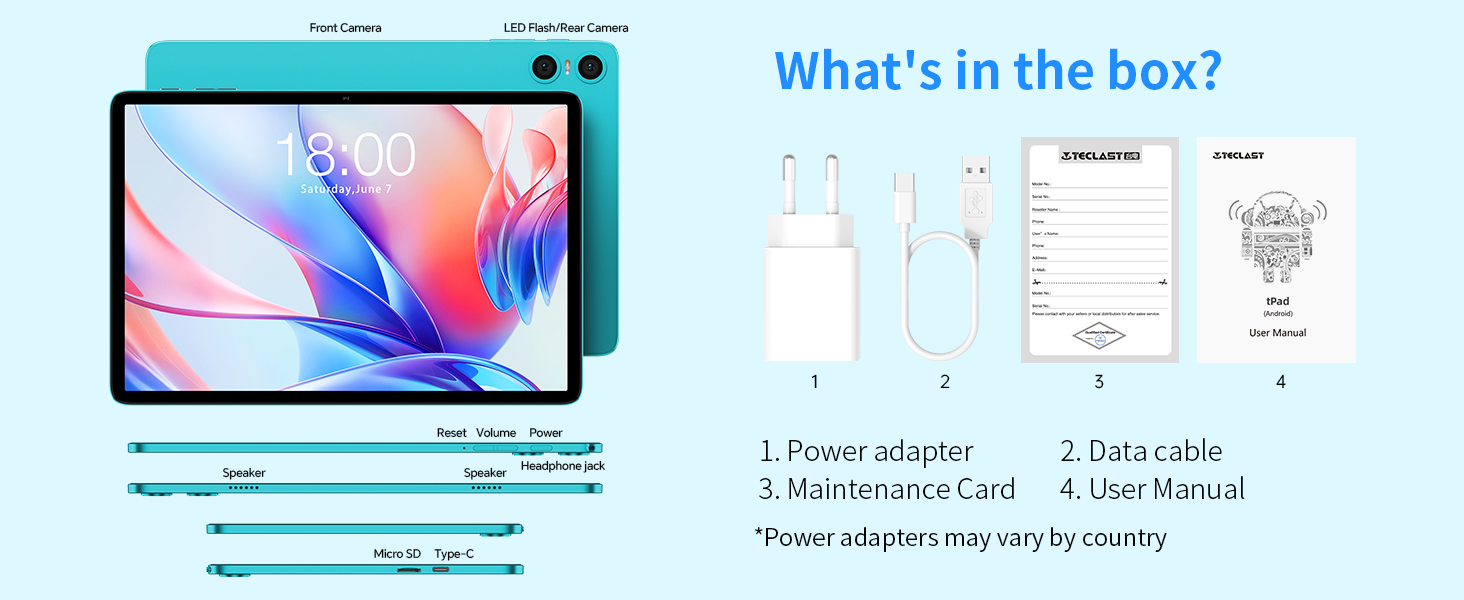
Image: An illustration detailing the items included in the TECLAST P30 Tablet package, such as the power adapter, data cable, maintenance card, and user manual.
3. Setup Guide
3.1 Charging the Tablet
Before first use, fully charge your TECLAST P30 Tablet using the provided charger and Type-C cable. The charging port is conveniently designed for insertion in either direction.

Image: Visual representation of the TECLAST P30 Tablet's 6000mAh battery and its Type-C charging capability, indicating long-lasting power.
3.2 Powering On/Off
To power on, press and hold the power button located on the side of the tablet until the TECLAST logo appears. To power off, press and hold the power button, then select 'Power off' from the options.
3.3 Initial Configuration
Upon first power-on, follow the on-screen prompts to complete the initial setup. This includes selecting your language, connecting to a Wi-Fi network, and signing in with your Google account. The tablet runs on Android 15, offering enhanced privacy and a smoother user experience.
3.4 Memory Expansion
The TECLAST P30 supports Micro SD/TF cards up to 1TB. Locate the Micro SD card slot on the side of the tablet and insert your card to expand storage for multimedia content.

Image: A detailed side view of the TECLAST P30 Tablet, illustrating the location of the Micro SD card slot and the Type-C charging port.
4. Operating Instructions
4.1 Android 15 Features
Your TECLAST P30 Tablet comes with the latest Android 15 operating system. This version offers improved privacy controls, including granular app permissions, and supports more complex six-digit passwords. It also features AI Neural Network technology for faster app launch and response times.

Image: A visual guide to the key features of Android 15 on the TECLAST P30, such as enhanced privacy, multitasking capabilities, and performance improvements.
4.2 Display and Visuals
The 10.1-inch IPS display with a 1280x800 resolution and 16:10 aspect ratio provides a comfortable viewing experience for games and videos. Teclast T-Color technology optimizes colors for vivid and detailed visuals. The tablet also supports Widevine L1, allowing you to stream high-quality content from platforms like Amazon Prime and Hulu.

Image: Demonstrating the visual quality of the TECLAST P30's 10.1-inch IPS display, emphasizing its resolution, brightness, and color optimization for an immersive viewing experience.
4.3 Audio Experience
Equipped with smart dual speakers and a digital amplifier chip, the P30 delivers high-quality stereo sound for an immersive audiovisual experience. A 3.5mm headphone jack is also included for private listening.

Image: A visual representation of the TECLAST P30's audio features, including its stereo sound system and the convenience of a 3.5mm headset jack for personal audio enjoyment.
4.4 Cameras and Face Unlock
The tablet features a 2MP front camera and a 5MP rear camera with AI dual-camera system and LED flash. It supports facial recognition for quick and secure unlocking of the device.

Image: A close-up view of the TECLAST P30's camera system, highlighting its 5MP rear camera with auto-focus and LED flash, and the 2MP front camera for video calls.
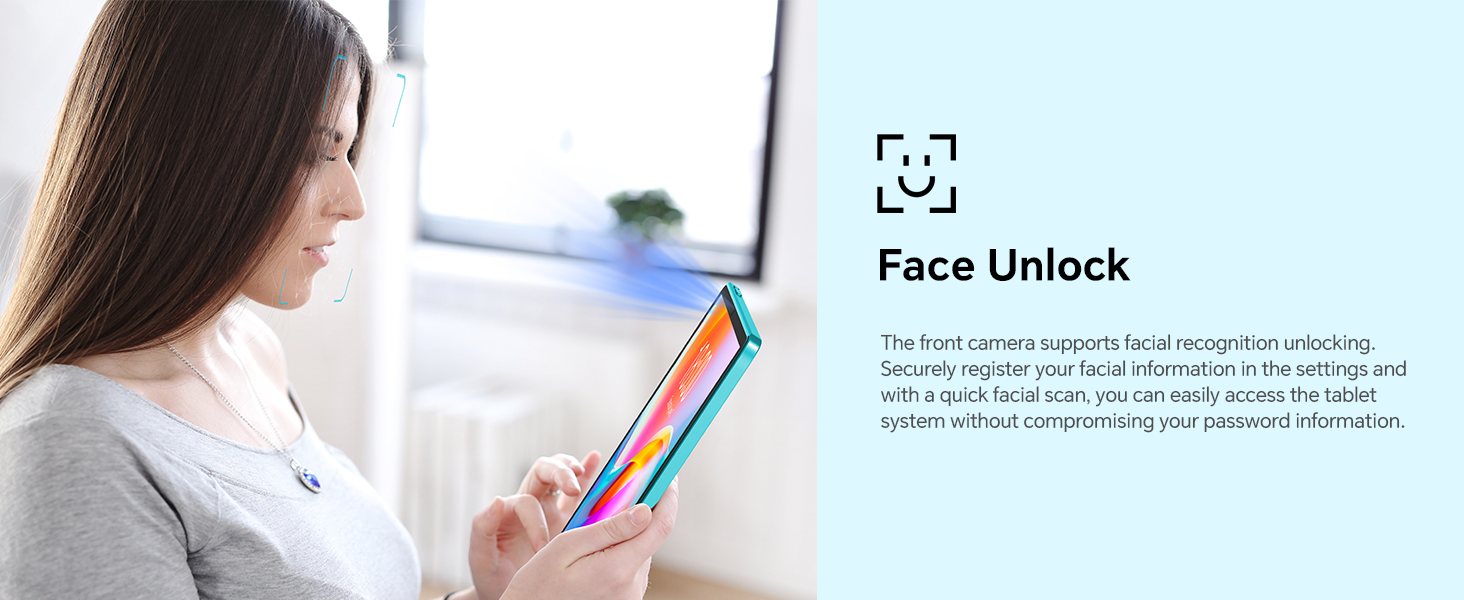
Image: A visual explanation of the Face Unlock functionality on the TECLAST P30 Tablet, illustrating how users can securely access their device using facial recognition.
4.5 Connectivity
The TECLAST P30 supports ultra-fast WiFi 6 (802.11ax) for faster speeds, more capacity, and lower latency. It also features energy-efficient Bluetooth 5.4 for seamless connection with wireless headphones and other devices.
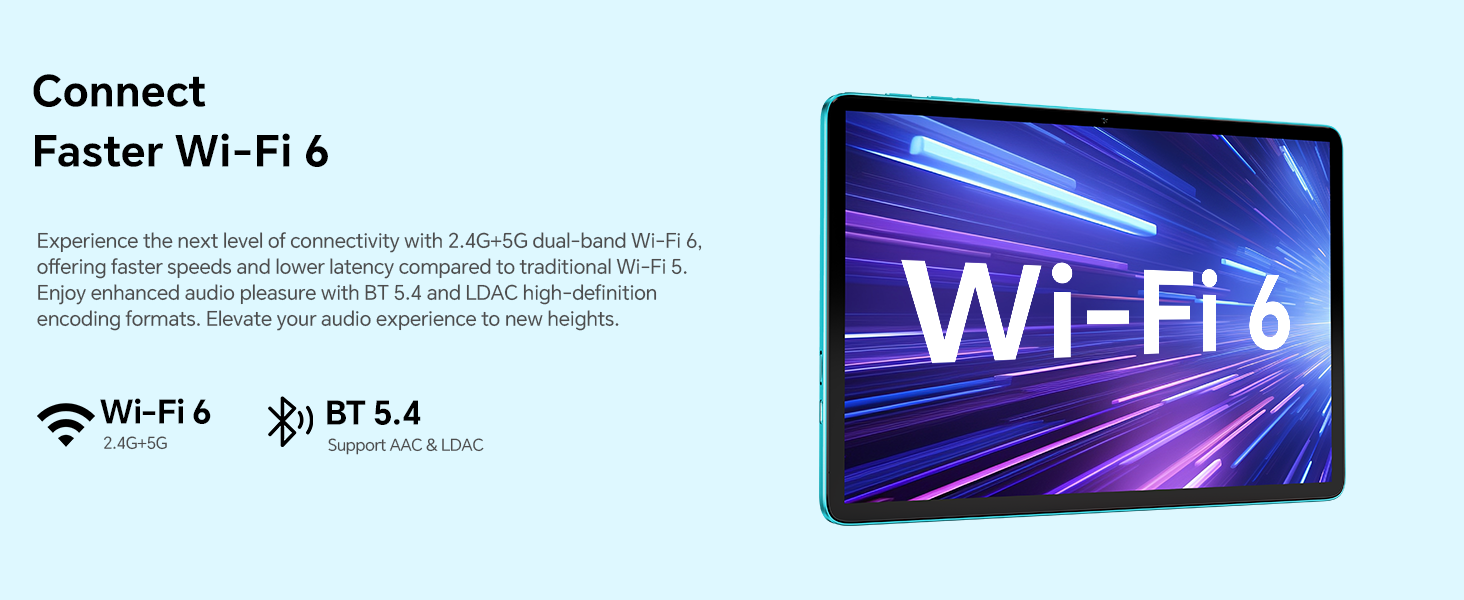
Image: A graphic illustrating the advanced connectivity options of the TECLAST P30 Tablet, specifically its support for Wi-Fi 6 and Bluetooth 5.4 for fast and efficient wireless communication.
4.6 Parental Controls
The TECLAST P30 Tablet can be set up with Google's built-in parental controls, Family Link. This allows you to manage screen time, monitor app usage, remotely lock devices, and track your child's tablet location.
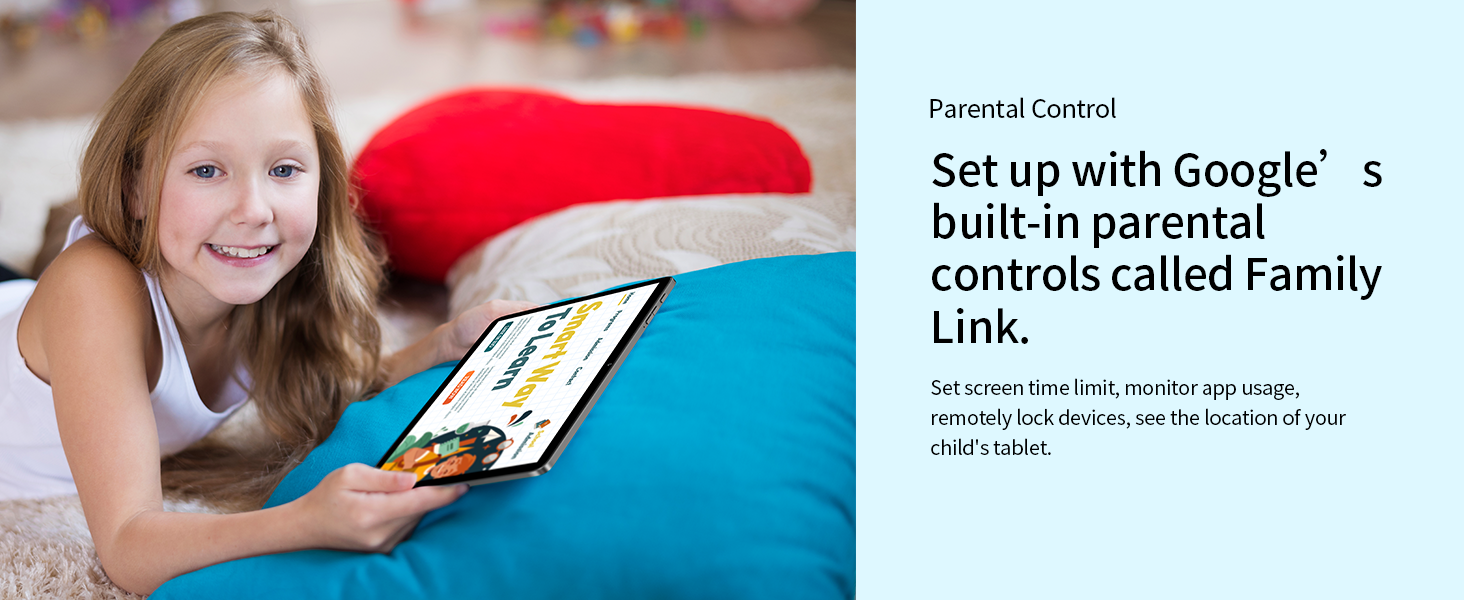
Image: A depiction of the TECLAST P30 Tablet being used by a child, emphasizing the availability of Google's Family Link for parental control and safe usage.
5. Maintenance
5.1 Cleaning Your Tablet
To clean your tablet, use a soft, lint-free cloth. For stubborn smudges, slightly dampen the cloth with water or a screen cleaner specifically designed for electronics. Avoid using harsh chemicals or abrasive materials.
5.2 Software Updates
Regularly check for and install system updates to ensure your tablet has the latest features, security patches, and performance improvements. You can usually find this option in the 'Settings' menu under 'System' or 'About tablet'.
5.3 Storage Management
To maintain optimal performance, periodically manage your tablet's storage. Delete unnecessary files, uninstall unused apps, and clear cache data. Utilize the Micro SD card slot for large media files to free up internal storage.
6. Troubleshooting
6.1 Tablet Not Turning On
- Ensure the tablet is fully charged. Connect it to the charger for at least 30 minutes before attempting to power on again.
- Press and hold the power button for 10-15 seconds to perform a forced restart.
6.2 Wi-Fi Connectivity Issues
- Restart your Wi-Fi router and the tablet.
- Forget the network in your tablet's Wi-Fi settings and reconnect.
- Ensure you are within range of the Wi-Fi signal.
6.3 Slow Performance
- Close unused applications running in the background.
- Clear cache data for frequently used apps.
- Check for system updates.
- Consider performing a factory reset as a last resort (back up your data first).
7. Specifications
| Feature | Specification |
|---|---|
| Brand | TECLAST |
| Model Name | P30 Android 15 |
| Product Dimensions | 24.24 x 16.13 x 0.88 cm |
| Item Weight | 538 g |
| Screen Display Size | 10 Inches |
| Screen Resolution | 1280 x 800 Pixels |
| Processor Brand | Allwinner |
| Processor Speed | 1.8 GHz |
| RAM Memory Installed Size | 12 GB (4GB+8GB expandable) |
| Memory Storage Capacity | 64 GB (Expandable up to 1TB via Micro SD) |
| Operating System | Android 15 |
| Connectivity Type | Bluetooth, Wi-Fi |
| Wireless Type | 802.11ax (Wi-Fi 6) |
| Battery Life (Average) | 9 Hours |
| Battery Capacity | 6000mAh |
| Front Camera | 2MP |
| Rear Camera | 5MP |
8. Warranty and Support
TECLAST provides a 2-year warranty for its products. If you encounter any issues with your TECLAST P30 Tablet, please contact TECLAST customer support for assistance. For more information, visit the official TECLAST website or refer to the contact details provided in your product packaging.
Related documentsP30


Ask a question about this manual
Ask about setup, troubleshooting, compatibility, parts, safety, or missing instructions. Manuals+ will review the question and use this page’s manual context to help answer it.