
1. Safety Information
Please read all safety instructions carefully before assembly and use. Failure to follow these instructions may result in injury or damage to the product.
- Always keep the desk away from children's reach.
- Use the child safety lock feature when the desk is not in use to prevent accidental adjustments.
- Do not exceed the maximum weight limit of 154 pounds (70 kg). Overloading can cause instability and damage.
- Ensure the desk is properly anchored or placed on a stable, level surface to prevent tipping, especially when fully extended.
- Keep hands and objects clear of moving parts during height adjustment.
- Do not sit or stand on the desk.
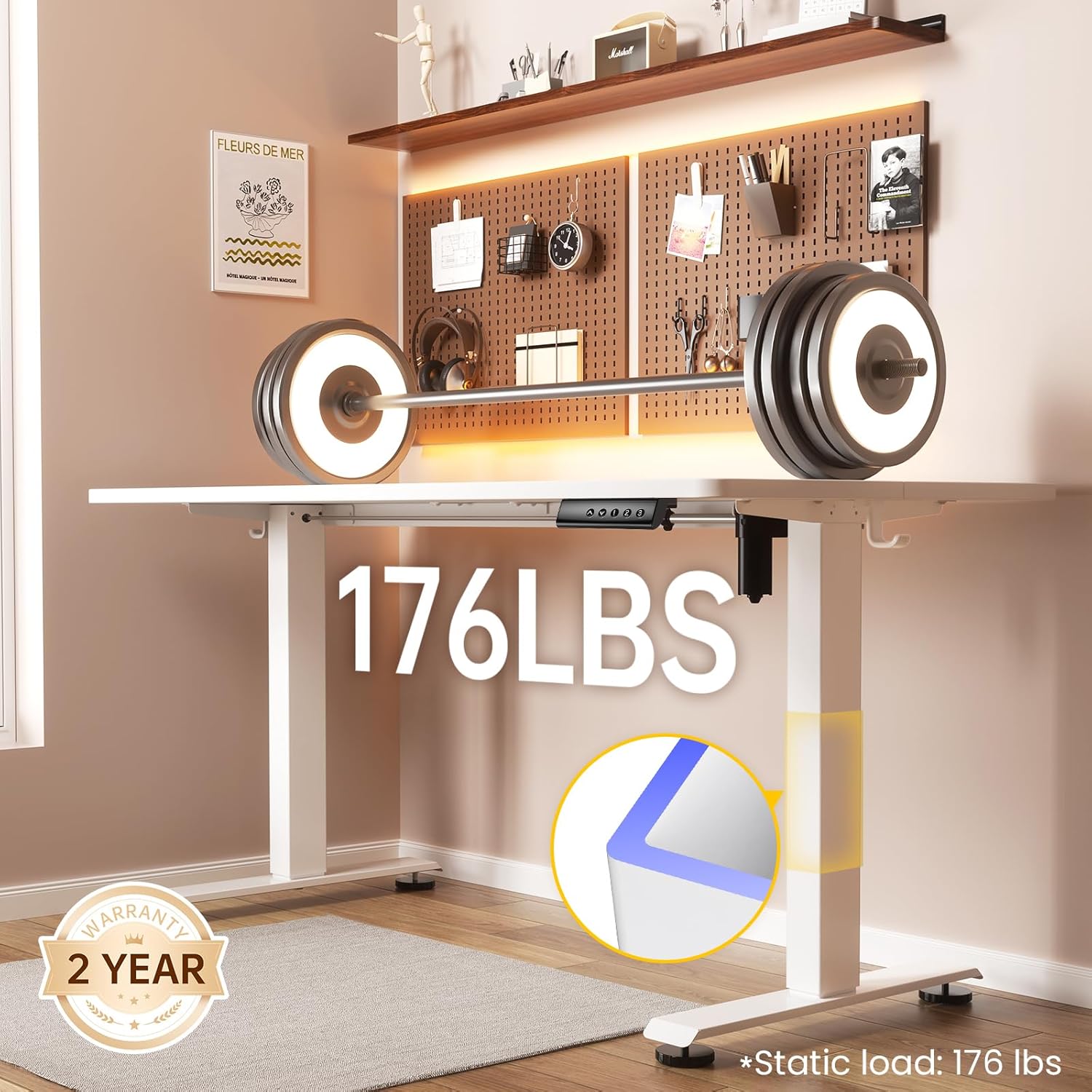
Image: The Veken standing desk is designed to support a static load of up to 176 pounds, ensuring stability for your equipment.
2. Product Overview
The Veken Electric Standing Desk is designed to provide a versatile and ergonomic workspace. It features electric height adjustment, memory presets, and a spacious desktop.
2.1 Dimensions and Features
- Desktop Size: 63 inches (Width) x 27.6 inches (Depth)
- Height Adjustment Range: 28.3 inches to 46.5 inches
- Motor Noise Level: Under 52 dB
- Weight Capacity: 154 pounds (dynamic), 176 pounds (static)
- Special Features: Adjustable Height, Electric, Ergonomic, Memory Preset, Cable Clip, Headphone Hooks

Image: Detailed dimensions and integrated features of the Veken standing desk, including headphone hooks, cable management, and floor protection pads.
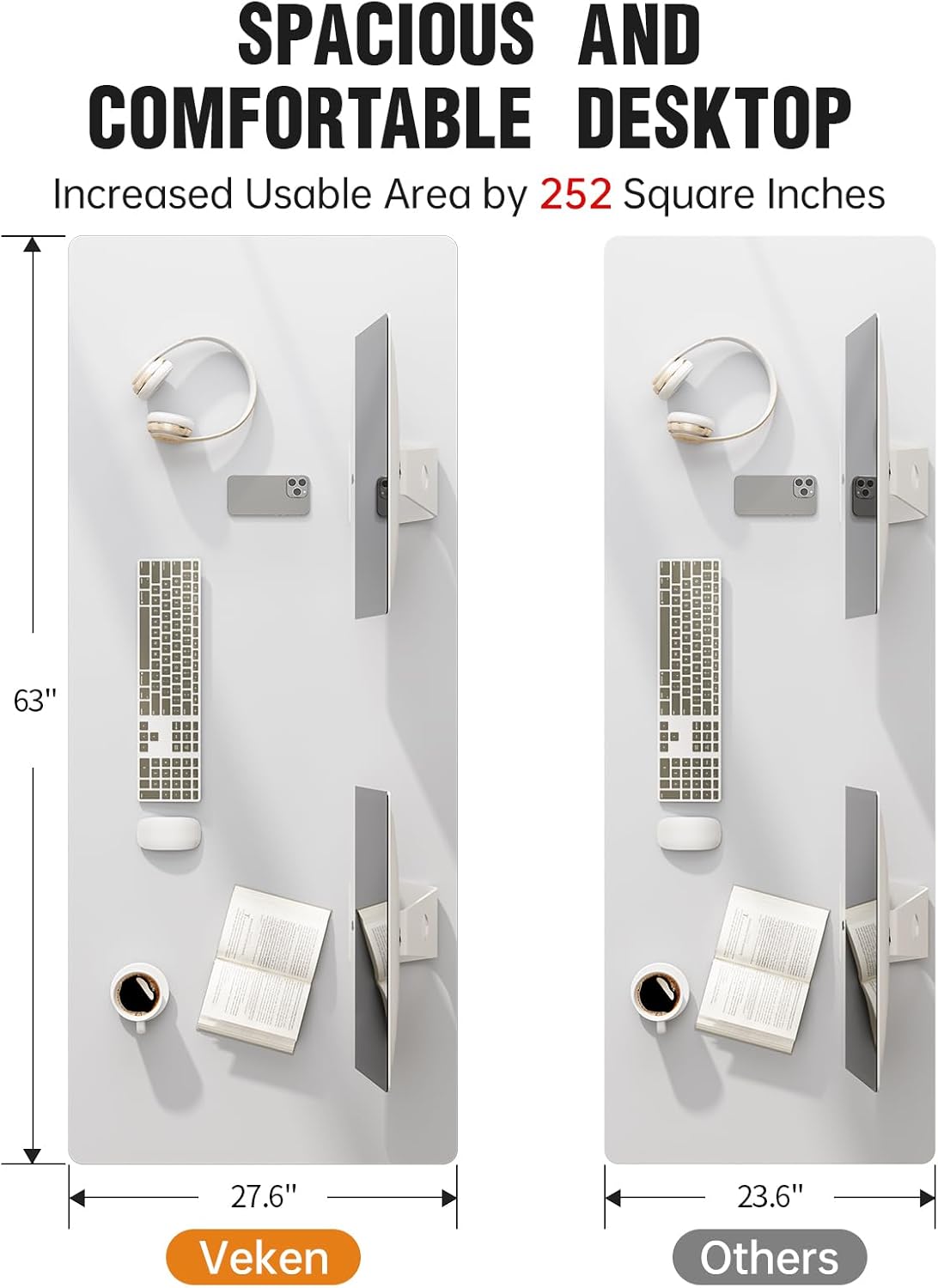
Image: The spacious 63x27.6 inch desktop provides ample room for multiple monitors and accessories, increasing usable area by 252 square inches compared to smaller desks.
3. Assembly Instructions
The Veken Electric Standing Desk is designed for straightforward assembly. It typically takes 10-30 minutes with clear instructions provided. A Phillips-head screwdriver is recommended for assembly.
3.1 Required Tools
- Phillips-head screwdriver (not included)
3.2 Assembly Steps
- Unpack all components and verify against the parts list in the included user manual.
- Assemble the desk frame according to the detailed diagrams. Ensure all holes are pre-drilled and accessories are pre-labeled for easy identification.
- Attach the desktop sections. Note that the desktop is composed of two boards. Ensure they are aligned correctly.
- Secure all screws and connections firmly.
- Install the control panel, headphone hooks, and cable clips as instructed.
- Connect the power cable and motor cables.

Image: Exploded diagram illustrating the components and ease of assembly for the Veken standing desk.
3.3 Assembly Video
Video: This video demonstrates the assembly process for the Veken 55-inch standing desk, which shares similar assembly steps with the 63-inch model.
4. Operating Instructions
The Veken Electric Standing Desk features a quiet motor for smooth height adjustments and memory presets for convenience.
4.1 Electric Height Adjustment
- Use the Up and Down arrow buttons on the control panel to adjust the desk height.
- The desk moves smoothly and quietly, allowing for seamless transitions between sitting and standing positions.
- The height range is from 28.3 inches (sitting) to 46.5 inches (standing).
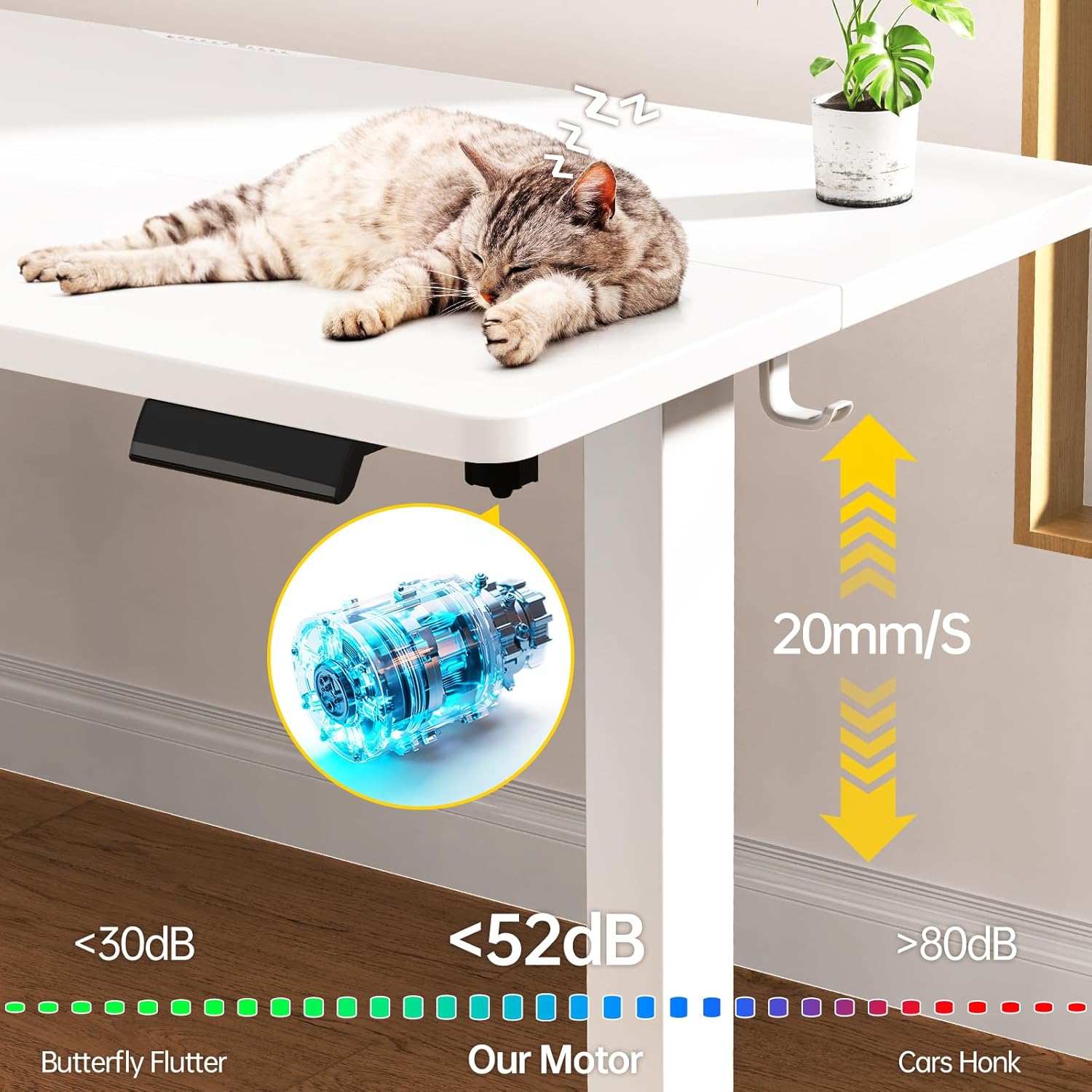
Image: The desk's motor operates at less than 52 dB, ensuring quiet and smooth height adjustments.
4.2 Memory Presets
The control panel includes memory preset buttons (1, 2, 3) to save your preferred sitting and standing heights.
- Adjust the desk to your desired height using the Up/Down arrows.
- Press and hold one of the preset buttons (1, 2, or 3) until the display flashes or beeps, indicating the height has been saved.
- To recall a saved height, simply press the corresponding preset button. The desk will automatically move to that position.
4.3 Child Safety Lock
Activate the child safety lock to prevent unintended adjustments. Refer to the detailed manual for specific instructions on engaging and disengaging this feature.
5. Maintenance
Regular maintenance ensures the longevity and optimal performance of your Veken Electric Standing Desk.
- Cleaning: Wipe the desktop and frame with a soft, damp cloth. Avoid harsh chemicals or abrasive cleaners that could damage the finish.
- Cable Management: Periodically check and organize cables using the provided cable clips to prevent tangles and damage.
- Motor Inspection: Ensure the motor and electrical connections are free from dust and obstructions. Do not attempt to open the motor housing.
- Stability Check: Regularly check that all screws and bolts are tight to maintain desk stability.

Image: The desktop features a scratch-resistant and corrosion-resistant laminated finish, made from environmentally friendly engineered wood.
6. Troubleshooting
If you encounter issues with your Veken Electric Standing Desk, refer to the following common troubleshooting steps or consult the official user manual.
6.1 Desk Not Adjusting Height
- Check all power connections to ensure they are securely plugged in.
- Verify that the child safety lock is not engaged.
- If the desk is unresponsive, try unplugging it for 30 seconds and then plugging it back in to reset the system.
6.2 Unbalanced Legs
If the desk appears uneven or wobbly, check the following:
- Ensure the desk is on a level surface. Adjust the feet pads if necessary.
- Verify that all frame connections and screws are tightened.
Video: This video provides troubleshooting steps for unbalanced desk legs, demonstrating how to ensure proper alignment and stability.
6.3 Side Plate Installation Issues
If you experience issues with side plate installation, ensure correct orientation.
Video: This video guides you through troubleshooting side plate installation, focusing on correct orientation for secure attachment.
7. Specifications
| Feature | Detail |
|---|---|
| Brand | Veken |
| Model Number | ODHOME123 |
| Desktop Dimensions (W x D) | 63" x 27.6" (160 cm x 70 cm) |
| Height Range | 28.3" - 46.5" (72 cm - 118 cm) |
| Color | White |
| Top Material Type | Engineered Wood (Laminated) |
| Base Material | Carbon Steel |
| Maximum Weight Recommendation | 154 pounds (70 kg) |
| Motor Noise Level | Under 52 dB |
| Special Features | Adjustable Height, Electric, Ergonomic, Memory Preset, Cable Clip, Headphone Hook |
| Assembly Time | 10-30 minutes (Recommended 2 people) |
| Item Weight | 51 pounds (23.1 kg) |

Image: The desk frame is constructed with multiple layers for durability, including high-strength steel and anti-corrosion coatings.

Image: The desk's materials have passed stringent international certification for formaldehyde content, ensuring an eco-friendly product.
8. Warranty
The Veken Electric Standing Desk comes with a 2-Year Limited Warranty covering parts and labor. Please retain your proof of purchase for warranty claims.
9. Customer Support
For further assistance, questions, or suggestions regarding your Veken Electric Standing Desk, please contact Veken customer support. You can also visit the official Veken Store for more information and products.


