
1. Introduction
This user manual provides essential information for the safe and efficient operation of your TCL 50T6C 50-inch QLED 4K HDR Fire TV. Please read this manual thoroughly before using your television and retain it for future reference.
2. Safety Information
Always follow basic safety precautions when using this product to reduce the risk of fire, electric shock, and injury. Keep the television away from moisture, direct sunlight, and heat sources. Ensure proper ventilation and do not block ventilation openings. Use only attachments/accessories specified by the manufacturer. Disconnect the power cord during lightning storms or when unused for long periods.
3. What's in the Box
Verify that all components are present:
- Power Cable
- Remote Control
- Stand
- User Manual (this document)
4. Product Overview and Dimensions
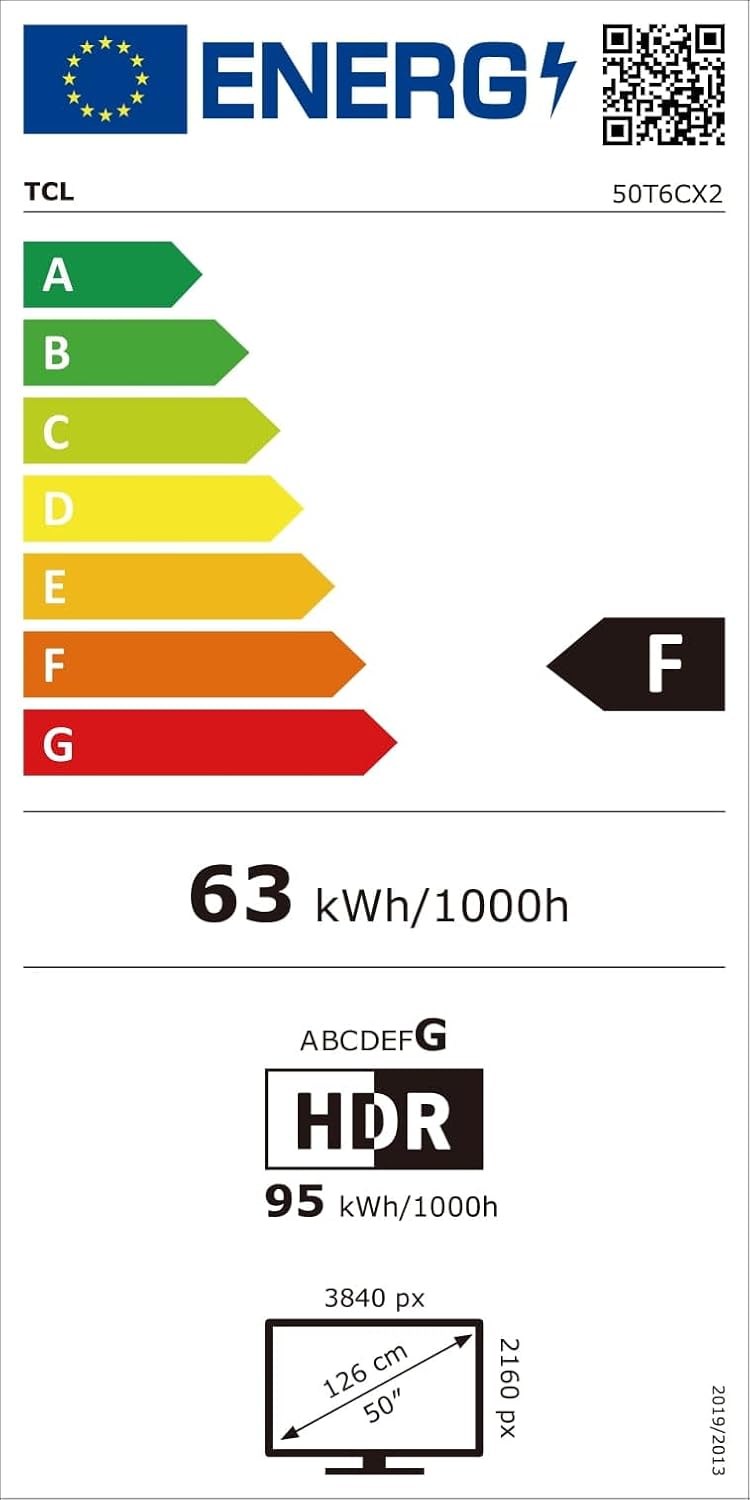
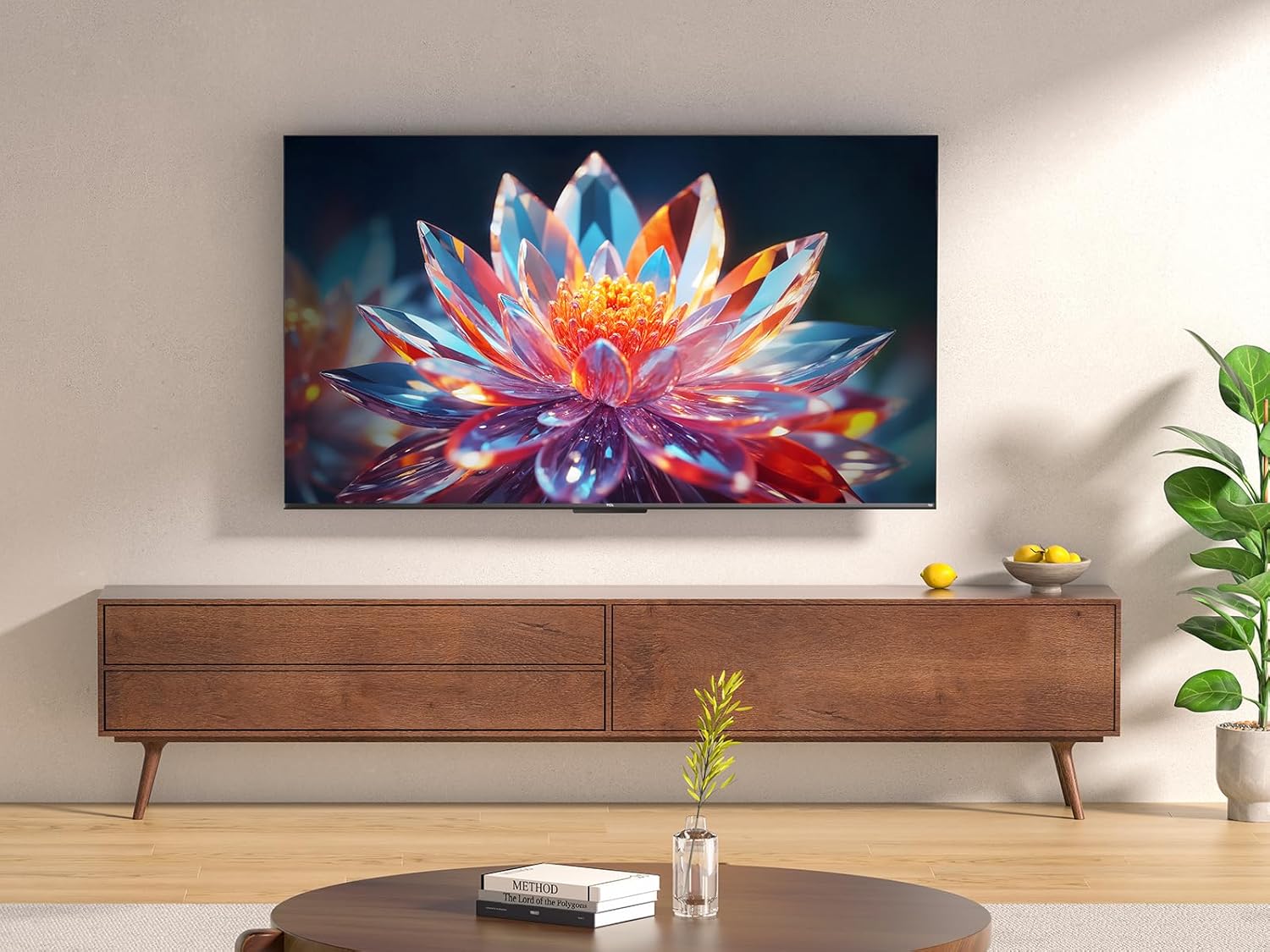
The TCL 50T6C is a 50-inch QLED 4K HDR Fire TV designed for an immersive viewing experience. Below are the key dimensions of the television.

5. Setup
5.1 Stand Installation
To install the TV stand:
- Carefully place the TV face down on a soft, flat surface to prevent screen damage.
- Align the stand legs with the corresponding slots on the bottom of the TV.
- Secure the stand legs using the provided screws. Ensure they are tightened firmly.
5.2 Wall Mounting
For wall mounting, use a VESA-compatible mount (200x200mm for this model). Consult a professional for wall mounting to ensure safety and proper installation. Refer to the wall mount's instructions for specific details.
5.3 Connecting Devices
Your TCL 50T6C TV offers various connectivity options:
- HDMI: Connect up to three HDMI devices (e.g., Blu-ray player, game console, soundbar) for high-definition audio and video.
- USB: Connect a USB drive for media playback.
- Cable/Satellite: Connect your antenna or satellite cable for broadcast TV.
- Ethernet: Connect an Ethernet cable for a wired internet connection.
- Wi-Fi: Connect wirelessly to your home network.
- Bluetooth: Connect compatible Bluetooth devices such as headphones or speakers.
5.4 Power On and Initial Setup
- Connect the power cable to the TV and a power outlet.
- Press the power button on the TV or remote control to turn it on.
- Follow the on-screen instructions to complete the initial Fire TV setup, including network connection, language selection, and Amazon account login.
6. Operating Your TV
6.1 Remote Control
The included remote control provides full functionality for navigating your Fire TV and controlling your television.

6.2 Fire TV Interface
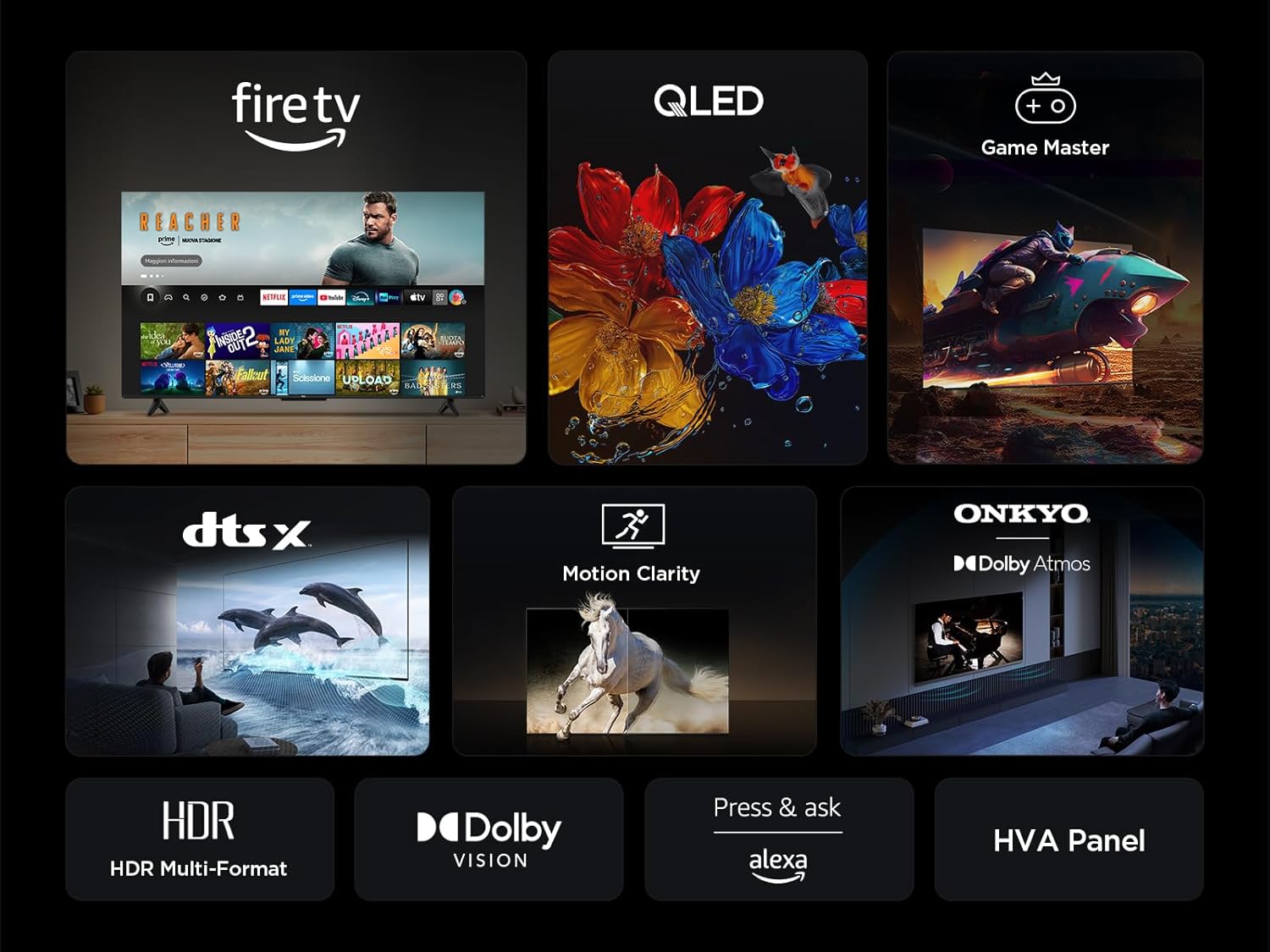
Your TV features an integrated Fire TV experience, providing access to a wide range of streaming content, live TV, and apps from a single home screen.

6.3 QLED Display Technology
Experience vibrant and accurate colors with QLED technology. This TV utilizes Quantum Dot technology to produce over a billion shades of color, offering a realistic and wide color gamut with striking contrast.

6.4 HDR Multi-Format Support
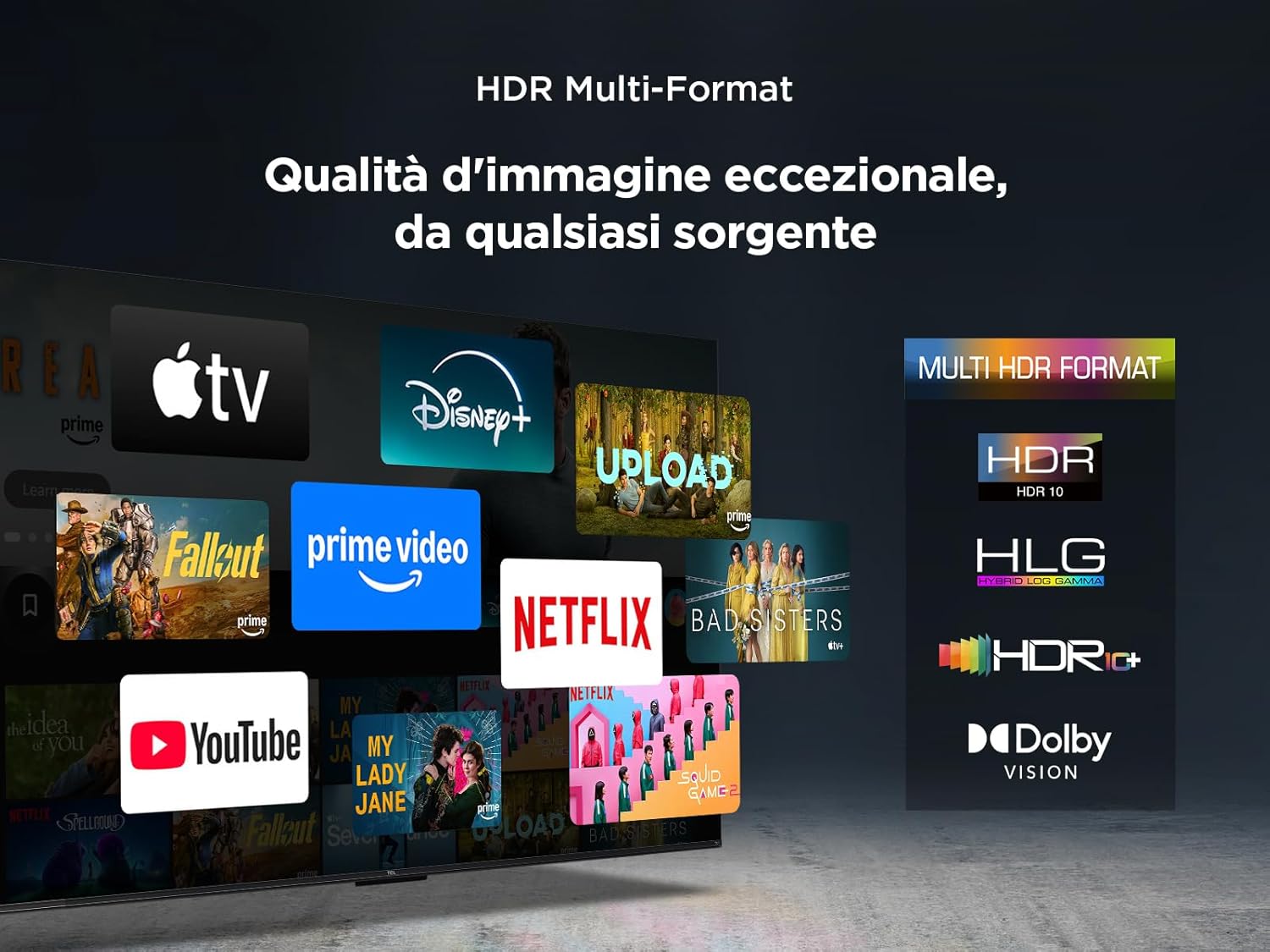
The TV supports multiple HDR formats, including HDR10, HLG, HDR10+, and Dolby Vision, ensuring exceptional image quality from various sources. This allows you to view content in the best possible format.
6.5 Audio Features (Dolby Atmos & DTS:X)
Immerse yourself in a captivating audio experience with Dolby Atmos and DTS:X technologies. These features provide rich, clear, and powerful sound, enhancing your viewing pleasure.

6.6 Motion Clarity
Motion Clarity (MEMC) technology ensures smooth and harmonious images, reducing blur and judder in fast-moving scenes, ideal for sports and action films.

6.7 Gaming Features
For gamers, the TCL 50T6C offers an optimized gaming experience with features like HDMI 2.1, ALLM (Auto Low Latency Mode), and VRR (Variable Refresh Rate) for smoother gameplay and reduced input lag.

6.8 Alexa Voice Control
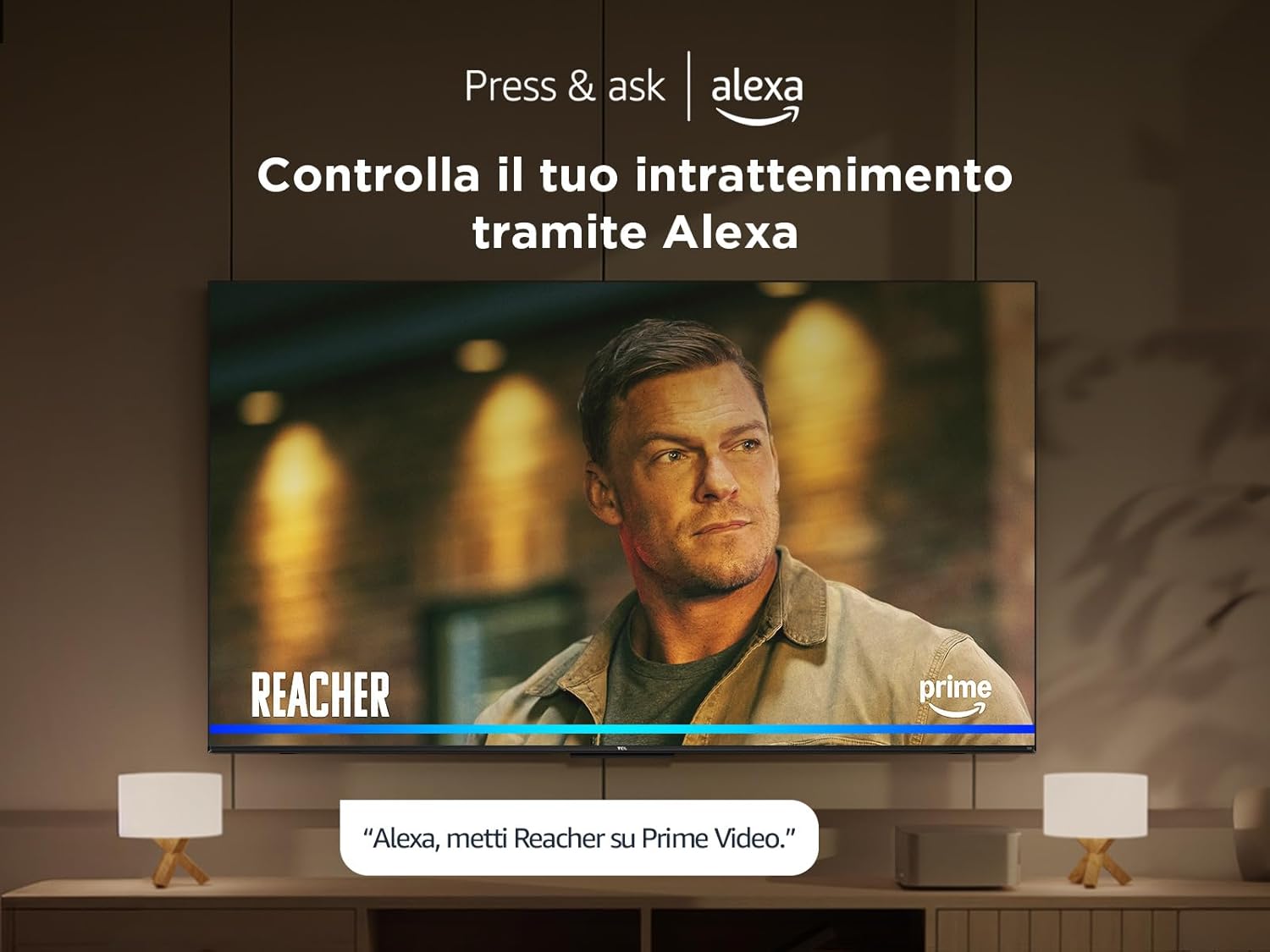
Control your TV and smart home devices using your voice with integrated Alexa. Simply press the microphone button on your remote and speak your command.
7. Maintenance
To ensure the longevity and performance of your TV:
- Cleaning the Screen: Gently wipe the screen with a soft, lint-free cloth. For stubborn marks, use a screen cleaner specifically designed for TVs, applied to the cloth, not directly to the screen.
- Cleaning the Frame: Use a soft, dry cloth to wipe the TV frame and stand.
- Avoid Harsh Chemicals: Do not use alcohol, benzene, thinners, or other volatile substances, as they may damage the TV.
- Ventilation: Ensure the ventilation openings on the back of the TV are not blocked to prevent overheating.
8. Troubleshooting
If you encounter issues with your TV, try the following solutions:
- No Power: Check if the power cable is securely connected and the power outlet is working. Try a different outlet.
- No Picture/Sound: Ensure the correct input source is selected. Check all cable connections (HDMI, antenna).
- Remote Not Working: Replace the batteries. Ensure there are no obstructions between the remote and the TV.
- Poor Picture Quality: Check antenna/cable connections. Adjust picture settings in the TV menu. For streaming content, check your internet connection speed.
- Internet Connection Issues: Restart your router and modem. Reconnect to the Wi-Fi network or try a wired Ethernet connection.
If problems persist, consult the online support resources or contact customer service.
9. Technical Specifications
| Feature | Specification |
|---|---|
| Manufacturer | TCL |
| Model Number | 50T6C |
| Screen Size | 50 Inches |
| Screen Technology | QLED |
| Resolution | 4K |
| Refresh Rate | 60 Hz |
| Special Features | 60 Hz VRR & MEMC, Dolby Audio, Fire OS Alexa, Quantum Dot |
| Connectivity Technology | Bluetooth, Ethernet, HDMI, USB, Wi-Fi |
| Aspect Ratio | 16:9 |
| Product Dimensions (WxDxH) | 111.1 x 25.7 x 68.4 cm |
| Weight | 10.6 kg |
9.1 Energy Efficiency
10. Warranty and Support
For warranty information and customer support, please refer to the warranty card included with your product or visit the official TCL support website. Keep your purchase receipt as proof of purchase.


