1. Introduction
Thank you for choosing the AWANFI GL-528 Walkie Talkies. This 4-pack of rechargeable two-way radios is designed for reliable communication in various outdoor and indoor settings. Featuring 22 channels, a built-in flashlight, and a 1200mAh Li-ion battery, these radios offer clear, long-range communication. Please read this manual thoroughly to understand the product's functions and ensure safe and optimal use.
2. Package Contents
Verify that all items are present in your package:
- 4 x AWANFI GL-528 Walkie Talkies
- 4 x Belt Clips
- 2 x 2-in-1 Type-C Charging Cables
- 1 x User Manual

Image: Contents of the AWANFI GL-528 Walkie Talkie 4-pack, showing the radios, cables, and batteries.
3. Product Overview
3.1 Components

Image: Labeled diagram of the AWANFI GL-528 Walkie Talkie components.
- Antenna: For transmitting and receiving signals.
- Earphone Jack: Connect compatible earphones for private listening.
- Charge Jack (Type-C): For connecting the USB-C charging cable.
- PTT Button (Push-to-Talk): Press and hold to transmit, release to listen.
- Power Button: Press and hold to turn the radio on or off.
- Up Button (+): Navigates menus, increases channel/volume.
- Down Button (-): Navigates menus, decreases channel/volume.
- Menu/Lock Button: Accesses menu settings, press and hold to lock/unlock keypad.
- MIC (Microphone): For speaking during transmission.
- Speaker: For receiving audio.
- LCD Display: Shows channel, battery status, and other indicators.
3.2 Key Features
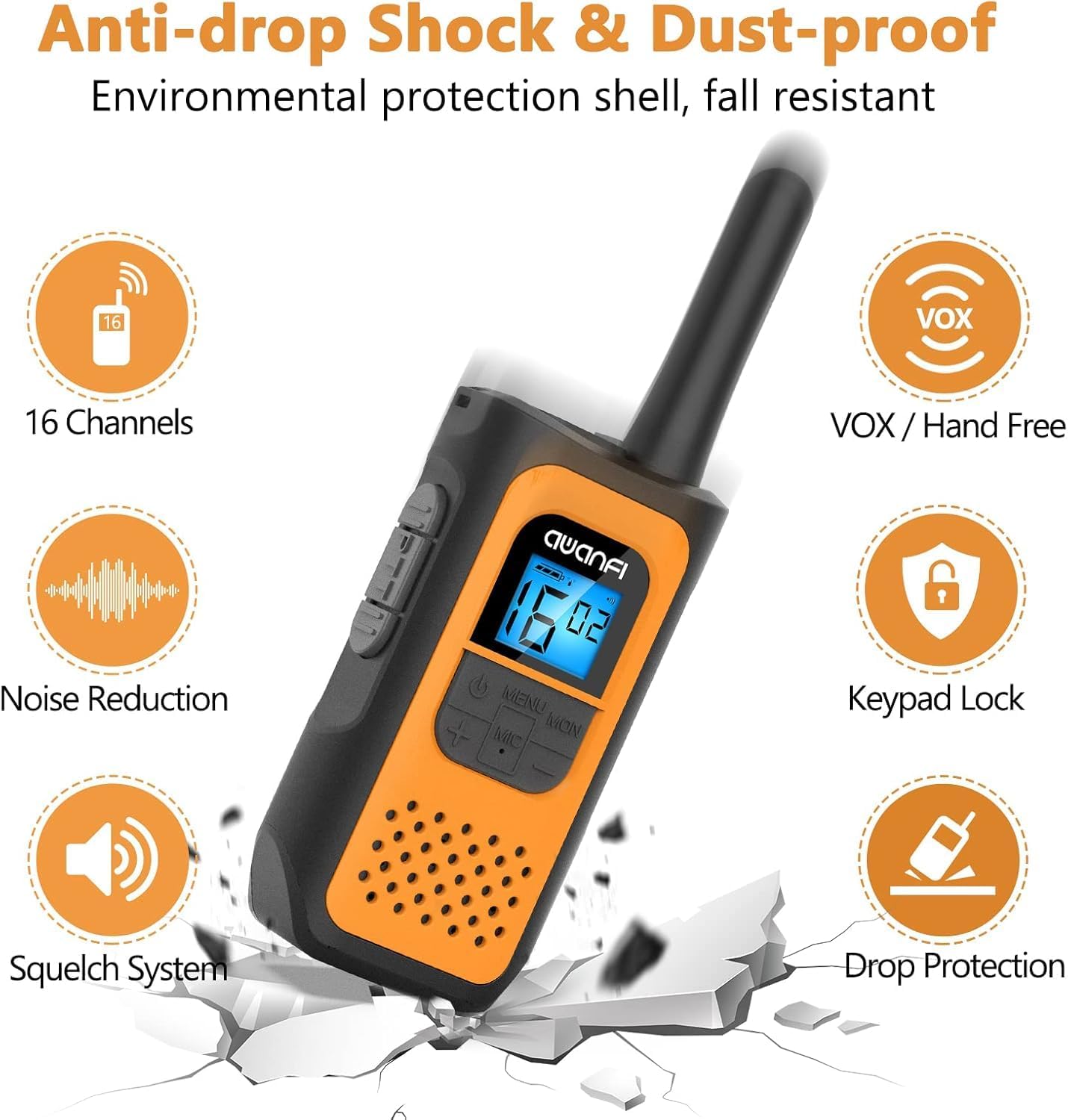
Image: Visual representation of the walkie talkie's main features.
- 22 Channels: Provides multiple communication options to avoid interference.
- VOX (Voice Operated Exchange): Enables hands-free communication.
- Integrated Flashlight: Built-in LED light for use in low-light conditions.
- Keypad Lock: Prevents accidental changes to settings.
- Auto Scan: Automatically scans for active channels.
- Call Alert: Notifies you of incoming calls.
- SOS Siren: Emits an emergency alert sound.
- Rechargeable 1200mAh Li-ion Battery: Offers extended battery life and convenient USB-C charging.
- Long Range: Up to 3KM in open fields, varying by terrain.
4. Setup
4.1 Battery Installation
- Locate the battery compartment cover on the back of the walkie talkie.
- Slide the cover down or unclip it to open the compartment.
- Insert the 1200mAh Li-ion battery, ensuring the contacts align correctly.
- Replace the battery compartment cover and secure it.

Image: Battery installation and safety features of the Li-ion battery.
4.2 Charging the Battery
- Connect one end of the provided USB-C charging cable to the Charge Jack on the walkie talkie.
- Connect the other end of the USB-C cable to a compatible USB power adapter (not included) or a computer USB port.
- The battery indicator on the LCD display will show charging status.
- A full charge typically takes several hours. Disconnect the charger once fully charged.

Image: Walkie talkie connected to a USB-C charger.
4.3 Attaching the Belt Clip and Lanyard
- To attach the belt clip, align it with the grooves on the back of the walkie talkie and slide it into place until it clicks.
- Thread the lanyard through the designated loop on the top or side of the walkie talkie.
5. Operating Instructions
5.1 Power On/Off
- To Power On: Press and hold the Power Button until the LCD display illuminates.
- To Power Off: Press and hold the Power Button until the LCD display turns off.
5.2 Adjusting Volume
- While the radio is on and not in menu mode, press the Up (+) button to increase volume.
- Press the Down (-) button to decrease volume.
5.3 Selecting a Channel
- Press the Menu/Lock button once to enter channel selection mode. The channel number on the LCD will flash.
- Use the Up (+) or Down (-) buttons to select your desired channel (1-22).
- Press the Menu/Lock button again to confirm the channel selection, or wait a few seconds for it to automatically set.
Note: For communication, all walkie talkies in your group must be set to the same channel.
5.4 Transmitting and Receiving
- To Transmit: Press and hold the PTT button. Speak clearly into the microphone. Release the PTT button when you finish speaking.
- To Receive: Ensure the PTT button is not pressed. The radio will automatically receive transmissions on the selected channel.
5.5 VOX Function (Hands-Free)

Image: VOX function enabling hands-free communication during activities like hiking.
- Press the Menu/Lock button multiple times until the VOX setting appears on the LCD.
- Use the Up (+) or Down (-) buttons to select a VOX sensitivity level (e.g., 1-3, with 3 being most sensitive). Select 'OFF' to disable VOX.
- Press the Menu/Lock button to confirm.
When VOX is active, the radio will automatically transmit when it detects your voice, without needing to press PTT.
5.6 Flashlight
- To turn the flashlight on/off, locate the dedicated flashlight button (if present) or refer to the specific menu option. (Note: Specific button not detailed in product overview, typically a short press of a function button.)
5.7 Keypad Lock
- To lock the keypad, press and hold the Menu/Lock button until a lock icon appears on the LCD.
- To unlock, press and hold the Menu/Lock button again until the lock icon disappears.
5.8 Other Functions (Call Tone, Auto Scan, SOS Siren)
These functions can typically be accessed and configured through the Menu/Lock button. Navigate through the menu options using the Up (+) and Down (-) buttons and confirm selections with the Menu/Lock button.
6. Maintenance
- Cleaning: Wipe the walkie talkie with a soft, damp cloth. Do not use harsh chemicals or abrasive cleaners.
- Battery Care: Avoid fully discharging the battery frequently. Recharge regularly. If storing for a long period, charge the battery to about 50% and store in a cool, dry place.
- Storage: Store the walkie talkie in a dry environment, away from extreme temperatures and direct sunlight.
- Water Resistance: This product is Not Water Resistant. Avoid exposure to water or high humidity.
7. Troubleshooting
| Problem | Possible Cause | Solution |
|---|---|---|
| Radio does not power on | Battery is low or not installed correctly | Charge the battery. Reinstall the battery, ensuring proper contact. |
| Cannot transmit or receive | Incorrect channel selected; Out of range; Battery low | Ensure all radios are on the same channel. Move closer to other radios. Charge the battery. |
| Poor audio quality / Static | Weak signal; Interference; Out of range | Move to an open area. Change channels. Move closer to other radios. |
| Keypad is unresponsive | Keypad lock is active | Press and hold the Menu/Lock button to unlock the keypad. |
8. Specifications

Image: Communication range capabilities in different environments.
| Feature | Detail |
|---|---|
| Model Number | GL-528 (2AYV7YG-811) |
| Number of Channels | 22 |
| Battery Type | 1200mAh Li-ion (Nonstandard Battery) |
| Talking Range Maximum | 3 Kilometers (Open Field) |
| Special Features | Call Alert, Integrated Flashlight, Keypad Lock, Lightweight, Long Range, VOX, Auto Scan, SOS Siren |
| Water Resistance Level | Not Water Resistant |
| Manufacturer | Shenzhen yizhongge Electronic Co., Ltd |
| ASIN | B0DW8W94Z5 |
9. Warranty and Support
9.1 Warranty Information
This product comes with a 1-Year Warranty from the date of purchase. This warranty covers manufacturing defects and workmanship. It does not cover damage caused by misuse, accidents, unauthorized modifications, or normal wear and tear.
9.2 Customer Support
For technical assistance, warranty claims, or any questions regarding your AWANFI GL-528 Walkie Talkies, please contact AWANFI customer support through the retailer's platform or visit the official AWANFI store page:


