
Introduction
The HyperGear Spin Cycle Wireless LED Handlebar Speaker is a portable audio device designed for active lifestyles. It features Bluetooth 5.3 connectivity, an integrated microphone for hands-free calls, FM radio, and a vibrant LED light show. Its durable, waterproof design and versatile mounting options make it suitable for various outdoor activities.
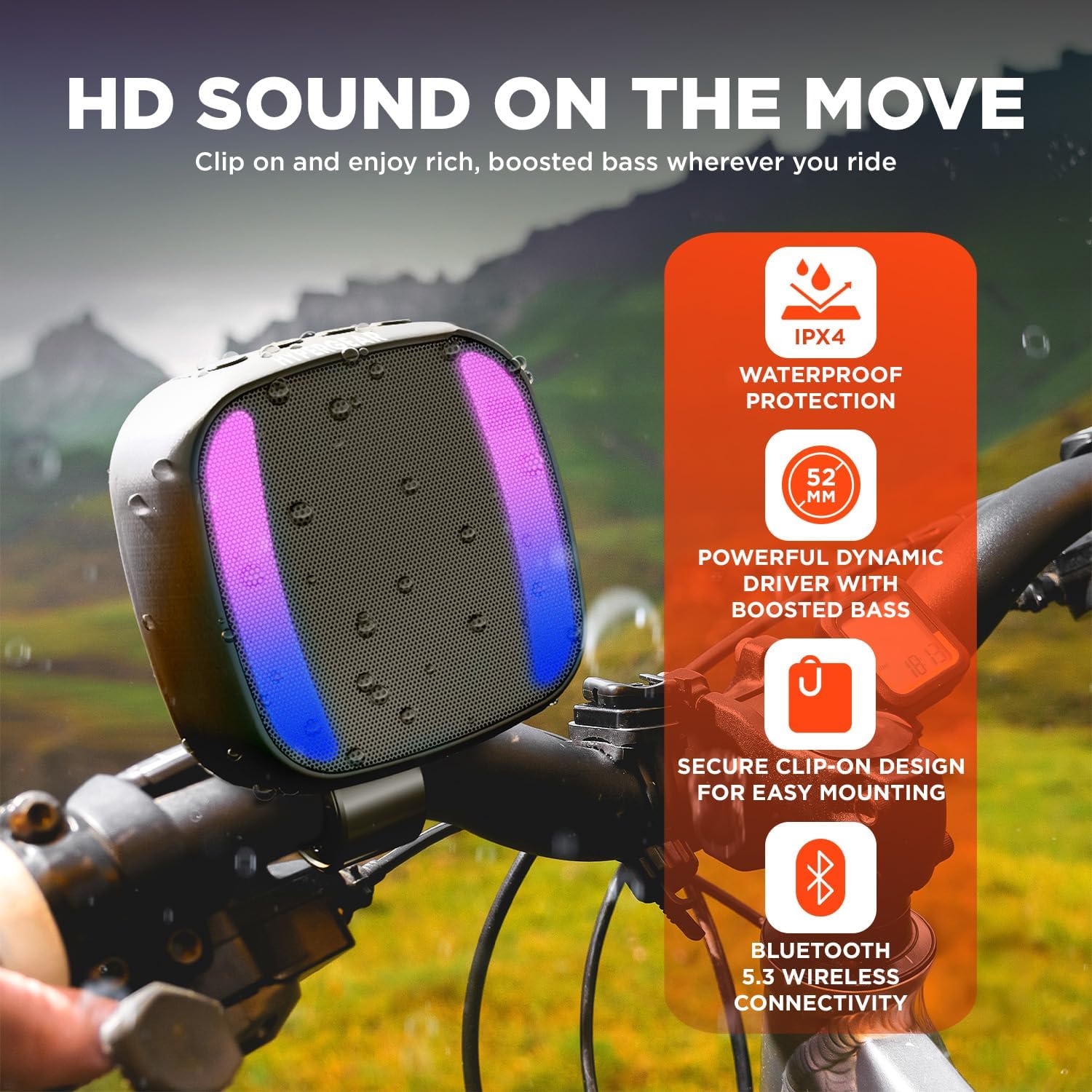
Image: The HyperGear Spin Cycle speaker on a bike handlebar, illustrating its key features including IPX4 waterproof rating, 52mm dynamic driver for boosted bass, secure clip-on design, and Bluetooth 5.3 connectivity.
Package Contents
- HyperGear Spin Cycle Wireless LED Handlebar Speaker
- USB-C Charging Cable
Setup
Charging the Speaker
Before first use, fully charge the speaker using the included USB-C charging cable. Connect the USB-C end to the speaker's DC 5V port and the USB-A end to a compatible USB power source (e.g., wall adapter, computer USB port).
Mounting Options
The speaker offers versatile mounting options:
- Handlebar Mount: Use the detachable handlebar mount to secure the speaker to bike handlebars. Ensure the mount is tightened securely to prevent the speaker from falling during use.
- Built-in Clip: The integrated clip allows for attachment to backpacks, belts, or other straps.
- Magnetic Surfaces: The speaker can also be attached to compatible magnetic surfaces.
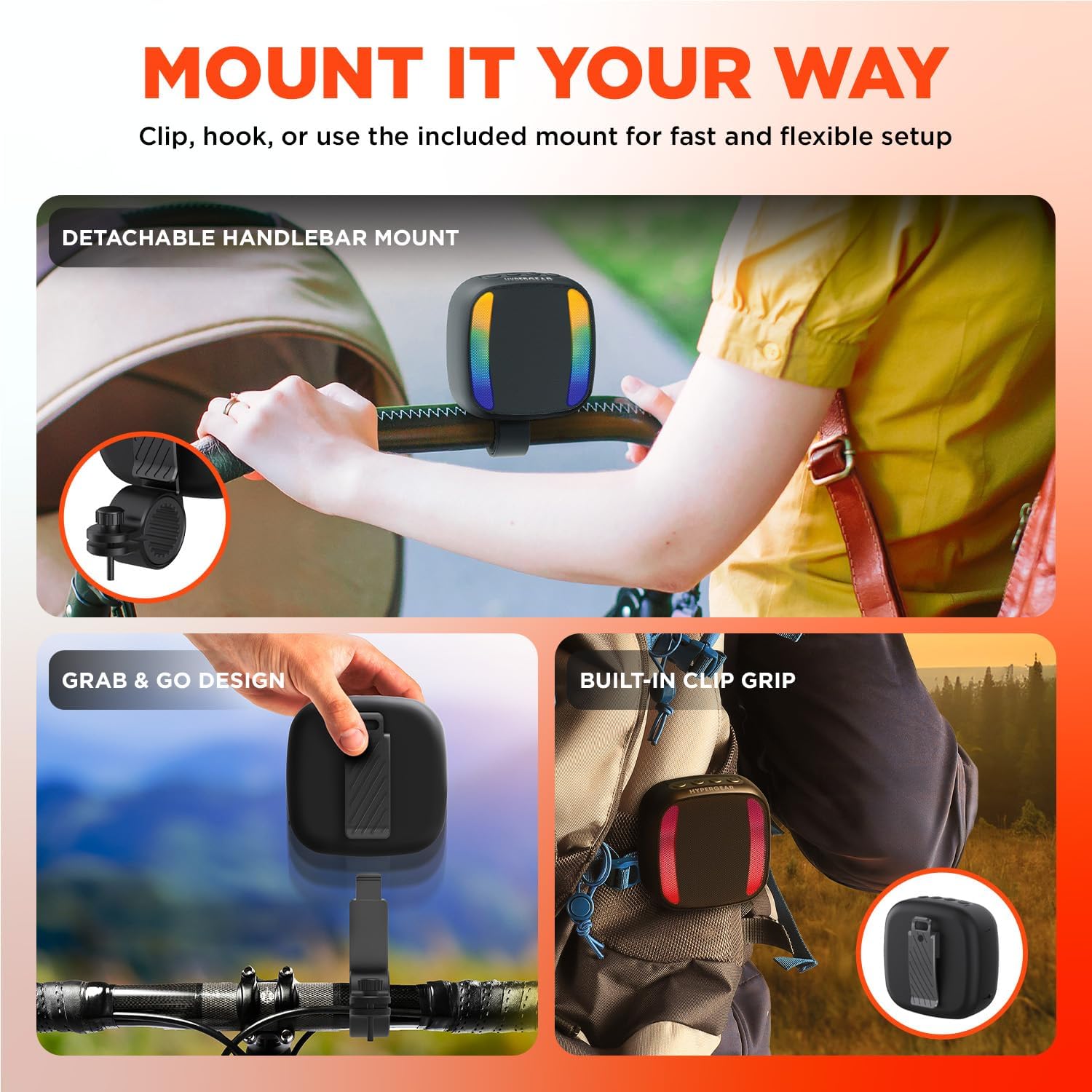
Image: The HyperGear Spin Cycle speaker demonstrating its flexible mounting solutions, including a detachable handlebar mount and a built-in clip for portability.
Controls and Ports Overview
Familiarize yourself with the speaker's controls and ports for optimal use.
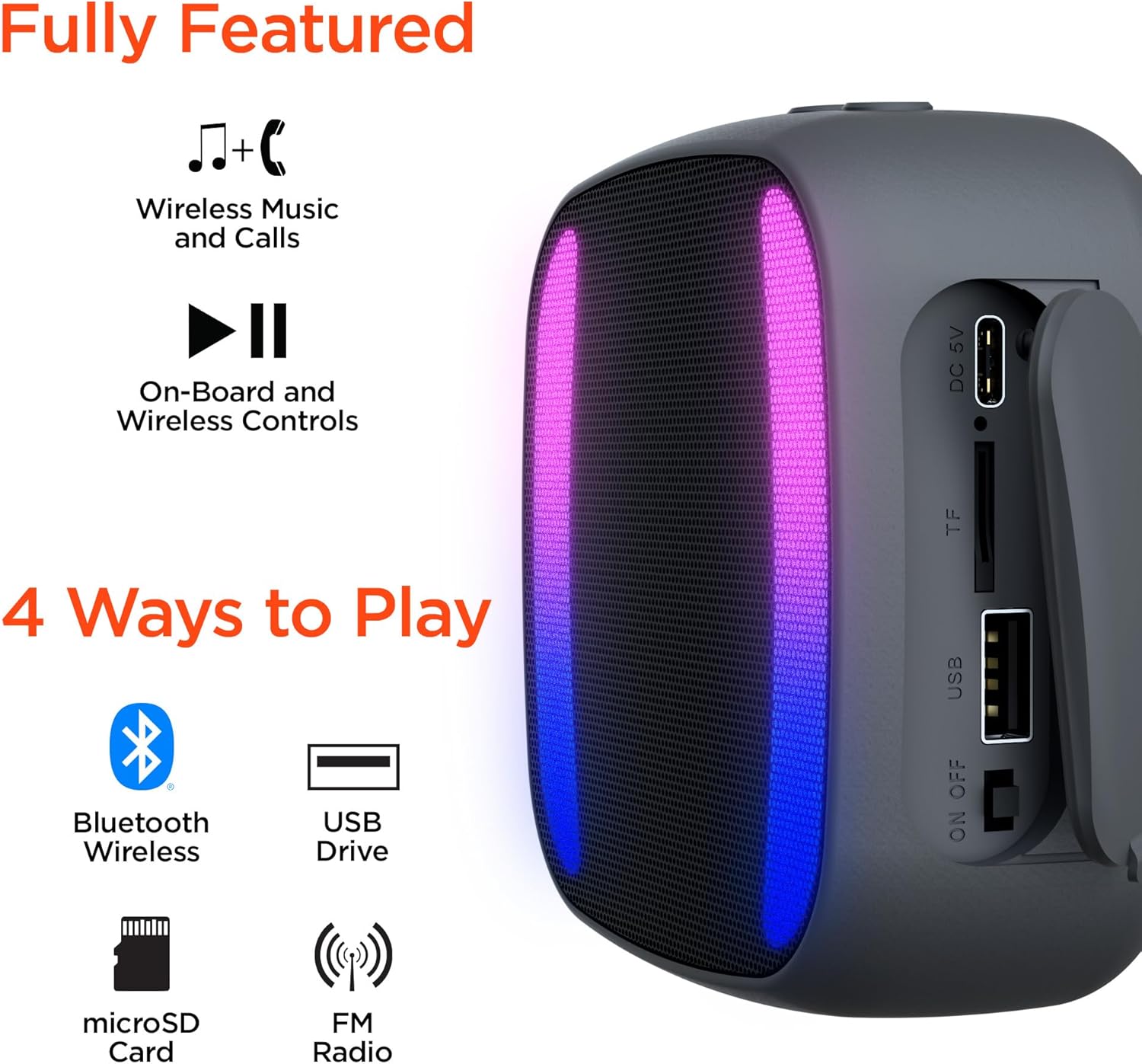
Image: A detailed view of the HyperGear Spin Cycle speaker's side panel, indicating the DC 5V charging port, TF (microSD) card slot, USB port, and the ON/OFF switch. It also highlights the four playback methods: Bluetooth, USB Drive, microSD Card, and FM Radio.
Operating Instructions
Power On/Off
- To power on, slide the ON/OFF switch to the 'ON' position.
- To power off, slide the ON/OFF switch to the 'OFF' position.
Bluetooth Pairing
- Ensure the speaker is powered on and in Bluetooth pairing mode (indicated by a flashing LED).
- On your device (smartphone, tablet, etc.), enable Bluetooth and search for available devices.
- Select "HyperGear Spin Cycle" from the list of devices.
- Once paired, the speaker will indicate a successful connection, and the LED will change its pattern.
The speaker supports Bluetooth 5.3 for a wireless connection range of up to 33 feet (10 meters).
Playback Options
The speaker supports multiple audio sources:
- Bluetooth: Stream audio wirelessly from your paired device.
- USB Drive: Insert a USB drive into the USB port to play audio files directly.
- MicroSD Card: Insert a microSD card into the TF card slot to play audio files directly.
- FM Radio: Switch to FM radio mode. Use the speaker's controls to scan for and select radio stations. Note that FM reception can vary based on location and environmental factors.
Hands-Free Calling
When connected via Bluetooth to a smartphone, the built-in microphone allows you to answer and make calls directly through the speaker. Use the speaker's onboard controls to manage calls (e.g., answer, end, reject).
LED Light Show
The speaker features an 11-mode multicolor LED light show that syncs with your music. Use the dedicated control button (if available) to cycle through different light modes or turn the lights off.
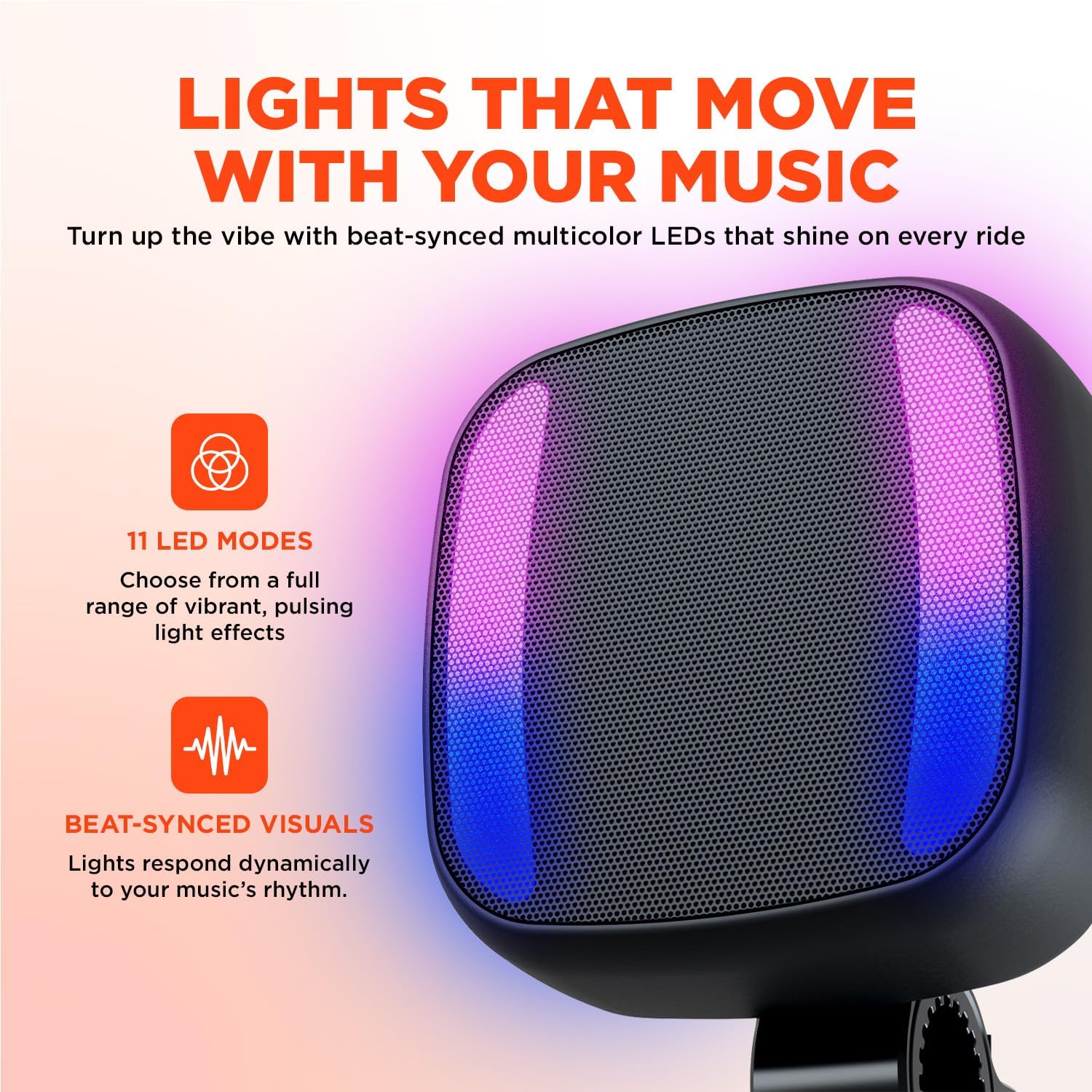
Image: The HyperGear Spin Cycle speaker showcasing its dynamic LED light display, which offers 11 different modes and synchronizes with the rhythm of the music.
Maintenance
Water Resistance
The HyperGear Spin Cycle speaker is IPX4 waterproof, meaning it is resistant to splashing water from any direction. It is suitable for outdoor use in light rain or splashes but should not be submerged in water.
Cleaning
To clean the speaker, wipe it with a soft, damp cloth. Do not use abrasive cleaners or solvents, as these may damage the surface or internal components.
Storage
Store the speaker in a cool, dry place when not in use. Avoid extreme temperatures and direct sunlight, which can affect battery life and overall performance.
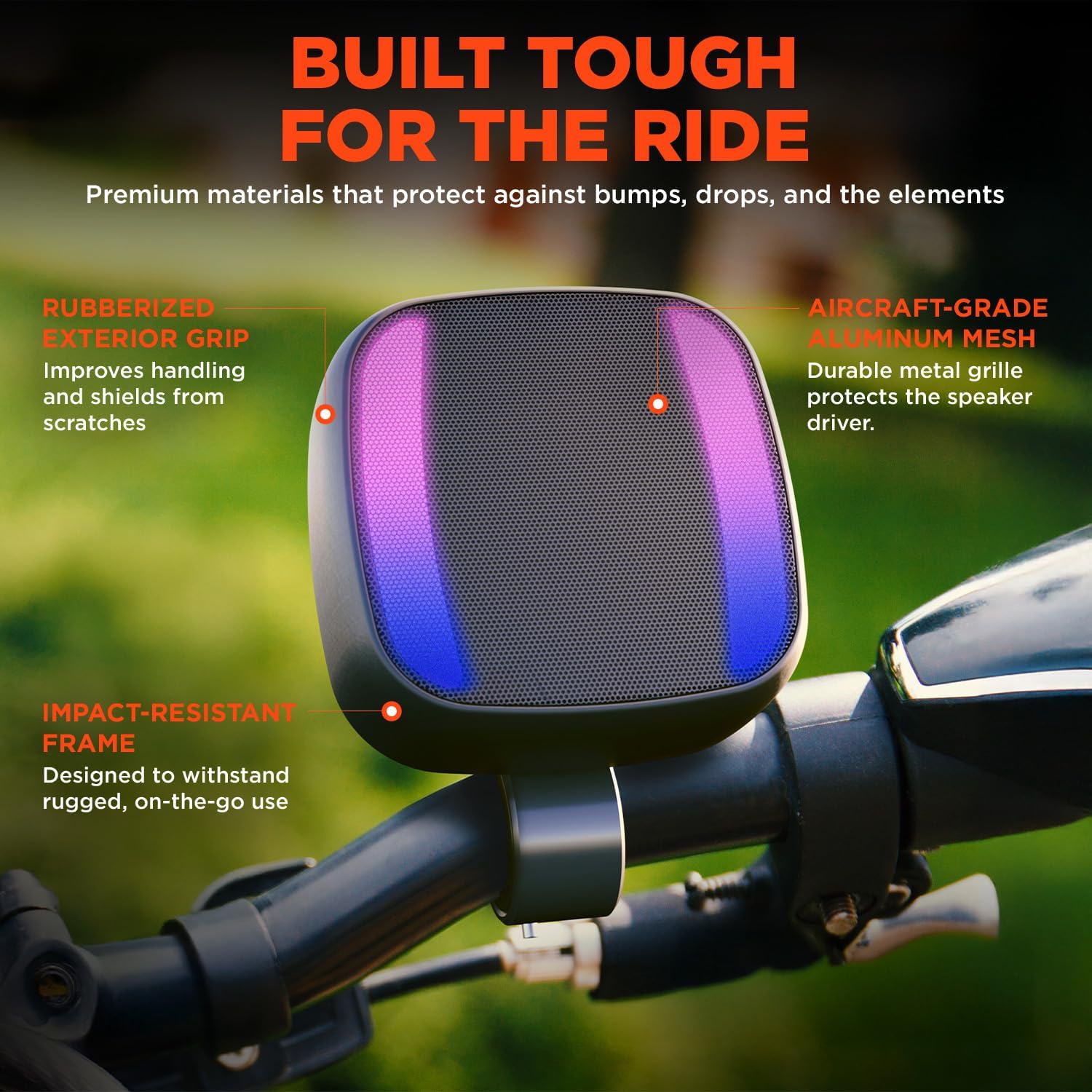
Image: A close-up of the HyperGear Spin Cycle speaker, emphasizing its robust build quality, including a rubberized exterior for enhanced grip and scratch protection, aircraft-grade aluminum mesh for speaker protection, and an impact-resistant frame.
Troubleshooting
| Problem | Possible Cause | Solution |
|---|---|---|
| Speaker does not power on | Low battery; Power switch off | Charge the speaker; Ensure power switch is in 'ON' position |
| Cannot pair via Bluetooth | Speaker not in pairing mode; Device Bluetooth off; Too far from speaker | Ensure speaker is discoverable; Enable Bluetooth on your device; Move device closer to speaker (within 33 feet) |
| No sound | Volume too low; Incorrect source selected; Paired to another device | Increase volume; Select correct input (Bluetooth, USB, microSD, FM); Disconnect from other devices |
| Poor FM radio reception | Weak signal; Environmental interference | Move to an open area; Try rescanning for stations |
| Speaker falls off mount | Mount not securely fastened | Ensure the handlebar mount or clip is tightly secured before use. Regularly check for tightness. |
Specifications
| Feature | Detail |
|---|---|
| Model Name | Spin Cycle Wireless LED Handlebar Speaker |
| Model Number | 16127 |
| Material | Plastic |
| Speaker Type | Portable Speaker |
| Compatible Devices | MP3 Player, Smartphone, Tablet |
| Surround Sound Channel Configuration | 2.0 |
| Color | Black |
| Product Dimensions | 2.9"D x 4"W x 7.9"H |
| Item Weight | 14.24 ounces |
| Waterproof Rating | IPX4 |
| Wireless Communication Technology | Bluetooth 5.3 |
| Bluetooth Range | 33 Feet (10 meters) |
| Speaker Size | 52 Millimeters |
| Speaker Maximum Output Power | 5 Watts |
| Power Source | Battery Powered |
| Control Method | Touch |
| Mounting Type | Magnetic Surfaces, Clip-on, Handlebar Mount |
| UPC | 633755160714 |
Warranty Information
This product comes with a Limited Warranty. For specific details regarding warranty coverage, duration, and terms, please refer to the warranty card included with your product or visit the official HyperGear website. Keep your proof of purchase for warranty claims.
Support
For further assistance, technical support, or to view frequently asked questions, please visit the HyperGear official website or contact their customer service department. Contact information can typically be found on the product packaging or the brand's website.
You can also find more information about this product at: https://tinyurl.com/SpinCycleSpeaker