
1. Product Overview
The Nite Ize NiteDog Rechargeable Pet Light is designed to enhance the visibility and safety of your pet during nighttime activities. This versatile light easily attaches to most collars, harnesses, and leashes up to 1 inch wide. It features a Disc-O Tech module offering four selectable colors (red, green, blue, white) and a color-changing mode, with a memory feature that saves your last setting. Its weather-resistant polycarbonate housing ensures reliable performance in various outdoor conditions. The light is rechargeable via a Micro USB cable (not included).
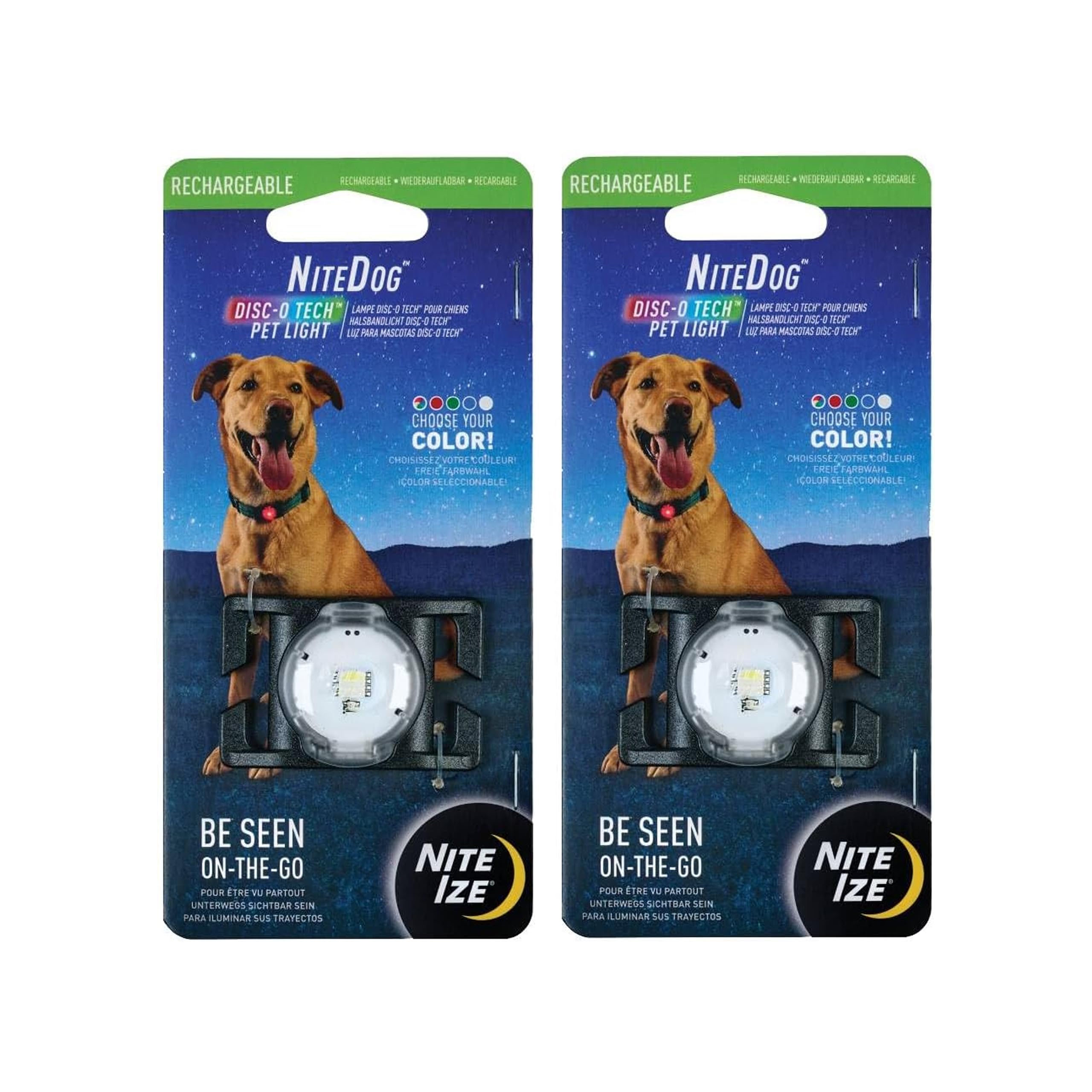
Image: A dog wearing the NiteDog light, which glows green, during a nighttime walk under a full moon. The image highlights the weather-resistant design and memory feature.
2. Features
- Colorful Pet Light: Enhances pet visibility during nighttime activities.
- Versatile Attachment: Easily attaches to most collars, harnesses, and leashes up to 1 inch wide.
- Disc-O Tech Module: Offers four selectable colors (red, green, blue, white) and multiple modes, including a color-changing option.
- Memory Feature: Automatically saves the last color setting for convenience.
- Weather-Resistant Design: Durable polycarbonate housing protects against rain and snow.
- Rechargeable: Quick and effortless charging via Micro USB (cable not included).
- Long Run Time: Provides up to 5 hours of continuous light on a 2-hour charge.
3. Setup
3.1 Attaching the Light
The NiteDog light is designed for easy attachment to your pet's existing collar, harness, or leash. It fits webbing up to 1 inch wide.
- Locate the attachment clips on the back of the NiteDog light.
- Gently pinch the webbing of your pet's collar, harness, or leash.
- Slide the pinched webbing through the clips on the NiteDog light until it is securely fastened. Ensure the light is positioned to be visible.

Image: The NiteDog light shown attached to various pet accessories including a blue leash, collar, and harness, demonstrating its versatility.

Image: A close-up view illustrating how to pinch the webbing of a red collar to install the NiteDog light securely.
3.2 Charging the Light
The NiteDog light is rechargeable. A Micro USB cable is required for charging (not included).
- Locate the Micro USB charging port on the side of the NiteDog light. This port is typically covered by a rubber flap for weather resistance.
- Gently open the rubber flap.
- Insert a Micro USB cable into the charging port.
- Connect the other end of the Micro USB cable to a compatible USB power source (e.g., computer, wall adapter).
- The light will indicate charging status (e.g., a red light while charging, turning off or green when fully charged).
- Charging takes approximately 2 hours and provides up to 5 hours of continuous light.
- Once charging is complete, remove the Micro USB cable and ensure the rubber flap is securely closed to maintain weather resistance.
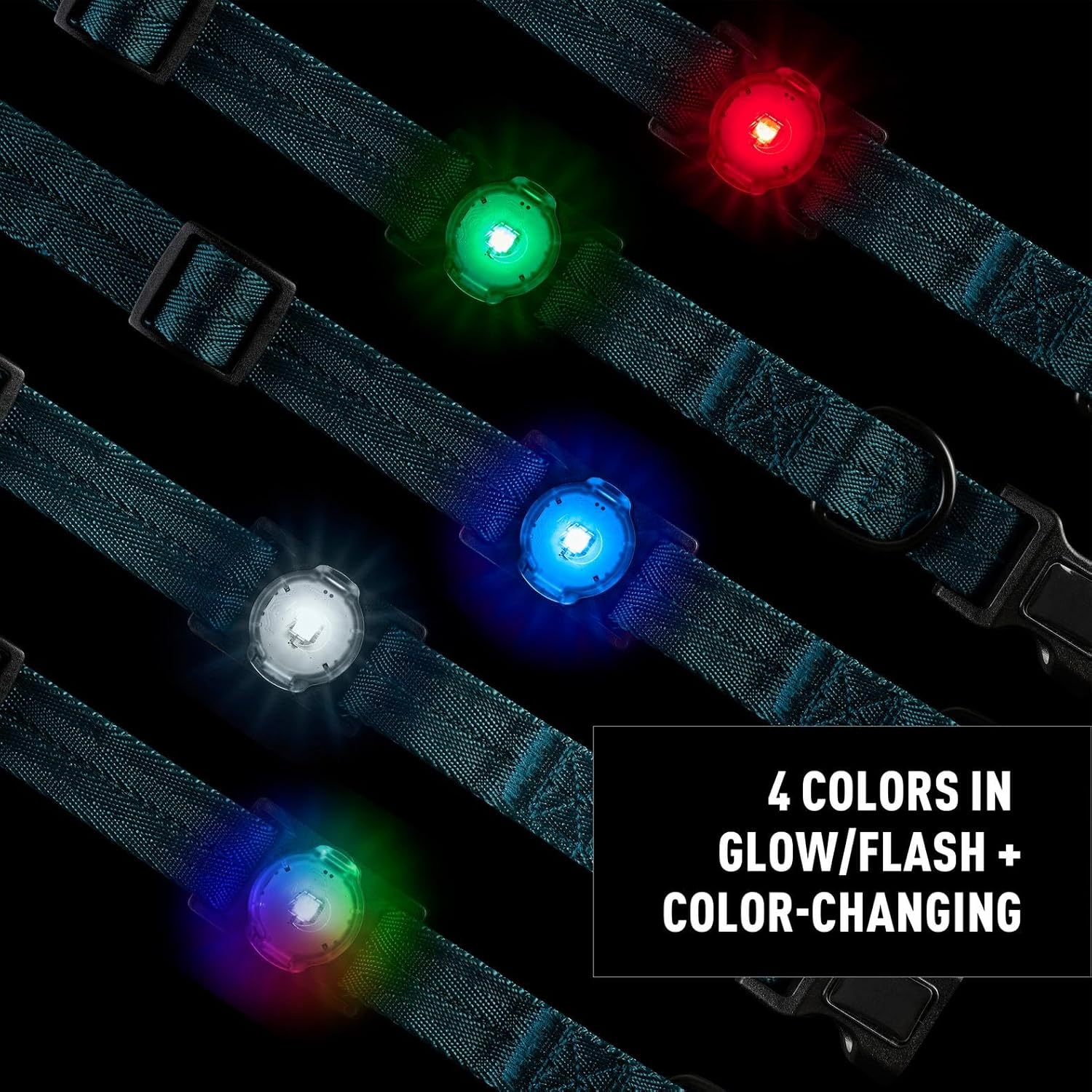
Image: A close-up of the NiteDog light connected to a Micro USB cable for charging. The image indicates a 5-hour run time and 2-hour recharge time.
4. Operating Instructions
The NiteDog light features a single button for controlling power and light modes.
- Power On/Off: Press the button once to turn the light on. Press and hold the button for approximately 2 seconds to turn the light off.
- Change Color/Mode: With the light on, press the button repeatedly to cycle through the available colors and modes. The sequence typically includes Red, Green, Blue, White, and a color-changing Disc-O mode.
- Memory Feature: The light will remember the last selected color/mode when turned off and will resume that setting when turned back on.

Image: Several NiteDog lights showcasing the four available colors (red, green, blue, white) in both glow and flash modes, as well as the color-changing Disc-O Tech mode.
Video: Official Nite Ize video demonstrating the NiteDog Rechargeable Pet Light, showing its various color modes and how it looks on a dog during nighttime activities.
5. Maintenance
5.1 Cleaning
To clean the NiteDog light, wipe it with a damp cloth. Do not use harsh chemicals or abrasive cleaners, as these may damage the polycarbonate housing or electronic components.
5.2 Water Resistance
The NiteDog light features a weather-resistant design, protecting it from rain and snow. However, it is not designed for submersion in water. Ensure the Micro USB charging port's rubber flap is securely closed to maintain water resistance.
6. Troubleshooting
- Light not turning on or changing modes: Ensure the device is fully charged. If issues persist, try pressing and holding the button for a longer duration (5-10 seconds) to reset.
- Light falling off collar/harness: Ensure the webbing is securely pinched and threaded through both clips. For very active pets or thick collars, consider additional securing methods if necessary, ensuring they do not obstruct the light or harm the pet. The light is designed to fit webbing up to 1 inch wide.
- Charging issues: Verify that the Micro USB cable is fully inserted into the port and connected to a working power source. Ensure the charging port is clean and free of debris.
7. Specifications
| Feature | Detail |
|---|---|
| Item Model Number | NDPLR-07S-R4 |
| Dimensions (LxWxH) | 0.59 x 2.01 x 1.34 inches |
| Item Weight | 0.32 ounces (9.07 g) |
| Material | Polycarbonate |
| Battery Type | 1 12V battery (included) |
| Charging Time | Approximately 2 hours |
| Run Time | Up to 5 hours |
| Closure Type | Clip-on |
| Color Options | Red, Green, Blue, White, Color-changing (Disc-O mode) |
8. Warranty and Support
For warranty information regarding this product, please contact the seller directly. You may also find detailed warranty information on the manufacturer's official website: Nite Ize Product Page.
For additional support or product inquiries, visit the Nite Ize Store on Amazon: Nite Ize Amazon Store.