
Introduction
Thank you for purchasing the RadioShack 240W Retro Style Bluetooth Vintage Speaker. This manual provides essential information for the safe and efficient use of your speaker. Please read it thoroughly before operation and retain it for future reference.

Figure 1: RadioShack Retro Style Bluetooth Vintage Speaker
Package Contents
Verify that all items are present in the package:
- Retro style speaker
- 1x Remote control
- 1x Power cord
- 1x Audio input cord

Figure 2: Package Contents
Setup
- Power Connection: Connect the provided power cord to the speaker's power input and then to a standard electrical outlet.
- Placement: Place the speaker on a stable, flat surface. Ensure adequate ventilation around the unit.
- Antenna (FM Radio): Extend the FM antenna for optimal radio reception.
- Connecting External Devices:
- AUX Input: Use the included audio input cord to connect devices via the AUX port.
- USB Input: Insert a USB drive with MP3 files into the USB port for playback.
- Optical/ARC Input: Connect compatible devices using an optical cable or HDMI ARC cable (not included) to the respective ports.
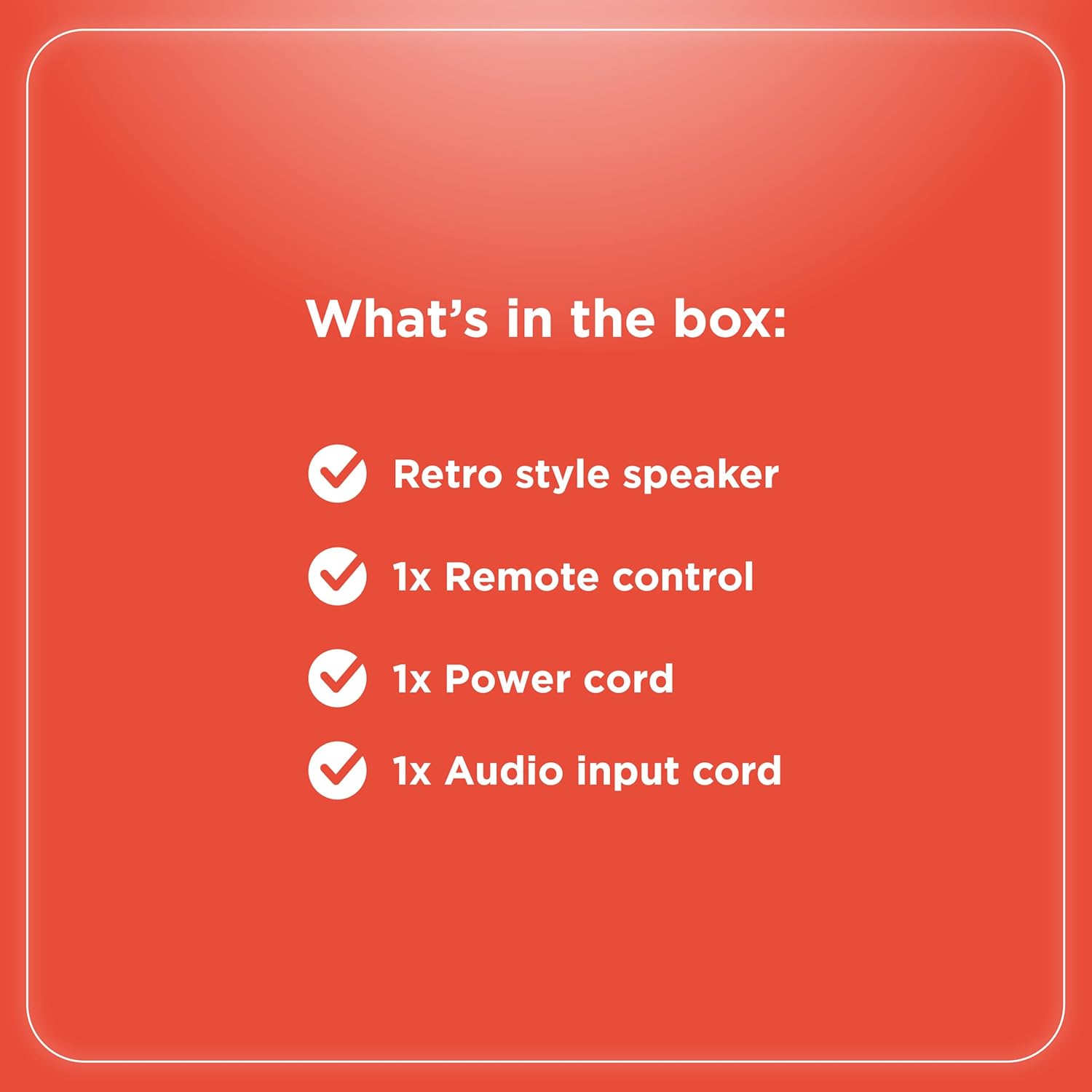
Figure 3: Rear Panel Connections

Figure 4: Connectivity Options
Operating Instructions
Controls Overview
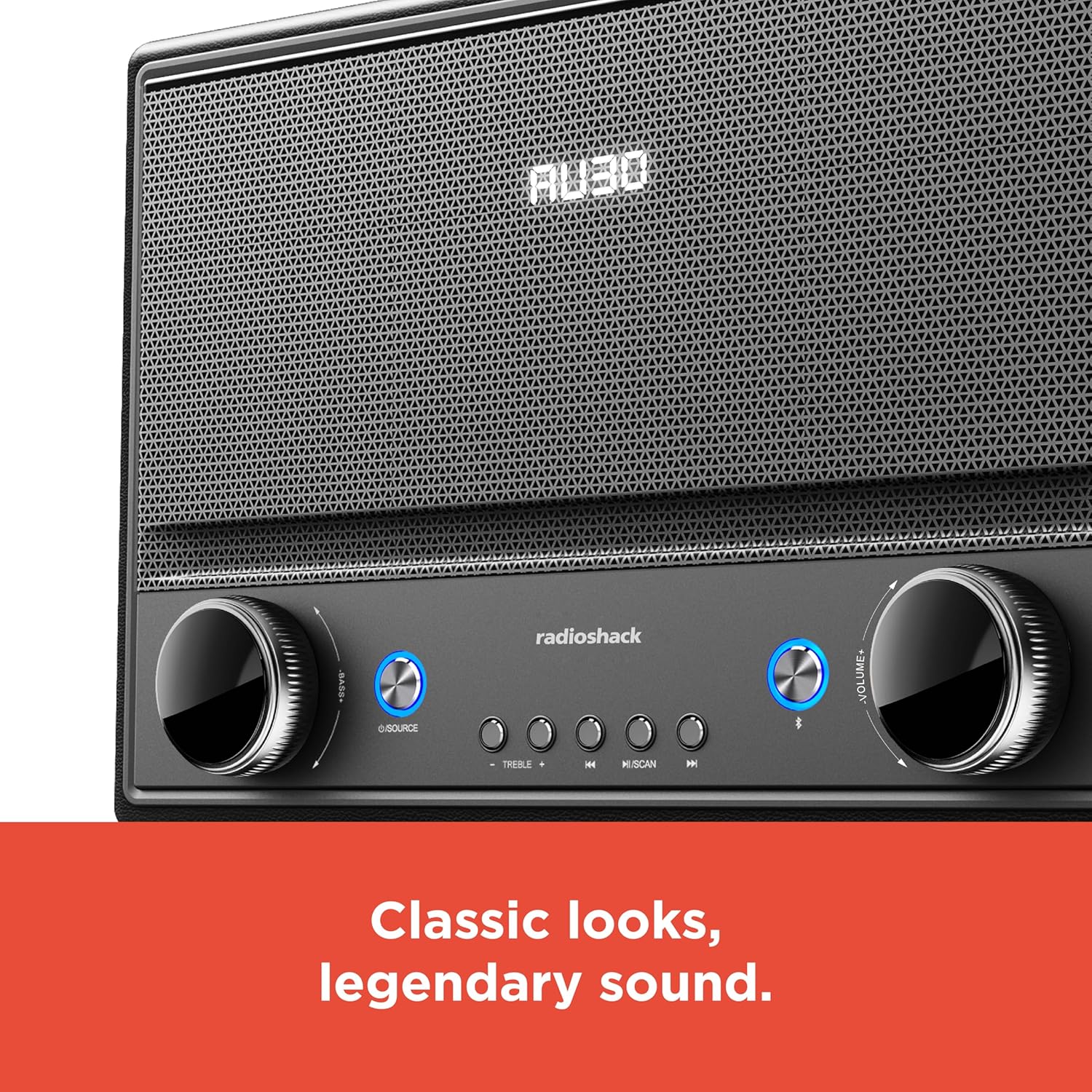
Figure 5: Front Panel Controls
- Power On/Off: Press the Power button (usually located on the front panel or remote) to turn the speaker on or off.
- Source Selection: Press the "SOURCE" button repeatedly to cycle through input modes: Bluetooth, FM Radio, USB, AUX, Optical, ARC.
- Volume Adjustment: Rotate the "VOLUME" knob clockwise to increase volume and counter-clockwise to decrease it. Alternatively, use the volume buttons on the remote control.
- Tone Control: Use the "BASS" and "TREBLE" knobs to adjust the low and high frequencies of the audio output.
- Bluetooth Pairing:
- Select Bluetooth mode using the "SOURCE" button. The speaker will enter pairing mode, indicated by a flashing LED.
- On your device (smartphone, tablet, etc.), enable Bluetooth and search for "RadioShack Speaker".
- Select the speaker from the list to pair. A confirmation tone will sound upon successful connection.
- FM Radio Operation:
- Select FM Radio mode.
- Press the "SCAN" button to automatically scan and save available FM stations.
- Use the "PREV" and "NEXT" buttons to navigate between saved stations or manually tune.
- USB Playback:
- Insert a USB drive containing MP3 audio files into the USB port.
- Select USB mode. Playback should begin automatically.
- Use the "PLAY/PAUSE", "PREV", and "NEXT" buttons to control playback.

Figure 6: Intuitive Controls
Maintenance
- Cleaning: Use a soft, dry cloth to clean the speaker's exterior. Do not use liquid cleaners or abrasive materials, especially on the leather body and metal grill.
- Storage: When not in use for extended periods, store the speaker in a cool, dry place away from direct sunlight and extreme temperatures.
- Avoid Moisture: Keep the speaker away from water and high humidity to prevent damage to internal components.
Troubleshooting
| Problem | Possible Cause | Solution |
|---|---|---|
| No power | Power cord not connected; outlet not active. | Ensure power cord is securely connected to both speaker and a working power outlet. |
| No sound | Volume too low; incorrect source selected; device not connected properly. | Increase volume. Select the correct input source. Check all cable connections or Bluetooth pairing. |
| Bluetooth not connecting | Speaker not in pairing mode; device too far; interference. | Ensure speaker is in Bluetooth pairing mode. Move device closer to speaker. Disconnect other Bluetooth devices. |
| Poor FM reception | Antenna not extended; weak signal. | Fully extend the FM antenna. Try repositioning the speaker for better signal. |
Specifications
- Brand: RadioShack
- Model Number: 4001974
- Output Power: 240 Watts
- Connectivity Technology: Bluetooth, USB, AUX, FM Radio, Optical, ARC
- Product Dimensions (L x W x H): 8.98" x 15.75" x 10.79"
- Power Source: Corded Electric
- Tuner Technology: FM
- Radio Bands Supported: 2-Band
- Material: Leather, Metal
- Special Feature: Retro Style
Warranty
The manufacturer's warranty information is not provided in the product details. Please refer to your purchase receipt or contact the retailer for specific warranty terms.
Support
For further assistance or inquiries, please visit the official RadioShack website or contact their customer support. Keep your model number (4001974) handy when seeking support.
Official RadioShack Store: RadioShack Store on Amazon
