
1. Product Overview
The Razer Pro Click V2 Vertical Wireless Mouse is designed for enhanced comfort and performance, featuring an ergonomic vertical design to promote a natural handshake grip and reduce strain during extended use. It offers versatile connectivity options and advanced features for productivity and customization.
- Vertical 6-Button Ergonomic Design with Base Support: Shaped for a natural handshake grip, its angled design promotes the most comfortable hand position for extended use, while the base support elevates the wrist to minimize friction while moving.
- AI Prompt Master: Summarize text, draft emails, and more with just one click; unlock powerful shortcuts via Razer Synapse 4 and streamline workflows instantly for AI tools.
- Long Battery Life: Powered by an efficient, long-lasting battery, game and create for up to 6 months* without interruption; get 3 working days of use with just 5 minutes of charge via an included USB-C charging cable. (*under standard test conditions)
- Multi-Device Connectivity: Maximize efficiency and control a full setup with a single mouse – connect up to 5 devices on 2.4GHz HyperSpeed Wireless, Bluetooth (3 hosts) or wired mode.
- 18-Zone Lighting with Full Underglow: Enable reactive RGB for notifications with plugins available on Chroma Workshop; customize each zone from 16.8 million colors and experience greater immersion with over 300 integrated games.
- High-Performance Sensor & Switches: Enjoy seamless tracking even on glass with the Focus Pro 30K Optical Sensor offering 99.8% resolution accuracy, backed by responsive mechanical switches with a 60 million click lifecycle.
2. What's in the Box
- Razer Pro Click V2 Vertical Mouse
- Razer HyperSpeed Wireless Dongle
- USB Type A to Type C cable
- Important Product Information Guide
3. Setup
Charging the Mouse
Connect the included USB Type A to Type C cable to the mouse's USB-C port and to a USB-A port on your computer or a power adapter. The mouse can be used in wired mode while charging.
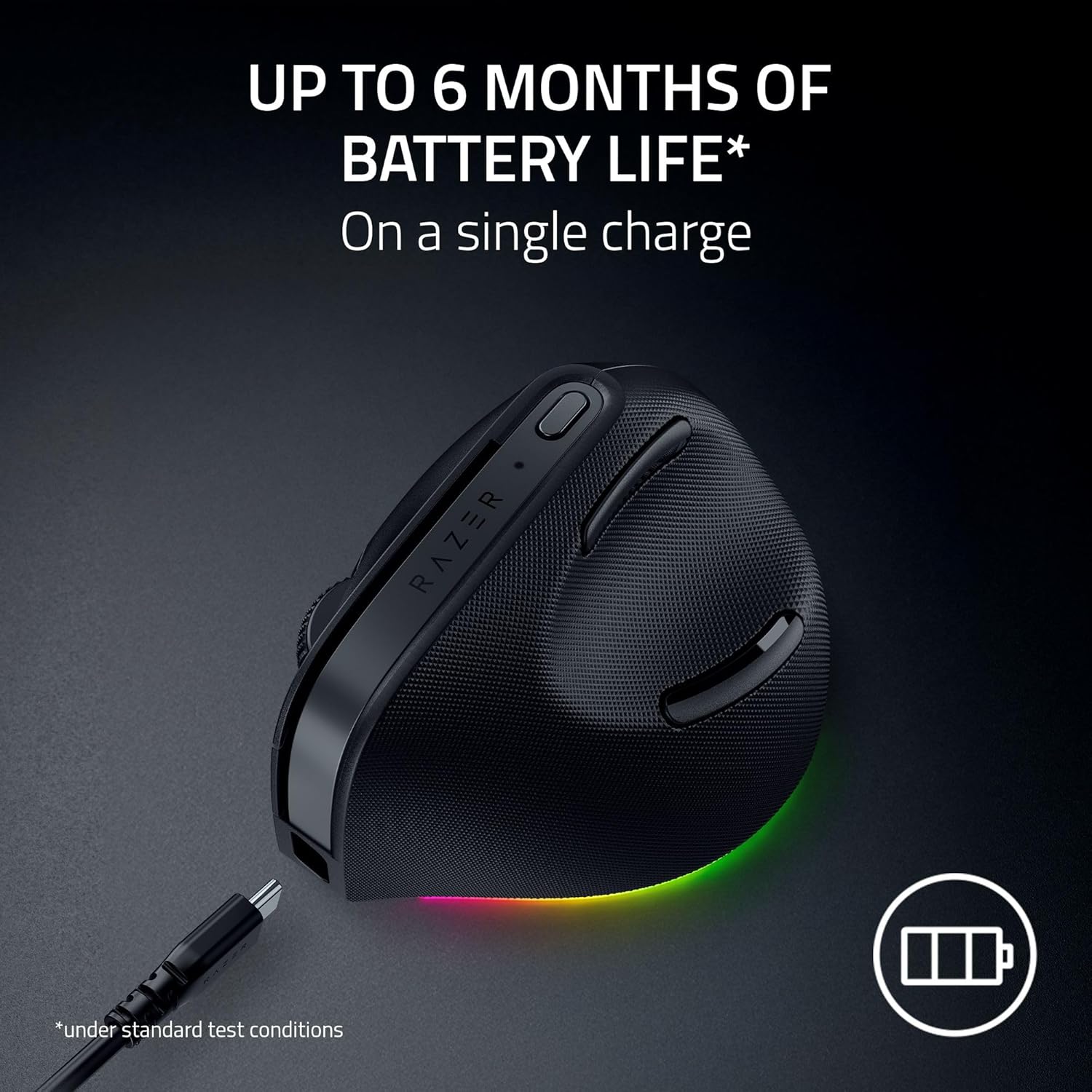
The Razer Pro Click V2 Vertical Mouse connected via its USB-C cable for charging.
Connecting the Mouse
The Razer Pro Click V2 Vertical Mouse offers multiple connectivity options:
- Razer HyperSpeed Wireless (2.4GHz): Insert the Razer HyperSpeed Wireless Dongle into an available USB-A port on your computer. The dongle is stored in a compartment on the underside of the mouse.
- Bluetooth: The mouse supports connection to up to 3 Bluetooth hosts. Switch the mode selector on the underside of the mouse to Bluetooth and pair it with your desired device.
- USB-C Wired Mode: Connect the mouse directly to your computer using the provided USB Type A to Type C cable.

The underside of the Razer Pro Click V2 Vertical Mouse, highlighting the wireless dongle storage and connectivity switch.
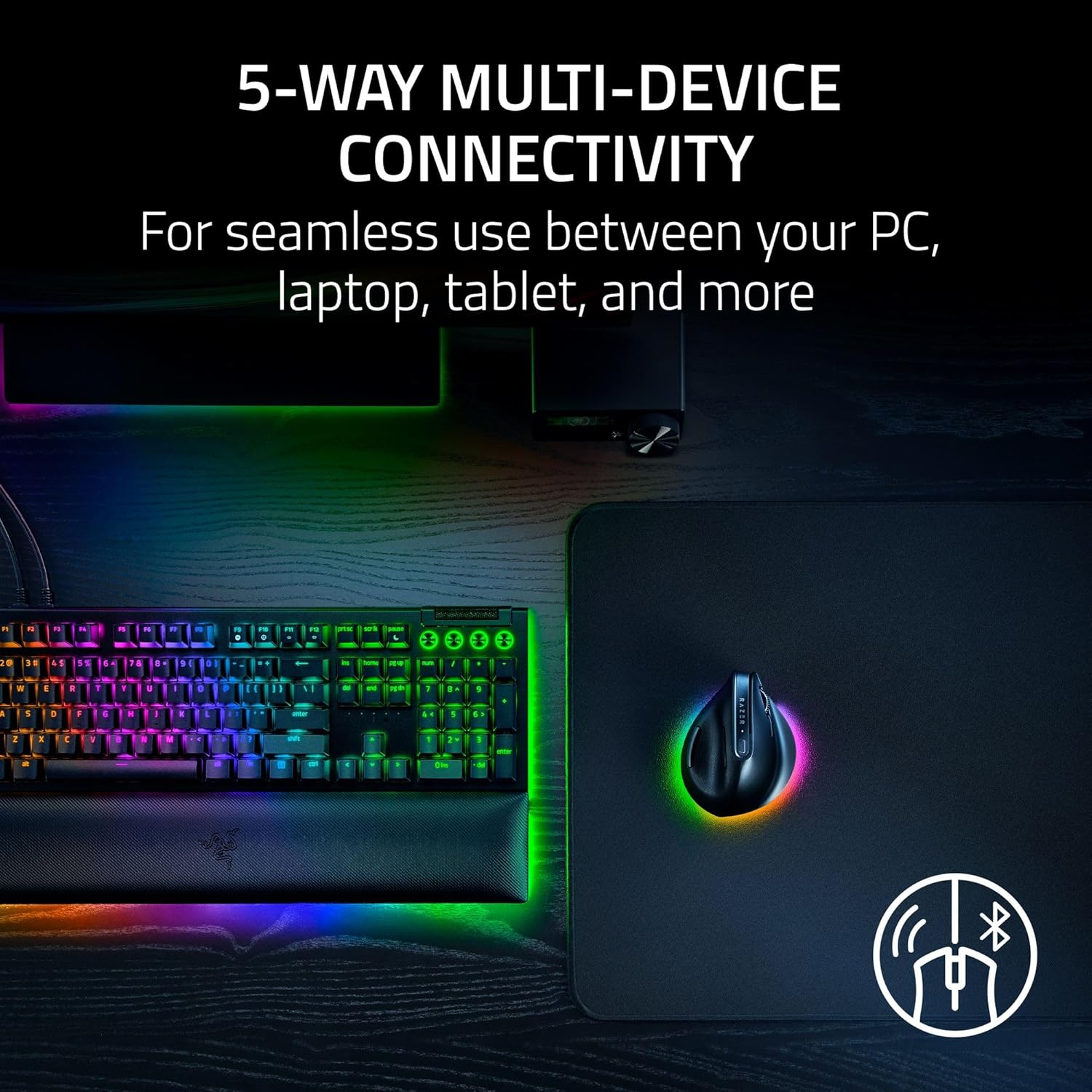
The mouse supports multi-device connectivity, allowing seamless switching between a PC, laptop, and other devices.
4. Operating Instructions
Button Functions
The mouse features 6 programmable buttons, including the left/right click, scroll wheel click, and two side buttons. The AI Prompt Master button is located on the side for quick access.
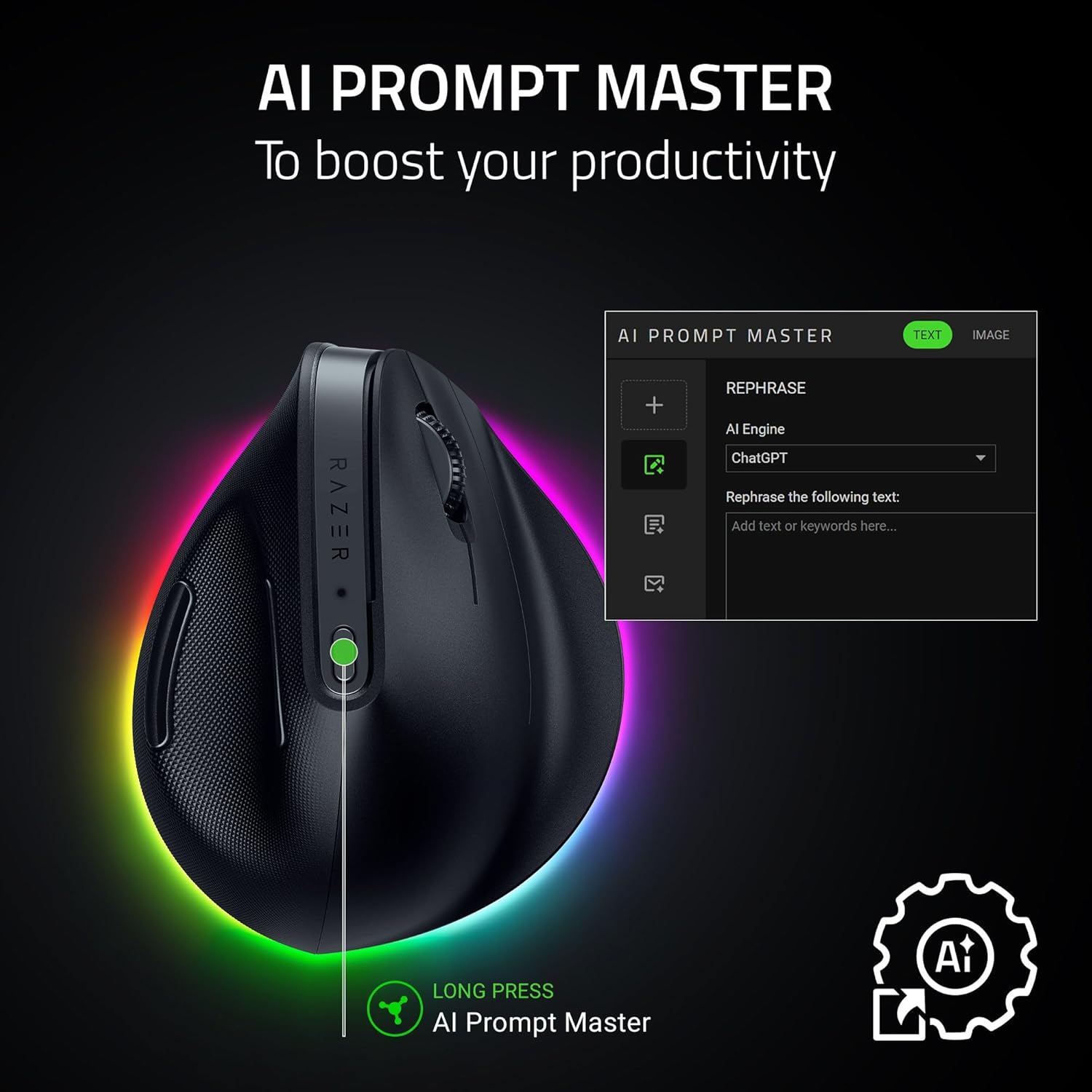
The AI Prompt Master button on the Razer Pro Click V2 Vertical Mouse for quick access to AI tools.
Customization with Razer Synapse 4
Download and install Razer Synapse 4 software to customize DPI settings, program buttons, manage RGB lighting, and create application-specific profiles. This software allows for advanced control over your mouse's performance and features.
Official video demonstrating the Razer Pro Click V2 Vertical Edition mouse features and customization options.
RGB Lighting
The mouse features 18-zone Chroma RGB lighting with full underglow. Customize lighting effects and colors through Razer Synapse 4 to match your setup or react to in-game events.

The vibrant 18-zone RGB underglow lighting of the Razer Pro Click V2 Vertical Mouse.
5. Maintenance
Cleaning
Regularly clean your mouse with a soft, dry cloth. For stubborn dirt, a slightly damp cloth can be used, ensuring no moisture enters the internal components. Avoid harsh chemicals or abrasive materials.
Battery Care
To maximize battery lifespan, avoid fully discharging the mouse frequently. Charge it when the battery indicator shows low power. Store the mouse in a cool, dry place when not in use for extended periods.
6. Troubleshooting
Connectivity Issues
- Wireless (2.4GHz): Ensure the HyperSpeed dongle is securely plugged into a USB-A port. Try a different USB port. Ensure the mouse is within range and the mode selector is set to wireless.
- Bluetooth: Verify Bluetooth is enabled on your device. Ensure the mouse is in pairing mode (check device manual for specific steps). Remove previous pairings and re-pair if necessary.
- Wired: Check the USB-C cable connection at both ends. Try a different USB port or cable.
Software (Razer Synapse) Issues
- Ensure Razer Synapse 4 is updated to the latest version.
- Restart the Synapse application or your computer.
- If issues persist, try reinstalling Razer Synapse 4.
7. Specifications
| Brand | Razer |
| Series | Pro Click V2 Vertical |
| Item Model Number | RZ01-05250100-R3U1 |
| Hardware Platform | PC |
| Operating System | Windows 11 |
| Item Weight | 14.4 ounces |
| Package Dimensions | 8.07 x 4.88 x 3.58 inches |
| Power Source | Battery Powered |
| Batteries | 1 Nonstandard Battery (included) |
| Manufacturer | Razer |
| Connectivity Technology | Bluetooth, USB, 2.4G |
| Special Feature | Wireless |
| Movement Detection Technology | Optical |
| Number of Buttons | 6 |
8. Warranty and Support
The Razer Pro Click V2 Vertical Wireless Mouse comes with a 2-year limited warranty. For technical support, warranty claims, or additional product information, please visit the official Razer support website or the Razer Store.


