
1. Introduction
Thank you for purchasing the RAF Food Processor & Meat Chopper R.7019. This appliance is designed for efficient food preparation, including chopping, mixing, and blending various ingredients. With its powerful 1000W motor and 2-liter stainless steel bowl, it offers convenience and versatility in your kitchen. Please read this manual thoroughly before first use to ensure safe operation and optimal performance.
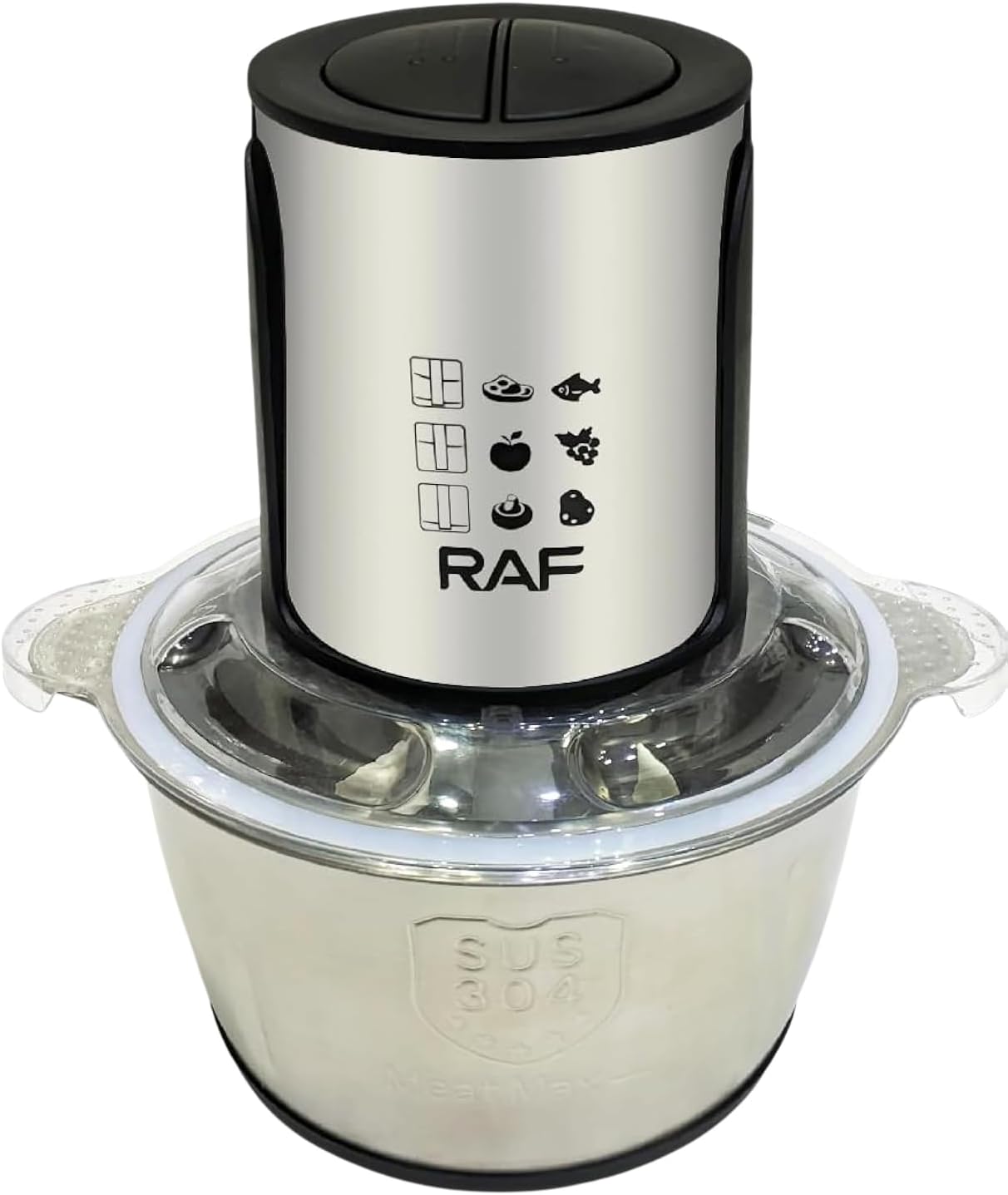
Image 1.1: Fully assembled RAF Food Processor and Meat Chopper R.7019, showcasing the motor unit, lid, and stainless steel bowl.
2. Important Safety Instructions
To reduce the risk of fire, electric shock, or injury, always follow these basic safety precautions:
- Read all instructions before operating the appliance.
- Do not immerse the motor unit, cord, or plug in water or other liquids.
- Close supervision is necessary when any appliance is used by or near children.
- Unplug from outlet when not in use, before assembling or disassembling parts, and before cleaning.
- Avoid contact with moving parts. Blades are sharp. Handle with care.
- Do not operate any appliance with a damaged cord or plug, or after the appliance malfunctions or has been dropped or damaged in any manner.
- The use of attachments not recommended or sold by the manufacturer may cause fire, electric shock, or injury.
- Do not use outdoors.
- Do not let cord hang over edge of table or counter, or touch hot surfaces.
- Do not place on or near a hot gas or electric burner, or in a heated oven.
- Always ensure the lid is securely locked in place before operating the appliance.
- Do not attempt to defeat the lid interlock mechanism.
- Do not process hot liquids.
3. Product Components
Familiarize yourself with the parts of your RAF Food Processor & Meat Chopper R.7019:
- Motor Unit: Contains the 1000W motor and speed control buttons.
- Lid: Transparent lid with safety interlock.
- Blade Assembly: Sharp stainless steel blades for chopping and mixing.
- Stainless Steel Bowl: 2-liter capacity processing bowl.
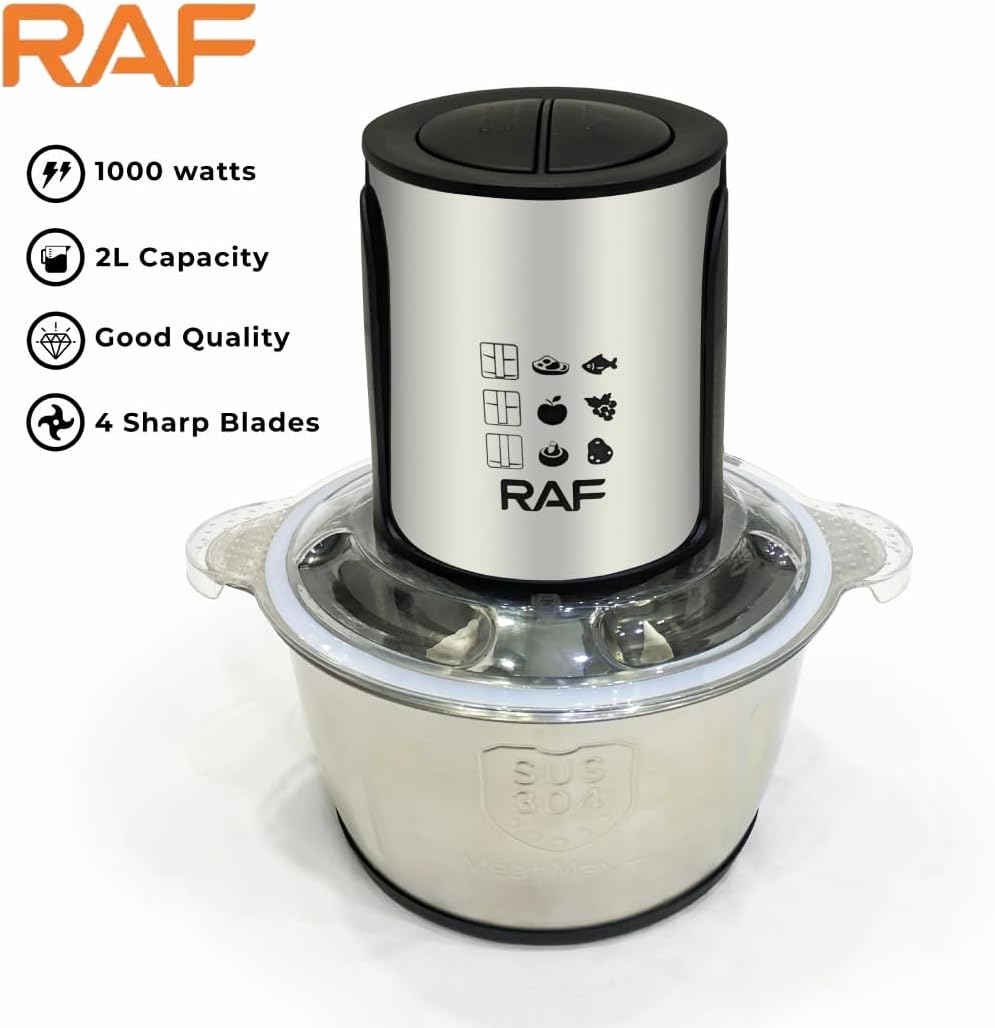
Image 3.1: Front view of the appliance, showing the motor unit and control buttons.

Image 3.2: The stainless steel processing bowl with the sharp blade assembly inserted.
4. Setup and Assembly
Before first use, wash all parts that will come into contact with food. Refer to the "Cleaning and Maintenance" section for detailed instructions.
- Place the Bowl: Position the stainless steel bowl onto a stable, flat surface.
- Insert Blades: Carefully place the blade assembly onto the central shaft inside the bowl. Ensure it sits firmly. Caution: Blades are very sharp. Handle with extreme care.
- Add Ingredients: Place your desired ingredients into the bowl. Do not overfill beyond the maximum fill line (if indicated).
- Secure the Lid: Place the lid onto the bowl, aligning it properly. Twist or press down until it locks securely into place. The appliance will not operate if the lid is not correctly secured.
- Attach Motor Unit: Place the motor unit on top of the lid, ensuring it is properly seated and aligned with the lid's mechanism.
- Connect Power: Plug the power cord into a suitable electrical outlet.
5. Operating Instructions
The RAF Food Processor & Meat Chopper R.7019 features two speed settings for versatile processing.
- Prepare Ingredients: Cut larger food items into smaller, uniform pieces (approximately 2-3 cm) to ensure even processing. Remove bones from meat and hard seeds from fruits.
- Load the Bowl: Follow the assembly steps in Section 4. Do not overload the bowl. For best results, process smaller batches if necessary.
- Select Speed:
- Press button "I" for lower speed, suitable for softer ingredients or coarse chopping.
- Press button "II" for higher speed, ideal for harder ingredients, fine chopping, or blending.
- Process: Press and hold the desired speed button. For optimal control and to prevent over-processing, use short pulses rather than continuous operation. Release the button to stop.
- Check Consistency: Periodically check the consistency of your ingredients. If needed, scrape down the sides of the bowl with a spatula (after unplugging and removing the motor unit and lid) to ensure even processing.
- Unload: Once processing is complete, release the speed button and unplug the appliance. Carefully remove the motor unit, then the lid. Remove the blade assembly before emptying the bowl. Caution: Blades are very sharp.
6. Cleaning and Maintenance
Regular cleaning ensures the longevity and hygienic operation of your appliance.
- Unplug: Always unplug the appliance from the power outlet before cleaning.
- Disassemble: Carefully remove the motor unit, lid, and blade assembly from the bowl.
- Clean Motor Unit: Wipe the motor unit with a damp cloth. Do not immerse it in water or any other liquid.
- Clean Bowl, Lid, and Blades: The stainless steel bowl, lid, and blade assembly are dishwasher safe. Alternatively, wash them in warm, soapy water using a brush for the blades to avoid direct contact. Rinse thoroughly and dry immediately. Caution: Blades are extremely sharp. Handle with care.
- Stubborn Stains: For stubborn food residue, soak the parts in warm soapy water before cleaning.
- Storage: Ensure all parts are completely dry before reassembling or storing the appliance. Store in a cool, dry place.
7. Troubleshooting
If you encounter issues with your RAF Food Processor & Meat Chopper, refer to the following common problems and solutions:
| Problem | Possible Cause | Solution |
|---|---|---|
| Appliance does not turn on. |
|
|
| Food is not chopping evenly. |
|
|
| Motor sounds strained or stops. |
|
|
If the problem persists after attempting these solutions, please contact customer support.
8. Specifications
- Model: R.7019
- Brand: RAF
- Power/Wattage: 1000 Watts
- Bowl Capacity: 2 Liters
- Number of Speeds: 2
- Material: Metal, Stainless Steel
- Item Weight: Approximately 4 Kilograms
- Product Care Instructions: Dishwasher Safe (for removable parts)
- Included Components: Chopper (Motor Unit, Lid, Blade Assembly, Stainless Steel Bowl)
9. Warranty and Support
This product comes with a manufacturer's warranty. Please refer to the warranty card included in your product packaging for specific terms and conditions, including warranty duration and coverage details. For technical support, service, or replacement parts, please contact the retailer or the manufacturer's customer service department. Keep your purchase receipt as proof of purchase for warranty claims.


