
1. Introduction
This manual provides essential information for the safe and efficient operation of your Luminous SOLARVERTER PRO 2KVA ECO Hybrid Solar Inverter. Please read it thoroughly before installation and use to ensure optimal performance and longevity of the product. This inverter is designed to provide reliable power by efficiently managing solar, battery, and grid energy sources.

Figure 1: Front view of the Luminous SOLARVERTER PRO 2KVA ECO Hybrid Solar Inverter.
2. Key Features
The Luminous SOLARVERTER PRO 2KVA ECO is equipped with advanced features to ensure efficient and reliable power management:
- Smart Hybrid Solar Inverter: Efficiently switches between solar and grid power, ensuring uninterrupted energy supply.
- Pure Sine Wave Technology: Delivers stable, noise-free power, protecting sensitive appliances.
- 24V System for Reliable Backup: Supports multiple devices, making it suitable for homes, shops, and small businesses.
- Maximizes Solar Power Usage: Reduces electricity costs by prioritizing solar energy over the grid.
- Durable & Energy Efficient: Built for long-lasting performance with high energy savings and low maintenance.
- Inbuilt MPPT Charge Controller: Maximizes solar generation from solar panels.
- Inbuilt Isolation Transformer: Protects from grid surges and noise.
- User Selectable Source Priority: Allows choosing source priority from solar, battery, and grid.
- User-Friendly Informative LCD Display: Provides real-time operational data.
- Comprehensive Protection Features: Includes short-circuit, reverse polarity, and battery overload protection.
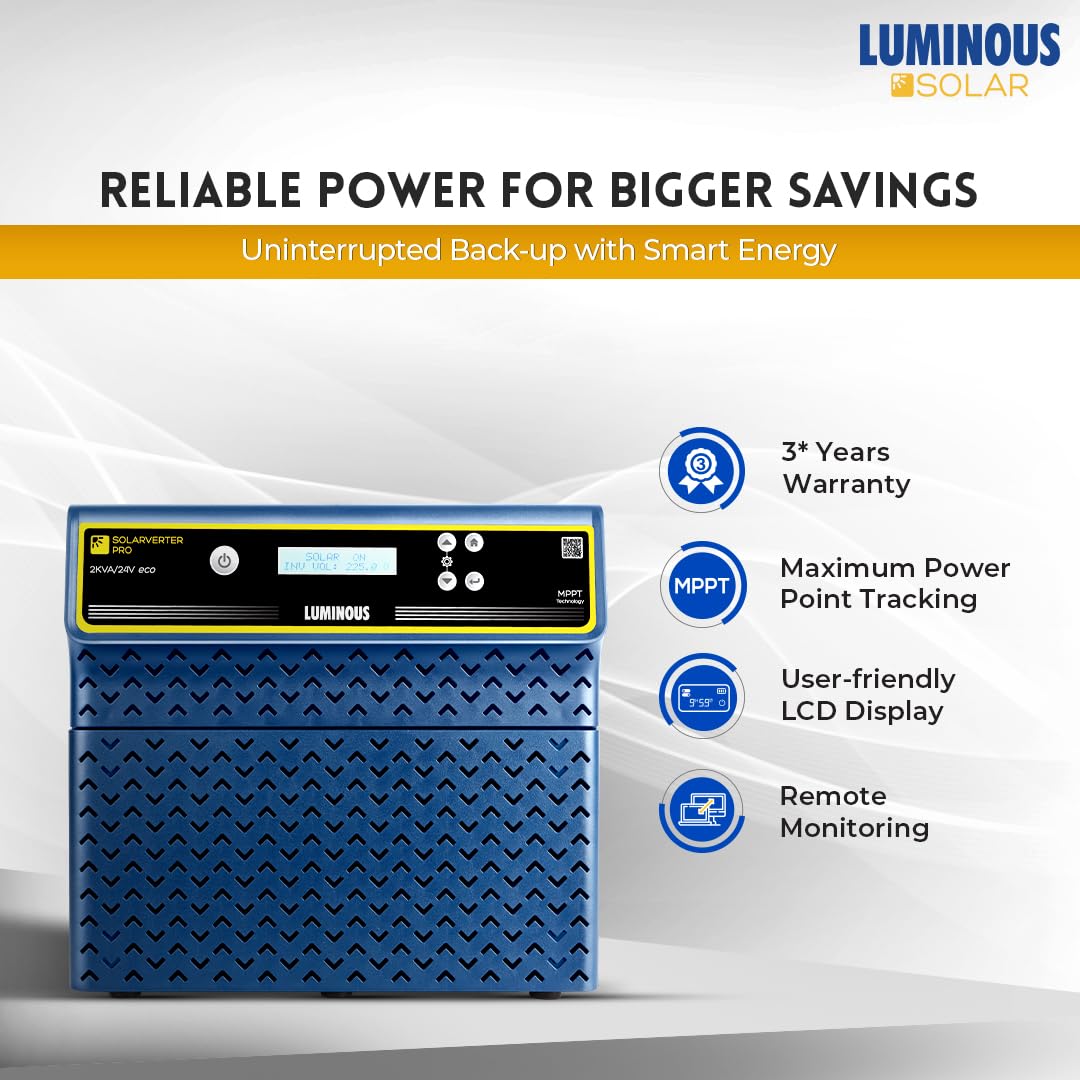
Figure 2: Key features of the Luminous SOLARVERTER PRO 2KVA ECO, including MPPT technology and LCD display.
3. Setup and Installation
Proper installation is crucial for the safe and efficient operation of your solar inverter. It is highly recommended that installation be performed by a qualified electrician or certified solar technician.
3.1 Site Selection
- Install the inverter in a cool, dry, and well-ventilated area, away from direct sunlight, moisture, and flammable materials.
- Ensure adequate clearance around the inverter for proper airflow and heat dissipation.
- Mount the inverter securely on a vertical surface capable of supporting its weight.
3.2 Wiring Connections
- Battery Connection: Connect the 24V battery bank to the designated battery terminals, ensuring correct polarity (positive to positive, negative to negative). Use appropriate gauge cables.
- Solar Panel Connection: Connect the solar panel array to the MPPT charge controller input terminals. Verify that the input voltage (Vmp) and open-circuit voltage (Voc) are within the specified ranges (45V-85V Vmp, 57V-105V Voc).
- AC Input (Grid) Connection: Connect the AC mains supply to the inverter's AC input terminals.
- AC Output (Load) Connection: Connect your household or business loads to the inverter's AC output terminals.
- Grounding: Ensure the inverter is properly grounded according to local electrical codes.
3.3 Initial Power-Up
- Double-check all connections for tightness and correct polarity.
- Switch on the battery breaker/isolator.
- Switch on the solar array breaker/isolator.
- Switch on the AC mains input breaker.
- Finally, switch on the inverter's main power switch. Observe the LCD display for status indicators.

Figure 3: The Luminous SOLARVERTER PRO 2KVA ECO integrated into a home solar power system.
4. Operating Instructions
The SOLARVERTER PRO 2KVA ECO is designed for automatic operation, intelligently managing power flow between solar panels, batteries, and the utility grid.
4.1 Power Flow Management
- Solar Priority: By default, the inverter prioritizes solar energy to power connected loads and charge batteries. This maximizes solar utilization and reduces reliance on grid power.
- Battery Backup: If solar power is insufficient and the grid is unavailable, the inverter will draw power from the connected battery bank to maintain continuous supply to loads.
- Grid Integration: When solar and battery power are insufficient, or if the battery charge is low, the inverter will seamlessly switch to grid power. It can also charge batteries from the grid if configured.
4.2 LCD Display and Controls
The user-friendly LCD display provides real-time information about the system's status, including:
- Input voltage (solar, grid)
- Output voltage and frequency
- Battery charge level and voltage
- Load percentage
- Operational mode (e.g., Solar On, Grid On, Battery On)
- Error codes and warnings
Use the navigation buttons adjacent to the LCD to scroll through different display screens and access user-selectable settings, such as source priority.
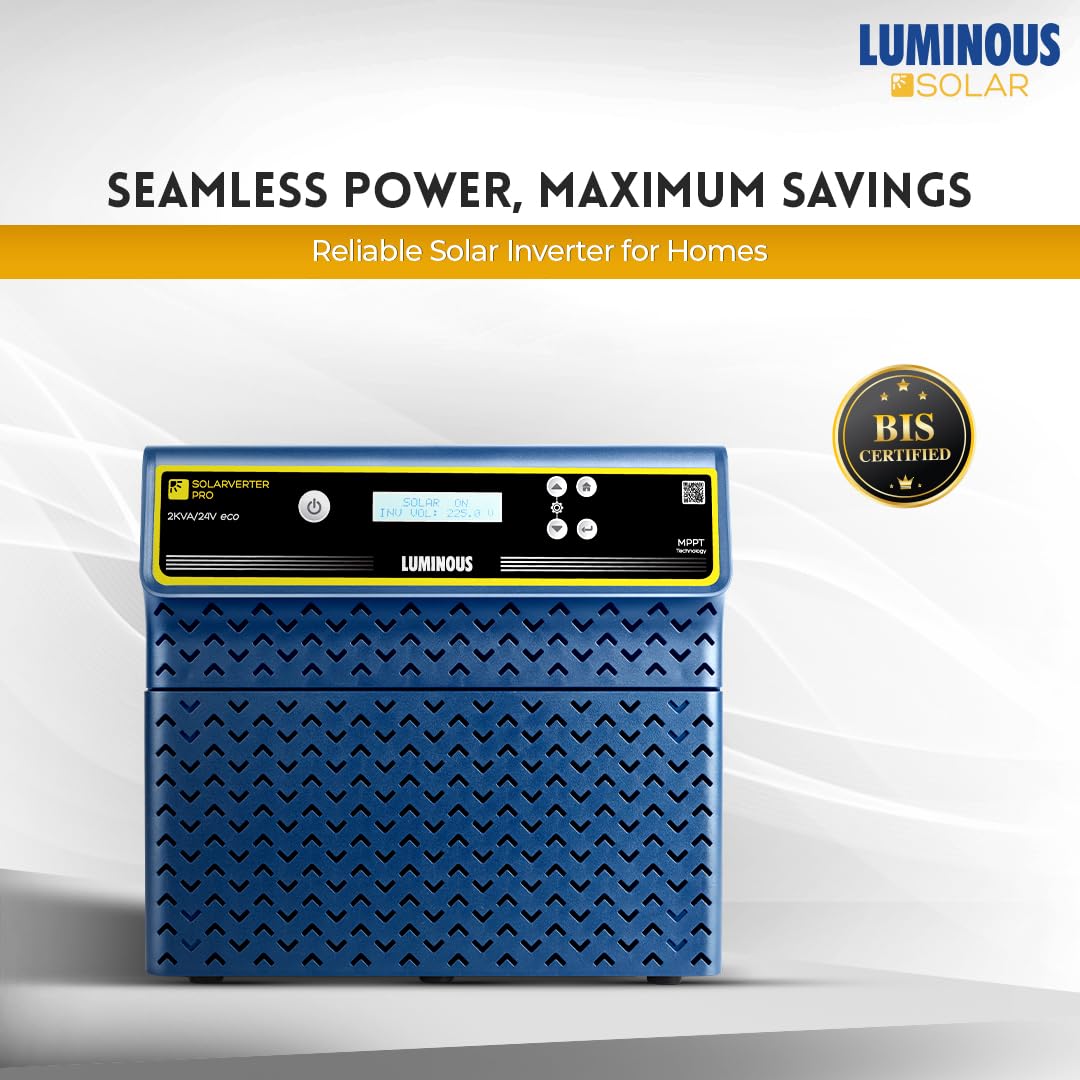
Figure 4: The inverter's LCD display indicating 'SOLAR ON' for seamless power.
5. Maintenance
Regular maintenance ensures the longevity and optimal performance of your Luminous SOLARVERTER PRO 2KVA ECO.
- Cleaning: Periodically clean the inverter's exterior with a dry, soft cloth. Ensure ventilation openings are free from dust and debris. Do not use liquid cleaners.
- Connections Check: Annually, or as needed, inspect all electrical connections (battery, solar, AC input/output) for tightness and signs of corrosion. Loose connections can lead to overheating and poor performance.
- Battery Inspection: If using lead-acid batteries, check electrolyte levels regularly and top up with distilled water as required. Keep battery terminals clean and free of corrosion.
- Environmental Check: Ensure the installation environment remains within specified temperature and humidity ranges.
- Professional Inspection: Consider a professional inspection by a qualified technician every 1-2 years to check internal components and overall system health.
6. Troubleshooting
This section provides solutions to common issues you might encounter. For problems not listed here, or if issues persist, contact customer support.
| Problem | Possible Cause | Solution |
|---|---|---|
| Inverter not turning on | No battery connection, low battery voltage, main switch off, blown fuse/MCB. | Check battery connections and voltage. Ensure main switch is ON. Check MCBs/fuses. |
| No AC output | Overload, short circuit, inverter fault, output MCB tripped. | Reduce load. Check for short circuits in wiring. Reset output MCB. |
| Low backup time | Battery degradation, insufficient battery capacity, high load. | Test battery health. Consider adding more battery capacity. Reduce connected loads. |
| Solar charging not active | Insufficient sunlight, solar panel fault, loose solar connections, MPPT fault. | Check solar panel exposure. Inspect solar wiring. Verify MPPT operation via LCD. |
| Inverter beeping/error code | Overload, over-temperature, battery fault, input/output voltage out of range. | Refer to the LCD display for specific error codes and consult the detailed manual or customer support. Address the underlying cause (e.g., reduce load for overload). |
7. Specifications
Key technical specifications for the Luminous SOLARVERTER PRO 2KVA ECO Hybrid Solar Inverter:
| Parameter | Value |
|---|---|
| Model Number | SOLARVERTER PRO 2KVA ECO |
| Rated AC Power | 230V (single phase) |
| Max Supported Panel Power | 2000 Wp |
| Input Voltage Range (Vmp) | 45V-85V |
| Charge Controller Type | MPPT |
| Input Voltage Range (Voc) | 57V-105V |
| Nominal Battery Bank Voltage | 24V |
| Output Waveform | Pure Sine Wave |
| Dimensions (LxWxH) | 30 x 27 x 39.6 cm |
| Item Weight | 28 kg |
| Certifications | BIS certified |
8. Warranty and Support
The Luminous SOLARVERTER PRO 2KVA ECO comes with a 2-year warranty from the date of purchase, covering manufacturing defects and malfunctions under normal operating conditions. Please retain your purchase receipt for warranty claims.
8.1 Customer Support
For technical assistance, warranty claims, or service requests, please contact Luminous customer support. You can find contact information on the official Luminous website or through your authorized dealer.
8.2 Online Resources
Visit the official Luminous website for additional resources, FAQs, and the latest product information. Visit the Luminous Store on Amazon for more products and information.

Figure 5: Luminous offers a comprehensive 'One Stop Solar Solution' for complete customer support.
