
Langsdom BE17
Contents
Langsdom BE17 Bone Conduction Headphones User Manual
Model: BE17
Introduction
The Langsdom BE17 are advanced bone conduction headphones, engineered for superior sound quality and durability. They provide an open-ear listening experience, allowing you to stay aware of your surroundings while enjoying your audio. With IPX8 waterproofing and 32GB of built-in memory, these headphones are perfect for sports, swimming, and everyday use.

Figure 1: Langsdom BE17 Bone Conduction Headphones, showcasing their sleek design.

Figure 2: Overview of key features including IPX8 Waterproofing, Bone Conduction, 32GB Built-in Memory, and 10 Hours Battery Life.
Key Features
- Bone Conduction Technology: Delivers audio through your cheekbones, leaving your ears open to ambient sounds.
- IPX8 Waterproof Certification: Fully submersible, suitable for swimming, surfing, and other water sports.
- 32GB Internal Memory: Store thousands of songs directly on the headphones, eliminating the need for a connected device during activities.
- Bluetooth 5.4 Connectivity: Ensures a fast, stable, and efficient wireless connection with your devices up to 10 meters.
- Long Battery Life: Approximately 10 hours of playback at 50% volume on a single charge.
- Lightweight and Ergonomic Design: Provides a comfortable and secure fit for extended wear and active use.
- Hands-Free Calling: Integrated microphone and controls for easy call management.

Figure 3: Illustration of the open-ear design, allowing awareness of surroundings.
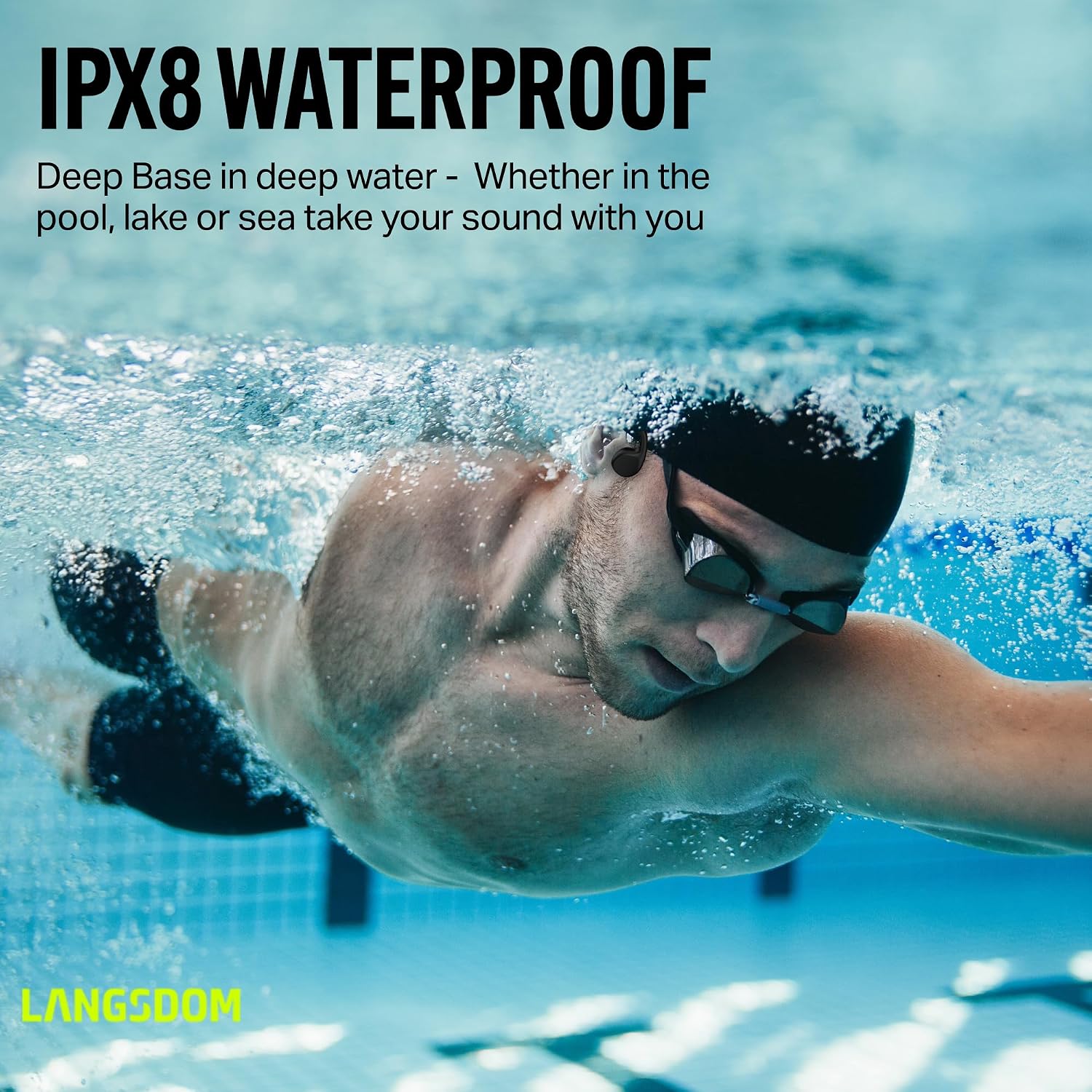
Figure 4: User swimming with Langsdom BE17 headphones, demonstrating IPX8 waterproof capability.

Figure 5: User exercising, highlighting the convenience of 32GB built-in memory for music playback without a phone.

Figure 6: User making a hands-free call with the headphones while working.
Setup Guide
1. Charging
Before first use, fully charge your Langsdom BE17 headphones. Use the provided magnetic charging cable.
- Connect the magnetic end of the cable to the charging port on the headphones.
- Connect the USB end to a standard USB power adapter (not included) or a computer USB port.
- The LED indicator will show charging status. A full charge takes approximately 2 hours.
2. Powering On/Off
- To Power On: Press and hold the Power button for 3 seconds until the LED indicator flashes blue.
- To Power Off: Press and hold the Power button for 5 seconds until the LED indicator flashes red and then turns off.
3. Bluetooth Pairing
The headphones will automatically enter pairing mode when powered on for the first time or if no device is connected.
- Ensure the headphones are powered on and in pairing mode (LED flashes blue and red alternately).
- On your device (smartphone, tablet, etc.), enable Bluetooth.
- Search for available devices and select "Langsdom BE17" from the list.
- Once connected, the LED indicator will flash blue slowly.
4. Transferring Music to Internal Memory (32GB)
To use the internal memory, connect the headphones to a computer using the magnetic charging cable.
- Connect the magnetic charging cable to the headphones and the USB end to your computer.
- The headphones will appear as a removable disk drive on your computer.
- Drag and drop your desired audio files (e.g., MP3, WAV) into the headphone's storage folder.
- Safely eject the device from your computer before disconnecting the cable.
Operating Your Headphones
1. Music Playback Controls
- Play/Pause: Press the Multi-function button once.
- Next Track: Press and hold the Volume Up button for 2 seconds.
- Previous Track: Press and hold the Volume Down button for 2 seconds.
- Volume Up: Short press the Volume Up button.
- Volume Down: Short press the Volume Down button.
2. Call Management
- Answer/End Call: Press the Multi-function button once during an incoming call.
- Reject Call: Press and hold the Multi-function button for 2 seconds during an incoming call.
- Redial Last Number: Double-press the Multi-function button.
3. Switching Between Bluetooth and Internal Memory
The headphones can switch between Bluetooth mode and internal memory playback mode.
- Press the Mode button (usually located near the volume buttons) to toggle between Bluetooth and MP3 (internal memory) modes.
4. Waterproof Usage
The IPX8 rating allows for use in water. For best performance during swimming:
- Ensure the magnetic charging port is clean and dry before and after use in water.
- Use the internal 32GB memory for music playback as Bluetooth connectivity may be limited or lost underwater.
- The included earplugs can be used to enhance sound clarity underwater, if desired.
Care and Maintenance
- Cleaning: Wipe the headphones with a soft, damp cloth. Do not use harsh chemicals or abrasive cleaners. Ensure the charging port is dry before charging.
- Storage: Store the headphones in a cool, dry place away from direct sunlight and extreme temperatures.
- Battery Care: To prolong battery life, avoid fully discharging the battery frequently. Charge the headphones regularly, even if not in use for extended periods.
- Water Exposure: After using in saltwater or chlorinated water, rinse the headphones with fresh water and allow them to air dry completely before charging.
Troubleshooting Common Issues
| Problem | Solution |
|---|---|
| Headphones do not power on. | Ensure the headphones are fully charged. Press and hold the Power button for 3-5 seconds. |
| Cannot pair with device. | Ensure Bluetooth is enabled on your device and the headphones are in pairing mode. Move closer to your device. Forget the device on your phone and re-pair. |
| No sound or low volume. | Adjust volume on both headphones and connected device. Ensure headphones are correctly positioned on your cheekbones. Check if the headphones are in the correct mode (Bluetooth/MP3). |
| Cannot transfer files to internal memory. | Ensure the headphones are properly connected to the computer and recognized as a removable disk. Try a different USB port or cable. |
| Sound quality issues underwater. | Bluetooth signal is weak underwater; use the internal 32GB memory. Ensure earplugs are properly inserted for optimal underwater sound. |
Technical Specifications
| Feature | Detail |
|---|---|
| Bluetooth Chipset | BT8922B |
| Bluetooth Version | 5.4 |
| Signal Range | 10 meters |
| Charging Time | Approx. 2 hours |
| Playback Time | Approx. 10 hours (at 50% volume) |
| Impedance | 8Ω±15% |
| Driver | Ø16.3mm Bone Conduction Speaker |
| Frequency Response | 20Hz~20KHz |
| Sensitivity | 86±3dB |
| Battery Capacity | 200mAh |
| Waterproof Rating | IPX8 |
| Internal Memory | 32GB |
| Product Weight | 32 Grams |
| Dimensions | 16 x 13 x 5.5 cm |
Warranty and Customer Support
Langsdom products are manufactured to the highest quality standards. For information regarding warranty coverage, technical support, or service inquiries, please refer to the contact information provided with your purchase or visit the official Langsdom website. Please retain your proof of purchase for warranty claims.
Documents and downloads
Ask a question about this manual
Ask about setup, troubleshooting, compatibility, parts, safety, or missing instructions. Manuals+ will review the question and use this page’s manual context to help answer it.