
1. Setup and Installation
Before using your new Morphy Richards 20 Litres Solo Microwave Oven, please follow these important setup instructions:
- Unpacking: Carefully remove all packaging materials from the microwave oven. Check for any damage during transit. Retain packaging for future transport if needed.
- Placement: Place the microwave oven on a stable, level surface. Ensure there is adequate ventilation around the unit. Maintain a minimum clearance of 10 cm at the rear, 20 cm at the sides, and 30 cm above the oven for proper airflow. Do not block any ventilation openings.
- Power Connection: Plug the power cord into a grounded electrical outlet. Ensure the voltage matches the specifications of the oven.
- Turntable Assembly: Place the roller ring in the center of the oven cavity. Then, place the glass turntable securely on top of the roller ring. Ensure it rotates freely.
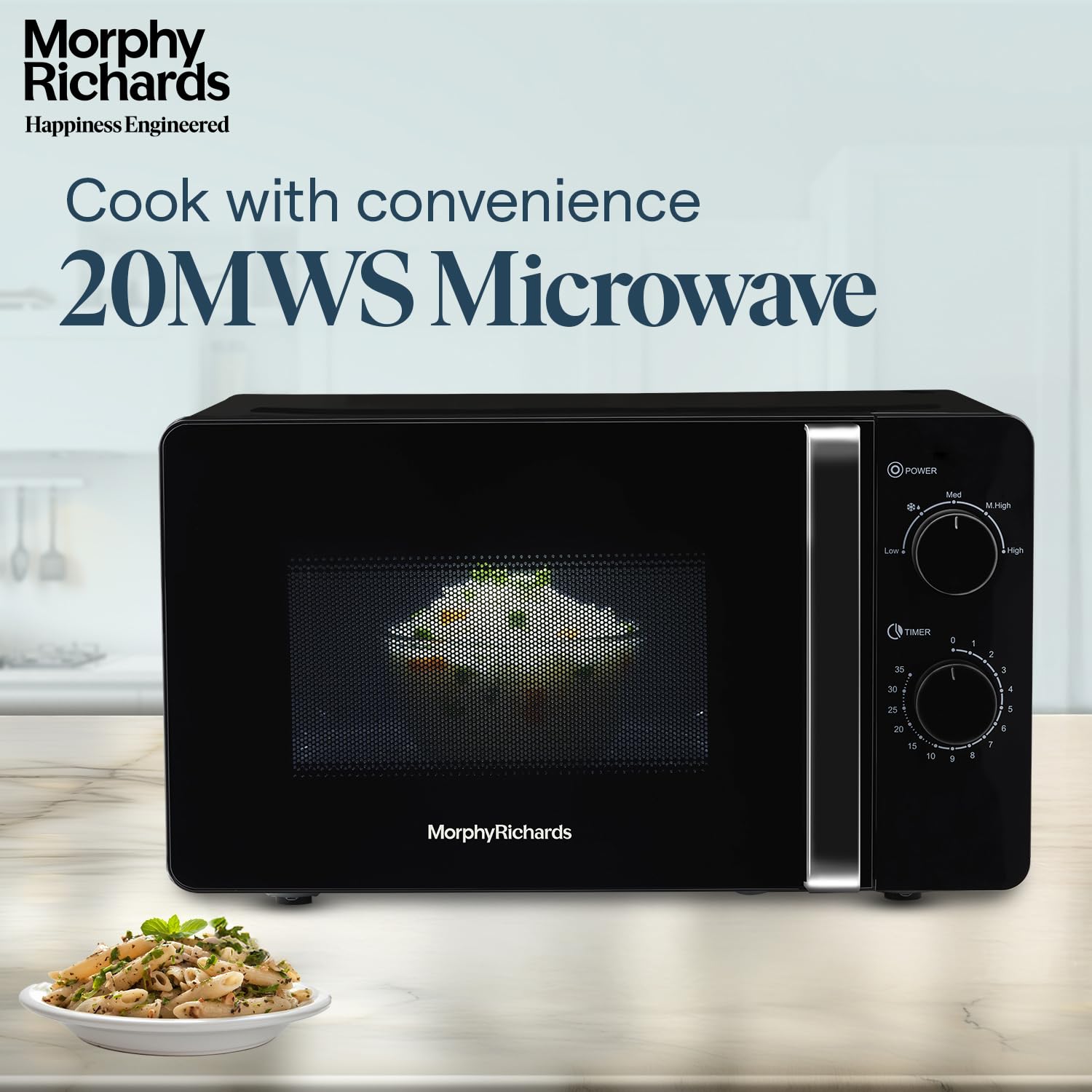
Figure 1: Front view of the Morphy Richards 20 Litres Solo Microwave Oven.
Included Components:
- Microwave Oven Unit
- Glass Turntable
- Roller Ring
- Instruction Manual (this document)
- Warranty Card
2. Operating Instructions
Your microwave oven features easy-to-use mechanical knob controls for power level and timer settings.
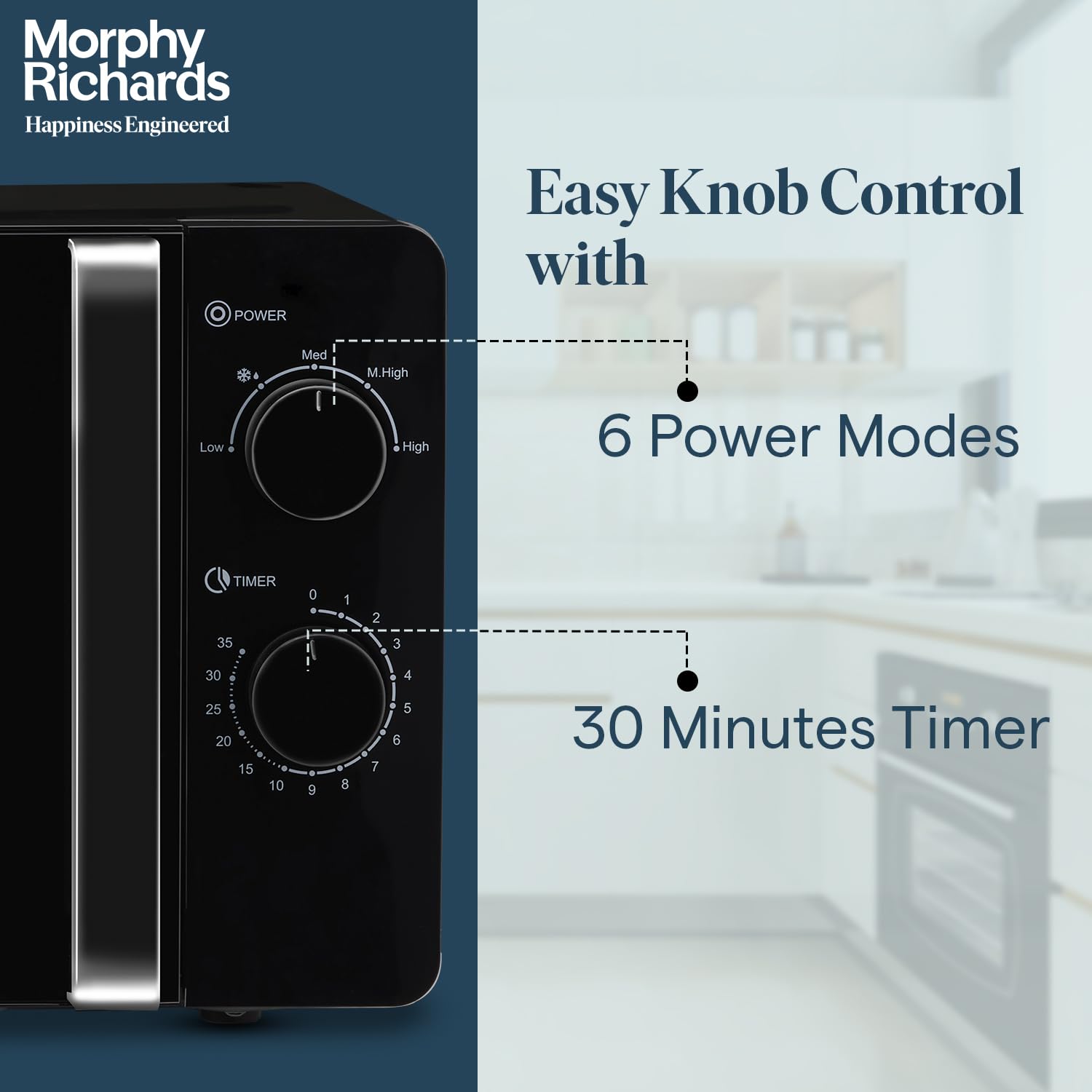
Figure 2: Close-up of the control panel, showing Power and Timer knobs.
Power Level Selection:
The microwave offers 6 adjustable power levels to suit various cooking needs. Rotate the POWER knob to select the desired power setting:
- High: For fast cooking and reheating.
- M.High (Medium-High): For general cooking.
- Med (Medium): For slower cooking or delicate foods.
- M.Low (Medium-Low): For simmering or melting.
- Low: For keeping food warm.
- Defrost: For thawing frozen foods.
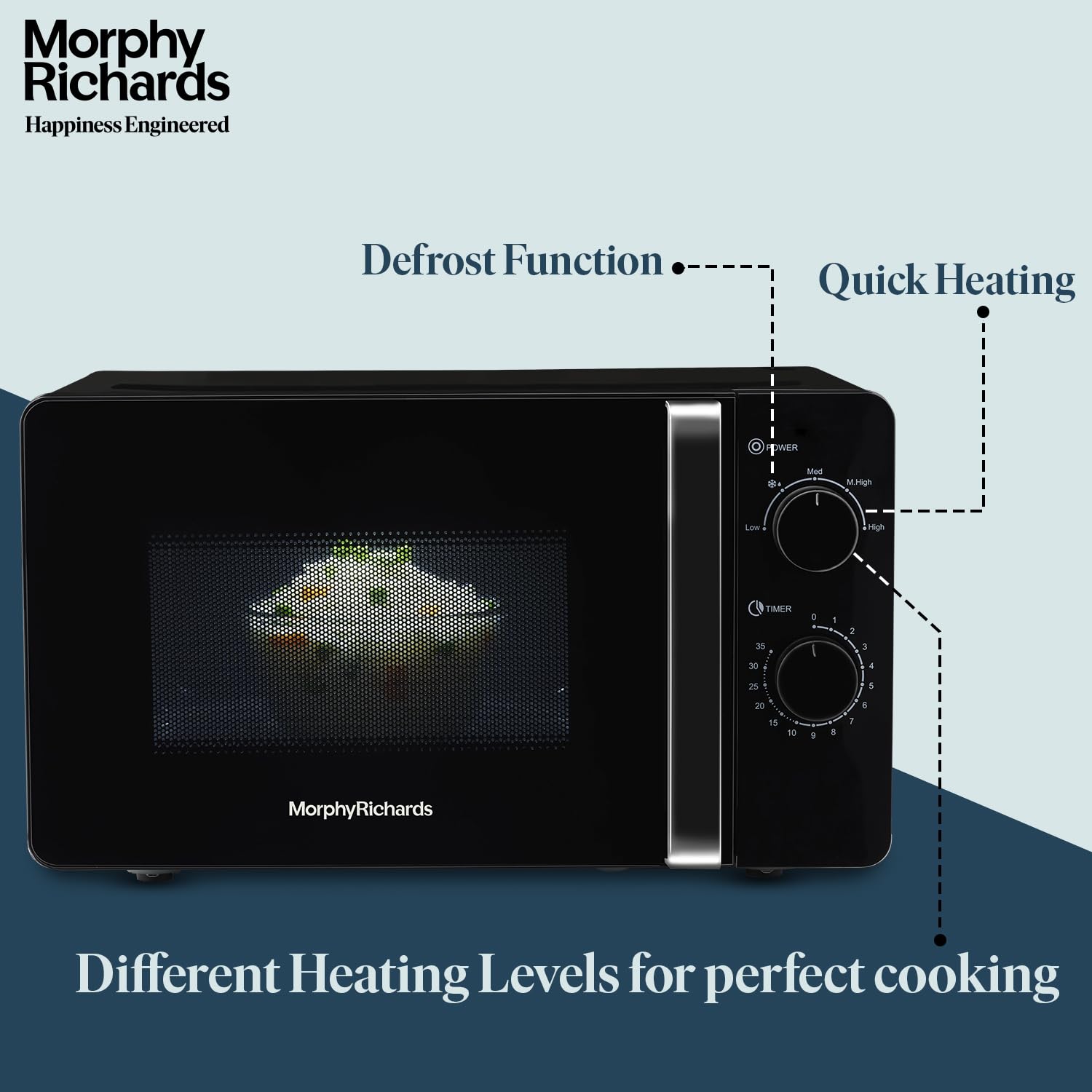
Figure 3: Microwave oven illustrating the defrost and quick heating functions.
Timer Function:
After selecting the power level, rotate the TIMER knob to set the desired cooking time. The maximum cooking time is 35 minutes. The oven will start automatically once the timer is set and will stop when the timer reaches zero.
Defrost Function:
To defrost food, place the frozen item in the microwave. Select the 'Defrost' power level using the POWER knob. Then, set the appropriate defrost time or weight (if applicable, refer to food packaging) using the TIMER/DEFROST(kg) knob. The oven will thaw food while preserving its freshness and flavor.
Overheat Protection:
The microwave oven is equipped with an automatic shut-off feature to prevent overheating. If the internal temperature exceeds a safe limit, the oven will automatically turn off to prevent damage and ensure safety.

Figure 4: Microwave oven with the door open, demonstrating the overheat protection feature.
Using the Turntable:
The spacious 245mm turntable ensures even heating by rotating food during cooking. Always place food on the turntable for optimal results.
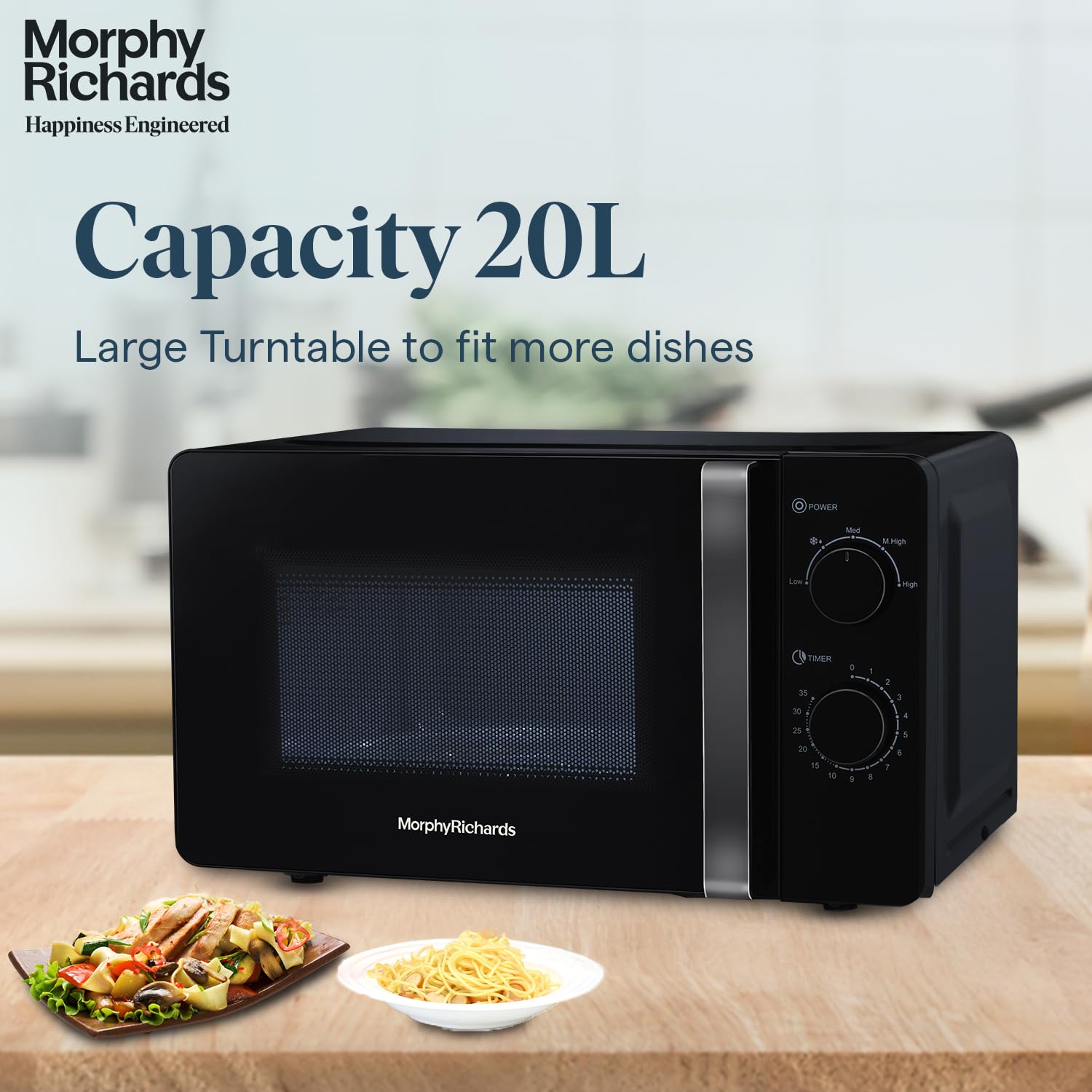
Figure 5: Microwave oven with food, highlighting the 20L capacity and large turntable.
3. Care and Maintenance
Regular cleaning and maintenance will ensure the longevity and efficient operation of your microwave oven.
- Cleaning the Interior: After each use, wipe the interior of the oven with a damp cloth and mild detergent. For stubborn stains, a microwave-safe cleaner can be used. Ensure the oven is unplugged before cleaning.
- Cleaning the Exterior: Wipe the exterior surfaces with a soft, damp cloth. Avoid abrasive cleaners or solvents that may damage the finish.
- Turntable and Roller Ring: The glass turntable and roller ring can be removed and washed in warm, soapy water or in a dishwasher. Ensure they are completely dry before placing them back in the oven.
- Odor Removal: To remove odors, place a bowl of water with lemon slices or vinegar inside the oven and microwave on high for 5-10 minutes. Then, wipe the interior clean.
4. Troubleshooting Guide
If you encounter any issues with your microwave oven, please refer to the following table for common problems and solutions:
| Problem | Possible Cause | Solution |
|---|---|---|
| Oven does not start | Power cord unplugged; Door not closed properly; Fuse blown or circuit breaker tripped. | Ensure power cord is securely plugged in; Close the door firmly; Check household fuse/circuit breaker. |
| Food not heating evenly | Food not placed centrally on turntable; Incorrect power level or cooking time. | Ensure food is centered on the turntable; Adjust power level and cooking time as needed. Stir or rotate food halfway through cooking. |
| Light bulb not working | Light bulb needs replacement. | Contact customer support for bulb replacement. Do not attempt to replace it yourself. |
| Excessive noise during operation | Turntable or roller ring not correctly positioned; Foreign object in cavity. | Re-position turntable and roller ring; Check for and remove any foreign objects. |
If the problem persists after attempting these solutions, please contact Morphy Richards customer support.
5. Product Specifications
| Feature | Detail |
|---|---|
| Brand | Morphy Richards |
| Model Name | 20MWS Black |
| Model Number | 790024 |
| Capacity | 20 Litres |
| Product Dimensions (D x W x H) | 34.2D x 45.2W x 32.2H Centimeters (Note: Height value adjusted for typical microwave dimensions) |
| Item Weight | 10.2 Kilograms |
| Wattage | 1150 Watts |
| Number of Power Levels | 6 |
| Controller Type | Knob / Dial |
| Defrost System Type | Manual Defrost |
| Turntable Diameter | 245 Millimetres |
| Inner Material | Stainless Steel |
| Special Features | 6 Power Level Settings, Overheat Protection, Easy Knob Controls, Quick Heating, Defrost Function |
6. Warranty and Customer Support
Your Morphy Richards 20 Litres Solo Microwave Oven comes with a comprehensive warranty and dedicated customer support.
Warranty Information:
This product is covered by a 2-Year Manufacturer's Warranty from the date of purchase. Please retain your purchase receipt and warranty card for any warranty claims. The warranty covers manufacturing defects under normal use conditions.
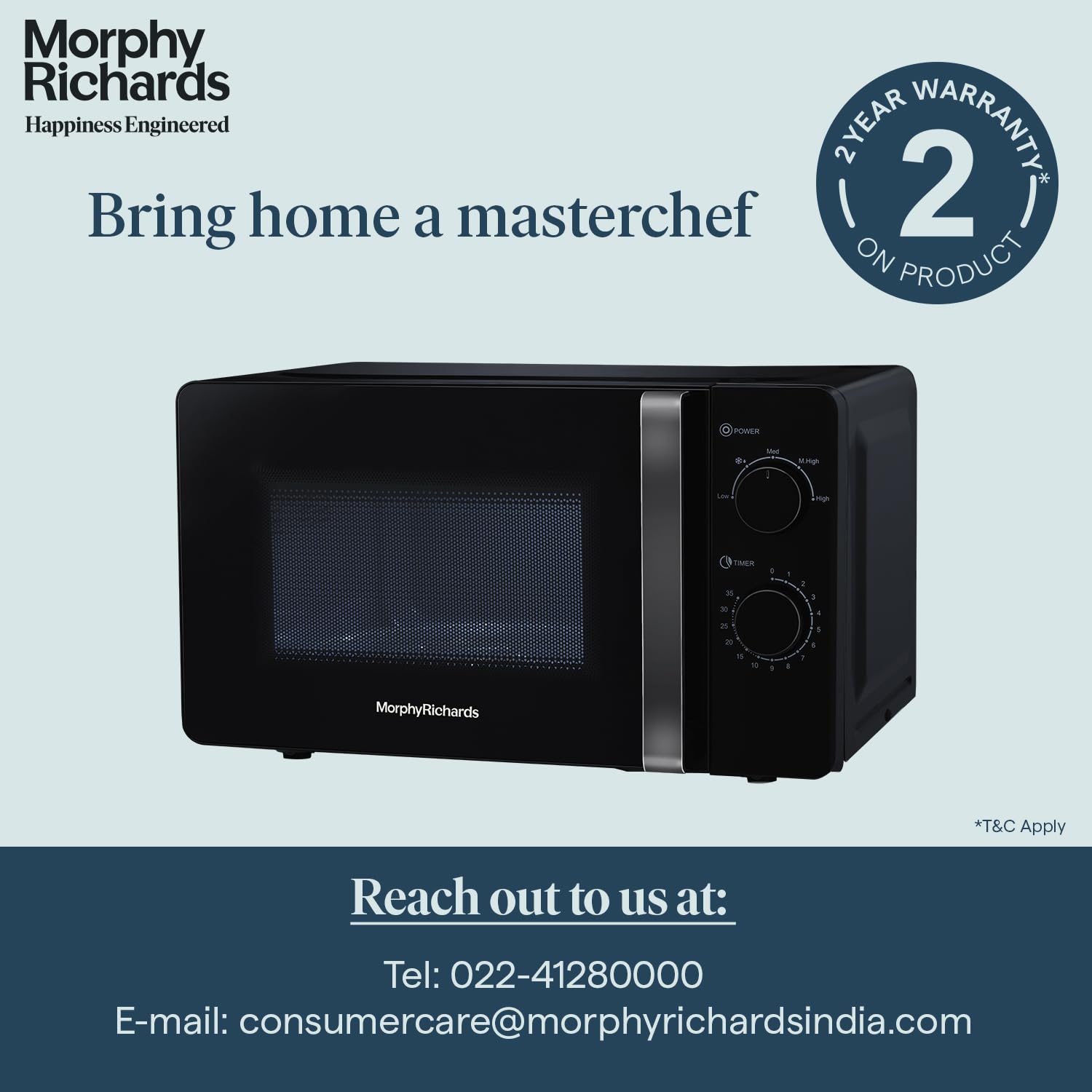
Figure 6: Warranty details and customer support contact information.
Customer Support:
For any queries, assistance, or service requests, please contact our customer support team:
- Telephone: 022-41280000
- Email: customercare@morphyrichardsindia.com
Please have your model number (20MWS or 790024) and purchase details ready when contacting support.