
1. Introduction
This manual provides essential information for the safe and efficient operation, installation, and maintenance of your Panasonic 1.5 Ton 3 Star Inverter Window Air Conditioner, model CW-LN183BG. Please read this manual thoroughly before using the appliance and retain it for future reference.
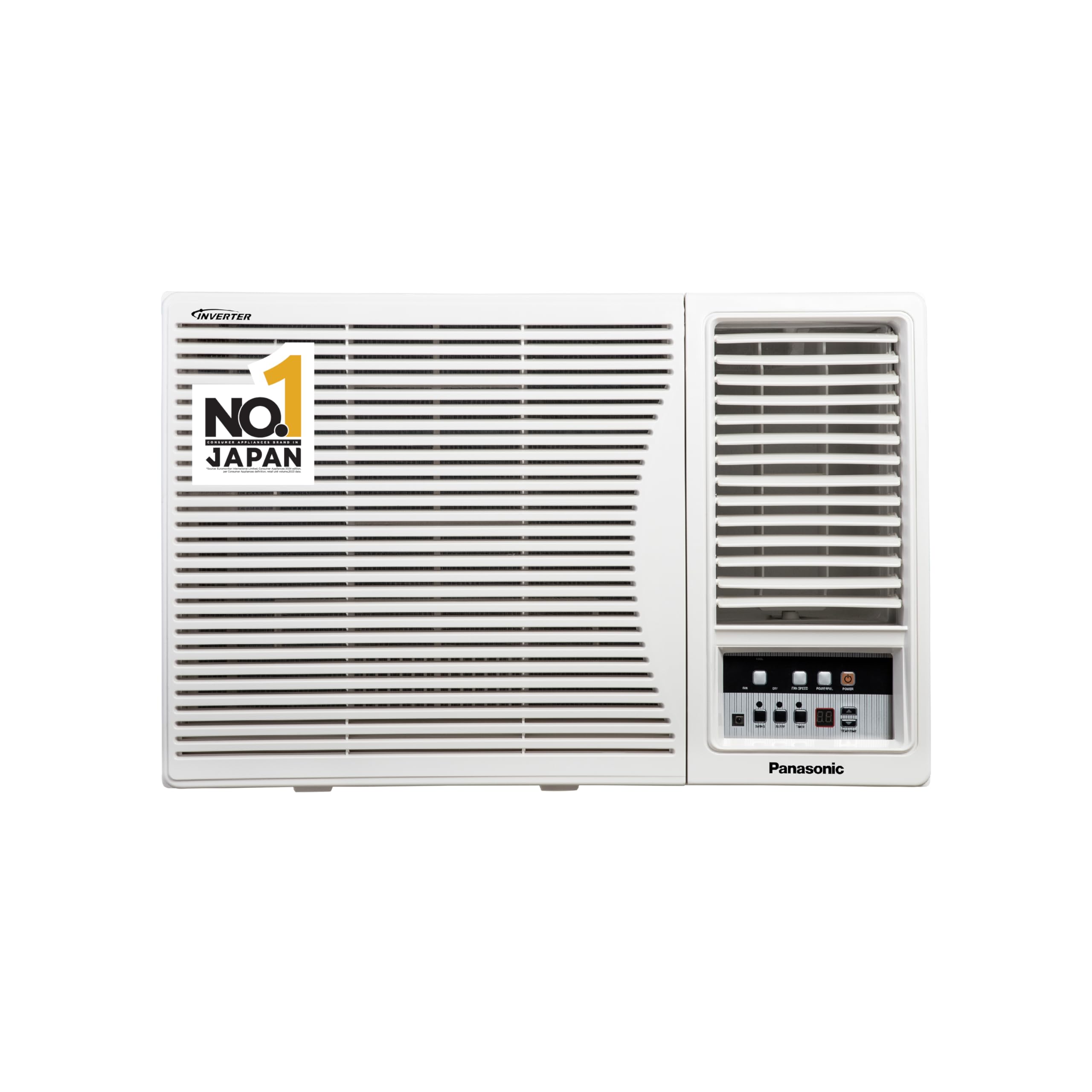
Image 1.1: The Panasonic 1.5 Ton 3 Star Inverter Window AC unit.
Key Features:
- Inverter Compressor: Variable speed compressor for energy efficiency and precise temperature control.
- 1.5 Ton Capacity: Suitable for medium-sized rooms (120-170 sq ft).
- 3 Star Energy Rating: Efficient energy consumption (1184.66 units annual consumption, ISEER 3.20).
- Copper Condenser Coil: Enhances cooling performance and requires low maintenance.
- PM 0.1 Filter: Provides clean air by filtering PM 0.1 particles.
- Powerful Mode: For rapid cooling.
- ECO Mode: For energy-saving operation.
2. Setup and Installation
The Panasonic CW-LN183BG is a window-type air conditioner designed for easy installation in a standard window opening. Professional installation is recommended to ensure proper functioning and safety.
Included Components:
- 1 Window Unit
- Remote Controller
- Remote Controller Holder
- 2 AAA Batteries
- User Manual with Warranty Card
Installation Considerations:
- Ensure the window opening meets the minimum width requirement (50 cm).
- The unit requires a stable and level surface for installation.
- Proper sealing around the unit is crucial for efficient operation.
- Connect to a dedicated 230 Volts power supply.

Image 2.1: Example of the window AC unit installed in a room window.
3. Operating Instructions
Your Panasonic Inverter Window AC offers various modes and features for optimal comfort. All functions are controlled via the provided remote controller.
Remote Controller Functions:
- Power ON/OFF: Press the power button to turn the unit on or off.
- Temperature Adjustment: Use the up/down arrows to set your desired temperature.
- Mode Selection: Cycle through modes such as Cool, Fan, Dry, and Auto.
- Powerful Mode: Activates maximum cooling capacity for rapid temperature reduction.
- ECO Mode: Optimizes operation for reduced energy consumption.
- Fan Speed: Adjust the fan speed (Low, Medium, High, Auto).
- 2 Way Swing: Controls the horizontal airflow direction.
- Timer: Set the unit to turn on or off automatically after a specified period.
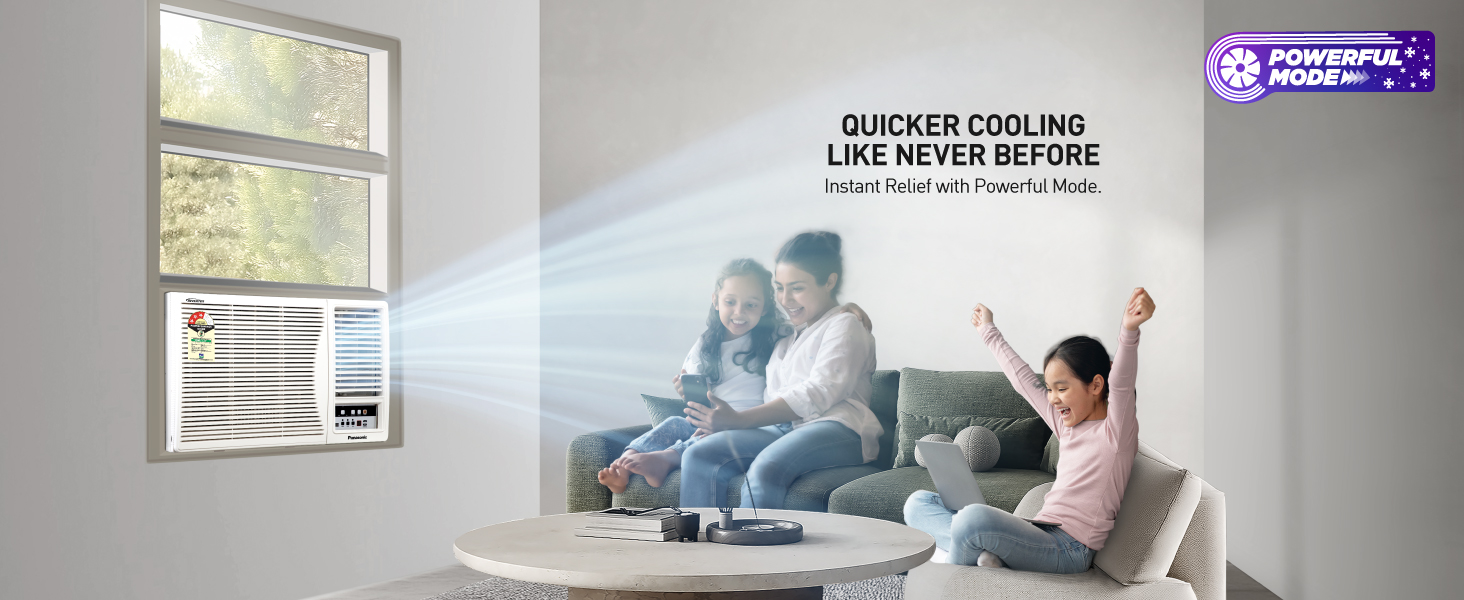
Image 3.1: The 'Powerful Mode' feature for quick cooling.
PM 0.1 Filter Operation:
The integrated PM 0.1 filter continuously works to capture fine particulate matter, contributing to cleaner indoor air quality. Ensure regular cleaning of this filter for optimal performance.
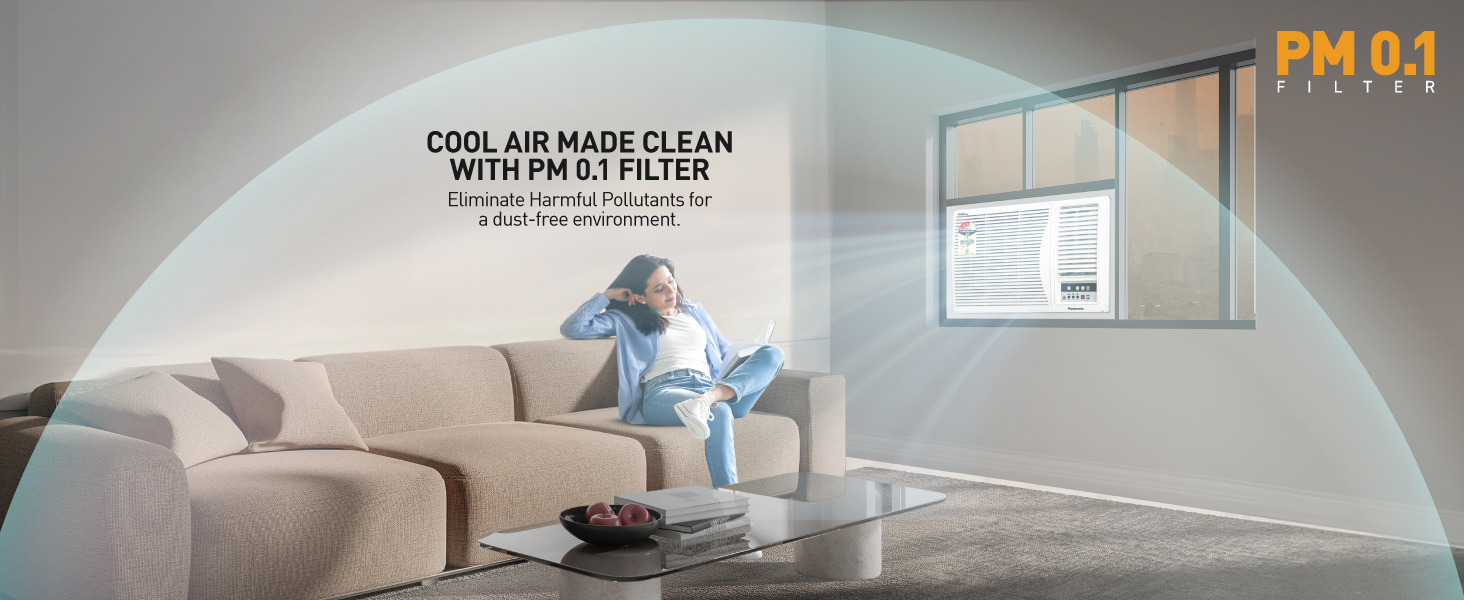
Image 3.2: The PM 0.1 Filter actively cleans the air by removing fine particles.
4. Maintenance
Regular maintenance ensures the longevity and efficient operation of your air conditioner. Always disconnect power before performing any maintenance.
Filter Cleaning:
- The air filter should be cleaned every two weeks, or more frequently depending on usage and air quality.
- Remove the front panel and carefully slide out the filter.
- Wash the filter with lukewarm water and a mild detergent. Rinse thoroughly.
- Allow the filter to dry completely in a shaded area before reinserting.
Condenser Coil Care:
The unit features a durable copper condenser coil, which is designed for low maintenance. Periodically inspect the coil for any dust or debris accumulation. If necessary, gently clean with a soft brush or vacuum cleaner. Avoid bending the fins.
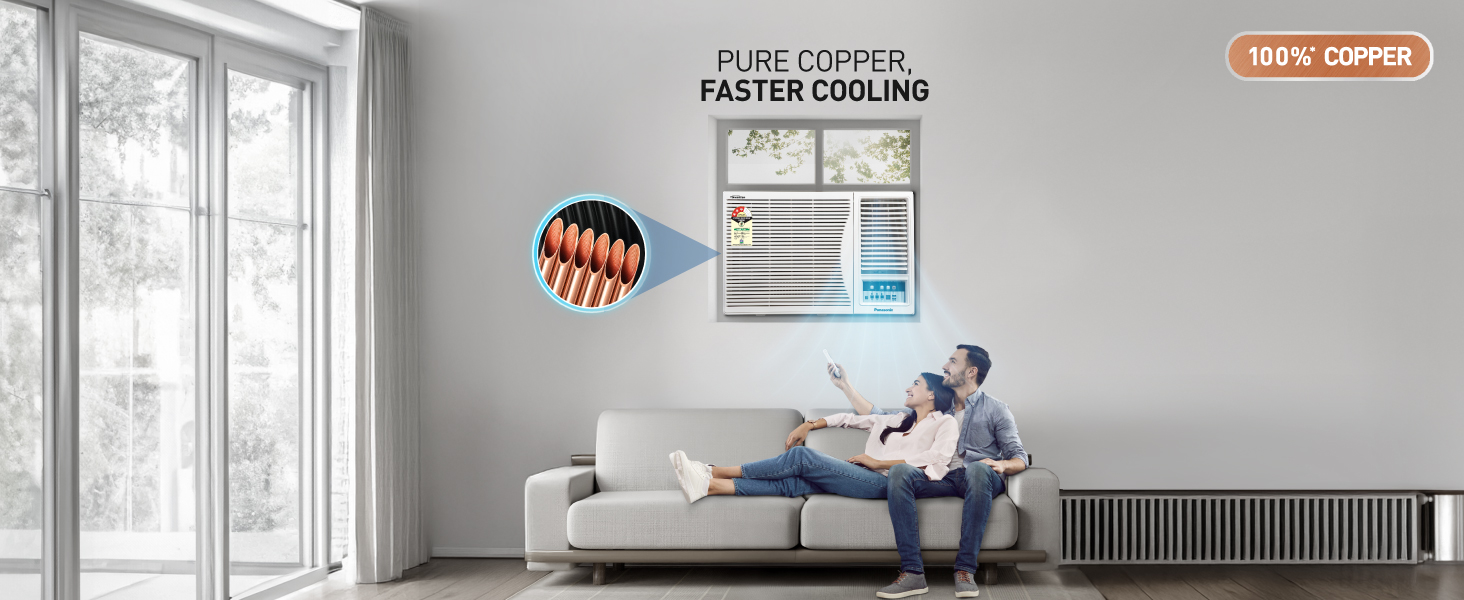
Image 4.1: The copper condenser coils, known for durability and efficient heat exchange.
General Cleaning:
- Wipe the exterior of the unit with a soft, damp cloth.
- Do not use harsh chemicals, abrasives, or solvents.
5. Troubleshooting
Before contacting service, please check the following common issues:
| Problem | Possible Cause | Solution |
|---|---|---|
| Unit does not turn on | No power supply; Remote control batteries depleted | Check power connection and circuit breaker; Replace remote batteries. |
| Insufficient cooling | Dirty air filter; Blocked air intake/outlet; Room too large | Clean air filter; Clear obstructions; Ensure unit capacity matches room size. |
| Unusual noise | Loose parts; Unit not level; Foreign object inside | Check for loose components; Ensure stable, level installation; Contact service if noise persists. |
| Water leakage | Blocked drain pipe; Improper installation angle | Clear drain pipe; Verify correct tilt for drainage. |
If the problem persists after attempting these solutions, please contact authorized service personnel.
6. Specifications
Detailed technical specifications for the Panasonic CW-LN183BG Inverter Window AC.

Image 6.1: Unit dimensions and energy efficiency guide.
| Feature | Detail |
|---|---|
| Brand | Panasonic |
| Model Number | CW-LN183BG |
| Capacity | 1.5 Tons |
| Cooling Power | 16719 British Thermal Units (4900 W) |
| Energy Rating | 3 Star (BEE 2025 guidelines) |
| Annual Energy Consumption | 1184.66 Kilowatt Hours |
| ISEER Value | 3.20 |
| Product Dimensions (D x W x H) | 66D x 71W x 43H Centimeters |
| Item Weight | 43500 Grams |
| Noise Level | 53 Decibels |
| Refrigerant | R-32 |
| Filter Type | PM 0.1 |
| Core Material | Copper |
| Voltage | 230 Volts |
| Wattage | 1760 Watts |
| Control Method | Remote Control |
7. Warranty and Support
Your Panasonic Air Conditioner is backed by a comprehensive warranty and dedicated customer support.
Warranty Information:
- Product Warranty: 1 Year Comprehensive on Product.
- Compressor Warranty: Additional 4 Years on Compressor (Total 5 Years).
Please retain your purchase receipt and warranty card for any warranty claims.

Image 7.1: The unit comes with a 5-year warranty on the compressor.
Customer Support:
For service, technical assistance, or inquiries, please contact Panasonic Life Solutions India Pvt. Ltd. at the following address:
Panasonic Life Solutions India Pvt. Ltd.12th Floor, Ambience Tower, Ambience Island,
NH-8, Gurgaon- 122002 Haryana, India.
Refer to the warranty card or Panasonic's official website for the most current contact details and service center information.


