
Introduction
Thank you for choosing the ASHATA 64GB MP3 Player. This portable digital music player is designed to provide a high-fidelity audio experience with versatile functionalities including music playback, video viewing, e-book reading, voice recording, and image viewing. It features a 1.8-inch color screen, 64GB built-in memory, and Bluetooth 5.0 connectivity. This manual will guide you through the setup, operation, and maintenance of your device.

Figure 1: Front view of the ASHATA 64GB MP3 Player.
Package Contents
Please check the package contents upon unboxing to ensure all items are present:
- 1 x ASHATA Music Player
- 1 x USB Data Cable
- 1 x Earphones
- 1 x User Manual

Figure 2: Included accessories: MP3 player, USB cable, and earphones.
Product Overview
Familiarize yourself with the device's physical features and controls.

Figure 3: Front panel controls and display.
- Display Screen: 1.8-inch color screen for navigation and content display.
- M Button: Menu/Mode button.
- Return Button: Navigates back to the previous screen.
- Navigation Buttons: Up, Down, Left, Right, and Center (Play/Pause/Confirm) for menu navigation and media control.
- Volume Buttons: Dedicated + and - buttons for volume adjustment.
- Headphone Jack: 3.5mm audio output for earphones.
- USB Port: For charging and data transfer.
- Power Switch: ON/OFF slider switch.

Figure 4: Bottom view showing the headphone jack and power switch.
Setup
1. Charging the Device
Before first use, fully charge the MP3 player.
- Connect the small end of the included USB data cable to the USB port on the MP3 player.
- Connect the standard USB end of the cable to a USB power adapter (not included) or a computer's USB port.
- The device will indicate charging status on the screen. A full charge typically takes 1-2 hours.
2. Powering On/Off
- To power on, slide the ON/OFF switch to the "ON" position.
- To power off, slide the ON/OFF switch to the "OFF" position.
3. Transferring Files to the Device
The MP3 player functions as a storage device when connected to a computer.
- Ensure the MP3 player is powered on.
- Connect the device to your computer using the provided USB data cable.
- The computer will recognize the MP3 player as a removable disk.
- Open the device's folder on your computer. You can then drag and drop music files, video files, e-books (TXT format), and image files into the appropriate folders or directly onto the device's root directory.
- Safely eject the device from your computer before disconnecting the USB cable.
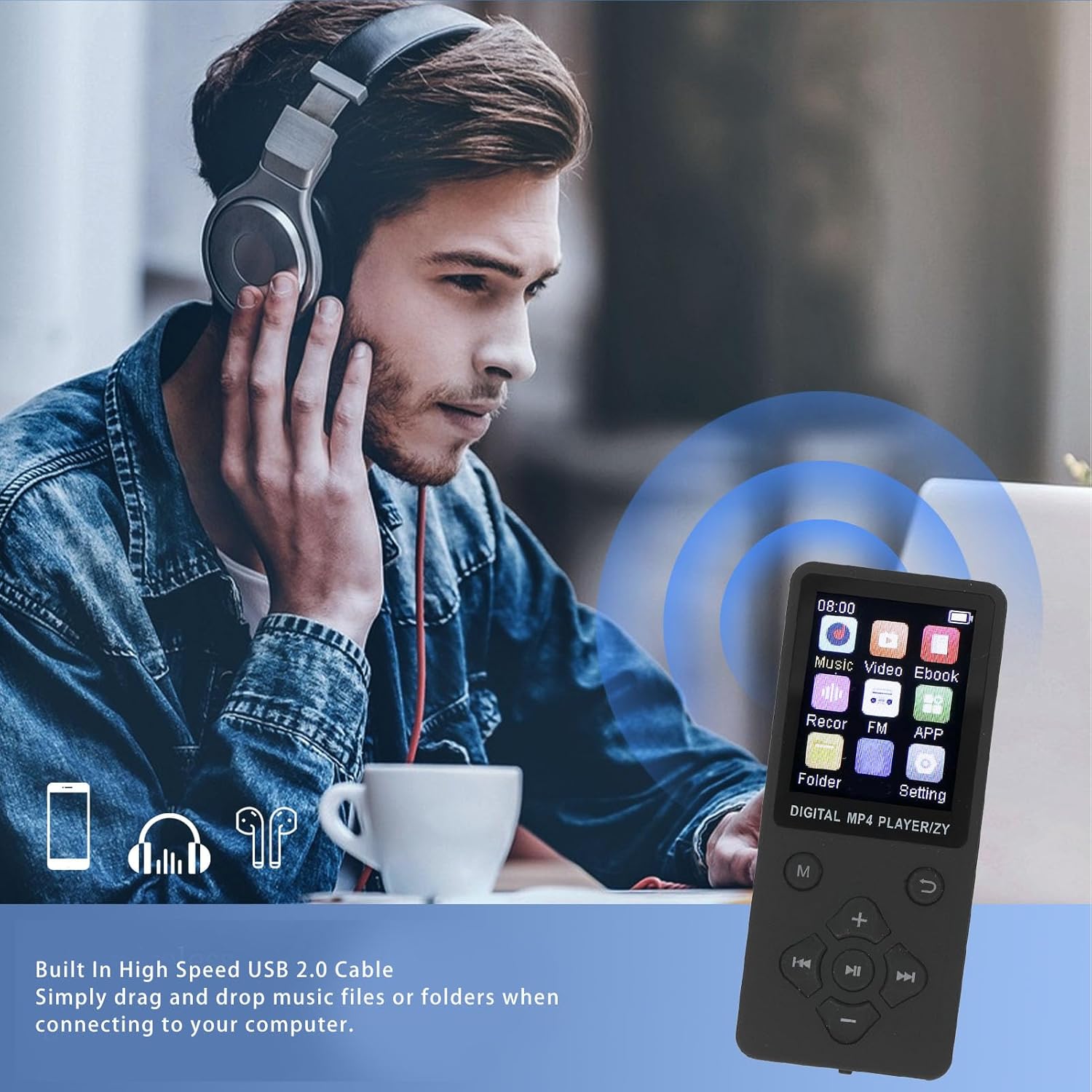
Figure 5: Connecting the MP3 player to a computer for file transfer.
Operating Instructions
Navigating the Menu
Use the navigation buttons (Up, Down, Left, Right) to move between menu options and the center button to select. The 'Return' button takes you back to the previous screen.
1. Music Playback
The player supports MP3, WMA, OGG, APE, FLAC, and WAV audio formats.
- From the main menu, select "Music".
- Navigate to your desired song or folder.
- Press the center button to play.
- Use the navigation buttons for playback control: Left/Right for previous/next track, Center for play/pause.
- Adjust volume using the dedicated + and - buttons.
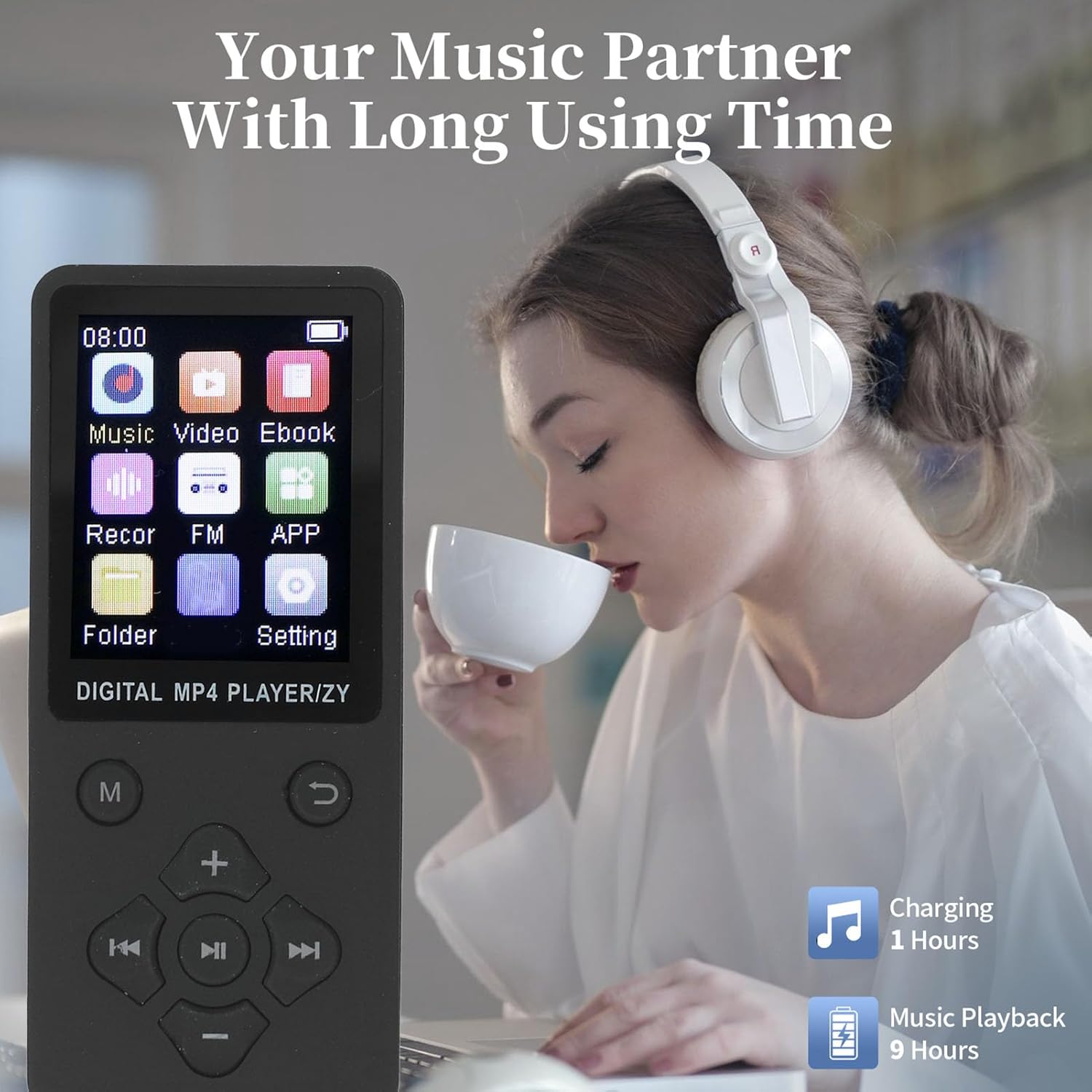
Figure 6: Enjoying music playback with the MP3 player.
2. Video Playback
The player supports AMV video format. Videos must be converted to AMV format for playback.
- From the main menu, select "Video".
- Choose the video file you wish to play.
- Press the center button to start playback.
3. E-book Reading
The player supports TXT format e-books.
- From the main menu, select "Ebook".
- Select the TXT file you want to read.
- Use the navigation buttons to scroll through the text.
4. Image Viewing
The player supports JPG, JPEG, BMP, and GIF image formats.
- From the main menu, select "Image".
- Browse and select the image file.
- The image will be displayed on the screen.
5. Voice Recording
The device includes a built-in voice recorder.
- From the main menu, select "Recor" (Recorder).
- Follow the on-screen prompts to start, pause, save, and play back recordings.
6. Bluetooth Connectivity
Pair your MP3 player with Bluetooth headphones or speakers for wireless audio.
- Ensure your Bluetooth headphones/speakers are in pairing mode.
- From the main menu, navigate to "Settings" and then "Bluetooth".
- Turn Bluetooth "On" and select "Search for devices".
- Select your device from the list to pair. Once paired, audio will be routed wirelessly.
Maintenance
- Cleaning: Use a soft, dry cloth to clean the device. Do not use liquid cleaners or aerosols.
- Storage: Store the device in a cool, dry place away from direct sunlight and extreme temperatures.
- Battery Care: To prolong battery life, avoid fully discharging the battery frequently. Charge the device regularly, even if not in use for extended periods.
- Avoid Drops: Protect the device from physical shocks and drops.
Troubleshooting
| Problem | Possible Solution |
|---|---|
| Device does not power on. | Ensure the battery is charged. Connect to a power source and try again. Check the ON/OFF switch is in the "ON" position. |
| Cannot connect to computer. | Ensure the USB cable is securely connected to both the device and the computer. Try a different USB port or cable. Restart both the device and the computer. |
| No sound from earphones. | Check if earphones are properly plugged in. Increase the volume. Test with different earphones. If using Bluetooth, ensure it's paired correctly and volume is up. |
| Files not appearing on device. | Ensure files were transferred successfully and are in supported formats. Disconnect and reconnect the device to the computer. |
| Screen is frozen or unresponsive. | Try sliding the ON/OFF switch to "OFF" and then "ON" again to restart the device. |
Specifications
Detailed technical specifications for the ASHATA 64GB MP3 Player:
- Model: ASHATA75itzng219-11
- Material: ABS
- Battery Type: Built-in 180mAh Lithium Ion Battery
- Internal Memory: Built-in 64GB
- Expandable Memory: Supports up to 128GB (via memory card, not included)
- Screen Size: 1.8 Inch Color Screen
- Bluetooth Version: 5.0
- Music Formats Supported: MP3, WMA, OGG, APE, FLAC, WAV
- Video Formats Supported: AMV (Converted Video)
- Image Formats Supported: JPG, JPEG, BMP, GIF
- E-book Format Supported: TXT
- Charging Time: Approximately 1-2 hours
- Music Playback Time: Up to 10 hours (approximate)
- Dimensions: Approximately 17 x 8 x 2 cm
- Weight: Approximately 75 Grams

Figure 7: The 1.8-inch color screen and memory capacity.
Warranty and Support
For warranty information and technical support, please refer to the documentation provided with your purchase or visit the official ASHATA website. Keep your purchase receipt as proof of purchase for warranty claims.