Introduction
Welcome to the user manual for your new Arzopa 15.6" Large Digital Picture Frame. This guide provides essential information for setting up, operating, maintaining, and troubleshooting your device. Designed to bring your cherished memories to life, this digital frame offers a vibrant display and seamless sharing capabilities.
Key features include:
- Global Instant Sharing: Share photos and videos wirelessly via the ARZOPA app with unlimited family members, supporting HD video transmission.
- Massive Storage: 32GB internal storage (80,000+ photos) expandable up to 128GB via TF card for unlimited 1080P HD video playback.
- Professional-Grade Display: 15.6" IPS touchscreen with 1920x1080 HD resolution, anti-glare technology, and manual brightness adjustment.
- Smart and User-Friendly Design: Features like preset gift mode, auto-rotation, desktop placement, and wall mounting options.
- Powerful Dedicated App: Proprietary free app for remote control, unlimited single-upload photos, and continuous feature updates.
- Privacy and Security: All data stored locally on the device, ensuring user privacy.
Setup Guide
1. Unboxing and Initial Inspection
Carefully remove all components from the packaging. Ensure the digital picture frame, power adapter, and user manual are present. The packaging is designed to protect the device during transit.

Figure 1: Arzopa 15.6" Digital Picture Frame and companion app.
2. Physical Placement
The frame supports both desktop placement and wall mounting. For desktop use, insert the included stand into the designated hole on the back of the frame. Ensure the stand is securely aligned with the notch for stability. The frame automatically rotates between portrait and landscape modes based on its orientation.

Figure 2: Flexible placement options with auto-rotation.
3. Power On and Language Selection
Connect the digital frame to the power adapter. After the "ARZOPA" logo appears, it takes approximately 40 seconds to activate your device. Follow the on-screen prompts to select your preferred language.
4. Wi-Fi Connection
The frame only works with 2.4GHz Wi-Fi networks. Connect your device to the same Wi-Fi network as your smartphone or computer for seamless operation.
5. App Download and Connection
Download the official ARZOPA app from the App Store or Google Play. Once installed, follow the in-app instructions to connect your frame. This app is essential for managing and sharing content.

Figure 3: Instant unlimited photo and video sharing via the ARZOPA app.
Operating Instructions
1. Adding Photos and Videos
Content can be added to your frame through multiple methods:
- Via ARZOPA App: The proprietary app allows for unlimited single-upload photos (tested: 100 photos in just 60 seconds) and videos. You can manually manage file playback remotely.
- Via PC (not applicable to MacBook series): Connect the frame to a PC via USB cable to transfer files.
- Via TF Card: Insert a TF card (up to 128GB, not included) into the hot-swappable slot for instant content updates. Ensure the TF card format is FAT32/NTFS.
The frame supports picture formats JPG/JPEG/WEBP/PNG and video formats MP4/3GP/MOV.
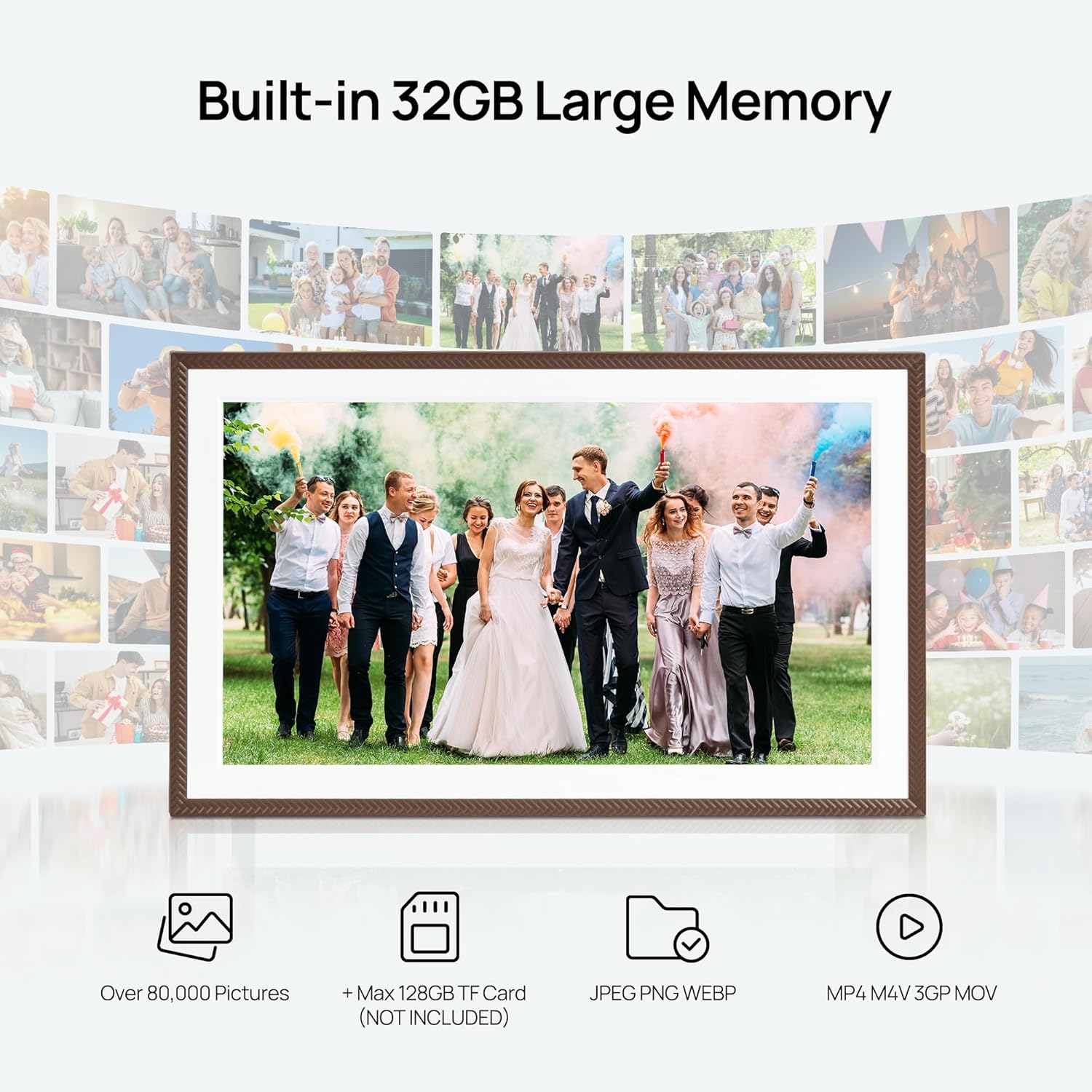
Figure 4: Built-in 32GB large memory with expandable TF card support.
2. Display and Slideshow
The 15.6" IPS touchscreen with 1920x1080 HD resolution and anti-glare technology provides true-to-life colors. You can adjust brightness manually for optimal viewing. The frame supports continuous slideshows of your uploaded content.
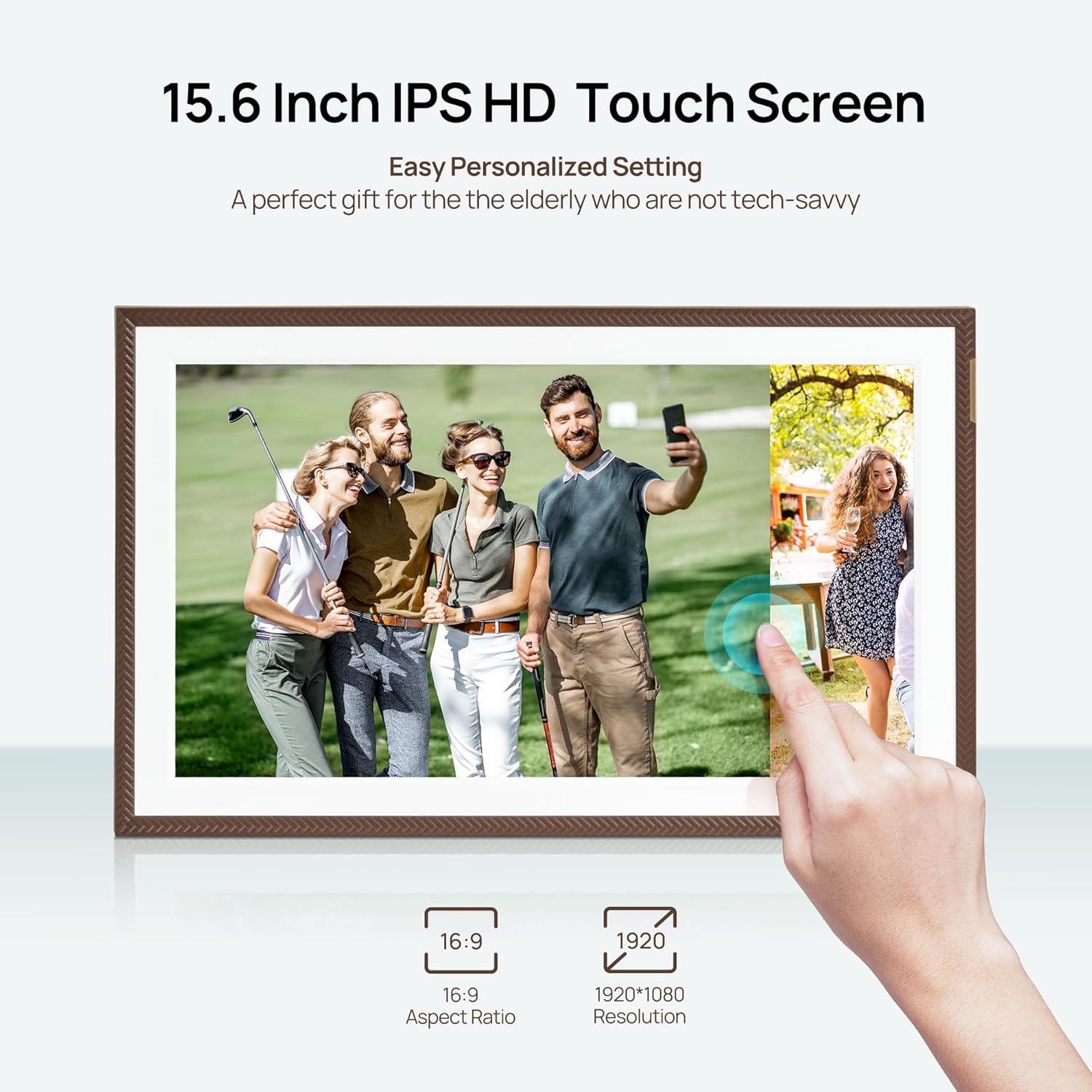
Figure 5: 15.6 Inch IPS HD Touch Screen for clear display.
3. Smart Features
- Custom Gift Mode: Pre-set WiFi and upload content before gifting, allowing recipients to simply plug and play.
- Auto-Rotation: Precision gravity sensor automatically adjusts display orientation between portrait and landscape modes.
- Weather and Time Display: Additional features transform the frame into a smart home center, displaying current weather and time.
- Personalized Sleep Mode: Configure the frame to enter sleep mode at specific times to save energy and avoid screen brightness impact on sleep.

Figure 6: The digital frame seamlessly integrates into various home environments.
Maintenance
1. Cleaning the Frame
To clean the screen, gently wipe it with a soft, lint-free cloth. For stubborn smudges, slightly dampen the cloth with water or a screen-safe cleaning solution. Avoid using harsh chemicals or abrasive materials that could damage the screen or frame finish.
2. Data Management and Privacy
All data, including photos and videos, is stored locally on the device. ARZOPA does not collect user privacy information. Regularly back up important memories to an external storage device if desired.
Troubleshooting
If you encounter any issues with your Arzopa Digital Picture Frame, please refer to the following common solutions:
- Frame Not Powering On: Ensure the power adapter is securely connected to both the frame and a working power outlet.
- Wi-Fi Connection Issues: Verify that your Wi-Fi network is 2.4GHz. Ensure the frame is within range of your router. Try restarting both the frame and your router.
- Photos/Videos Not Displaying: Check that the file formats are supported (JPG/JPEG/WEBP/PNG for images; MP4/3GP/MOV for videos). If using a TF card, ensure it is formatted as FAT32/NTFS.
- App Connection Problems: Make sure your smartphone and the frame are connected to the same 2.4GHz Wi-Fi network. Ensure your app is updated to the latest version.
- Screen Freezing or Unresponsive: Try restarting the frame by unplugging it and plugging it back in after a few seconds.
For further assistance, please contact our dedicated customer support team. They typically respond within 48 hours and provide personalized technical assistance.
Specifications
| Feature | Detail |
|---|---|
| Brand | ARZOPA |
| Model Number | D15 |
| Screen Size | 15.6 Inches (Visible screen diagonal: 16" / 40 cm) |
| Resolution | 1920x1080 FHD |
| Internal Storage | 32GB (Capacity for 80,000+ photos) |
| Expandable Memory | Up to 128GB via TF Card (not included) |
| Compatible Devices | Personal Computer, Smartphone |
| Product Dimensions | 10 x 15 x 0.99 inches |
| Item Weight | 2.49 pounds |
| Color | D15-Brown |
Warranty and Support
ARZOPA is committed to providing high-quality products and excellent customer service. While specific warranty details are not provided in this manual, a dedicated customer support team is available to assist you with any questions or technical issues.
You can expect a response from our support team within 48 hours. Please refer to the contact information provided with your product or on the official ARZOPA website for support inquiries.
Note: The development team implements feature updates based on user suggestions, ensuring ongoing experience improvement.