1. Introduction
Thank you for choosing the MDCGPower 15V AC Adapter. This adapter is designed to provide reliable power to compatible devices, including Golabs R150, R300, i200 Power Stations, and Progeny 280W/350W devices. Please read this manual carefully before use to ensure proper operation and safety.
Note: Always verify the voltage and connector type required by your device to ensure compatibility before connecting the adapter.
2. Safety Information
Your safety and the longevity of your devices are paramount. This adapter incorporates multiple safety features to protect against common electrical hazards.
- Over Current Protection: Prevents damage from excessive current flow.
- Over Voltage Protection: Safeguards against voltage spikes.
- Short Circuit Protection: Automatically shuts down in case of a short circuit.
- Over Temperature Protection: Monitors and regulates internal temperature.
- Over Load Protection: Protects against drawing too much power.
- Quality Microchip: Ensures stable and efficient power delivery.

General Safety Precautions:
- Do not expose the adapter to water, moisture, or extreme temperatures.
- Avoid dropping or subjecting the adapter to strong impacts.
- Do not attempt to disassemble or modify the adapter.
- Ensure the adapter is used in a well-ventilated area.
- Unplug the adapter from the power outlet when not in use for extended periods.
3. Product Features
The MDCGPower AC Adapter is engineered for performance and convenience.
- Universal Input Voltage: Supports a wide range of input voltages from 100-240VAC, 50/60Hz, making it suitable for international travel with appropriate plug adapters.
- High Efficiency: Designed for optimal power conversion, reducing energy waste and heat generation.
- Durable Construction: Built with quality materials for long-lasting reliability.
- Compact and Portable Design: Its small footprint makes it easy to carry and store.
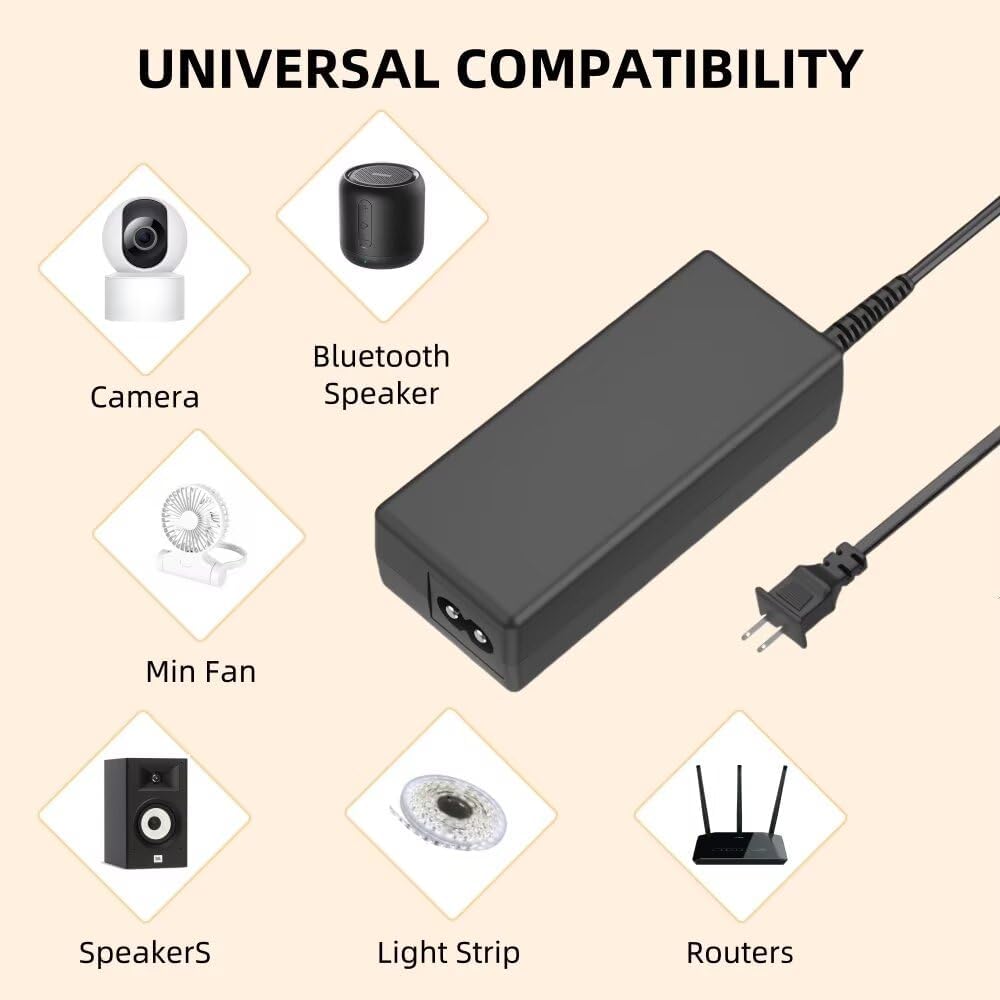
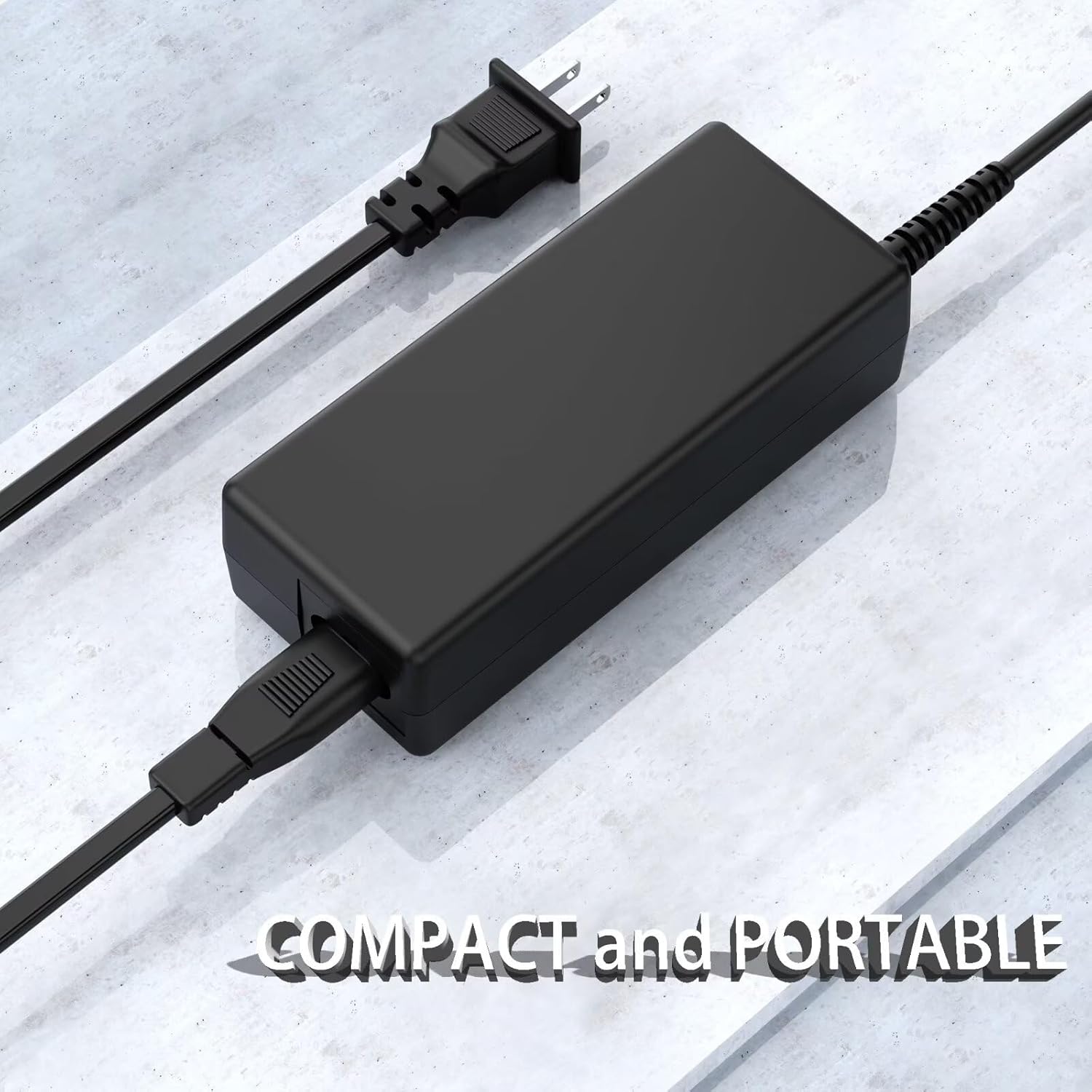

4. Setup
Follow these steps to set up your MDCGPower AC Adapter:
- Unpack: Carefully remove the AC adapter from its packaging.
- Connect to Power Outlet: Plug the AC input cable (the cable with the two-prong or three-prong plug) into a standard wall power outlet.
- Connect to Device: Insert the DC output connector (the barrel connector) into the corresponding power input port on your compatible device (e.g., power station, laptop). Ensure the connection is firm.
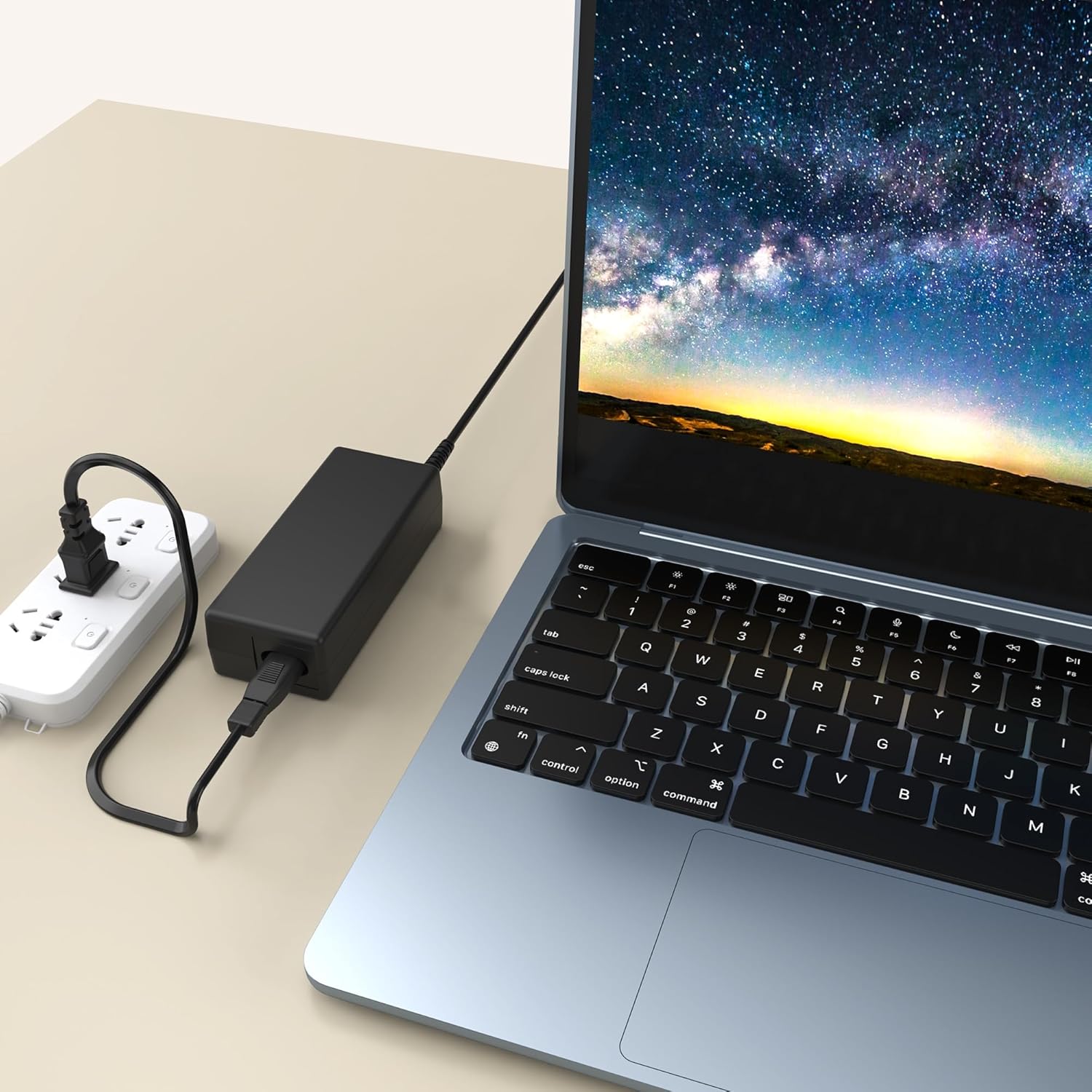
5. Operating Instructions
Once connected, the adapter will begin supplying power to your device. Most devices will indicate charging status through an LED indicator or on-screen display.
- Ensure the adapter is not covered during operation to allow for proper heat dissipation.
- If your device has a specific charging protocol, the adapter will automatically adjust to deliver the correct power.
- Disconnect the adapter from the device and power outlet when charging is complete or when the device is not in use.
6. Maintenance
Proper maintenance ensures the longevity and safe operation of your AC adapter.
- Cleaning: Use a soft, dry cloth to wipe the adapter. Do not use liquid cleaners or solvents.
- Storage: Store the adapter in a cool, dry place away from direct sunlight and extreme temperatures. Avoid tightly coiling the cables.
- Handling: Always grasp the plug when disconnecting from an outlet or device; do not pull on the cable. Inspect cables regularly for any signs of damage.
7. Troubleshooting
If you encounter issues with your AC adapter, try the following steps:
- No Power Output:
- Check if the adapter is securely plugged into a working wall outlet.
- Ensure the DC connector is firmly inserted into your device's power port.
- Test the wall outlet with another device to confirm it is functional.
- Slow Charging:
- Verify that your device is compatible with the adapter's output specifications (15V).
- Ensure no other high-power devices are connected to the same power strip, potentially causing voltage drops.
- Adapter Overheating:
- Unplug the adapter immediately.
- Ensure it is used in a well-ventilated area and not covered.
- If overheating persists, discontinue use and contact support.
If these steps do not resolve the issue, please refer to the support section.
8. Specifications
| Feature | Specification |
|---|---|
| Model Number | MD18CA0193 |
| Input Voltage | 100-240VAC, 50/60Hz |
| Output Voltage | 15V |
| Connector Type | Barrel Connector |
| Product Dimensions | 4 x 3 x 2 inches (approximate adapter body) |
| Item Weight | 4 ounces |
| Color | Black |
9. Warranty and Support
MDCGPower products are manufactured to high-quality standards. For warranty information or technical support, please refer to the documentation provided with your purchase or contact your retailer. Please have your model number (MD18CA0193) and purchase details ready when contacting support.