
Introduction
This manual provides comprehensive instructions for the installation, operation, and maintenance of your Wright Products EZ-Hold Dual Door Closer System. This system is designed to secure and streamline storm or screen doors, offering controlled closing and a convenient hold-open feature. Please read these instructions carefully before beginning installation or operation to ensure proper function and longevity of the product.

Image: The Wright Products EZ-Hold Dual Door Closer System, featuring both the standard pneumatic closer and the EZ-Hold closer.
Components Included
The Wright Products EZ-Hold Dual Door Closer System includes all necessary hardware for installation. This typically comprises:
- One standard pneumatic door closer (Model V920BL)
- One EZ-Hold pneumatic door closer with hold-open feature (Model V2010BL)
- Mounting brackets
- Screws and pins
- Seasonal latching adjustment option for glass or screen inserts
Setup and Installation
Follow these steps for proper installation of your dual door closer system. The system is designed for medium to heavy-weight storm or screen doors.
- Identify Closers: The system includes two distinct closers. The standard pneumatic closer (V920BL) is typically installed at the top of the door, and the EZ-Hold closer (V2010BL) with the foot-operated hold-open feature is installed at the bottom.
- Measure for Fit: Before drilling, ensure the closers fit your door frame. Refer to the dimension diagrams for models V2010BL and V920BL to confirm appropriate spacing and length.
- Mount Brackets: Position the mounting brackets on the door and door frame according to the detailed instructions provided in the included installation hardware guide. Mark and drill pilot holes as necessary.
- Attach Closers: Securely attach both the standard and EZ-Hold closers to their respective brackets using the provided pins. Ensure they are oriented correctly for smooth operation.
- Adjust Seasonal Latching: If your door uses a glass or screen insert, utilize the seasonal latching adjustment option on the V920BL closer to optimize performance for the specific insert in use.

Image: Placement guide for the standard closer (top) and EZ-Hold closer (bottom).

Image: Dimensional diagram for the V2010BL EZ-Hold closer, showing length and diameter.

Image: Diagram for the V920BL standard closer, indicating adjustable closing speed and seasonal latching options.
The installation process is designed to be straightforward. All necessary hardware is included to facilitate a complete setup.
Operating Instructions
Your Wright Products EZ-Hold Dual Door Closer System offers both controlled closing and a convenient hold-open function.
Adjusting Closing Speed
Both closers feature an adjustable closing speed. To modify the closing speed, locate the adjustment screw on the closer body. Turning the screw clockwise will typically slow down the closing action, while turning it counter-clockwise will speed it up. Test the door's closing action after each adjustment to achieve the desired speed.
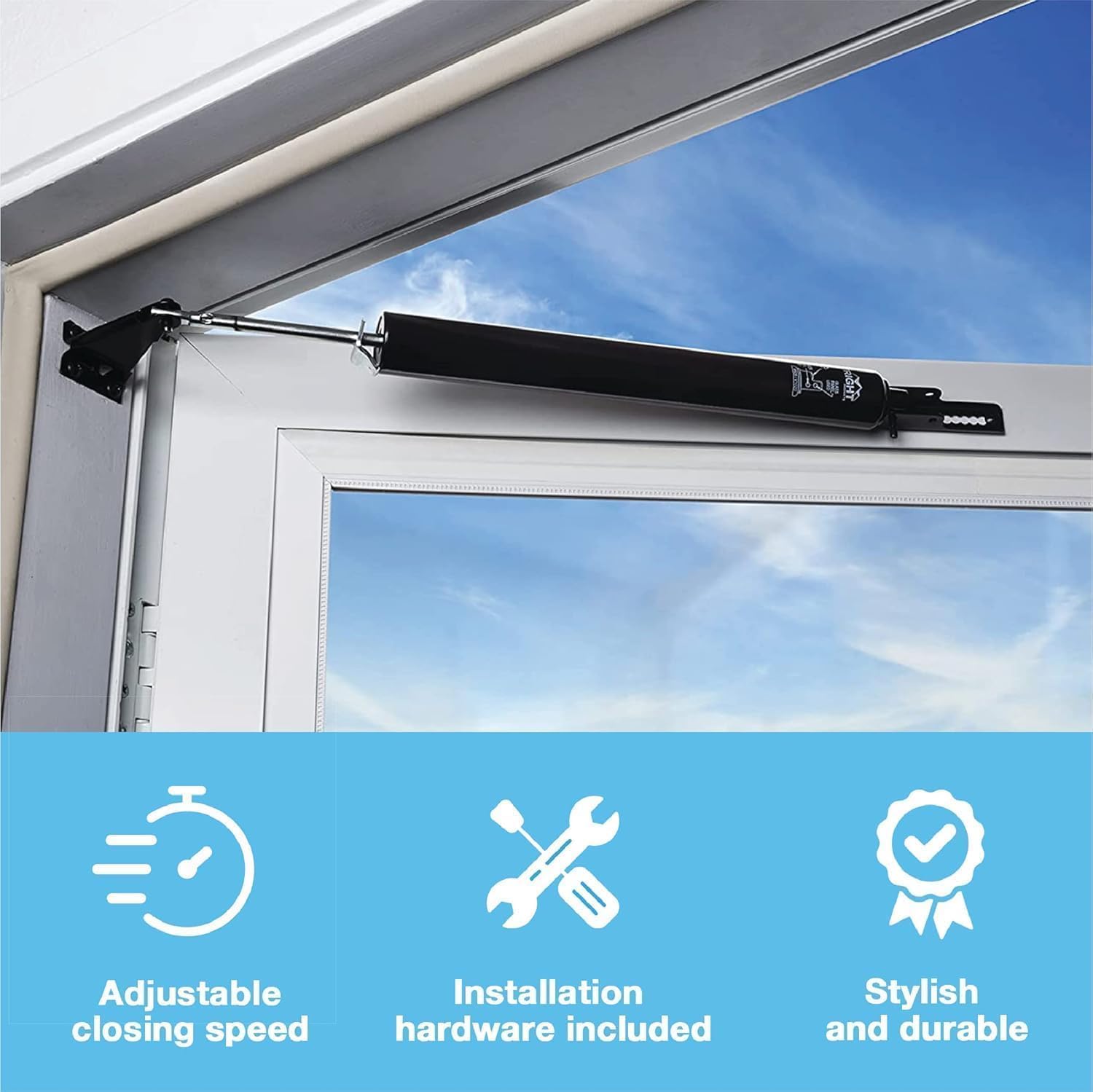
Image: Features of the door closer, including adjustable closing speed.
Using the EZ-Hold Feature
The EZ-Hold closer (V2010BL), typically installed at the bottom of your door, allows for hands-free hold-open functionality. To engage the hold-open feature:
- Open the door to the desired position.
- Using your foot, gently tap the button located on the EZ-Hold closer body.
- The door will remain open until released.
To release the hold-open feature, simply push the door slightly further open, and the closer will disengage, allowing the door to close smoothly.

Image: A foot tapping the button on the EZ-Hold closer to activate the hold-open function.
Maintenance
Regular maintenance ensures optimal performance and extends the lifespan of your door closer system.
- Cleaning: Periodically wipe down the closers with a damp cloth to remove dirt and debris. Avoid abrasive cleaners.
- Check Fasteners: Annually inspect all mounting screws and pins to ensure they are tight and secure. Tighten any loose fasteners.
- Lubrication: The internal mechanisms are factory-lubricated. Do not attempt to lubricate the closers unless specifically instructed by the manufacturer, as this may interfere with their pneumatic function.
- Functionality Check: Regularly test the closing speed and hold-open feature to ensure they are operating correctly. Adjust as needed.
Troubleshooting
If you encounter issues with your door closer system, refer to the following common problems and solutions:
- Door Slams Shut: The closing speed is too fast. Adjust the speed screw on both closers by turning it clockwise in small increments until the desired closing speed is achieved.
- Door Does Not Close Completely: The closing speed may be too slow, or there might be an obstruction. Adjust the speed screw counter-clockwise to increase closing force. Check for any debris or misalignment preventing the door from fully closing.
- EZ-Hold Feature Not Engaging/Disengaging: Ensure the door is opened to the correct position before tapping the button. If the mechanism feels stiff, check for obstructions around the button. If the issue persists, inspect the closer for damage.
- Closer Leaking Fluid: If you observe any fluid leakage, the closer may be damaged and require replacement. Contact customer support.
- Door Closer Appears Bent or Damaged: Physical damage can impair functionality. Inspect the closer body and rod for any bends or breaks. Damaged closers should be replaced.
Specifications
| Feature | Specification |
|---|---|
| Model Number | EV920-2010BL |
| Material | Alloy Steel |
| Color | Black |
| Product Dimensions (L x W x H) | 1.25" x 1.5" x 12.6" |
| Installation Type | Screw-In |
| Included Components | Installation Hardware |
| UPC | 039208252041 |
Warranty Information
For detailed warranty information regarding your Wright Products EZ-Hold Dual Door Closer System, please refer to the product packaging or visit the official Wright Products website. Warranty terms and conditions may vary.
Support
Should you require technical assistance, have questions about installation, or need to report a product issue, please contact Wright Products customer support. Contact information can typically be found on the product packaging or on the official Wright Products website.


