
CINMOORE CM-BC3U
CINMOORE 4MP Wireless Home Security Camera
Model: CM-BC3U - User Manual
Introduction
Thank you for choosing the CINMOORE 4MP Wireless Home Security Camera. This manual provides detailed instructions for setting up, operating, and maintaining your camera to ensure optimal performance and security for your home, both indoors and outdoors. This camera features 2.5K 1440P ultra-HD resolution, full-color night vision, AI human detection, two-way audio, and flexible storage options.
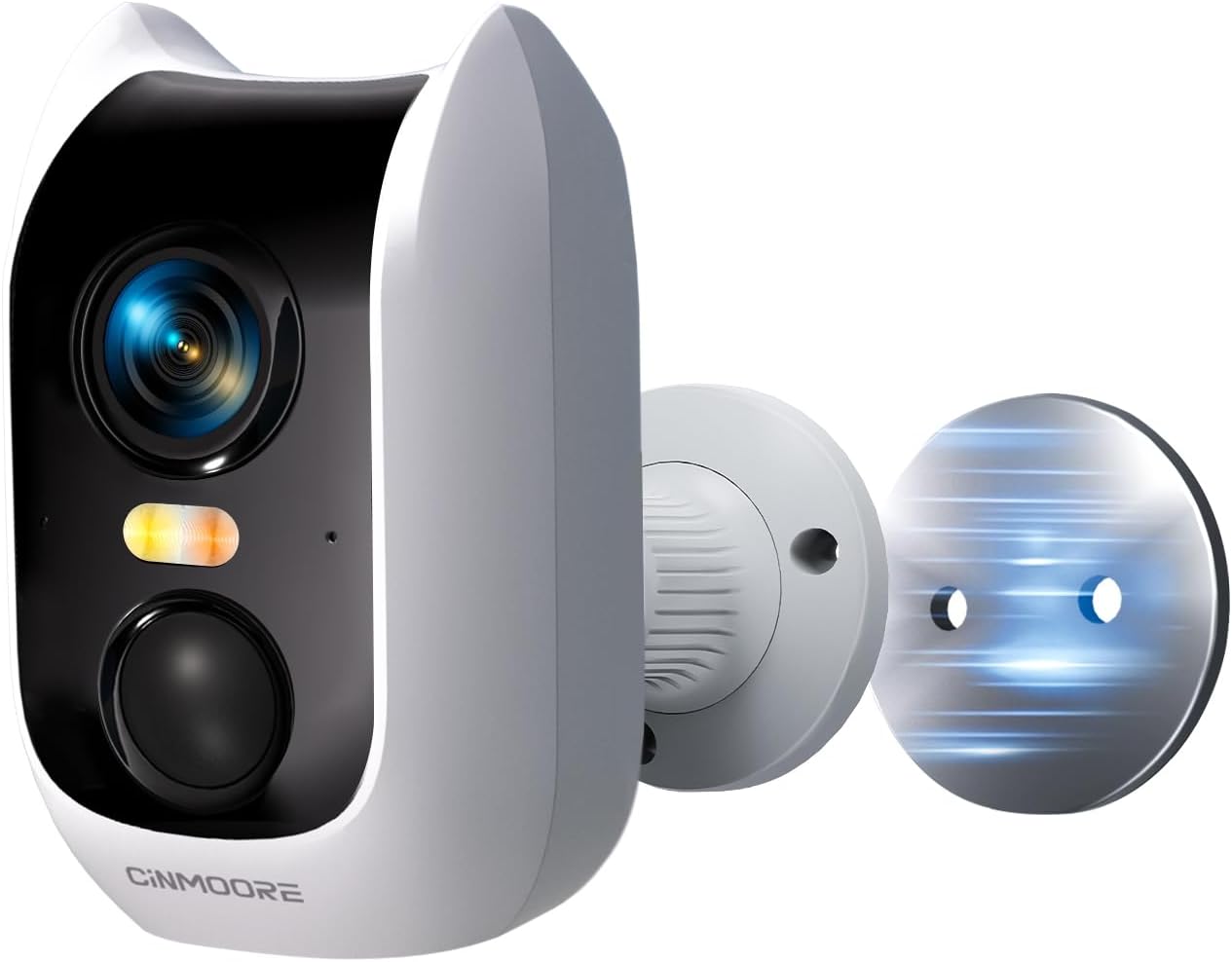
Image: The CINMOORE 4MP Wireless Home Security Camera, showcasing its compact design and magnetic mounting capability.
What's in the Box
Please check the package contents to ensure all items are present:
- Camera x1
- Mounting Screws x1 set
- User Manual x1
- Charging Cable x1
- Mounting Bracket x1
- Quick Mounting Plate x1
Product Overview
The CINMOORE CM-BC3U camera is designed for versatile security monitoring with advanced features:
- 2.5K 1440P Ultra-HD Resolution: Provides sharp and detailed images for clear surveillance.
- Full-Color Night Vision: Ensures clear footage even in low-light conditions, offering enhanced visibility compared to traditional IR night vision.
- AI Human Detection: Minimizes false alerts by accurately identifying human shapes, reducing notifications from pets or moving branches.
- Built-in Siren & Light Alarms: Activates instantly upon motion detection to deter intruders and send real-time alerts.
- 100% Wire-Free & Rechargeable Battery: Equipped with a powerful 5200mAh battery for long-lasting, flexible placement without power cables.
- 2.4G WiFi Connectivity: Enables smooth real-time monitoring and remote access via your mobile device.
- Magnetic Camera Base: Allows for easy and flexible installation indoors or outdoors.
- IP66 Weatherproof: Designed to withstand various weather conditions for reliable year-round performance.
- Full Duplex Two-Way Audio: Features a built-in microphone and speaker for real-time communication.
- Flexible Storage: Supports local storage via microSD card (up to 512GB, not included) and offers a 30-day free trial of cloud storage.
- Pre-Roll Mode: Captures 5 seconds of video before a detected event, providing a more complete picture of what happened.
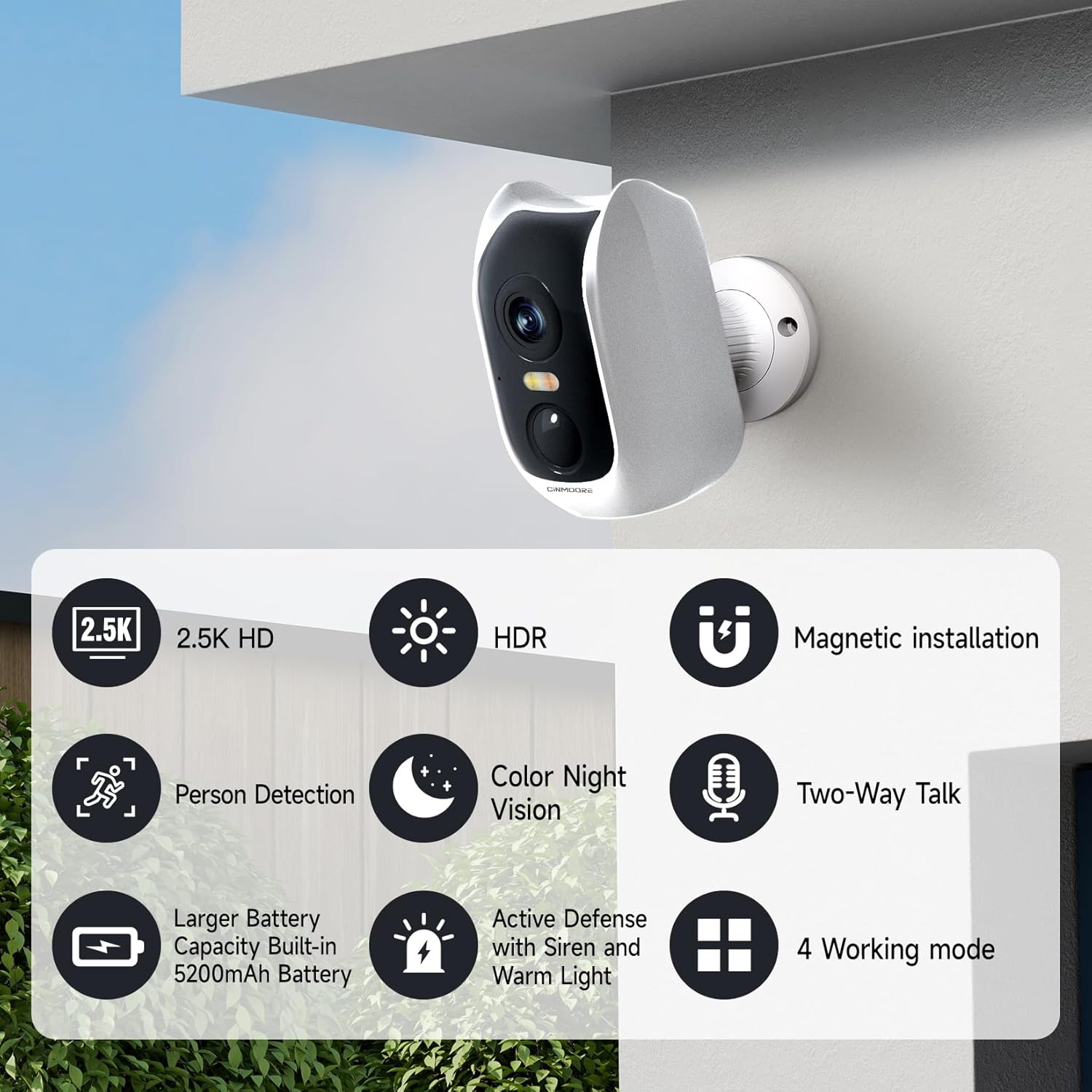
Image: Visual representation of key features including 2.5K HD, HDR, Person Detection, Color Night Vision, 5200mAh Battery, Active Defense, Magnetic Installation, Two-Way Talk, and 4 Working Modes.
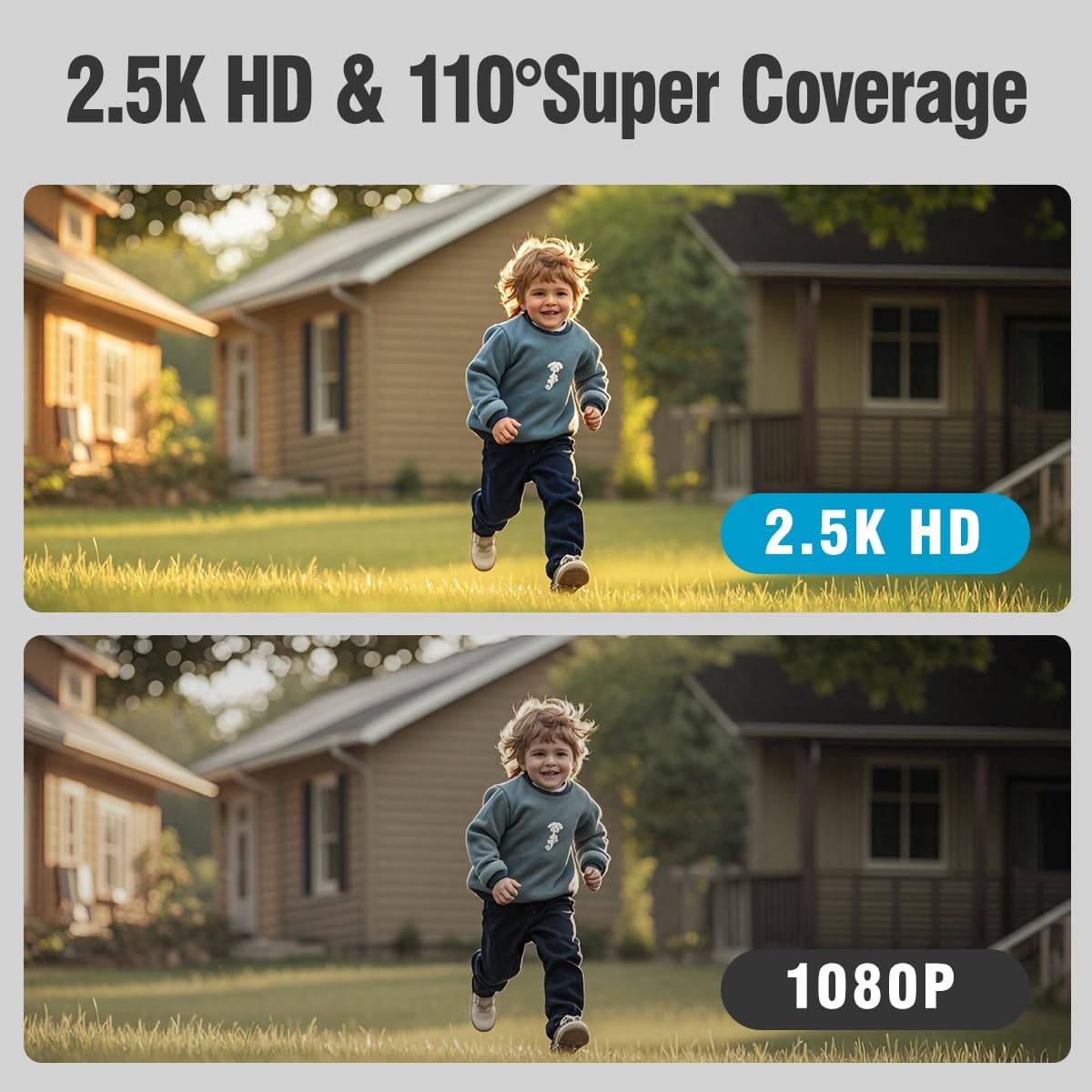
Image: A side-by-side comparison demonstrating the superior clarity of 2.5K HD resolution over 1080P.
Setup
1. Charging the Camera
Before initial use, fully charge the camera using the provided charging cable. Connect the cable to the camera's charging port and a standard USB power adapter (not included). The charging indicator light will show the charging status.
2. App Installation and Account Creation
- Download the official CINMOORE app from your smartphone's app store (iOS or Android).
- Open the app and follow the on-screen instructions to create a new account or log in if you already have one.
3. Connecting to Wi-Fi
- Ensure your smartphone is connected to a 2.4GHz Wi-Fi network. The camera only supports 2.4GHz Wi-Fi.
- In the app, select 'Add Device' and choose your camera model.
- Follow the app's prompts to connect the camera to your Wi-Fi network. This usually involves scanning a QR code generated by the app with the camera lens.
4. Mounting the Camera
The camera offers flexible installation options thanks to its magnetic base and included mounting hardware.
- Indoor Installation: The magnetic base allows for easy attachment to metallic surfaces like refrigerators, or use the mounting plate for walls or ceilings.
- Outdoor Installation: Use the mounting bracket and screws to securely attach the camera to an outdoor wall or eaves. Ensure the camera is positioned to cover the desired area and is within Wi-Fi range. The IP66 rating ensures it can withstand outdoor elements.

Image: The camera demonstrating its magnetic base for easy indoor placement on a metallic surface like a refrigerator.

Image: The camera mounted on an exterior wall, illustrating its suitability for outdoor security.
Operating the Camera
1. Live View
Open the CINMOORE app and select your camera from the device list to access the live video feed. You can view real-time footage from anywhere with an internet connection.
2. Two-Way Audio
From the live view screen, tap the microphone icon to speak through the camera's speaker, and listen to audio from the camera's microphone. This allows for real-time conversations with visitors or to deter unwanted guests.
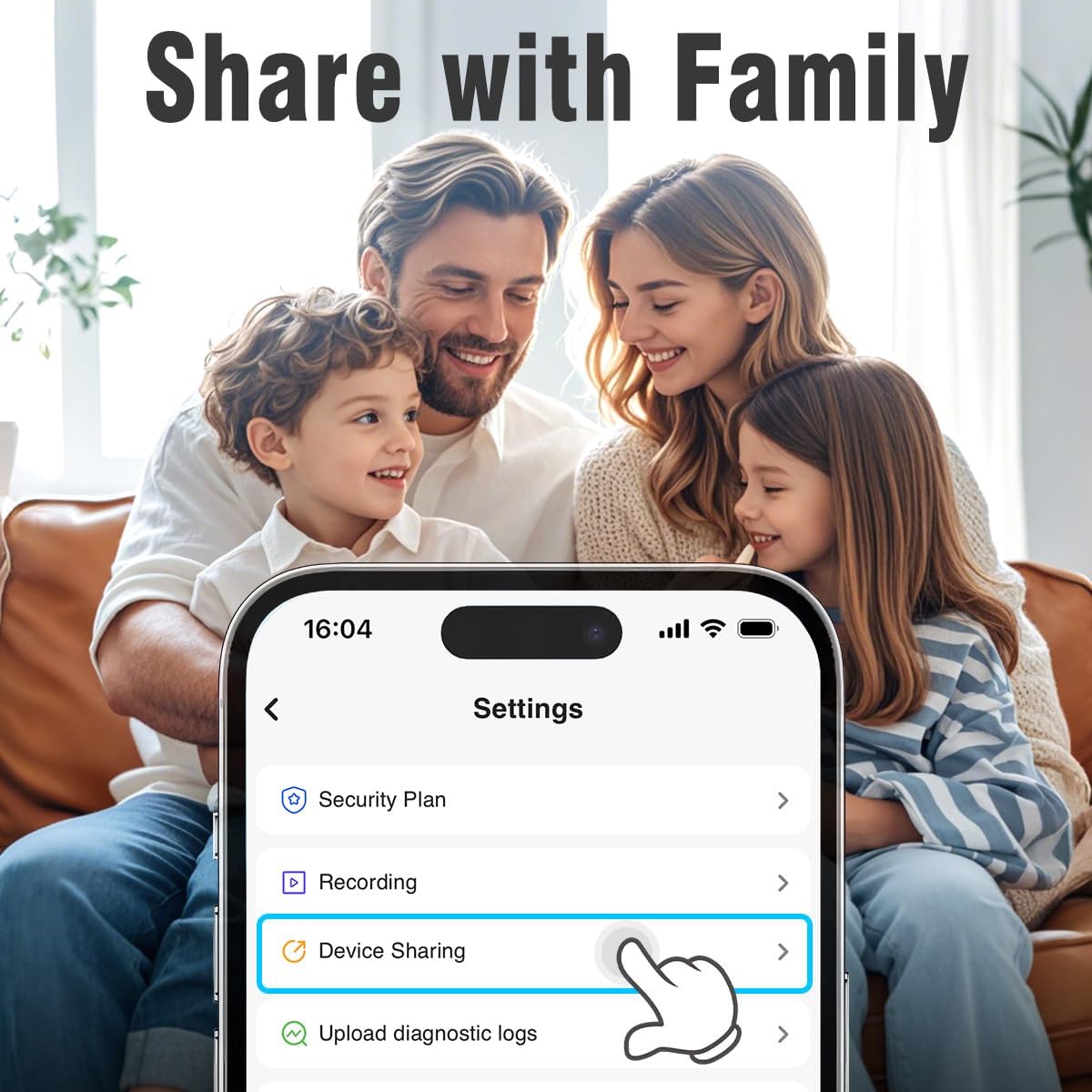
Image: A family viewing the device sharing settings on a smartphone, highlighting the ease of sharing camera access.

Image: A visual representation of the two-way audio feature, showing speech bubbles between the camera and a person.
3. AI Human Detection & Alerts
The camera's advanced AI detection focuses on human shapes, reducing irrelevant notifications. When motion is detected, the camera can activate its built-in siren and light alarms, and send instant alerts to your phone. Customize detection sensitivity and alert settings within the app.

Image: An illustration of the camera's AI detection capabilities, showing a person detected at night with spotlight, notification, and siren icons.

Image: A screenshot of the app's Smart Detection settings, showing options for human detection, motion detection, and sensitivity.
4. Night Vision
The camera offers both traditional IR night vision and advanced full-color night vision. Full-color night vision provides a clearer, more detailed view in low-light conditions, enhancing identification of objects and individuals.

Image: A comparison showing the difference between normal night vision (monochrome) and full-color night vision, highlighting improved detail and color in darkness.

Image: Another comparison illustrating the clarity of color night vision versus traditional IR night vision, specifically with vehicles.
5. Pre-Roll Mode
When an event is triggered, the camera's pre-roll mode captures the 5 seconds of video leading up to the event. This provides crucial context and a more complete understanding of what occurred.
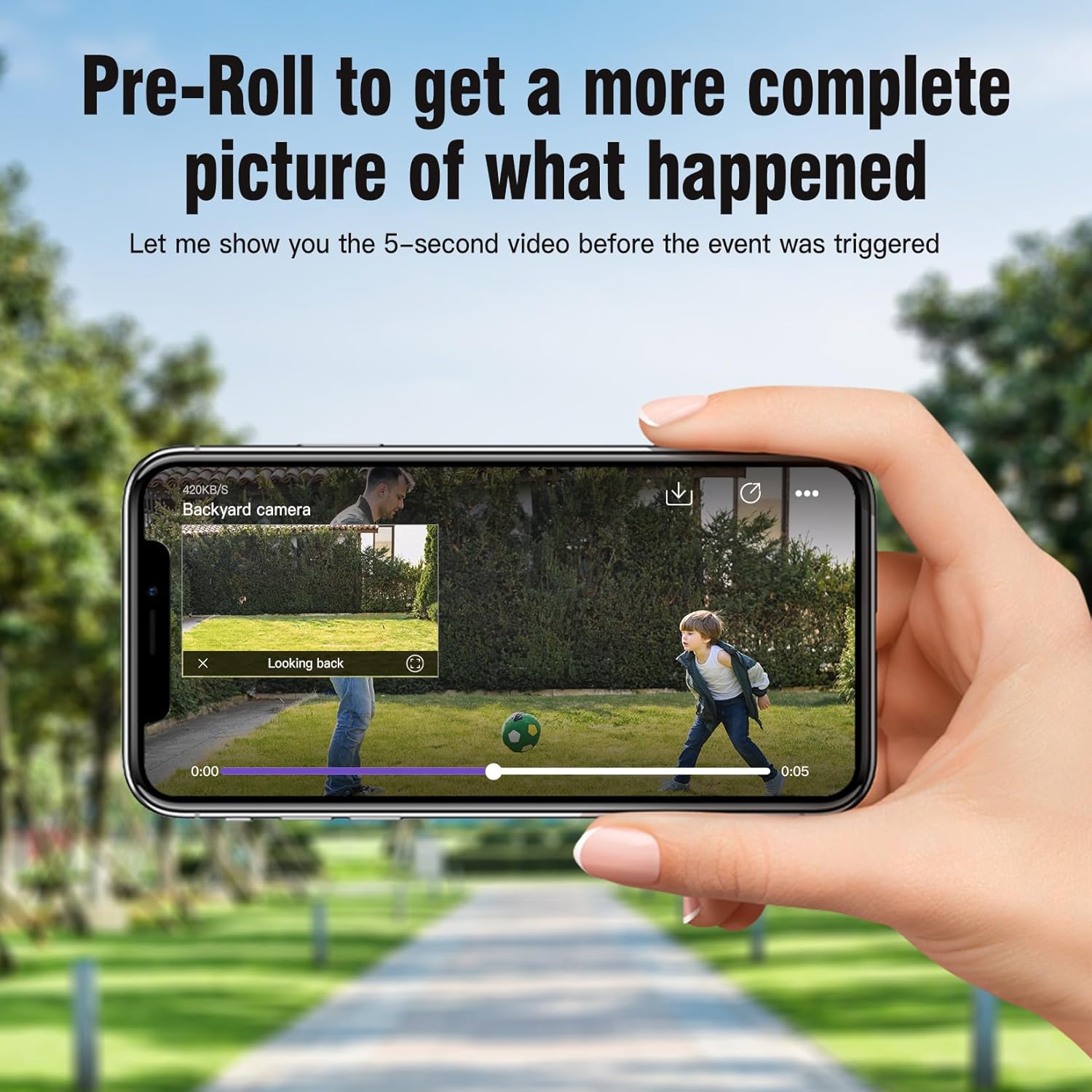
Image: A smartphone screen displaying a video playback with a timeline, indicating the 5-second pre-roll footage before an event.
6. Storage Options
The camera supports two storage methods:
- MicroSD Card: Insert a microSD card (up to 512GB, not included) into the camera's slot for local storage of recordings.
- Cloud Storage: A 30-day free trial of cloud storage is available, offering advanced features like AI recognition and upgraded memory. Subscription plans are available after the trial.
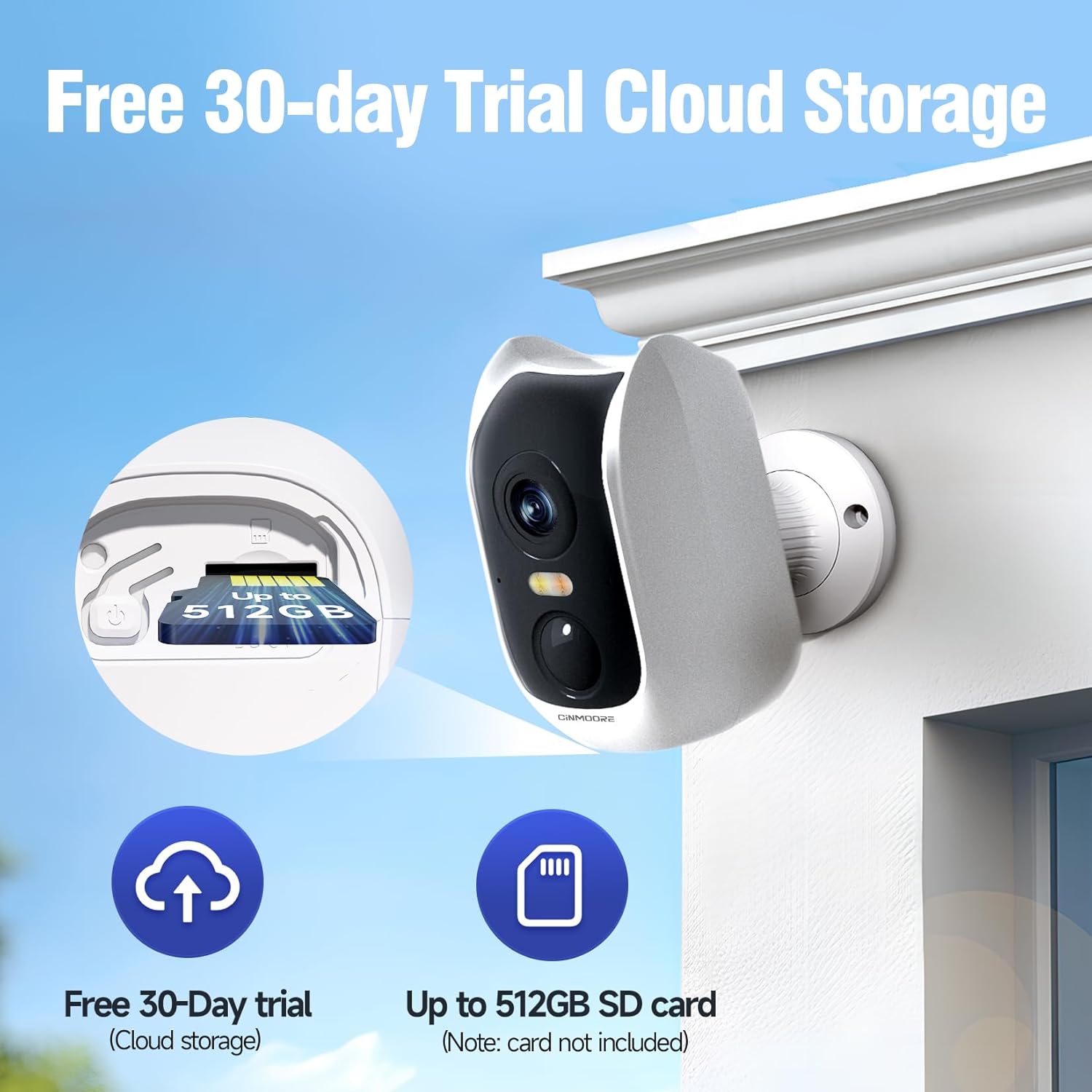
Image: The camera with an emphasis on its microSD card slot and icons representing cloud storage and SD card storage options.

Image: A collage showing various surveillance scenarios and the camera's secure local and cloud storage capabilities.
7. Sharing Access
You can easily share access to your camera's live feed and recordings with family members through the CINMOORE app. Navigate to the 'Device Sharing' option in the settings to invite others.
Maintenance
1. Battery Charging
The camera is equipped with a 5200mAh rechargeable battery. Monitor the battery level in the app and recharge the camera when prompted. Battery life can vary based on usage, recording frequency, and environmental factors.
2. Cleaning
To maintain optimal image quality, periodically clean the camera lens with a soft, dry, lint-free cloth. For the camera body, use a slightly damp cloth. Avoid using harsh chemicals or abrasive materials.
3. Weather Resistance
The camera has an IP66 weatherproof rating, meaning it is protected against dust and powerful water jets. While designed for outdoor use, avoid submerging the camera in water or exposing it to extreme weather conditions beyond its rating.
Troubleshooting
- Camera not connecting to Wi-Fi:
Ensure your Wi-Fi network is 2.4GHz. Check that the camera is within range of your router. Restart both the camera and your router. Verify your Wi-Fi password is correct. - Poor image quality:
Clean the camera lens. Ensure there are no obstructions in front of the lens. Check your Wi-Fi signal strength; a weak signal can affect video quality. - Short battery life:
Frequent motion detection events, continuous live viewing, or extreme temperatures can reduce battery life. Adjust detection sensitivity, reduce live view time, or consider placing the camera in a less active area if possible. - No alerts received:
Check app notification settings on your phone and within the CINMOORE app. Ensure the camera is connected to Wi-Fi and has sufficient battery. - Two-way audio not working:
Check the microphone and speaker settings in the app. Ensure your phone's volume is up.
Specifications
| Feature | Specification |
|---|---|
| Model Name | Smart Battery Camera (CM-BC3U) |
| Resolution | 2.5K 1440P (4MP) |
| Connectivity | 2.4GHz Wi-Fi |
| Power Source | Battery Powered (5200mAh rechargeable battery) |
| Night Vision | Full-Color Night Vision, IR Night Vision (33 Feet range) |
| Audio | Full Duplex 2-Way Audio |
| Detection | AI Human Detection, Motion Detection |
| Storage | Micro SD (up to 512GB), Cloud Storage |
| Weather Resistance | IP66 Waterproof |
| Mounting Type | Wall Mount (Magnetic Base) |
| Dimensions (L x W x H) | 1.8 x 2.4 x 3.8 inches |
| Item Weight | 14 ounces |
| Material | Acrylonitrile Butadiene Styrene (ABS) |
Warranty and Support
For warranty information and technical support, please refer to the contact details provided with your product packaging or visit the official CINMOORE website. Keep your purchase receipt for warranty claims.
Ask a question about this manual
Ask about setup, troubleshooting, compatibility, parts, safety, or missing instructions. Manuals+ will review the question and use this page’s manual context to help answer it.