1. Introduction
This manual provides essential information for the proper use and maintenance of your SENECESLI Mini DC Power Cable Cigarette Lighter Adapter. This device is designed to provide stable power and fast charging capabilities for various electronic devices in a wide range of vehicles. Please read this manual thoroughly before use to ensure optimal performance and safety.
2. Product Overview
The SENECESLI Mini DC Power Cable Cigarette Lighter Adapter is a versatile car charger featuring dual fast charging ports (USB C and USB A) and a digital display. It is compatible with 12V-24V vehicle power outlets and includes a 5-meter (16.4ft) cable for extended reach.
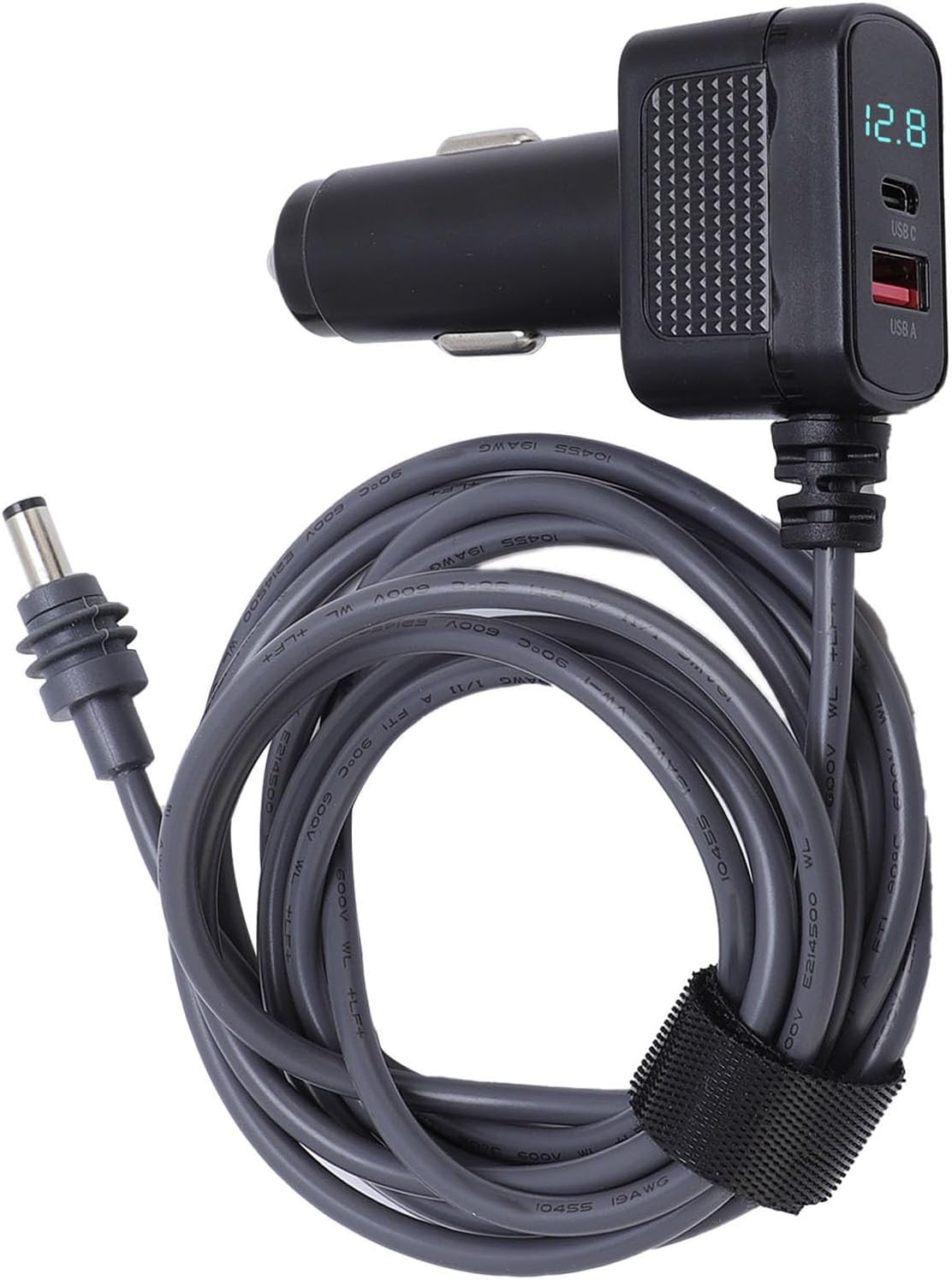
Figure 2.1: The SENECESLI Mini DC Power Cable Cigarette Lighter Adapter. This image shows the complete product, including the cigarette lighter plug with digital display and USB ports, and the 5-meter DC power cable with its barrel connector end.
Key features include:
- Universal Vehicle Compatibility: Designed for use in cars, trucks, buses, and boats (12V-24V).
- Stable Power Output: Ensures consistent and high-standard power delivery.
- IP68 Water Resistant: Reliable operation in various weather conditions.
- Efficient Heat Management: Engineered to handle high currents with minimal temperature increase (0.6°C after 30 minutes of use).
- Built-in 10A Security Fuse: Provides enhanced safety during operation.
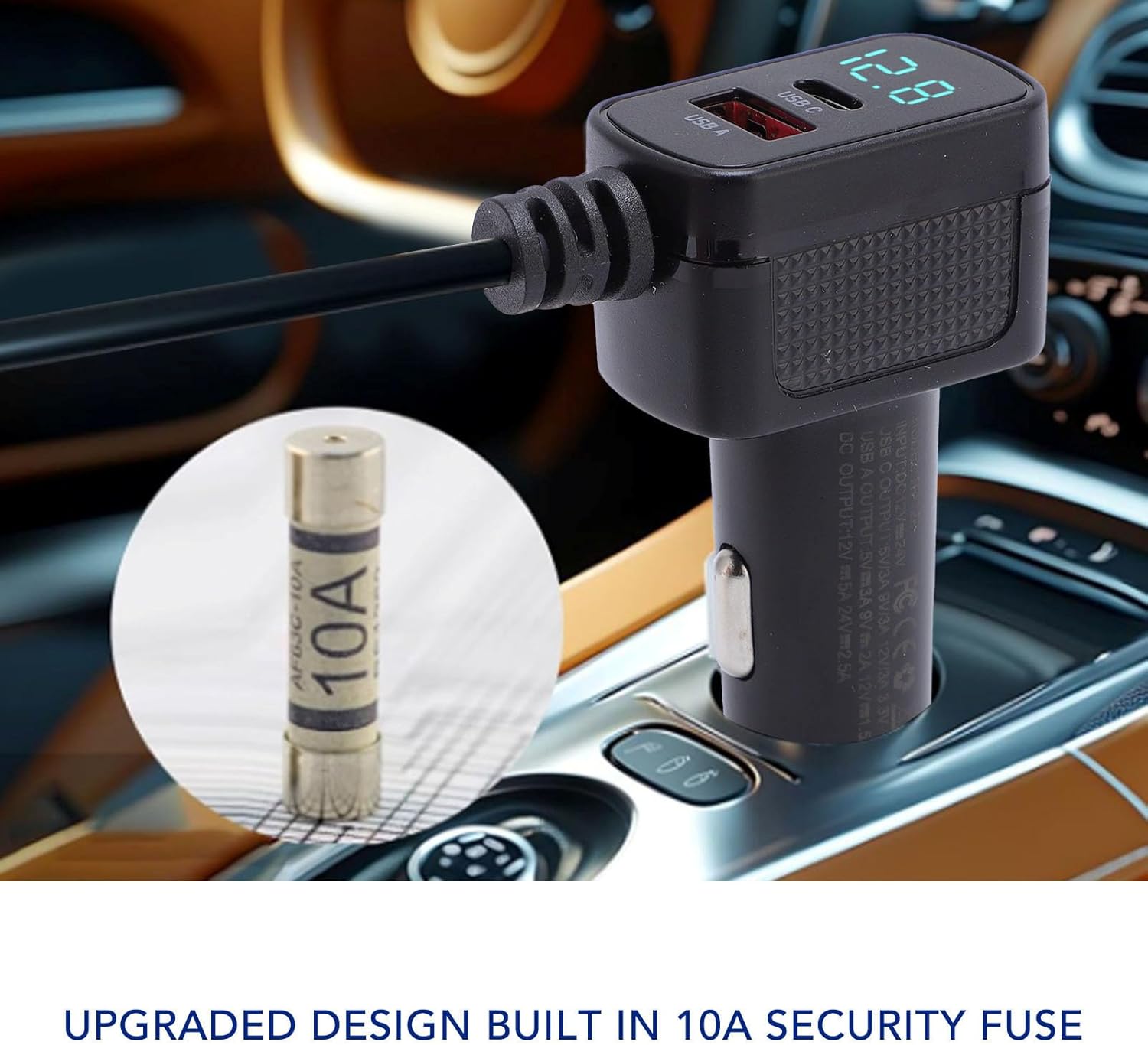
Figure 2.2: Close-up view of the cigarette lighter adapter, highlighting the built-in 10A security fuse for protection against overcurrents.
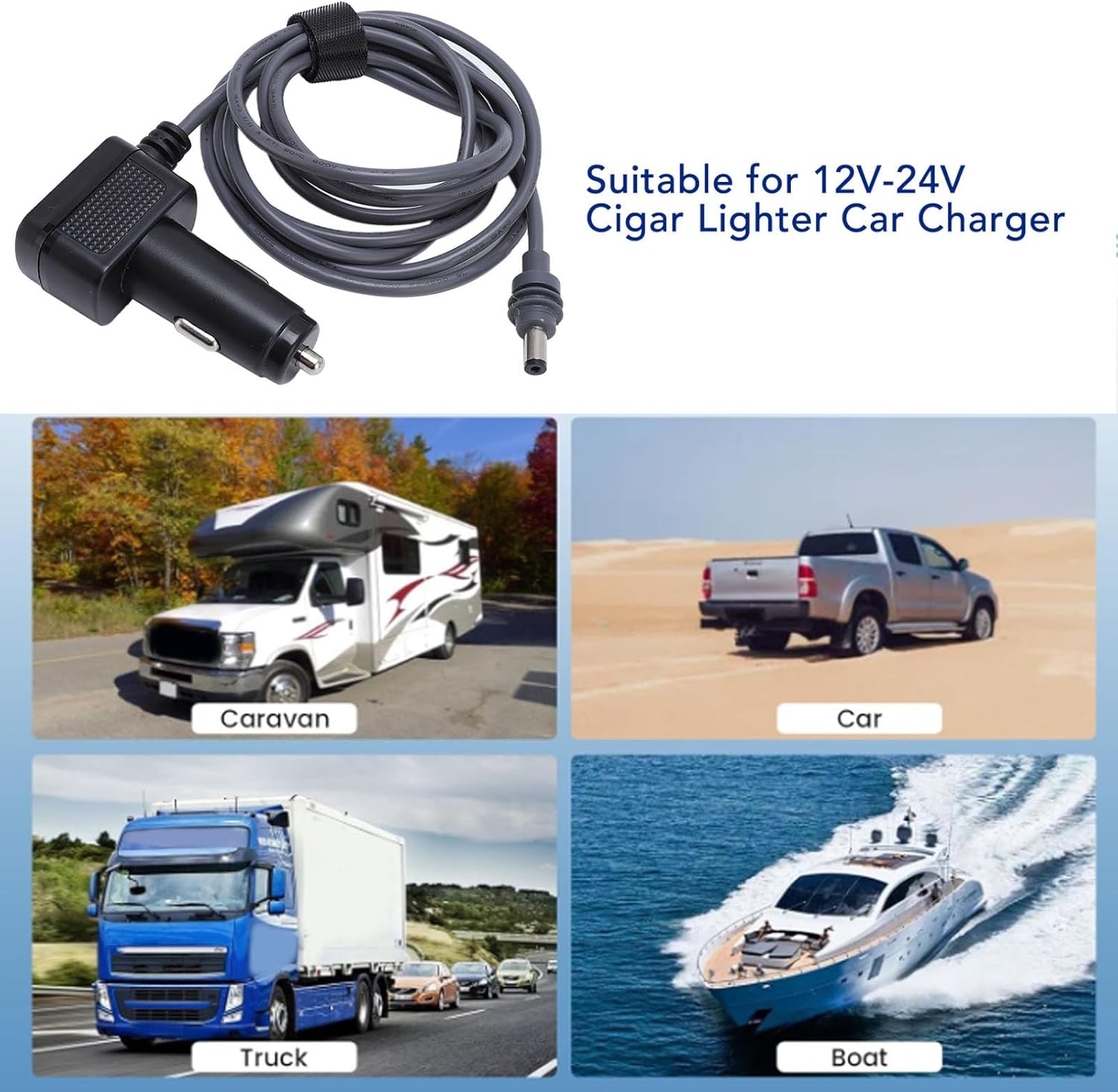
Figure 2.3: Illustration showing the adapter's compatibility with various 12V-24V vehicles, including caravans, cars, trucks, and boats.
3. Specifications
| Specification | Value |
|---|---|
| Brand | SENECESLI |
| Model | SENECESLIsgcrbv0hai |
| Applicable Voltage | 12-24V |
| Cable Length | 5m / 16.4ft |
| Charging Ports | USB C (36W Fast Charging), USB A |
| Fuse | Built-in 10A Security Fuse |
| Water Resistance | IP68 |
| Cable Gauge | 19AWG |
| Item Weight | 184 g |
4. Setup Instructions
The SENECESLI Mini DC Power Cable Cigarette Lighter Adapter is designed for effortless plug-and-play functionality. No complex installation steps are required.
- Connect the DC Power Cable: Ensure the barrel connector end of the 5-meter DC power cable is securely connected to your compatible 12V-24V device.
- Insert into Vehicle Power Outlet: Insert the cigarette lighter adapter end firmly into your vehicle's 12V-24V power outlet (cigarette lighter socket).
- Verify Power: Once connected, the digital display on the adapter should illuminate, indicating power is supplied and showing the current voltage.

Figure 4.1: The adapter and cable ready for connection. The image shows the coiled 5-meter cable with the cigarette lighter adapter and the DC barrel connector, illustrating the product's components before setup.
5. Operating Instructions
Once the adapter is properly connected to your vehicle's power outlet, you can begin using its charging features.
- Digital Voltage Display: The integrated digital display shows the real-time voltage of your vehicle's power system, allowing you to monitor its status.
- USB C Fast Charging: For devices supporting USB Power Delivery (PD), connect them to the USB C port for up to 36W fast charging.
- USB A Charging: Use the standard USB A port to charge other compatible devices.
- Powering External Devices: The DC barrel connector provides stable power to compatible 12V-24V devices, such as portable electronics or small appliances.

Figure 5.1: A close-up of the adapter's digital display showing voltage and the USB C and USB A charging ports in use, connected to a smartphone.

Figure 5.2: A smartphone being fast-charged via the USB C port of the adapter, demonstrating its charging capability within a vehicle interior.
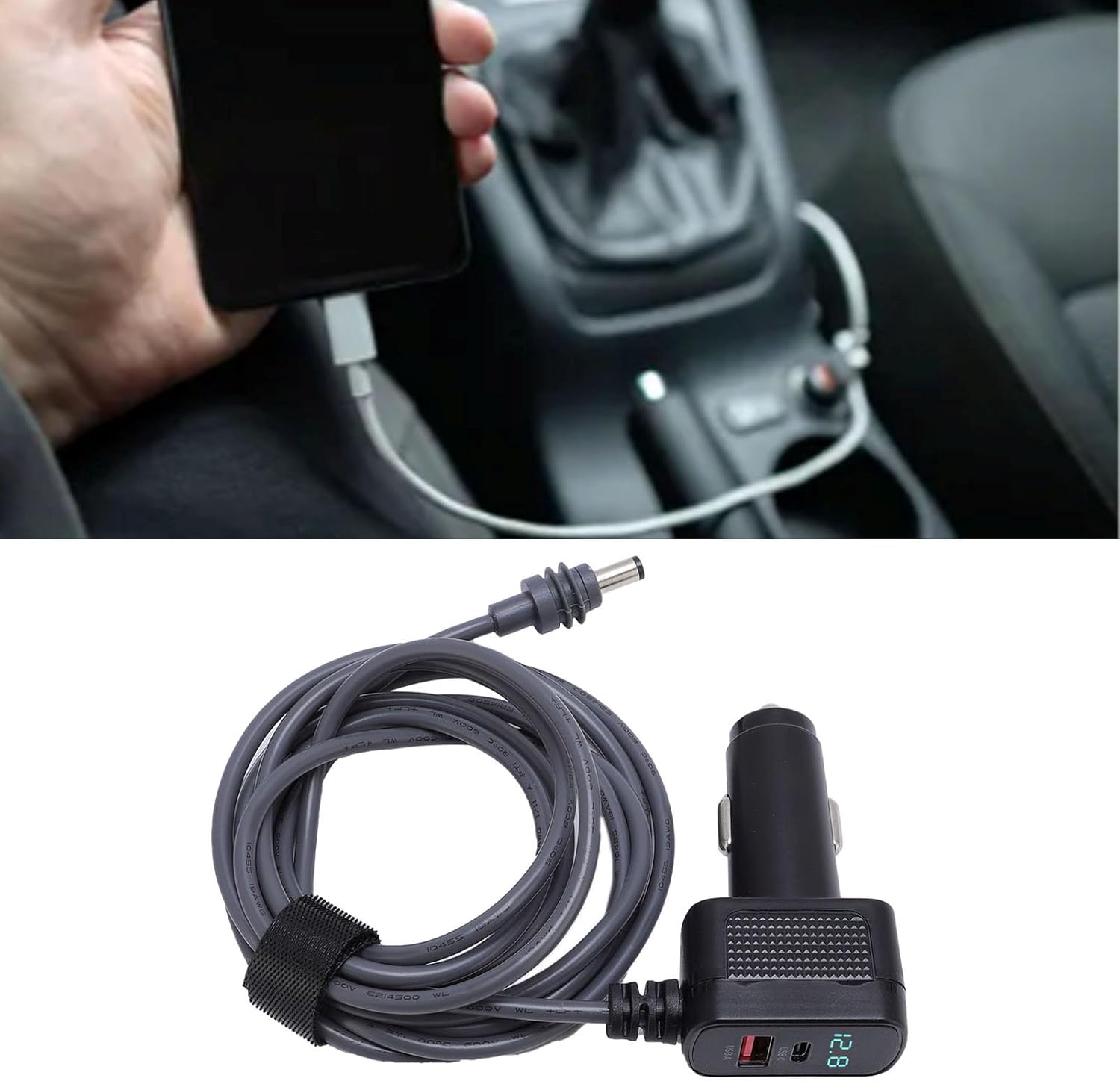
Figure 5.3: The adapter plugged into a car's cigarette lighter socket, with a device connected for charging, illustrating typical in-vehicle usage.
6. Maintenance
To ensure the longevity and optimal performance of your SENECESLI Mini DC Power Cable Cigarette Lighter Adapter, follow these maintenance guidelines:
- Cleaning: Wipe the adapter and cable with a soft, dry cloth. Avoid using abrasive cleaners or solvents.
- Storage: When not in use, store the adapter and cable in a cool, dry place, away from direct sunlight and extreme temperatures. The cable can be neatly coiled and secured with the included strap.
- Inspection: Periodically check the cable and connectors for any signs of damage, such as fraying, cuts, or bent pins. Do not use if damaged.
- Water Resistance: While the product is IP68 water resistant, prolonged submersion or exposure to high-pressure water jets should be avoided. Ensure connectors are dry before use.
7. Troubleshooting
If you encounter issues with your adapter, refer to the following common troubleshooting steps:
- No Power/Digital Display Off:
- Ensure the cigarette lighter adapter is fully inserted into the vehicle's power outlet.
- Check if the vehicle's power outlet is active (some vehicles require the ignition to be on).
- Inspect the vehicle's fuse for the power outlet; it may have blown.
- Verify the adapter's internal 10A fuse (refer to Figure 2.2 for location). If it's blown, it may need replacement by a qualified technician.
- Device Not Charging:
- Confirm the adapter is receiving power (digital display is on).
- Ensure your device's charging cable is securely connected to both the adapter's USB port and your device.
- Try a different charging cable or device to rule out cable or device issues.
- For fast charging, ensure your device and cable support USB Power Delivery (PD) and are connected to the USB C port.
- Intermittent Connection:
- Ensure all connections are firm and free of debris.
- Avoid excessive bending or pulling on the cable, especially near the connectors.
8. Warranty and Support
For warranty information or technical support, please refer to the contact details provided with your product packaging or visit the official SENECESLI website. Keep your purchase receipt as proof of purchase.