Product Overview
The UGREEN DisplayPort 2.1 Cable is designed for high-performance audio and video transmission, supporting the latest display technologies. This cable ensures a stable and high-speed connection for various devices, including PCs, monitors, graphic cards, and TVs.

Image: UGREEN DisplayPort 2.1 Cable with braided nylon and aluminum alloy casing.
Key Features:
- Ultra-High Resolution Support: Supports resolutions up to 16K@60Hz, 8K@120Hz, 4K@240Hz, and 2K@360Hz, providing clear and reproducible images.
- High Bandwidth: Offers an unprecedented bandwidth of 80 Gbps, nearly triple that of the previous DP 1.4 specification, ensuring stable and fast transmission without signal loss.
- Gaming Optimization: Works seamlessly with gaming monitors and graphic cards, supporting FreeSync and G-Sync for smooth and sharp gameplay. Dynamic HDR optimizes dark images and enhances in-game details.
- Durable Construction: Features triple shielding, tinned copper conductors for EMI resistance, an aluminum alloy casing for oxidation resistance and heat dissipation, and a robust braided nylon jacket for abrasion resistance and tangle prevention.
- Wide Compatibility: Compatible with all devices equipped with DisplayPort connectors, including Nvidia RTX 3070/3080/3090 and AMD Radeon RX 6800/6900 graphic cards, HDTVs, Fire TVs, computers, and other devices.
Setup Instructions
Follow these steps to properly connect your UGREEN DisplayPort 2.1 Cable:
- Identify Ports: Locate the DisplayPort output on your source device (e.g., PC, laptop, graphic card) and the DisplayPort input on your display device (e.g., monitor, TV). Ensure both ports are DisplayPort and not HDMI or Mini DisplayPort.
- Connect Cable: Gently insert one end of the UGREEN DisplayPort 2.1 cable into the DisplayPort output of your source device. Ensure it is fully seated.
- Connect to Display: Insert the other end of the cable into the DisplayPort input of your display device. Ensure a secure connection.
- Power On Devices: Power on both your source device and your display device.
- Select Input: On your display device, select the correct DisplayPort input source using the monitor's OSD (On-Screen Display) menu or input selection button.
For optimal performance, especially for 16K resolution, ensure that your graphic card, monitor, and all connected cables meet the DisplayPort 2.1 requirements.
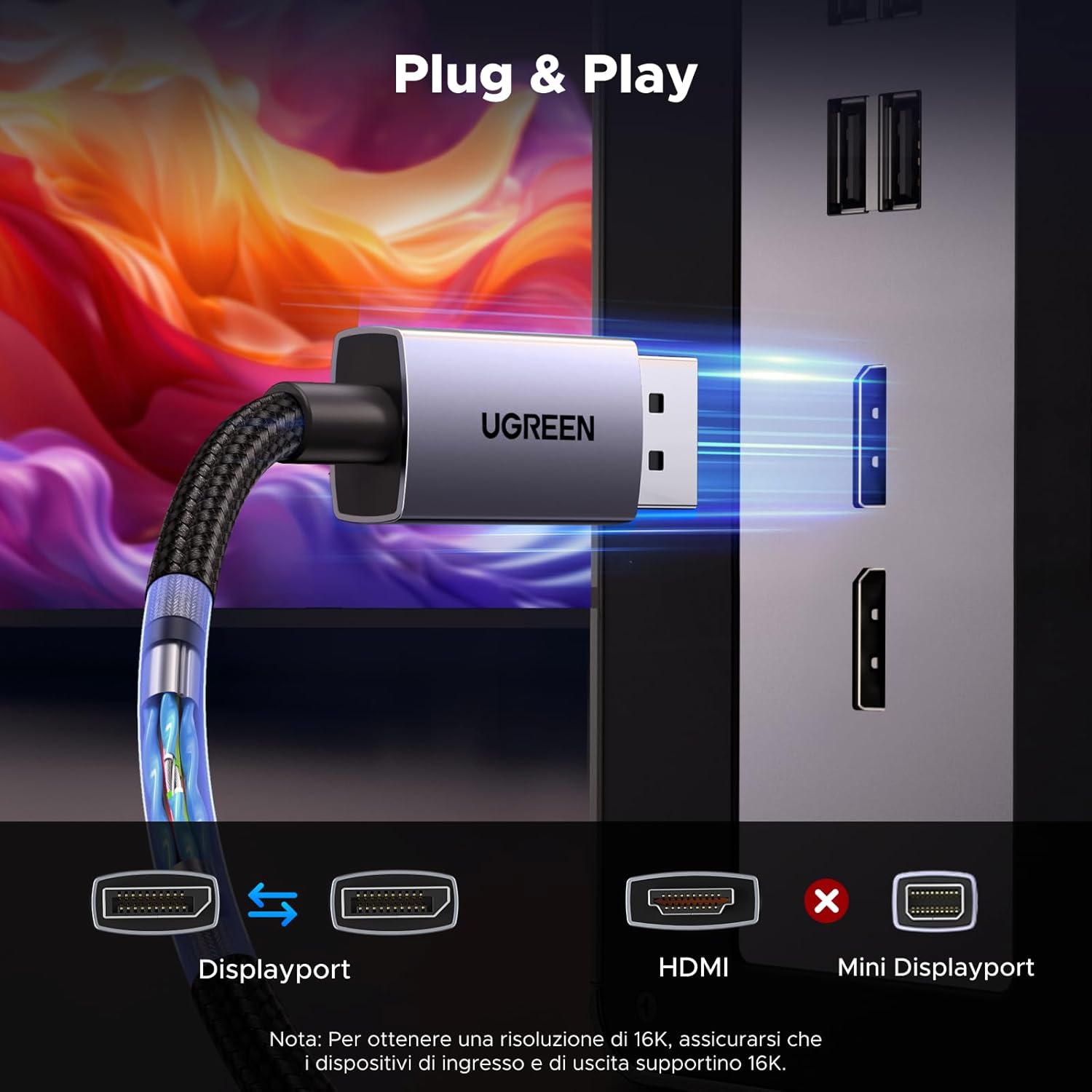
Image: Illustration showing the correct connection of a DisplayPort cable between a source device and a display, highlighting DisplayPort compatibility.
Operating Instructions
The UGREEN DisplayPort 2.1 Cable supports various operating modes and advanced features to enhance your visual and gaming experience.
Resolution and Refresh Rate:
This cable supports a wide range of resolutions and refresh rates. The maximum supported resolutions are:
- 16K (15360x8640) at 60Hz
- 8K (7680x4320) at 120Hz
- 4K (3840x2160) at 240Hz
- 2K (2560x1440) at 360Hz
To achieve these high resolutions and refresh rates, ensure your source device (graphic card) and display device (monitor/TV) also support the desired specifications.

Image: Visual representation of 16K@60Hz resolution, demonstrating superior visual clarity.
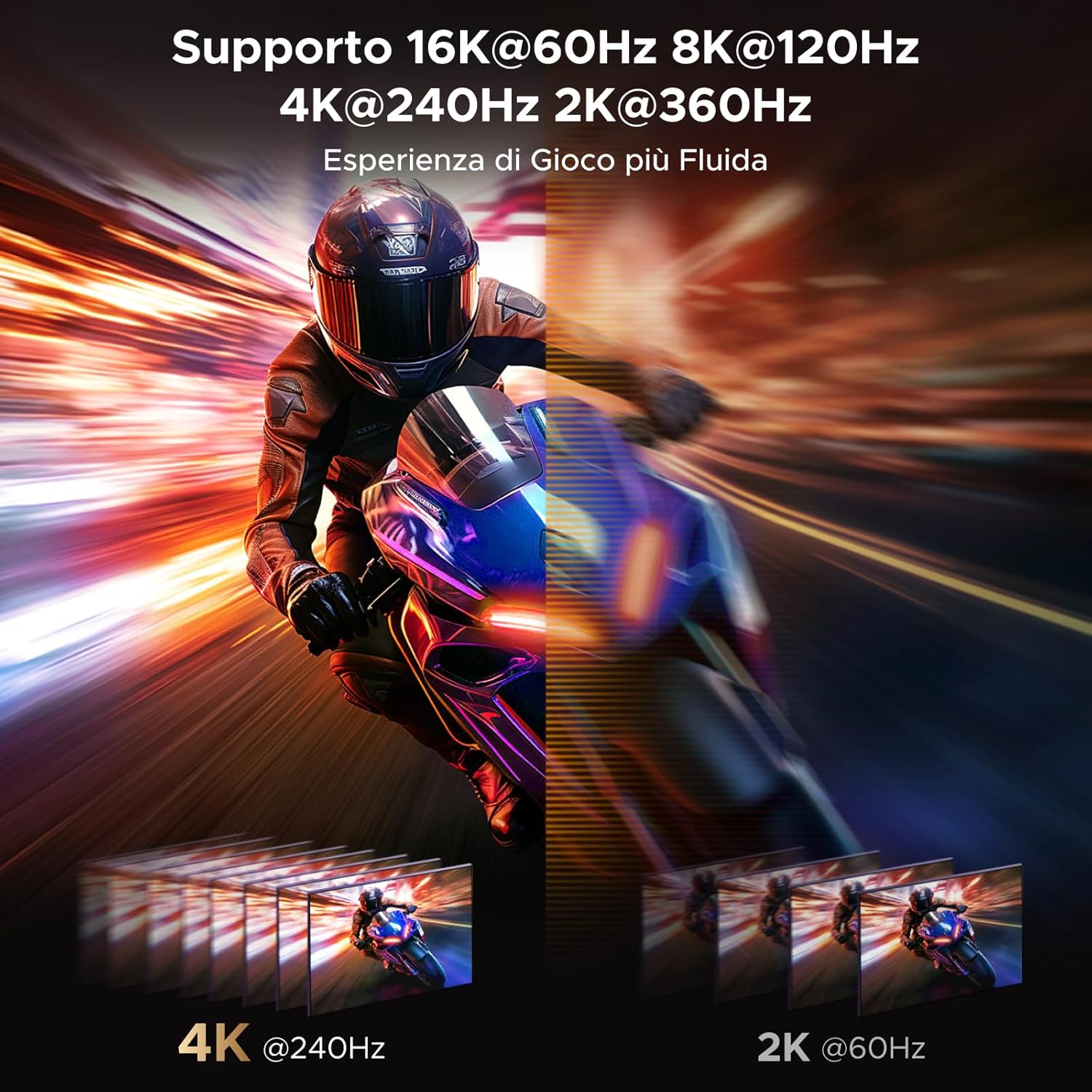
Image: Dynamic scene illustrating smooth gaming experience at high refresh rates like 4K@240Hz and 2K@360Hz.
Gaming Features:
The cable is optimized for gaming, supporting:
- AMD FreeSync & NVIDIA G-Sync: Synchronizes the display's refresh rate with the GPU's frame rate to eliminate screen tearing and stuttering, providing a fluid gaming experience.
- Dynamic HDR: Enhances image contrast and color accuracy, making dark scenes more detailed and bright scenes more vibrant.
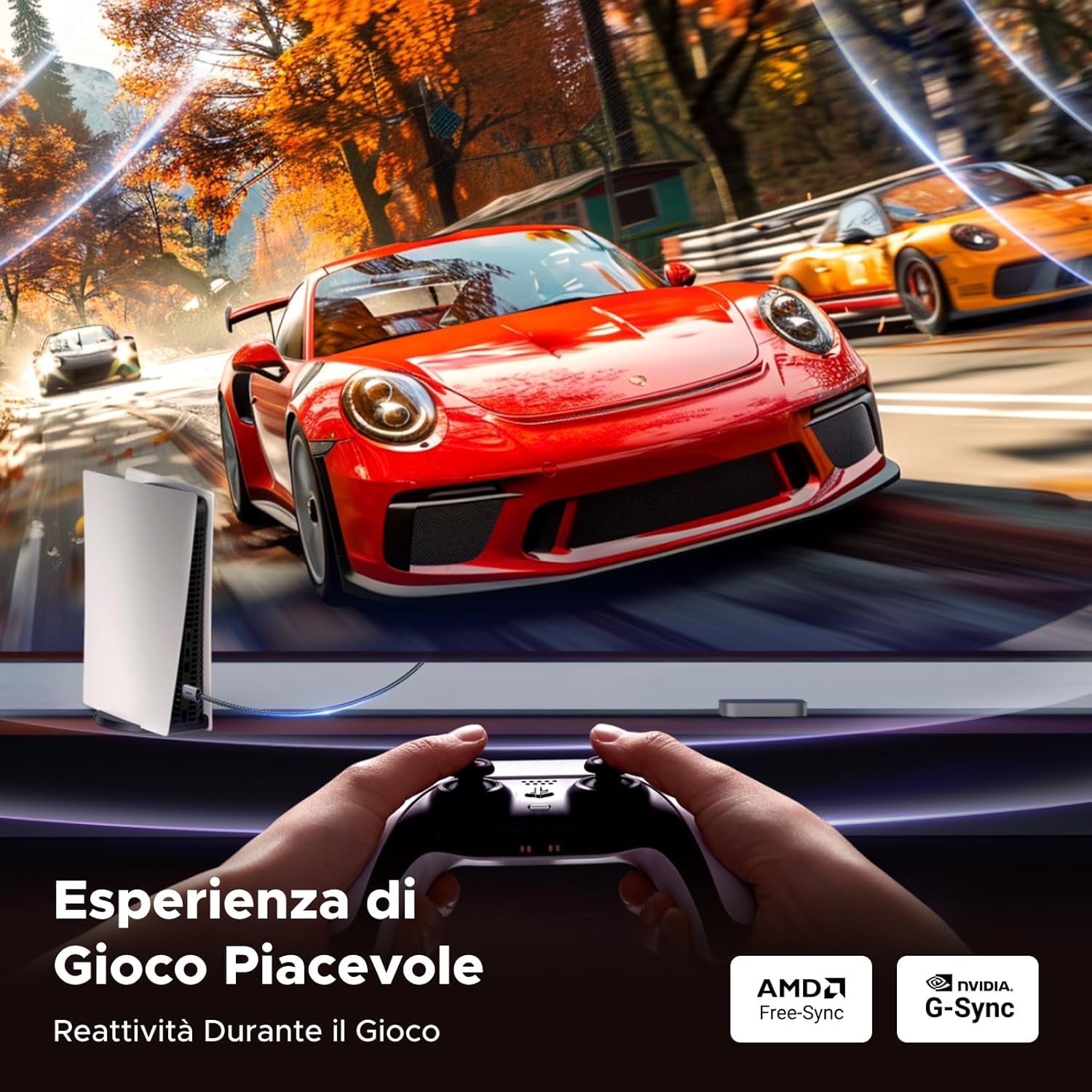
Image: A person playing a racing game, showcasing the enhanced gaming experience with FreeSync and G-Sync support.
Display Modes:
Utilize your DisplayPort connection for various display configurations:
- Mirror Mode: Duplicate your primary display onto a secondary monitor, ideal for presentations or sharing content.
- Extension Mode: Extend your desktop across multiple monitors, increasing your workspace for multitasking.
- Multi-Screen Splicing Mode: Combine multiple displays into one large virtual screen for an immersive experience, often used in gaming or professional setups.
Maintenance
To ensure the longevity and optimal performance of your UGREEN DisplayPort 2.1 Cable, follow these simple maintenance guidelines:
- Handle with Care: Always grasp the connector ends when plugging or unplugging the cable. Avoid pulling directly on the cable itself, as this can damage the internal wires or connectors.
- Avoid Sharp Bends: While the braided nylon jacket is robust, avoid excessively sharp bends or kinks in the cable, which can stress the internal conductors.
- Keep Clean: Periodically wipe the cable and connectors with a soft, dry cloth to remove dust and debris. Avoid using liquid cleaners directly on the connectors.
- Proper Storage: When not in use, coil the cable loosely. Avoid tight coiling or tangling, which can put strain on the cable.
- Protect Connectors: If the cable is stored for an extended period, consider using dust caps for the connectors to prevent dust and oxidation.

Image: Close-up showing the aluminum alloy casing and braided nylon jacket, highlighting the cable's durable design.
Troubleshooting
If you encounter issues with your UGREEN DisplayPort 2.1 Cable, refer to the following common troubleshooting steps:
- No Signal or Black Screen:
- Ensure both ends of the DisplayPort cable are securely connected to the source and display devices.
- Verify that the correct input source is selected on your monitor/TV.
- Check if your graphic card drivers are up to date.
- Test the cable with another DisplayPort-enabled device or display to rule out a faulty port on your equipment.
- Flickering or Intermittent Signal:
- Ensure the cable is not bent sharply or damaged.
- Reduce the resolution or refresh rate in your display settings to see if the issue persists. This can help identify if your hardware is struggling to maintain the signal at higher settings.
- Check for potential electromagnetic interference (EMI) from other electronic devices.
- Resolution or Refresh Rate Not Reached:
- Confirm that your graphic card and monitor both support the desired resolution and refresh rate (e.g., 16K@60Hz, 8K@120Hz).
- Update your graphic card drivers to the latest version.
- Verify that your operating system's display settings are configured for the correct resolution and refresh rate.
- Some older DisplayPort versions on devices may not support the full bandwidth of DP 2.1. Ensure your devices are compatible with DP 2.1 for maximum performance.
If issues persist after following these steps, please contact UGREEN customer support for further assistance.
Specifications
Detailed technical specifications for the UGREEN DisplayPort 2.1 Cable:
| Feature | Detail |
|---|---|
| Brand | UGREEN |
| Model Number | 55566 |
| Cable Type | DisplayPort |
| DisplayPort Version | 2.1 (backward compatible with 1.4, 1.2) |
| Bandwidth | 80 Gbps |
| Supported Resolutions & Refresh Rates | 16K@60Hz, 8K@120Hz, 4K@240Hz, 2K@360Hz |
| Features | HDR, HDCP, G-Sync, FreeSync, Dynamic HDR, Braided Jacket, Aluminum Alloy Casing |
| Compatible Devices | Computers, Monitors, Graphic Cards, HDTVs, Fire TVs, other DisplayPort devices |
| Recommended Uses | Gaming and high-resolution connections |
| Dimensions (Packaging) | 24.1 x 17.91 x 1.9 cm |
| Weight | 59 grams |
| Country of Origin | China |

Image: Table comparing features and resolutions supported by DisplayPort 2.1/2.0, 1.4, and 1.2 versions.
Warranty and Support
UGREEN products are designed for reliability and performance. For any inquiries or support needs regarding your DisplayPort 2.1 Cable, please refer to the following:
- Product Returns: This product is eligible for returns within 14 days of purchase, as per standard return policies. Please refer to your purchase platform for specific return instructions.
- Technical Support: For technical assistance, troubleshooting beyond this manual, or warranty claims, please visit the official UGREEN website or contact their customer service directly.
- Online Resources: Additional information, FAQs, and driver updates (if applicable) may be available on the UGREEN support page.
Always ensure you purchase from authorized sellers to guarantee product authenticity and eligibility for support services.


