
1. Important Safety Information
Please read all instructions carefully before using the Zigma Solar Pool Skimmer Y80. Retain this manual for future reference.
- Water and Electricity: Always exercise caution when operating electrical devices near water. Ensure your hands are dry when handling the charger.
- Children and Pets: Keep the device and its accessories out of reach of children and pets. This is not a toy.
- Charger: Use only the original power adapter provided with the unit. Using an unauthorized charger may cause damage or fire.
- Damage: Do not operate the skimmer if it appears damaged, has a damaged cord, or is not functioning properly. Contact customer support for assistance.
- Disassembly: Do not attempt to disassemble, repair, or modify the skimmer yourself. This will void the warranty and may cause harm.
- Water Depth: Ensure the pool has adequate water depth for the skimmer to float and operate freely.
- Chemicals: Avoid direct contact with harsh pool chemicals. The unit is designed for use in treated pool water.
2. Product Overview
2.1 Introduction
The Zigma Solar Pool Skimmer Y80 is an advanced robotic pool surface cleaner designed to efficiently remove debris such as leaves, insects, and pollen from your pool's surface. Featuring solar charging, smart obstacle avoidance, and dual cleaning modes, it provides continuous, hassle-free pool maintenance.
2.2 Key Features
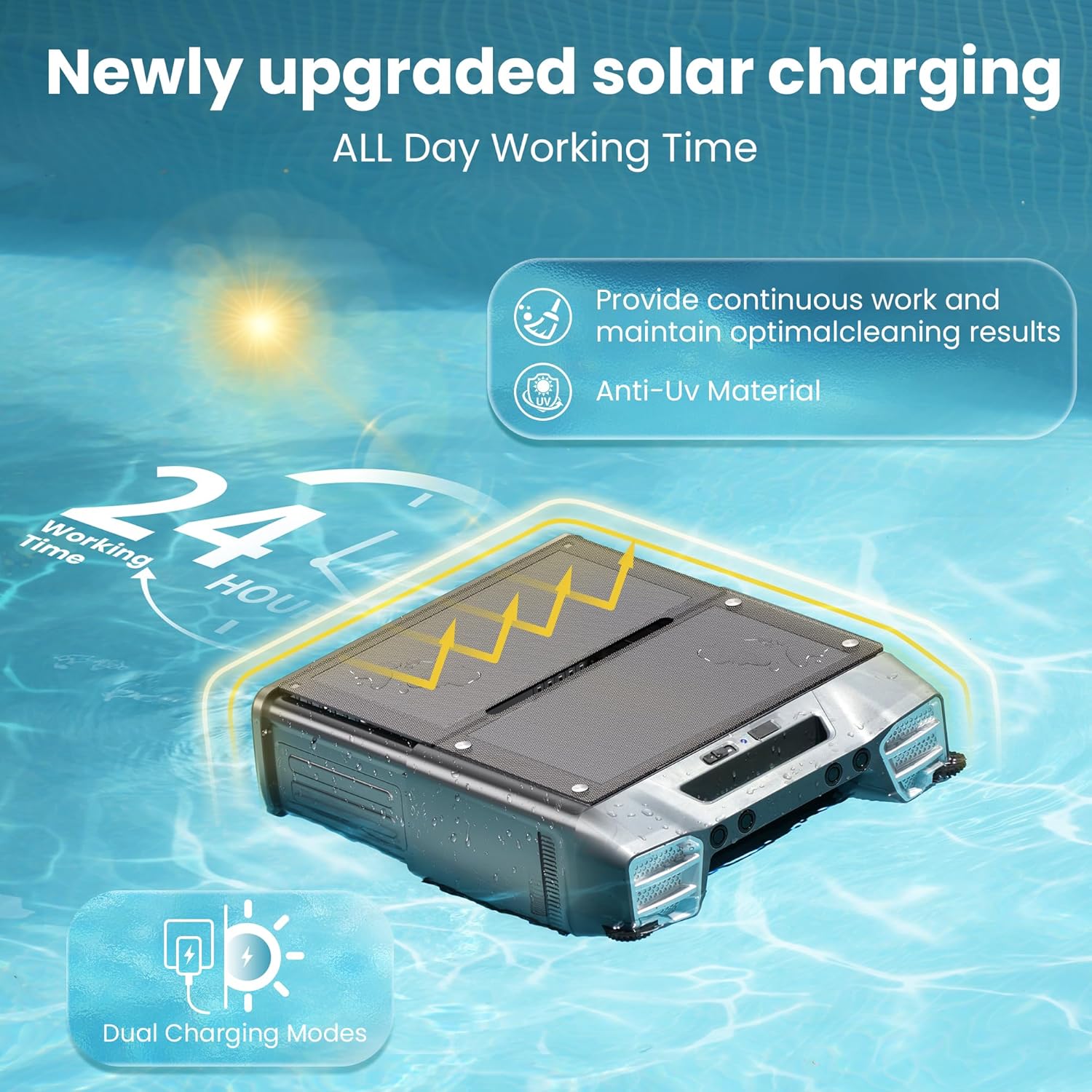
- Solar Powered: Upgraded solar charging system for extended operation.
- Dual Charging Options: Solar charging and AC adapter charging for continuous power.
- Salt & Chlorine Tolerant Motors: Durable motors suitable for both saltwater and chlorine pools.
- Smart Obstacle Avoidance: Advanced navigation to prevent getting stuck.
- Remote Control: Convenient control over cleaning modes and direction.
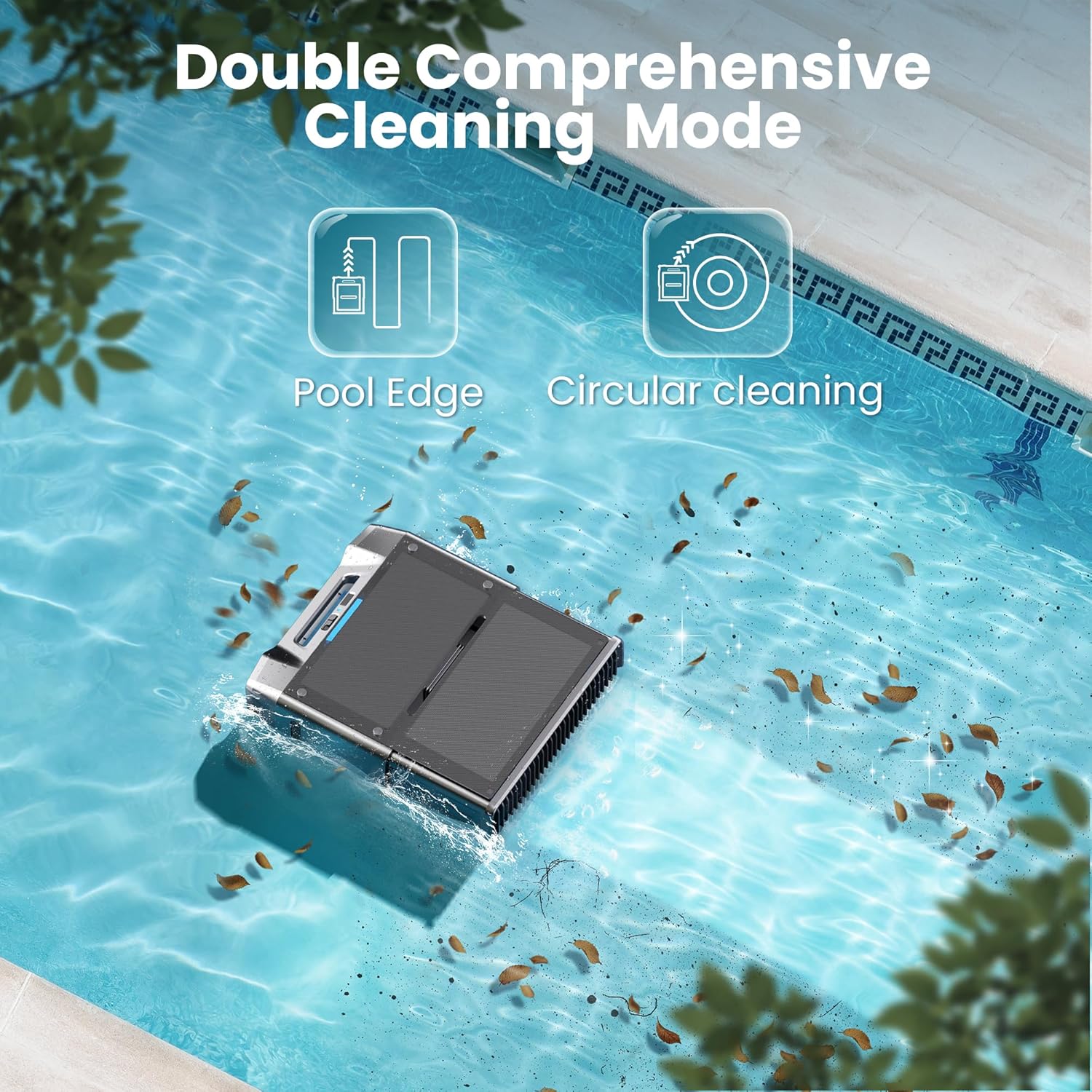
- Dual Cleaning Modes: Pool Edge cleaning and Circular cleaning for comprehensive coverage.
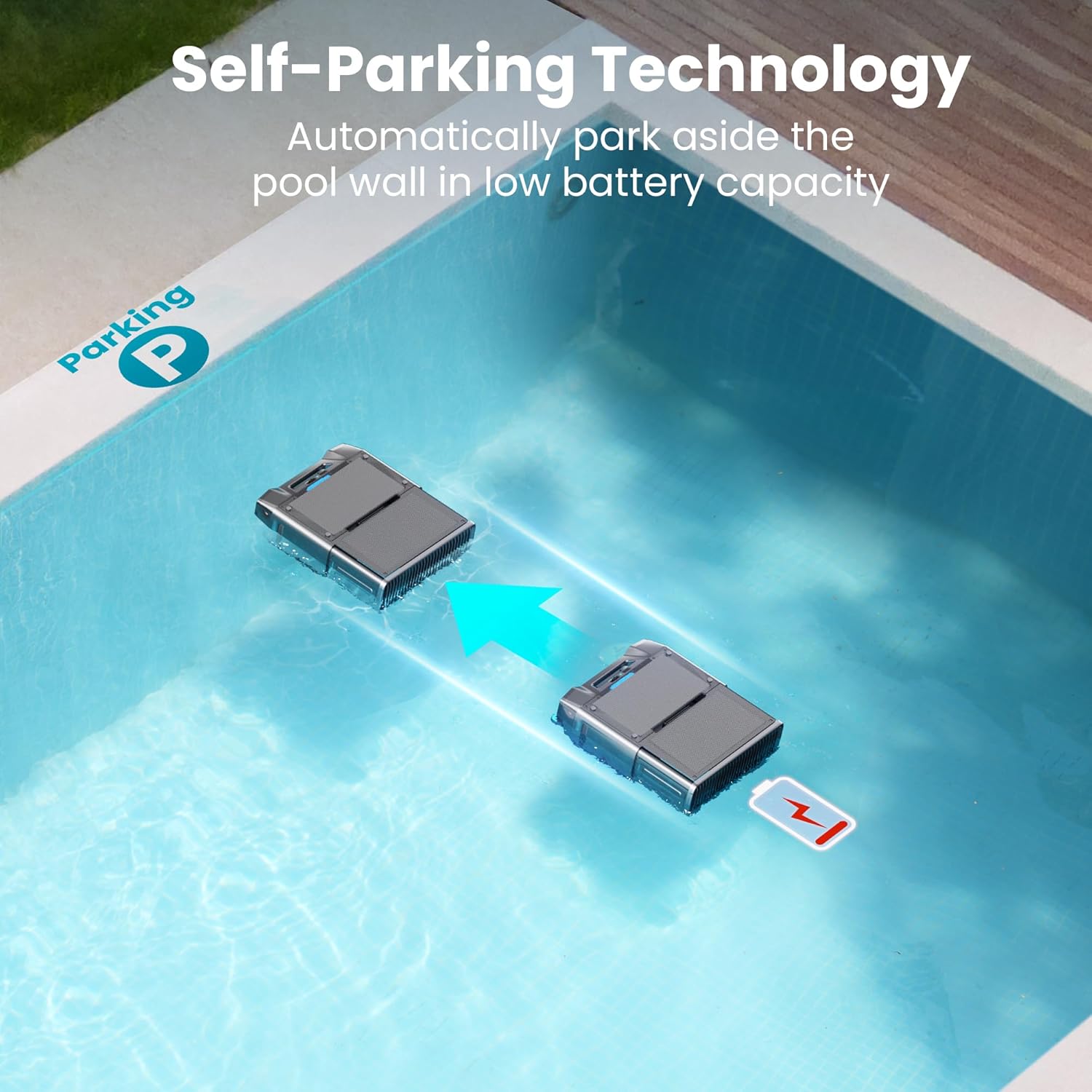
- Self-Parking Technology: Automatically parks near the pool wall when battery is low.
- Large Debris Basket: 6-liter capacity for efficient debris collection.
2.3 Package Contents
Verify that all items are present in the package:
- Pool Skimmer Unit x 1
- Debris Bag (Dust Bag) x 1
- Power Adapter x 1
- Remote Control x 1
- Instruction Manual x 1
- Quick Guide x 1

2.4 Product Diagram
Familiarize yourself with the main components of your Zigma Solar Pool Skimmer Y80.

3. Setup
3.1 Unpacking
- Carefully remove all components from the packaging.
- Remove any protective films or packing materials from the skimmer unit.
- Ensure the debris bag is correctly installed inside the skimmer's collection compartment.
3.2 Initial Charging
Before first use, fully charge the skimmer using the provided AC adapter.
- Locate the charging port on the skimmer (usually under a protective cover).
- Connect the AC adapter to the charging port and plug it into a standard wall outlet.
- Allow approximately 12 hours for a full charge. The charging indicator light will change to indicate a full charge (refer to the quick guide for specific light indications).
3.3 Solar Panel Deployment
The Zigma Y80 features a foldable design for its solar panels. Ensure they are properly deployed before placing the unit in the pool for solar charging.
- Gently pull out the drawer frame that houses the solar panels.
- Unfold the solar panels until they lie flat and are securely in place.

3.4 Placing in Pool
Once charged and solar panels deployed:
- Gently place the skimmer onto the surface of your pool.
- Ensure it floats freely and is not obstructed by pool edges or other objects.
4. Operation
4.1 Powering On/Off
Locate the power button on the skimmer unit. Press and hold for a few seconds to power on or off. The unit may also be powered on/off via the remote control.
4.2 Remote Control Usage
The remote control allows you to manage the skimmer's functions without needing to retrieve it from the pool.

Typical remote functions include:
- Power Button: Turns the skimmer on or off.
- Mode Selection: Switches between different cleaning patterns (e.g., Pool Edge, Circular).
- Directional Controls: Allows manual steering of the skimmer for spot cleaning.
4.3 Cleaning Modes
The Zigma Y80 offers comprehensive cleaning with its dual modes:
- Pool Edge Cleaning: The skimmer navigates along the perimeter of the pool, effectively collecting debris that tends to accumulate there.
- Circular Cleaning: The skimmer moves in a pattern across the open water surface, ensuring broad coverage.
4.4 Solar Charging Operation
The upgraded solar charging system allows for continuous operation during daylight hours. The skimmer will automatically charge its internal battery when exposed to sunlight, extending its runtime.
4.5 Smart Obstacle Avoidance
The skimmer is equipped with intelligent sensors to detect obstacles such as pool walls, ladders, and other floating objects, allowing it to navigate around them and prevent getting stuck.
4.6 Self-Parking Technology
When the battery level is low, the Zigma Y80 will automatically navigate itself to the nearest pool wall and park, making it easy to retrieve for charging or maintenance.
5. Maintenance
5.1 Emptying and Cleaning the Debris Basket
Regularly empty and clean the debris basket to ensure optimal performance.
- Power off the skimmer and remove it from the pool.
- Locate the debris collection compartment and open it.
- Remove the debris bag.
- Empty all collected debris into a waste bin.
- Rinse the debris bag thoroughly with clean water to remove any fine particles.
- Ensure the bag is clean and dry before reinserting it into the skimmer.
- Close the compartment securely.

5.2 Cleaning the Skimmer Unit
Periodically wipe down the exterior of the skimmer with a soft, damp cloth to remove any residue or mineral buildup. Do not use harsh chemicals or abrasive cleaners.
5.3 Long-Term Storage
If the skimmer will not be used for an extended period:
- Fully charge the battery.
- Clean the unit and debris basket thoroughly.
- Store the skimmer in a cool, dry place, away from direct sunlight and extreme temperatures.
- It is recommended to charge the battery every 3 months during storage to maintain battery health.
6. Troubleshooting
If you encounter issues with your Zigma Solar Pool Skimmer Y80, please refer to the following common problems and solutions:
| Problem | Possible Cause | Solution |
|---|---|---|
| Skimmer does not power on or move. | Low battery; Power button not pressed correctly; Unit malfunction. | Charge the unit fully with the AC adapter. Ensure the power button is pressed and held. If problem persists, contact support. |
| Skimmer not charging via solar panel. | Insufficient sunlight; Solar panels dirty or obstructed; Panels not fully deployed. | Ensure direct sunlight exposure. Clean solar panels. Verify panels are fully unfolded. Charge via AC adapter if needed. |
| Skimmer gets stuck frequently. | Obstacles in pool; Sensors obstructed; Navigation issue. | Remove large floating objects. Clean sensor areas. Ensure pool walls are clear. |
| Debris escapes from the basket. | Basket full; Basket not properly seated; Damaged basket/net. | Empty the debris basket regularly. Ensure the basket is correctly installed and sealed. Inspect for damage and replace if necessary. |
| Short operating time. | Battery not fully charged; Battery degradation. | Ensure a full charge (12 hours via AC). If battery life significantly decreases over time, contact support. |
If the issue is not resolved by the above steps, please contact Zigma customer support.
7. Specifications
| Feature | Specification |
|---|---|
| Brand | Zigma |
| Model Name | Solar Pool Skimmer |
| Model Number | Y80 |
| Material | Plastic |
| Color | Black-Grey |
| Product Dimensions (L x W x H) | 17" x 12" x 7" |
| Power Source | Solar Powered |
| Control Method | Remote |
| Battery Type | Lithium-Ion |
| Lithium Battery Energy Content | 36.72 watt-hours |
| Charging Time (AC Adapter) | 12 hours |
| Debris Capacity | 6 liters |
| UPC | 794677141936 |
| Special Features | 24 Hours Continuous Cleaning, Dual Charging Options, Salt Chlorine Tolerant Motors, Smart Obstacle Avoidance |
8. Warranty
The Zigma Solar Pool Skimmer Y80 comes with a 1-year limited warranty from the date of purchase. This warranty covers manufacturing defects and workmanship under normal use. It does not cover damage caused by misuse, accidents, unauthorized repairs, or normal wear and tear.
Please retain your proof of purchase for warranty claims.
9. Customer Support
For any questions, technical assistance, or warranty claims, please contact Zigma customer support through the retailer where you purchased the product or visit the official Zigma website for contact information.
Website: Visit the Zigma Store on Amazon