
1. Introduction
This manual provides essential instructions for the safe and efficient operation of your new FOXIONO H91 Max Android Smartphone. Please read this manual thoroughly before using your device to ensure proper functionality and to familiarize yourself with its features.

Figure 1: Front and back view of the FOXIONO H91 Max Smartphone.
2. What's in the Box
The FOXIONO H91 Max package includes the following items:
- FOXIONO H91 Max Smartphone
- Phone Case
- Screen Protector
- Headset
- SIM Tray Ejector
3. Physical Overview
Familiarize yourself with the physical components of your smartphone.
3.1. Front Display
The device features a 6.52-inch HD+ IPS display with a 90Hz refresh rate for smooth visuals.
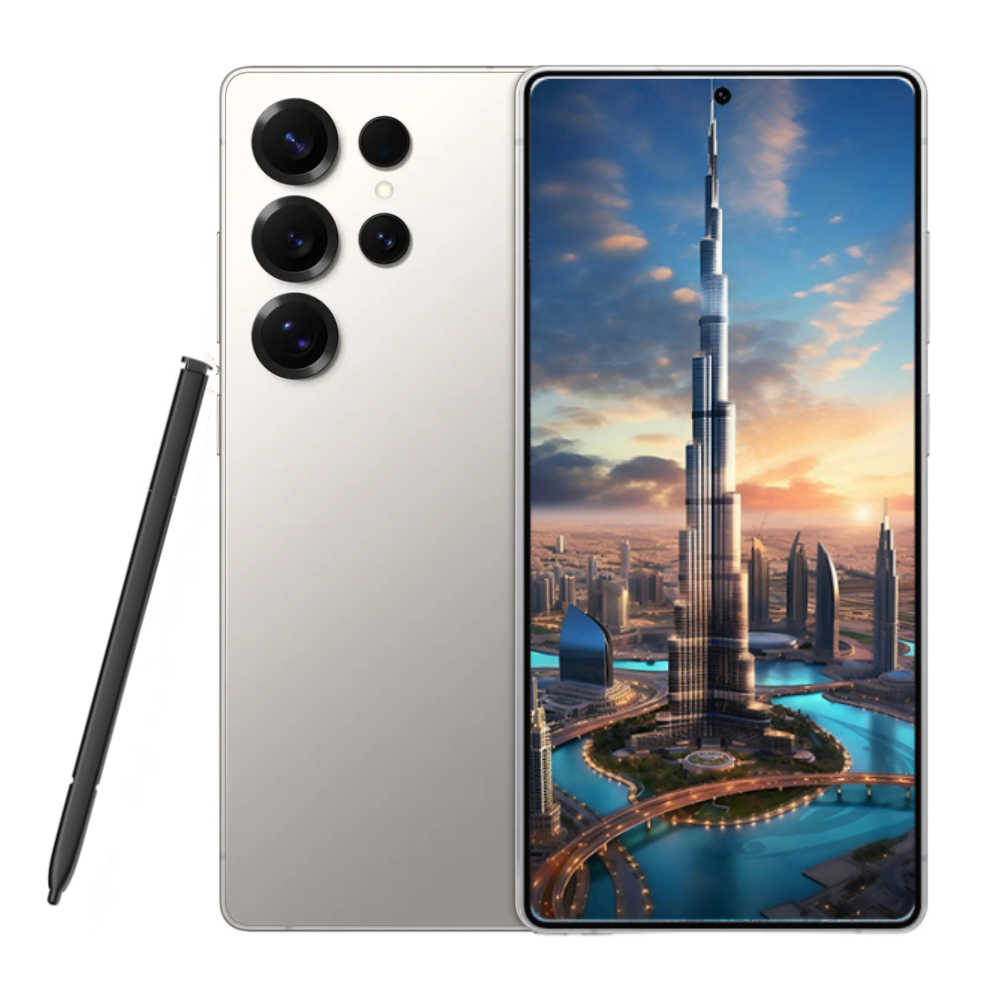
Figure 2: The 6.5-inch HD+ 90Hz display of the FOXIONO H91 Max.
3.2. Rear Camera Module
The rear of the device houses a dual AI camera system, including a 13MP main camera and a 5MP secondary camera, along with an LED flash.

Figure 3: Rear view showing the dual AI camera module.
3.3. SIM/TF Card Slot
The device supports dual SIM cards and a dedicated micro SD (TF) card slot for expandable storage up to 1TB.

Figure 4: Illustration of the dual SIM and dedicated TF card slot.
4. Setup
4.1. Inserting SIM/TF Card
- Locate the SIM/TF card tray on the side of your device.
- Insert the SIM Tray Ejector tool into the small hole next to the tray and press gently until the tray pops out.
- Place your Nano-SIM card(s) and/or micro SD (TF) card into the designated slots on the tray. Ensure they are correctly oriented.
- Carefully push the tray back into the device until it is flush with the side.
4.2. Initial Power On
- Press and hold the Power button (usually on the right side) until the FOXIONO logo appears on the screen.
- Follow the on-screen prompts to complete the initial setup, including language selection, Wi-Fi connection, Google account setup, and security settings.
5. Operating Instructions
5.1. Basic Navigation
- Touch Gestures: Tap to select, swipe to scroll, pinch to zoom.
- Home Screen: Access your apps, widgets, and notifications.
- Notifications Panel: Swipe down from the top of the screen to view notifications and quick settings.
5.2. Android 11.0 Features
Your device runs on Android 11.0, offering enhanced privacy controls, improved notification management, and intuitive gesture navigation.
6. Camera Usage
Capture moments with the integrated camera system.
- Rear Camera: 13MP main camera for sharp and detailed photos.
- Front Camera: 5MP front camera for selfies.
- AI Features: Enhanced image processing algorithms for striking and lifelike photos.

Figure 5: Overview of the 13MP rear and 5MP front camera capabilities.
7. Battery Management
The FOXIONO H91 Max is equipped with a 4000mAh battery.
- Charging: Use the provided USB-C cable and a compatible 18W fast charger for optimal charging speeds.
- Battery Saving: Enable battery saver mode in settings to extend battery life.
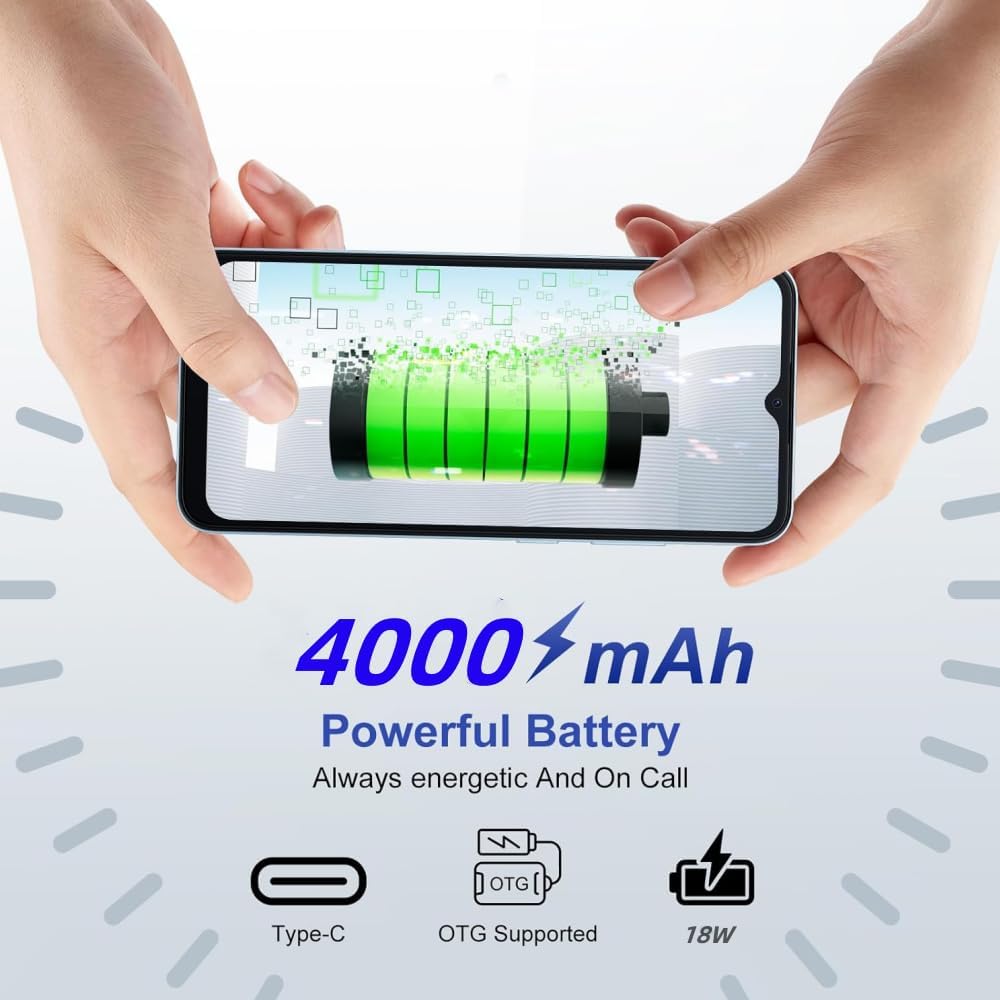
Figure 6: Visual representation of the 4000mAh battery and 18W fast charging support.
8. Connectivity
- 4G Dual SIM: Supports multiple bands for global compatibility and allows simultaneous use of two SIM cards.
- Bluetooth: Connect to wireless accessories like headphones and speakers.
- GPS: Built-in GPS for navigation and location services.
9. Specifications
| Feature | Detail |
|---|---|
| Model Name | H91 Max |
| Brand | FOXIONO |
| Operating System | Android 11.0 |
| CPU Model | 1.2GHz Cortex A8 Processor (Octa-Core) |
| RAM | 8GB (4+4) |
| Internal Storage | 64GB (Expandable up to 1TB via TF card) |
| Screen Size | 6.52 Inches |
| Resolution | 720 x 1600 (HD+) |
| Refresh Rate | 90 Hz |
| Rear Camera | 13MP + 5MP Dual AI Camera |
| Front Camera | 5MP |
| Battery Capacity | 4000mAh |
| Fast Charging | 18W |
| Connectivity | 4G Dual SIM, Bluetooth, Built-in GPS |
| Audio Jack | 3.5 mm |
10. Troubleshooting
If you encounter issues with your device, try the following common solutions:
- Device Not Responding: Press and hold the Power button for about 10-15 seconds to force a restart.
- App Crashing: Clear the cache and data for the problematic app in Settings > Apps. If the issue persists, uninstall and reinstall the app.
- Connectivity Issues: Toggle Wi-Fi or Bluetooth off and on. For mobile data, ensure your SIM card is properly inserted and your mobile data plan is active.
- Slow Performance: Close unused apps, clear cache, and ensure sufficient storage space. Consider a factory reset as a last resort (back up your data first).
11. Warranty & Support
For warranty information and technical support, please refer to the documentation included in your product packaging or visit the official FOXIONO support website. Keep your proof of purchase for warranty claims.
12. Product Videos
Technology brings a better life
This video showcases various features and aspects of the FOXIONO H91 Max smartphone, highlighting its design and user experience.
Technology brings a better life
A general overview video demonstrating the smartphone's capabilities and design elements.
Large Storage Cheap Unlockedphone
This video highlights the large storage capacity and unlocked features of the smartphone.