
1. Introduction
This manual provides essential information for the safe and efficient operation of your MBYULO R101X0 Robot Vacuum and Mop Combo. This intelligent cleaning device is designed to simplify your home cleaning routine with its powerful suction, mopping capabilities, and smart features. Please read this manual thoroughly before using the product and retain it for future reference.
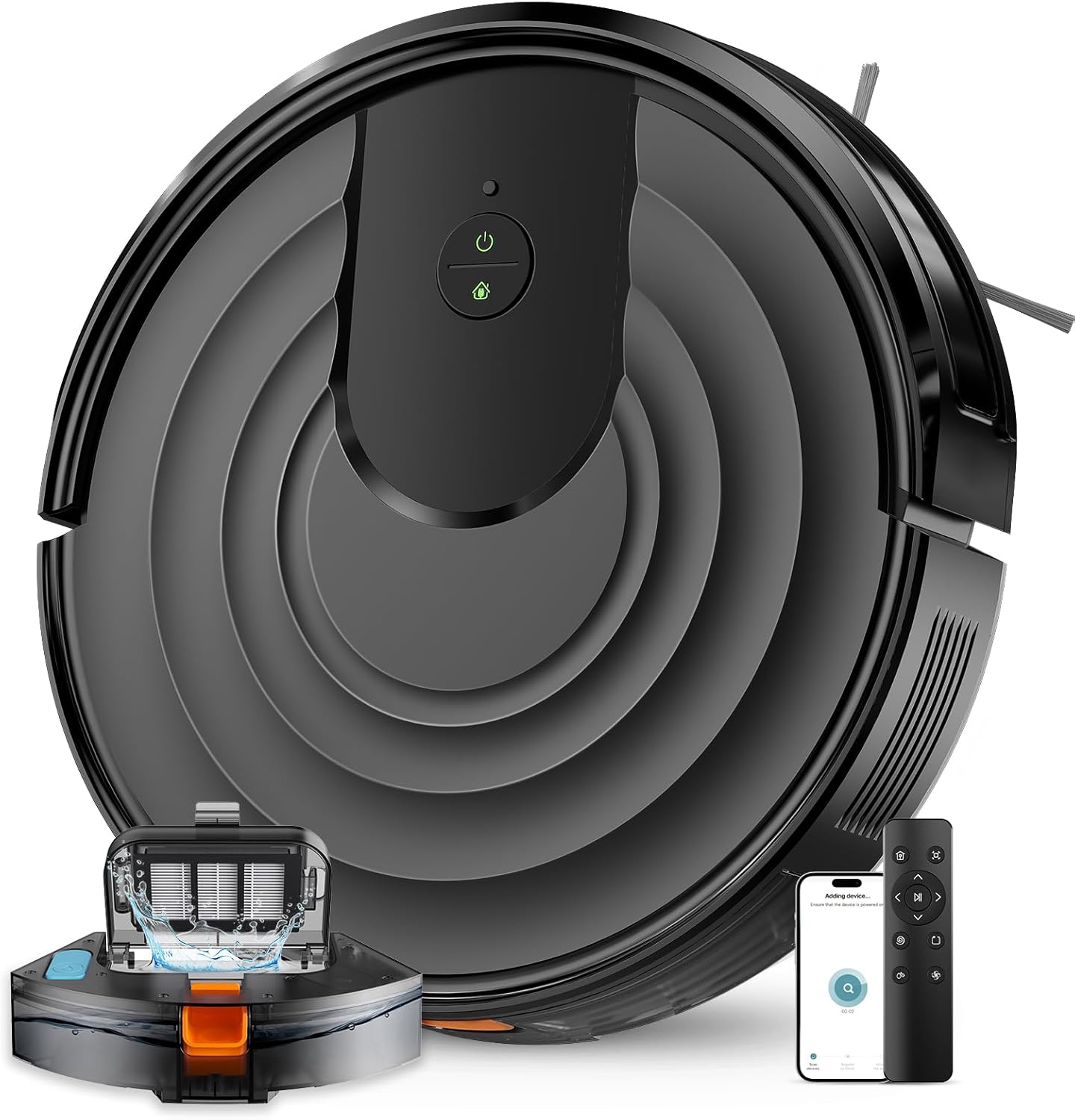
Image: The MBYULO R101X0 Robot Vacuum and Mop Combo, showcasing its sleek black design, charging dock, remote control, and mobile app interface.
2. Safety Information
To reduce the risk of injury or damage, always observe basic safety precautions when installing, using, and maintaining your robot vacuum cleaner. This appliance can be used by children aged 8 years and above and persons with reduced physical, sensory or mental capabilities or lack of experience and knowledge if they have been given supervision or instruction concerning use of the appliance in a safe way and understand the hazards involved.
- Do not allow children to play with the appliance.
- Only use the original power adapter provided by the manufacturer.
- Do not use the robot in wet environments or near water.
- Remove any loose cables, small objects, or fragile items from the cleaning path before operation.
- Do not operate the robot on elevated surfaces without protective barriers.
- Ensure the charging dock is placed against a wall on a level surface.
- Turn off the robot and unplug the power before performing any maintenance or cleaning.
3. Package Contents
Verify that all components are present and in good condition upon opening the package:

Image: An overhead view of all components included in the MBYULO R101X0 package, neatly laid out on a wooden floor.
- Robot Cleaner x 1
- Mopping Cloth x 1
- Charging Dock x 1
- Power Adapter x 1
- Cleaning Brush x 1
- Side Brush x 2
- Remote Handset x 1
- AAA Battery x 2 (for remote)
- HEPA Filter x 1
- Water Tank x 1 (integrated with dust bin)
4. Product Overview
The MBYULO R101X0 is a versatile 2-in-1 cleaning solution, combining powerful vacuuming with efficient mopping. Its ultra-slim design allows it to clean under furniture, while advanced sensors ensure smart navigation and obstacle avoidance.
Key Features:
- 5000Pa Super Suction Power: Equipped with brushless motors for effective cleaning of dust and debris.
- 650ML Super Capacity 2-in-1: Features a 300ML electronically controlled water tank and a 350ML dust bin for combined sweeping and mopping.
- Ultra-Slim Design: At 2.87 inches, it easily navigates under furniture.
- Smart Obstacle Avoidance: Utilizes 3D precise obstacle avoidance to navigate around objects, stairs, and walls.
- Automatic Mop Lift: Mop lifts by 20mm when transitioning to carpets or returning to the base.

Image: The robot vacuum demonstrating its 5000Pa powerful suction, picking up debris from a wooden floor.

Image: An exploded view of the robot vacuum highlighting its 350ml dust box and 300ml water tank, indicating its 2-in-1 vacuum and mop functionality.
5. Setup
5.1 Charging the Robot
Before first use, fully charge the robot. Place the charging dock against a wall in an open area, ensuring there are no obstacles within 1 meter to the sides and 2 meters in front. Connect the power adapter to the charging dock and plug it into a power outlet. Place the robot onto the charging dock; the indicator light will show charging status.
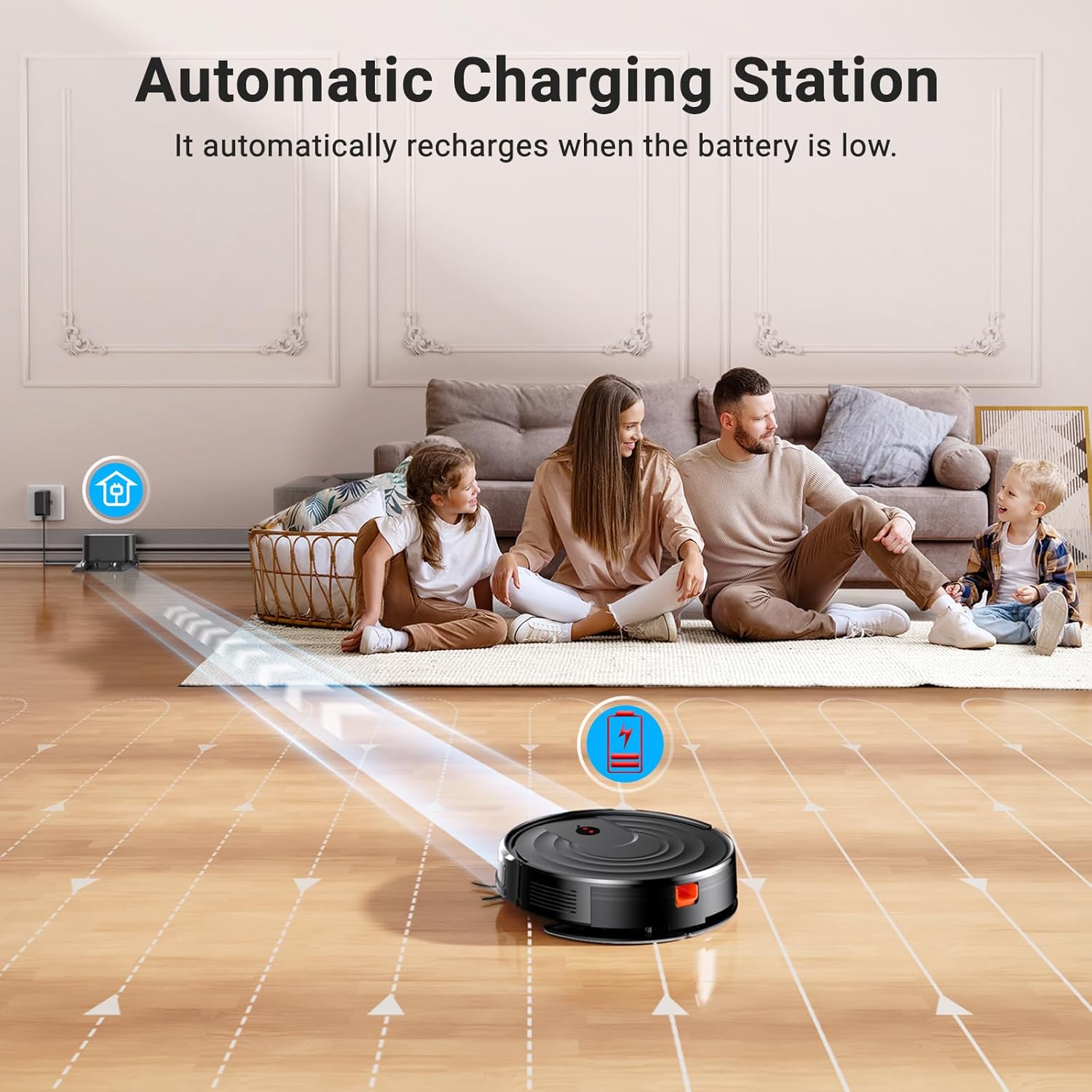
Image: The robot vacuum automatically returning to its charging station, illustrating the self-charging feature.
5.2 Connecting to the SmartLife App
For full control and smart features, download the SmartLife app from your mobile app store. Follow the in-app instructions to connect your robot vacuum.
- Download and open the SmartLife app.
- Register or log in to your account.
- Tap 'Add Device' and select 'Robot Vacuum' from the list.
- Ensure your phone is connected to a 2.4GHz Wi-Fi network.
- Follow the app's prompts to put the robot into pairing mode (usually by pressing and holding a button on the robot).
- Confirm the connection in the app.

Image: A step-by-step visual guide on a smartphone screen demonstrating how to connect the R101X0 robot vacuum to the SmartLife application.
6. Operating the Robot Vacuum
6.1 Cleaning Modes
The R101X0 offers multiple cleaning modes to suit different needs:
- Auto Cleaning: The robot intelligently navigates and cleans the entire floor area.
- Spot Cleaning: Focuses on a specific dirty area, cleaning in a spiral pattern.
- Edge Cleaning: Cleans along walls and furniture edges.

Image: An overhead diagram illustrating the four distinct cleaning modes: Automatic, Spot, Edge, and Random Cleaning, showing the robot's path for each mode.
6.2 Suction and Water Flow Adjustment
Adjust suction power and water flow via the SmartLife app or remote control to match your floor type and cleaning needs. There are 3 levels of suction intensity and 3 levels of water volume for mopping.
6.3 Scheduling and Control
Use the SmartLife app to set cleaning schedules, change modes, and control the robot remotely. The included remote control also provides direct access to various functions.

Image: A hand holding the remote control, directing the robot vacuum as it cleans a floor with scattered debris.
7. Maintenance
Regular maintenance ensures optimal performance and extends the lifespan of your robot vacuum. Always turn off the robot and unplug the charging dock before performing any maintenance.
7.1 Dust Bin and Water Tank
- Empty the dust bin after each use or when full.
- Rinse the dust bin and water tank with clean water. Allow them to air dry completely before reinserting.
7.2 Filters
- Tap the HEPA filter to remove dust. Do not wash the HEPA filter with water.
- Clean the sponge filter with water and allow it to dry completely.
- Replace filters every 3-6 months, depending on usage.
7.3 Side Brushes
- Regularly check side brushes for tangled hair or debris.
- Use the included cleaning brush to remove any obstructions.
- Replace worn or damaged side brushes as needed.
7.4 Mopping Cloth
- Remove the mopping cloth after each mopping session.
- Wash the mopping cloth by hand or machine. Allow it to air dry completely before reattaching.
8. Troubleshooting
If you encounter issues with your robot vacuum, refer to the following common problems and solutions:
| Problem | Possible Cause | Solution |
|---|---|---|
| Robot does not turn on. | Low battery; Power switch off. | Charge the robot; Ensure power switch is ON. |
| Robot does not charge. | Charging dock not powered; Poor contact. | Check power connection; Clean charging contacts on robot and dock. |
| Robot gets stuck frequently. | Obstacles; Uneven surfaces. | Clear cleaning area; Use virtual walls if available. |
| Poor cleaning performance. | Full dust bin; Clogged filter; Worn brushes. | Empty dust bin; Clean/replace filter; Clean/replace brushes. |
| No water output during mopping. | Empty water tank; Clogged water nozzle. | Fill water tank; Clean water nozzle. |
If the problem persists, please contact customer support.
9. Specifications
| Feature | Detail |
|---|---|
| Brand | MBYULO |
| Model Name | SS-US-R101X0-B-009 (R101X0) |
| Suction Power | 5000Pa |
| Dust Bin Capacity | 350ML |
| Water Tank Capacity | 300ML (Electronically Controlled) |
| Battery Life | Up to 130 minutes |
| Control Method | App, Remote, Voice (Alexa, Google Home) |
| Filter Type | HEPA |
| Product Dimensions | 16.3"L x 13.6"W x 4.5"H (2.87" Ultra-Slim) |
| Item Weight | 7.48 pounds |
| Color | Black |
10. Warranty and Support
MBYULO is committed to providing excellent customer service. Your robot vacuum cleaner comes with a standard manufacturer's warranty. Please refer to the product packaging or contact customer support for specific warranty terms and conditions.
Customer Support:
If you have any questions, concerns, or require assistance with product maintenance, our dedicated team is ready to help. Please reach out to us for prompt and effective solutions.
For support, visit the MBYULO Store on Amazon or contact us through the SmartLife app's support section.