
1. Introduction
This manual provides essential information for the safe and efficient operation of your VEVOR Evaporative Air Cooler, Model JH-316Y. This 3-in-1 unit combines cooling, humidifying, and fan functions to enhance comfort in dry outdoor and open indoor environments. Please read these instructions thoroughly before use and retain them for future reference.

Image: The VEVOR Evaporative Air Cooler operating outdoors, demonstrating its 3-in-1 functionality for air supply, cooling, and humidification in a large coverage area.
2. Safety Instructions
To reduce the risk of fire, electric shock, or injury, always follow these basic safety precautions:
- Read all instructions before using this appliance.
- Do not operate any fan with a damaged cord or plug. Discard fan or return to an authorized service facility for examination and/or repair.
- Do not run cord under carpeting. Do not cover cord with throw rugs, runners, or similar coverings. Arrange cord away from traffic area and where it will not be tripped over.
- Always unplug the unit from the power outlet before filling, cleaning, or servicing.
- Do not immerse the unit in water or other liquids.
- Use only on a level surface.
- This appliance is not intended for use by persons (including children) with reduced physical, sensory or mental capabilities, or lack of experience and knowledge, unless they have been given supervision or instruction concerning use of the appliance by a person responsible for their safety.
- Children should be supervised to ensure that they do not play with the appliance.
- Ensure proper ventilation when using indoors.
3. Package Contents & Product Overview
Verify that all components are present and in good condition upon unpacking.
- 1 x Evaporative Air Cooler (Model JH-316Y)
- 1 x User Manual
- 4 x Ice Boxes
- 1 x Remote Control (Battery CR2025 included)
- 1 x M4 Self-Tapping Screw
- 1 x M4 Expansion Nail
- 1 x Water Plug
- 1 x Right Angle Fixing Plate
- 4 x Wheels (Casters)

Image: A detailed view of the VEVOR Evaporative Air Cooler (Model JH-316Y) showing its dimensions and all included accessories such as ice boxes, remote control, and caster wheels.
4. Setup
4.1. Caster Wheel Installation
- Carefully tilt the unit to access the bottom.
- Insert the four caster wheels into the designated slots on the base of the cooler. Ensure they are securely fastened.
- Return the unit to an upright position.
4.2. Preparing Ice Boxes
- Fill the provided ice boxes with water.
- Place the filled ice boxes in a freezer for at least 4 hours until completely frozen.
4.3. Filling the Water Tank
- Open the top cover of the unit.
- Carefully pour clean water into the water tank. The tank has a capacity of 6.8 gallons (26 liters).
- Do not exceed the maximum water level indicator.
- For enhanced cooling, place the frozen ice boxes into the designated compartments within the water tank.
- Close the top cover securely.

Image: The convenient top-fill design of the 6.8-gallon water tank, allowing for easy refilling without bending.
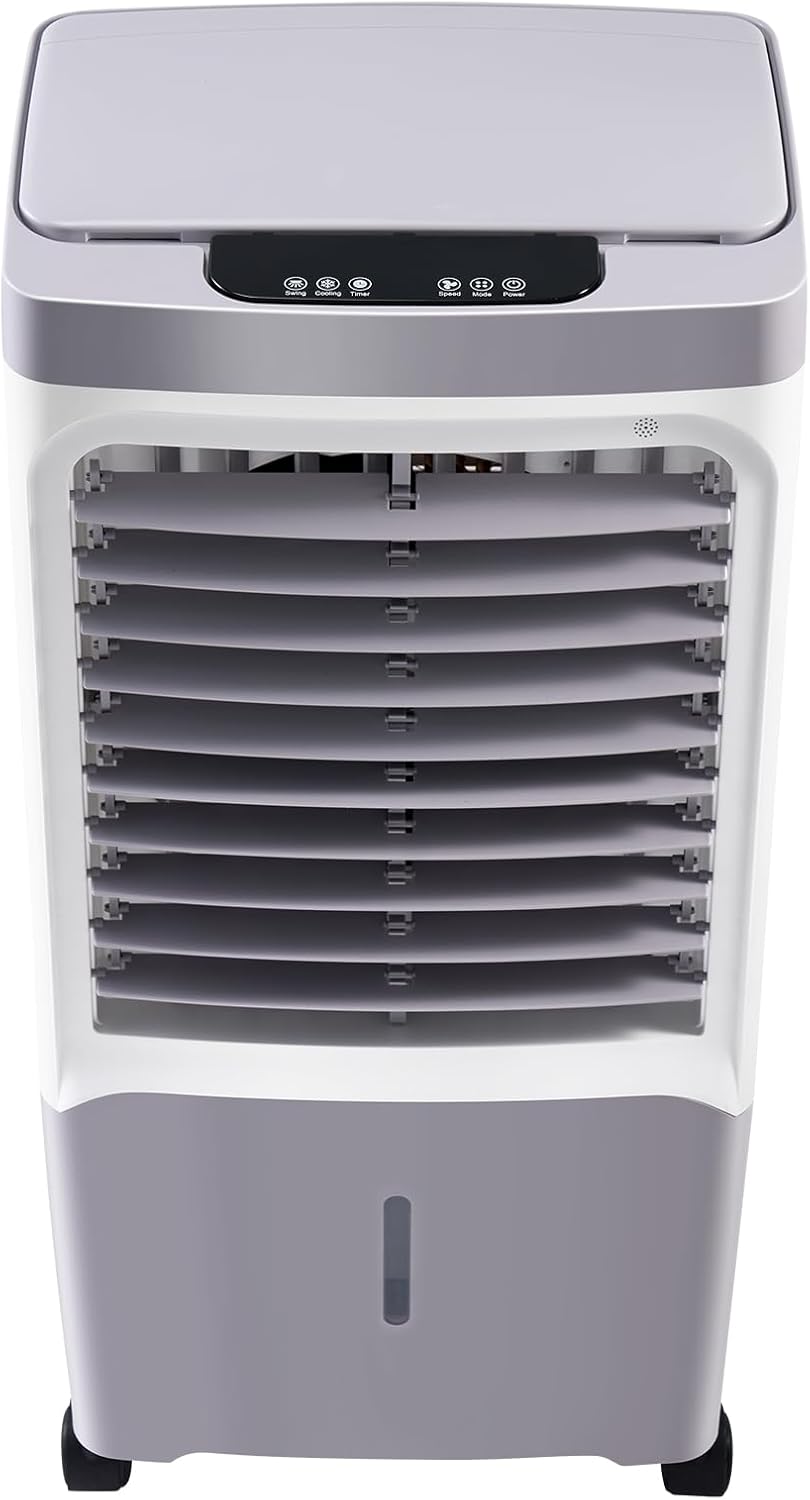
Image: A view of the top compartment of the cooler, showing the placement of the four ice boxes within the water reservoir to maximize cooling efficiency.
5. Operating Instructions
5.1. Control Panel and Remote Control
The unit can be operated using the touch control panel on top or the included remote control. Both offer identical functions.
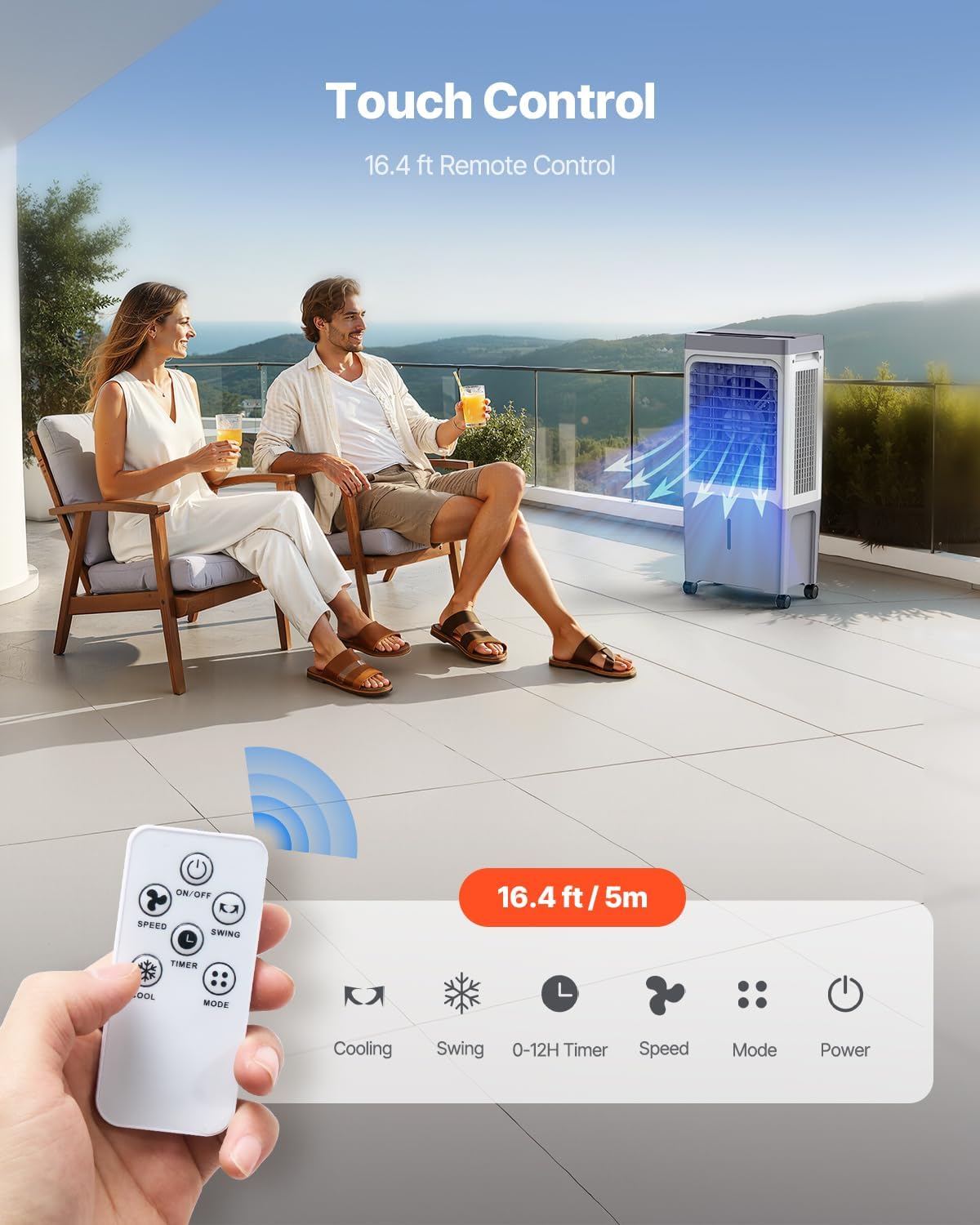
Image: The remote control for the VEVOR Evaporative Air Cooler, illustrating its various functions for convenient operation from a distance of up to 16.4 ft (5m).
5.2. Power On/Off
- Press the Power button (
 ) on the control panel or remote to turn the unit ON or OFF.
5.3. Fan Speed Settings
- Press the Speed button () to cycle through three fan speeds: Low (F1), Medium (F2), and High (F3).
5.4. Mode Selection
- Press the Mode button () to select between different airflow modes: Normal, Natural, and Sleep.
- The Natural mode simulates varying wind patterns, while Sleep mode provides a quieter, gentler airflow.
5.5. Cooling Function Activation
- Press the Cooling button () to activate the evaporative cooling and humidifying function. The water pump will begin circulating water over the cooling pads.
- For optimal cooling, ensure the water tank is filled and ice boxes are in place.

Image: An internal view highlighting the 1.18-inch thickened precision water curtain, which allows for faster evaporation and efficient cooling and humidifying, ideal for dry environments.
5.6. Swing Function
- Press the Swing button () to activate the automatic oscillation of the internal louvers, distributing cool air across a wider area.
- The external louvers can be manually adjusted to direct airflow vertically.
5.7. Timer Setting
- Press the Timer button () to set the operating time from 1 to 12 hours. The unit will automatically shut off after the set time.
5.8. Water Scarcity Alert
- The unit is equipped with a water scarcity alert system. When the water level is low, the indicator will flash, and an alert will sound. The unit will automatically stop the cooling function after 10 seconds to prevent motor damage.
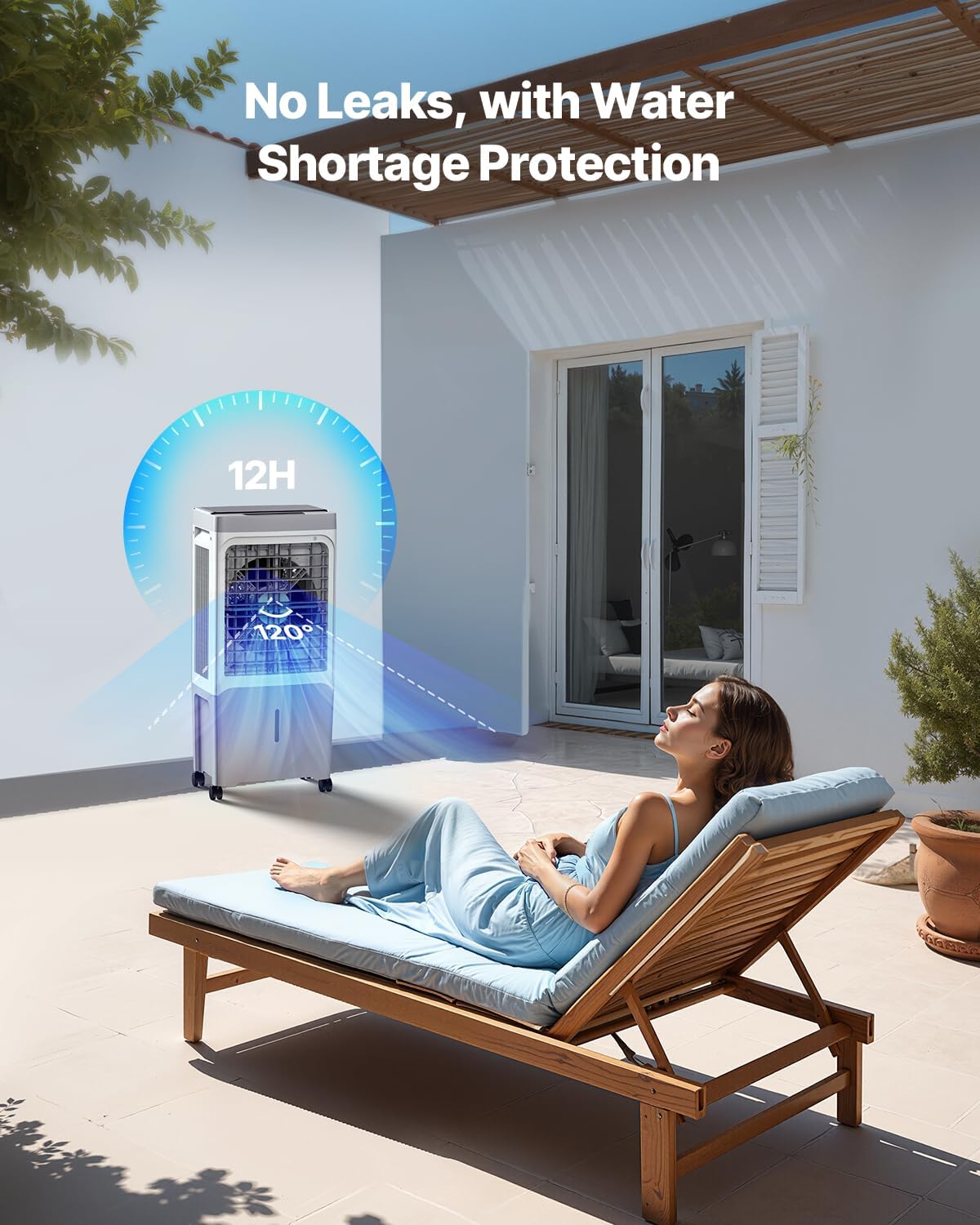
Image: The water scarcity alert feature, displaying 'F1' and a water drop icon when the water level is low, prompting the user to refill and preventing motor damage.
6. Maintenance
6.1. Cleaning the Water Tank
- Ensure the unit is unplugged from the power outlet.
- Drain any remaining water from the tank using the drain plug at the bottom.
- Wipe the interior of the water tank with a soft cloth and mild detergent. Rinse thoroughly.
- Allow the tank to air dry completely before reassembling or storing.
6.2. Cleaning the Cooling Pads
- Unplug the unit. Remove the back panel to access the cooling pads.
- Gently rinse the cooling pads under running water to remove dust and mineral deposits. Do not use harsh chemicals.
- Allow the pads to dry completely before placing them back into the unit.
6.3. Storage
- Before storing, ensure the unit is clean and completely dry.
- Store the unit in a cool, dry place away from direct sunlight.
7. Troubleshooting
If you encounter issues with your VEVOR Evaporative Air Cooler, refer to the following common solutions:
| Problem | Possible Cause | Solution |
|---|---|---|
| Unit does not power on | No power supply; Power button not pressed | Check power cord connection; Press Power button |
| No cool air / Weak cooling | Water tank empty; Cooling function not activated; Ice boxes not used/frozen; High humidity environment | Fill water tank; Activate Cooling function; Use frozen ice boxes; Evaporative coolers are less effective in high humidity |
| Water scarcity alert (F1) | Low water level in tank | Refill water tank to appropriate level |
| Unusual noise | Unit not on a level surface; Obstruction in fan/pump | Place on a stable, level surface; Check for and remove any obstructions (unplug first) |
8. Specifications
| Feature | Specification |
|---|---|
| Model Number | JH-316Y |
| Brand | VEVOR |
| Power | 75W |
| Air Flow Capacity | 1800 CFM |
| Water Tank Capacity | 6.8 Gallons (26 Liters) |
| Color | Gray + White |
| Material | Plastic |
| Item Weight | 17.42 Pounds (7.9 kg) |
| Item Dimensions (D x W x H) | 16.14"D x 12.2"W x 35.83"H (410 x 310 x 910 mm) |
| Controls Type | Remote, Touchscreen |
| Number of Speeds | 3 |
| Noise Level | 60 Decibels |
| Voltage | 28 Volts |
| UPC | 197988646846 |
9. Official Product Videos
What You Should Know - VEVOR Evaporative Air & Swamp Cooler

Video: This video provides an unboxing and initial overview of the VEVOR Evaporative Air Cooler, demonstrating its components and basic setup. It highlights the ice packs, caster wheels, and control panel features.
Vevor Evaporative Air Cooler

Video: A brief demonstration of the VEVOR Evaporative Air Cooler in an outdoor setting, showcasing its cooling capabilities and ease of use with ice packs and swing function.
10. Warranty and Support
For technical support, warranty information, or any inquiries regarding your VEVOR product, please visit the official VEVOR support website.
Official VEVOR Support: www.vevor.com/support