
Introduction
This manual provides essential information for the safe and efficient use of your Lefant M330 Robot Vacuum and Mop. Please read these instructions carefully before operating the device and retain them for future reference.
Setup
Unboxing and Component Check
Carefully remove all components from the packaging. Ensure all items listed below are present:
- Lefant M330 Robot Vacuum
- 3-in-1 Dustbin
- Charging Station
- Power Adapter
- Cleaning Brush
- Mop Holder
- Side Brushes (2)
- User Manual
- Disposable Mop Cloths (5)
- HEPA Filter
Charging Station Placement
Place the charging station against a wall in an open area, ensuring there are no obstacles within 1 meter (3 feet) to the front and 0.5 meters (1.5 feet) to the sides. Connect the power adapter to the charging station and plug it into a power outlet.
Initial Charging
Place the robot onto the charging station. Ensure the charging contacts on the robot align with those on the station. The robot will begin charging automatically. For first-time use, fully charge the robot before operation.
Connecting to the App (Lefant App)
- Press and hold the start button for 3 seconds to power on the robot.
- Download the Lefant app from the App Store or Google Play. Download Link
- Press and hold the start button for 6 seconds until the light flashes, indicating pairing mode.
- Open the Lefant app and add your M330 robot vacuum.
- Connect to a 2.4 GHz or 5 GHz Wi-Fi network.
- Wait for the connection to be established.

Operation
Cleaning Modes
The Lefant M330 offers multiple cleaning modes for various needs:
- Auto Cleaning: The robot intelligently navigates and cleans your home.
- Spot Cleaning: Focuses on a specific area for intensive cleaning.
- Edge Cleaning: Cleans along walls and furniture edges.
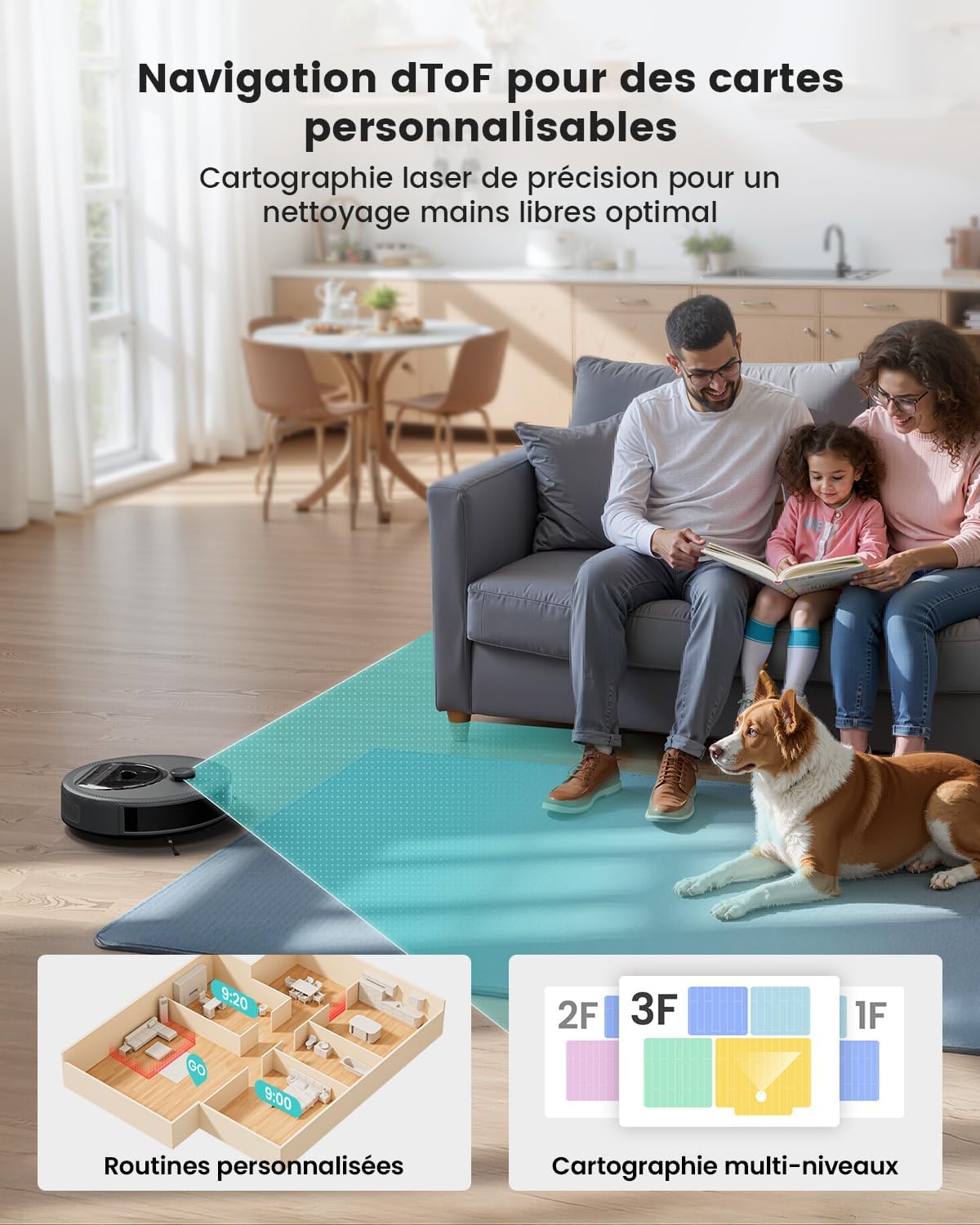
- Scheduled Cleaning: Set specific times for the robot to clean automatically via the app.
Using the 3-in-1 Functionality (Vacuum and Mop)
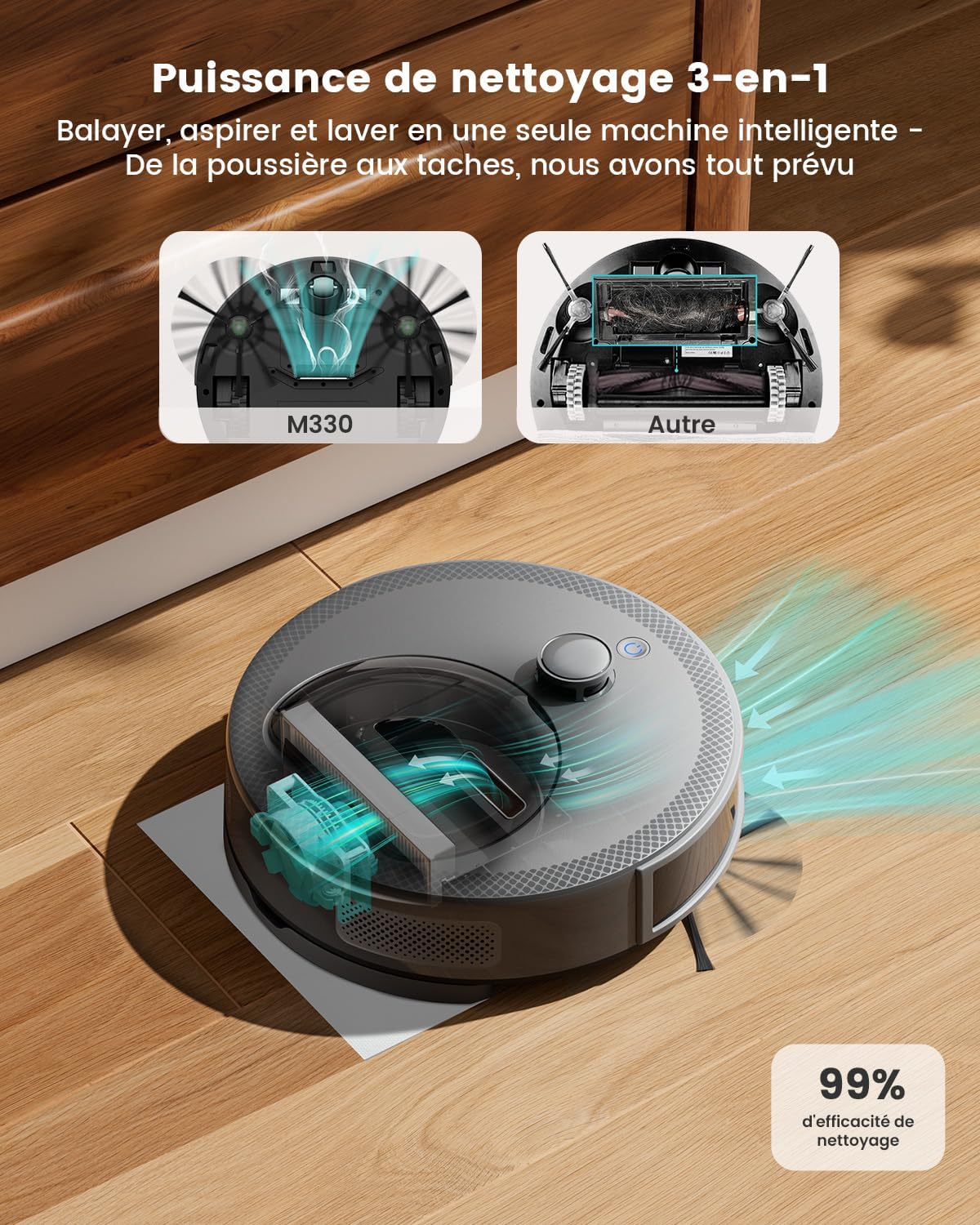
The M330 combines sweeping, vacuuming, and mopping. For mopping, attach the mop holder with a disposable mop cloth to the underside of the robot. The robot will automatically detect and adjust its cleaning power.
Smart Navigation and Obstacle Avoidance
The M330 uses dToF navigation for precise mapping and route planning. Its 190° obstacle detection system helps avoid furniture, cords, and small objects.

App Control and Voice Commands
Use the Lefant app to create cleaning schedules, change modes, and control the robot's direction. The M330 is compatible with Alexa and Google Assistant for voice control (e.g., "Alexa, turn on the M330 and start cleaning").

Carpet Detection
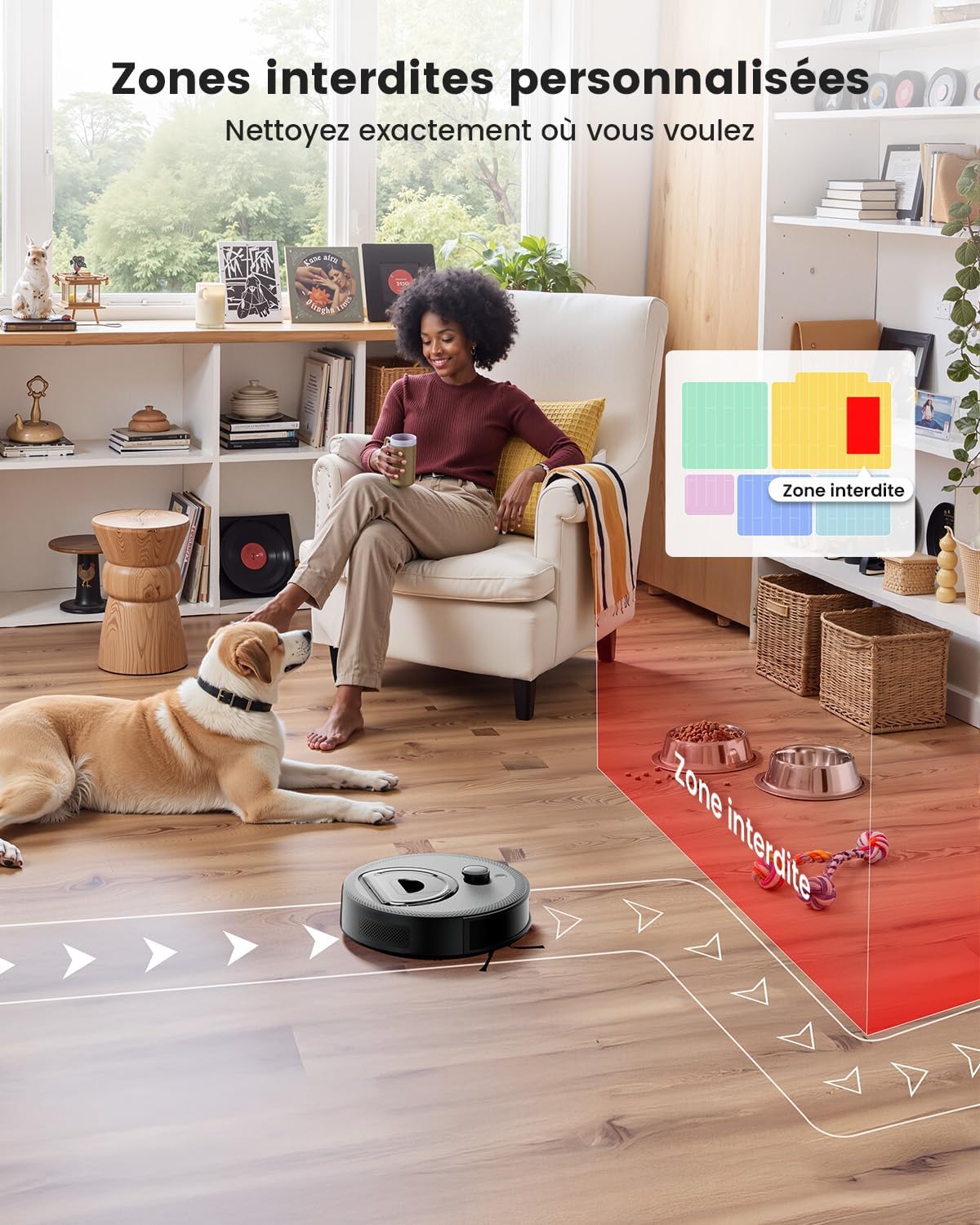
The robot automatically detects carpets and increases suction power for deeper cleaning. In mopping mode, it avoids carpets to prevent wetting them. You can also set carpets as forbidden zones via the app.

Forbidden Zones
Use the Lefant app to define virtual forbidden zones or boundaries to prevent the robot from entering specific areas, such as pet feeding areas or delicate spaces.
Maintenance
Regular maintenance ensures optimal performance and extends the lifespan of your Lefant M330.
Emptying the Dustbin
Empty the dustbin after each cleaning cycle or when the indicator light signals it is full. The M330 features a 450ml transparent dustbin for easy monitoring.

Cleaning the Filters
Remove the HEPA filter from the dustbin and tap it gently to remove dust. Do not wash the HEPA filter with water. Replace the HEPA filter every 3-6 months, depending on usage.
Cleaning Side Brushes
Regularly check and clean the side brushes for tangled hair or debris. If brushes are worn, replace them. The M330 uses a direct suction port, reducing hair entanglement issues.

Cleaning Sensors and Charging Contacts
Wipe the cliff sensors, wall sensors, and charging contacts on both the robot and the charging station with a clean, dry cloth to ensure proper function.
Mopping Pad Maintenance
After mopping, remove and dispose of the used mop cloth. Ensure the mop holder is clean before storing.
Troubleshooting
| Problem | Possible Cause | Solution |
|---|---|---|
| Robot does not turn on. | Low battery; Power button not pressed correctly. | Charge the robot; Press and hold the power button for 3 seconds. |
| Robot cannot connect to Wi-Fi. | Incorrect Wi-Fi password; Router too far; Not 2.4/5 GHz network. | Verify password; Move robot closer to router; Ensure router supports 2.4/5 GHz. |
| Robot gets stuck frequently. | Too many obstacles; Cliff sensors dirty. | Clear obstacles; Clean cliff sensors. |
| Poor cleaning performance. | Full dustbin; Clogged filter; Worn side brushes. | Empty dustbin; Clean/replace filter; Replace side brushes. |
| Robot does not return to charging station. | Charging station blocked; Robot too far from station. | Ensure clear path to station; Manually place robot on station. |
Specifications
| Feature | Detail |
|---|---|
| Model | M330 |
| Brand | Lefant |
| Dimensions (L x W x H) | 32 x 32 x 9.4 cm (12.6 x 12.6 x 3.7 inches) |
| Weight | 3.42 kg (7.54 lbs) |
| Dustbin Capacity | 450 ml |
| Battery Life | Up to 150 minutes |
| Noise Level | 52 dB |
| Navigation Type | dToF Navigation, LiDAR Mapping |
| Special Features | Anti-collision, Multi-floor mapping, Obstacle avoidance, Carpet detection |
| Control Type | App control, Voice control (Alexa, Google Assistant) |
| Wi-Fi Compatibility | 2.4 GHz and 5 GHz |
| Filter Type | HEPA |
| Surface Recommendation | Hard floor, Parquet, Tile, Marble, Carpet |
Warranty & Support
Warranty Information
Specific warranty details are typically provided with your purchase documentation or on the manufacturer's official website. Please refer to these resources for information regarding warranty duration and terms.
Customer Support
For technical assistance, troubleshooting not covered in this manual, or spare parts inquiries, please contact Lefant customer support. Visit the official Lefant website for contact information or refer to the support section within the Lefant mobile application.
You can also visit the Lefant Store on Amazon for additional product information and support resources.