
Introduction
This manual provides essential information for the safe and effective use of your PTHTECHUS LT49 4G Kids Smart Watch. Please read it thoroughly before operating the device and retain it for future reference.
Important Note: As per product specifications, the GPS function and video call function are not available for this Kids Smart Watch model (LT49).
Product Overview

Figure 1: Front view of the PTHTECHUS LT49 Kids Smart Watch.
The PTHTECHUS LT49 is a 4G smartwatch designed for children aged 4-12. It features two-way calling, an SOS emergency function, a camera, music player, learning cards, and puzzle games. The watch is equipped with a 700 mAh high-capacity battery.
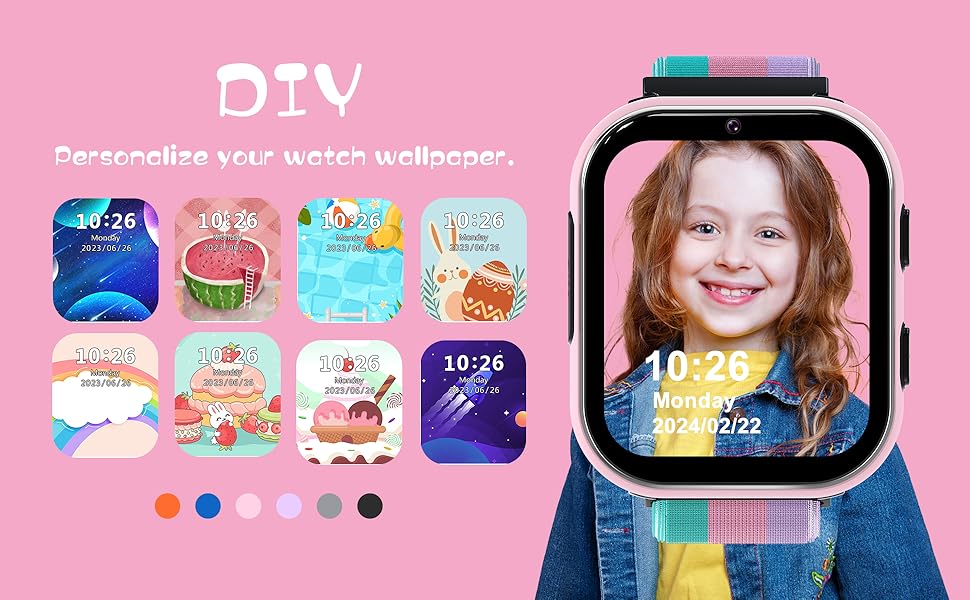
Figure 2: Key components of the Smart Watch. This diagram highlights the HD Camera, SIM card slot, colorful soft band, SOS button, mental watch case, and power button.
Setup
1. SIM Card Installation and Activation
The watch requires an activated 4G SIM card for calling functions. A SpeedTalk Mobile SIM card is included, offering 30 minutes of calls valid for 7 days.
- Insert SIM Card: Use the provided tool to open the SIM card slot on the side of the watch. Carefully insert the activated 4G SIM card into the slot. Ensure it is correctly oriented.
- Activate SIM Card: Insert the included SpeedTalk Mobile SIM card into a smartphone. Visit the SpeedTalk Mobile website to activate the card. Follow their instructions for activation.
- Power On: Press and hold the Power Button on the watch until the screen illuminates.
2. Initial Setup
- Set Time and Date: Once powered on, navigate through the watch settings to set the correct time and date.
- Add Contacts: Access the 'Phone Book' or 'Contacts' menu on the watch. Manually add important phone numbers (e.g., parents, guardians) that the child can call. Only these pre-approved numbers can be dialed.
Operating Instructions
1. Two-Way Calling
With an activated 4G SIM card, the watch supports two-way voice calls with pre-set contacts.
- Making a Call: From the main screen, tap the 'Phone' icon or navigate to 'Contacts'. Select the desired contact and tap to initiate a call.
- Receiving a Call: When an incoming call is received from a pre-set contact, the watch will ring. Tap the green answer button to accept the call.
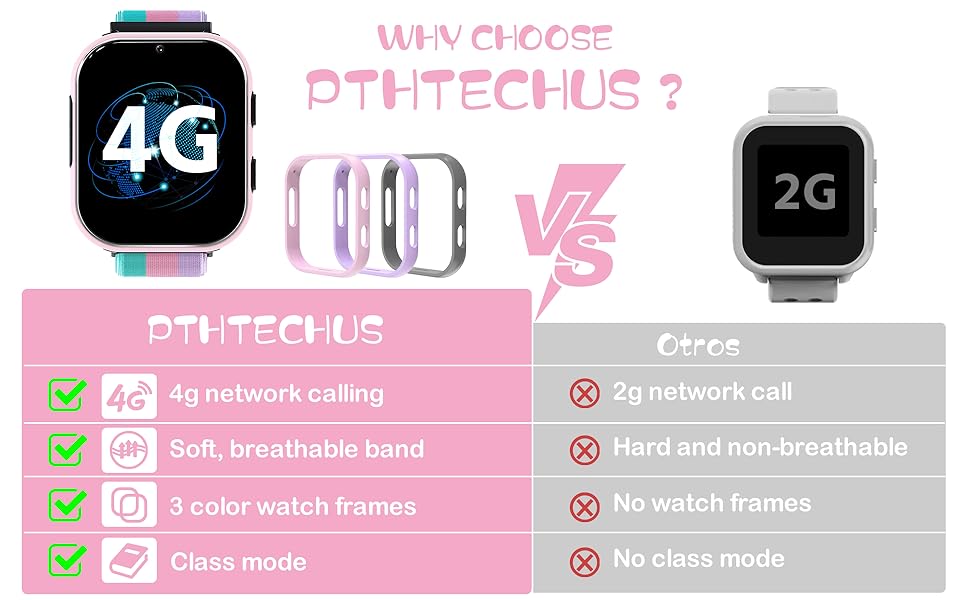
Figure 3: Illustration of two-way calling functionality.
2. SOS Emergency Function
In an emergency, the SOS function allows the child to quickly contact pre-set emergency numbers.
- Activate SOS: Press and hold the SOS button (usually located on the side of the watch) for 3 seconds. The watch will automatically dial the pre-set emergency contacts in a loop until one is answered.
Video 1: Demonstrates the SOS Emergency Call feature of the 4G Smart Watch for Kids.
3. Camera and Photo Functions
The watch includes a built-in camera for taking photos.
- Take Photo: Tap the 'Camera' icon on the watch screen. Frame the shot and tap the screen to capture the image.
- View Gallery: Access the 'Gallery' icon to view saved photos.

Figure 4: Using the watch's camera and music player.
4. Music Player
The watch can play music files. Ensure music files are loaded onto the watch's storage.
- Play Music: Tap the 'Music Player' icon. Select a song from the list to begin playback. Use on-screen controls for play, pause, skip, and volume adjustment.
5. Learning Cards and Story Books
Engage with educational content designed for children.
- Access Learning Content: Navigate to the 'Learning Cards' or 'Story Book' application. Select a category or story to begin.
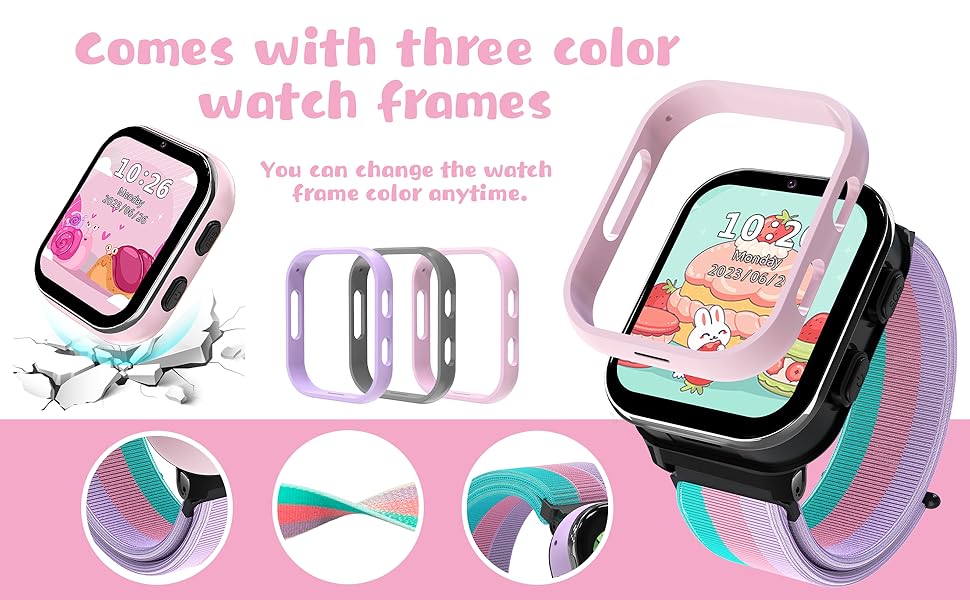
Figure 5: Learning cards and audio story features.
6. Puzzle Games and Classroom Mode
The watch includes 7 puzzle games and a Classroom Mode to minimize distractions.
- Play Games: Tap the 'Games' icon. Select from the available puzzle games.
- Activate Classroom Mode: Access the 'Classroom Mode' setting. This mode can be scheduled to limit watch functions during school hours, ensuring the child focuses on studies.
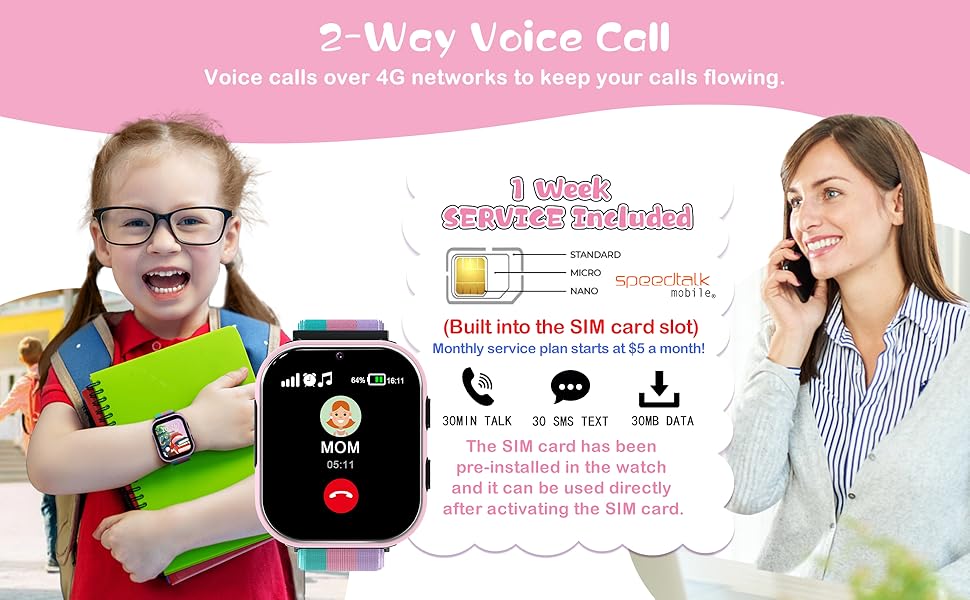
Figure 6: Habit tracking feature.
7. Other Functions
- Alarm Clock: Set alarms for reminders or wake-up times.
- Pedometer: Tracks daily steps.
- Calculator: Basic arithmetic functions.

Figure 7: Alarm clock, pedometer, and calculator features.
Maintenance
- Cleaning: Wipe the watch screen and band with a soft, dry cloth. Avoid using harsh chemicals or abrasive materials.
- Battery: The watch has a 700 mAh high-capacity battery. Charge the watch using the provided USB cable. Avoid overcharging or completely draining the battery to prolong its lifespan.
- Storage: Store the watch in a cool, dry place when not in use.
Troubleshooting
| Issue | Possible Cause | Solution |
|---|---|---|
| Watch not powering on | Low battery; Power button not held long enough | Charge the watch for at least 30 minutes. Press and hold the power button for 3-5 seconds. |
| Cannot make/receive calls | SIM card not activated; No network signal; Incorrectly inserted SIM card; Contacts not saved | Ensure SIM card is activated and has credit/plan. Check network signal strength. Reinsert SIM card correctly. Add contacts to the watch's phone book. |
| SOS function not working | No emergency contacts set; No network signal | Set emergency contacts in the watch settings. Ensure the watch has a stable 4G network connection. |
| Screen unresponsive | Temporary software glitch | Restart the watch by holding the power button. If unresponsive, allow battery to drain completely and then recharge. |
Specifications
- Model Number: LT49
- Brand: PTHTECHUS
- Connectivity: 4G Network (requires activated SIM card)
- Battery: 700 mAh Nonstandard Battery (included)
- Features: Two-way calling, SOS, Camera, Music Player, Learning Cards, Puzzle Games, Classroom Mode, Pedometer, Alarm Clock, Calculator.
- Note: Does not require an external APP connection. GPS and video call functions are not available.
Warranty and Support
For warranty information or technical support, please refer to the contact details provided with your product packaging or visit the official PTHTECHUS website. Keep your purchase receipt as proof of purchase.


