
MiLESEEY DT11-Inch
Contents
MILESEEY 2-in-1 Laser Tape Measure User Manual
Model: DT11-Inch | Brand: MiLESEEY
1. Introduction and Overview
The MILESEEY DT11 is a versatile 2-in-1 measuring tool, combining a traditional 16 Ft self-locking tape measure with a 131 Ft laser measurement tool. It is designed for precision and ease of use in various applications, from DIY projects to professional tasks. This manual provides detailed instructions for operating and maintaining your device.

Image 1.1: The MILESEEY DT11 2-in-1 Laser Tape Measure, showing its compact design and integrated laser.
2. Key Features
- 2-in-1 Design: Combines a 16 Ft tape measure with a 131 Ft laser measure for comprehensive measurement capabilities.
- Versatile Functions: Offers single measurement, volume, area, and Pythagorean measurements.
- Ease of Use: Features an automatic blade lock for stability and accuracy, with a retraction button for convenience.
- Multifunctional Unit Switching: Easily switch between imperial and metric units (Ft/Ft+in/in/M). Stores up to 20 sets of historical data.
- True Zero Hook: Designed with subtraction compensation for precise internal and external measurements. Double-sided magnetic hook ensures stable attachment to metal surfaces.
- Ergonomic Design: Features an ergonomic grip and rubber overmolded case for comfortable extended use and impact resistance.

Image 2.1: Illustration of the dual functionality, showing both tape measure and laser measure in use.
3. Setup
3.1 What's in the Box
- MILESEEY DT11 2-in-1 Laser Tape Measure
- USB Charging Cable
- User Manual
3.2 Initial Charging
The DT11 is powered by a rechargeable C battery (included). Before first use, fully charge the device using the provided USB cable. Connect the USB cable to the charging port on the side of the device and to a standard USB power adapter (not included).

Image 3.1: The MILESEEY DT11 connected to a USB charging cable, highlighting its rechargeable nature.
3.3 Unboxing and Components Overview
Video 3.1: An unboxing video of the MiLESEEY DT11 Laser Tape Measure, showing all included components and initial appearance.
4. Operating Instructions
4.1 Power On/Off
To power on the device, press the power button located on the side. The LED display screen will illuminate. To power off, press and hold the power button.
4.2 Tape Measure Operation
Pull the tape blade out to extend it. The automatic blade lock will hold the blade in position. To retract the blade, press the retraction button located on the top of the device. The magnetic hook at the end of the tape allows for stable attachment to metal surfaces for single-person measurements.

Image 4.1: Close-up of the double magnetic hook, demonstrating its ability to latch onto metal surfaces for stable measurements.
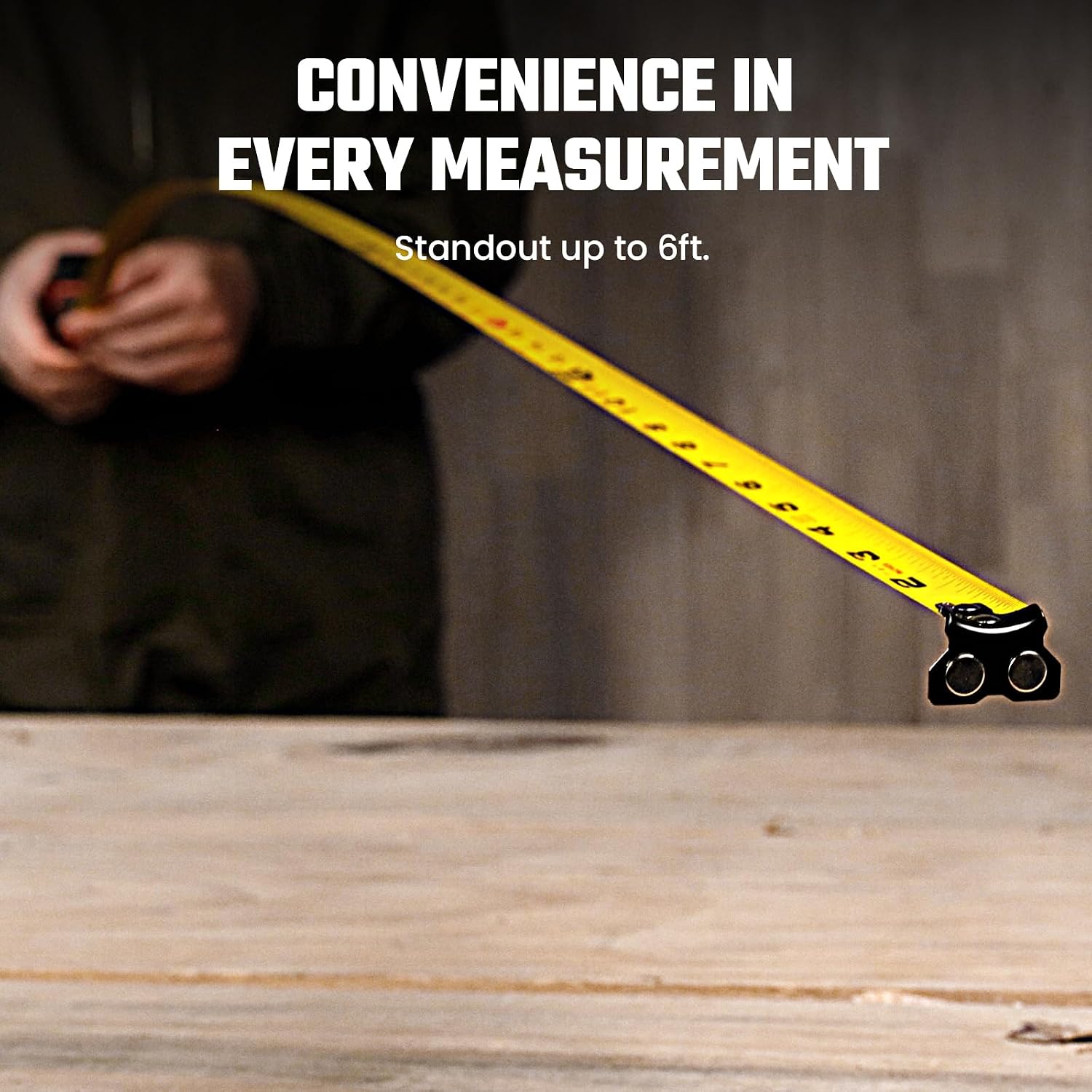
Image 4.2: The tape measure extended, illustrating its standout capability for convenient measurements.
4.3 Laser Measurement Operation
With the device powered on, press the "MEAS" button to activate the laser. Point the laser at the target surface. Press "MEAS" again to take a measurement. The result will be displayed on the screen.
4.4 Unit Selection and Measuring Reference
Press the "UNIT" button to cycle through different measuring units: Feet (Ft), Feet+Inches (Ft+in), Inches (in), and Meters (M). To change the measuring reference point (front or rear of the device), long-press the "UNIT" button.

Image 4.3: The device display showing various unit options (in, ft, m) and the process of switching between them.
4.5 Advanced Measuring Functions
The DT11 supports various advanced measurement modes. Press the button with the grid icon (usually next to "MEAS") to cycle through these functions:
- Single Measurement: Standard point-to-point distance measurement.
- Area Measurement: Measure two sides (length and width) to calculate the area.
- Volume Measurement: Measure three sides (length, width, and height) to calculate the volume.
- Pythagorean Measurement (2-Point): Use two measurements to calculate an indirect distance (e.g., height of a wall).

Image 4.4: Diagrams illustrating the different measuring functions: Distance, Area, Volume, and Pythagorean (2-point).
4.6 Application Scenarios

Image 4.5: Examples of the MILESEEY DT11 being used in different measurement situations, showcasing its versatility.
5. Maintenance
To ensure the longevity and accuracy of your MILESEEY DT11, follow these maintenance guidelines:
- Cleaning: Wipe the device with a soft, dry cloth. Do not use abrasive cleaners or solvents.
- Storage: Store the device in a cool, dry place away from direct sunlight and extreme temperatures.
- Battery Care: Recharge the battery regularly, even if not in frequent use, to maintain battery health. Avoid fully discharging the battery for extended periods.
- Impact Protection: While the device features a rubber overmolded case for impact resistance, avoid dropping it from significant heights.

Image 5.1: The MILESEEY DT11, highlighting its rugged construction from anti-slip, impact-resistant soft rubber.
6. Troubleshooting
| Problem | Possible Cause | Solution |
|---|---|---|
| Device does not power on. | Low battery or no charge. | Charge the device using the USB cable. Ensure the charging cable and adapter are functioning correctly. |
| Laser measurement is inaccurate. | Obstructed laser path, incorrect reference point, or environmental factors (e.g., strong light). | Ensure the laser path is clear. Verify the measuring reference point setting. Avoid measuring in direct sunlight or highly reflective surfaces if possible. Perform manual calibration if needed (refer to advanced settings in the full manual). |
| Tape blade does not retract smoothly. | Debris in the mechanism or damage to the blade. | Gently clean the blade and retraction mechanism. Do not force retraction. If damage is visible, discontinue use. |
| Display is not visible or flickering. | Low battery or display malfunction. | Recharge the device. If the issue persists after charging, contact customer support. |
7. Specifications
| Feature | Detail |
|---|---|
| Product Dimensions | 3.15"L x 1.77"W (3.15 x 1.77 x 0.1 inches) |
| Item Model Number | DT11-Inch |
| Batteries | 1 C battery (included) |
| Manufacturer | MILESEEY |
| Color | Orange |
| Item Weight | 300 Grams (10.58 ounces) |
| Blade Length | 16 Feet |
| Laser Measurement Range | Up to 131 Ft |
| Units of Measurement | M/Ft/in/Ft+in |
8. Warranty and Support
Specific warranty information is not provided in the product details. For warranty claims, technical support, or further inquiries, please contact MiLESEEY customer service through their official website or the retailer where the product was purchased.
You can visit the official MiLESEEY store for more information: MiLESEEY Store
Ask a question about this manual
Ask about setup, troubleshooting, compatibility, parts, safety, or missing instructions. Manuals+ will review the question and use this page’s manual context to help answer it.