
1. Introduction
This manual provides essential information for the setup, operation, and maintenance of your Mammotion YUKA Mini 700 Robotic Lawn Mower. Designed for lawns up to 700 m² (maximum 1100 m²), this advanced robotic mower utilizes UltraSense AI Vision and RTK technology for precise and efficient lawn care.
Please read this manual thoroughly before using the product to ensure safe and optimal performance.
2. Product Overview and Key Features
The YUKA Mini 700 is equipped with cutting-edge technology to simplify lawn maintenance. Key features include:
- NetRTK+Vision System: The world's first system for stable, centimeter-level positioning without traditional RTK installation.
- AI-Enhanced 3D Vision: Advanced object recognition and avoidance, capable of detecting over 200 obstacles.
- Wire-Free Setup: Autonomous virtual mapping eliminates the need for perimeter wires. Map a 700 m² lawn in approximately 10 minutes.
- Multi-Zone Management: Configure up to 15 distinct mowing zones with customized schedules, patterns, and cutting heights via the Mammotion app.
- All-Terrain Capability: Navigates slopes up to 45% (24°) and features 3.5 cm vertical clearance.
- Precision Cutting: 190 mm (7.2 inches) cutting width with dynamic height adjustment from 20-60 mm. Achieves cuts within 5 cm of walls.
- Anti-Theft Protection: Includes 24/7 surveillance, owner authentication, GPS tracking, and app notifications.
- Smart Features: Rain detection, ultra-quiet operation, and Firmware Over-The-Air (FOTA) updates.
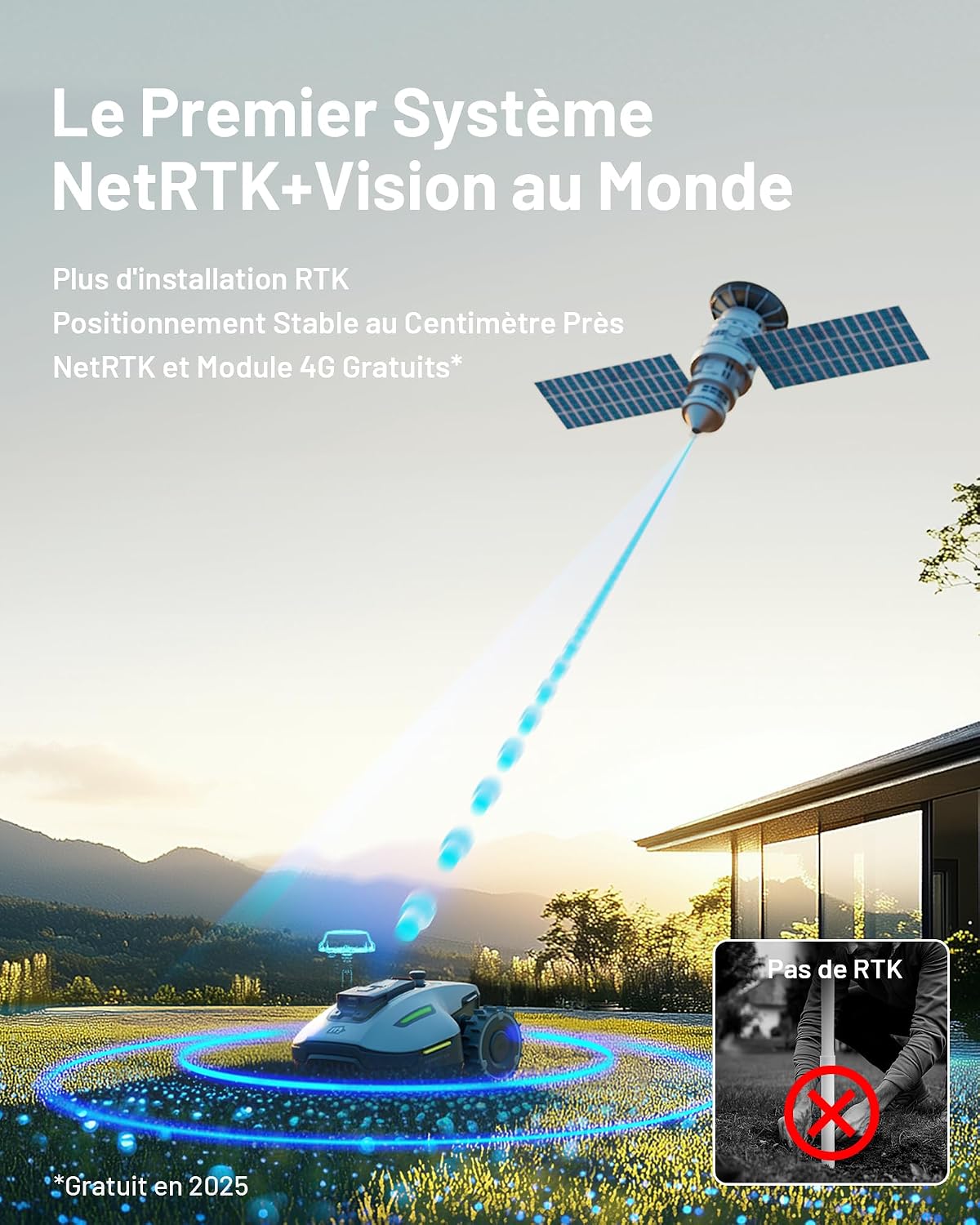
Figure 2.1: The Mammotion YUKA Mini 700 Robotic Lawn Mower.

Figure 2.2: The YUKA Mini 700 features comprehensive anti-theft measures including GPS tracking and app notifications.

Figure 2.3: Smart features include rain detection, quiet operation, and over-the-air firmware updates.
3. Safety Information
Always prioritize safety when operating and maintaining your robotic lawn mower. Failure to follow safety instructions can result in injury or damage to the product.
- Keep hands and feet away from the cutting blades.
- Do not operate the mower when children or pets are in the mowing area.
- Turn off the mower and remove the safety key before performing any maintenance or cleaning.
- Do not use the mower in wet conditions or during heavy rain, unless specifically designed for it (YUKA Mini 700 has rain detection and will return to base).
- Ensure the charging station is placed on a level surface and protected from direct sunlight and moisture.
- Regularly inspect the mower for damage and ensure all safety features are functioning correctly.
4. Setup and Installation
The YUKA Mini 700 is designed for a straightforward, wire-free installation process.
- Unboxing and Placement: Carefully remove the mower and all accessories from the packaging. Place the charging station in a suitable location with access to power and a clear view of the sky for optimal RTK signal reception.
- Power Connection: Connect the charging station to a power outlet. Ensure the power supply is protected from weather elements.
- Initial Charge: Place the YUKA Mini 700 on the charging station to allow it to fully charge before first use.
- App Download and Connection: Download the Mammotion app on your smartphone. Follow the in-app instructions to connect your mower. Note: Ensure the mower is powered on to connect via Wi-Fi.
- Autonomous Mapping: Using the Mammotion app, initiate the autonomous mapping process. The mower will navigate your lawn to create a virtual map. This process can map a 700 m² area in approximately 10 minutes. The NetRTK+Vision system provides stable, centimeter-level positioning without the need for traditional RTK installation.

Figure 4.1: The YUKA Mini 700 utilizes the world's first NetRTK+Vision system for precise, wire-free operation.

Figure 4.2: The YUKA Mini 700 uses 3D AI Vision and NetRTK for quick, wire-free mapping and obstacle detection.
- Define Mowing Zones and No-Go Zones: Within the app, you can define up to 15 different mowing zones and create virtual no-go zones for areas you wish to exclude (e.g., flower beds, playgrounds, pools).

Figure 4.3: The Mammotion app allows management of up to 15 mowing zones and intelligent route planning for areas up to 1100 m².
5. Operating Instructions
Once set up, operating your YUKA Mini 700 is managed primarily through the Mammotion app.
- Scheduling: Set specific mowing schedules for each defined zone. You can customize start times, frequency, and even cutting patterns.
- Cutting Height Adjustment: Adjust the cutting height dynamically within the app, ranging from 20 mm to 60 mm, to suit your lawn's needs.
- Edge Mowing: The mower is designed for precise edge mowing, operating within 5 cm of walls and navigating narrow paths as small as 0.9 meters.

Figure 5.1: The YUKA Mini 700 is designed for precise edge mowing and navigating narrow spaces.
- Obstacle Avoidance: The UltraSense AI Vision system actively detects and avoids obstacles, ensuring safe operation around pets, garden furniture, and other items.
- Rain Detection: The mower features rain detection and will return to its charging station during adverse weather.
- Manual Control: For specific tasks, the app may offer options for manual control or spot mowing.
6. Maintenance
Regular maintenance ensures the longevity and optimal performance of your YUKA Mini 700.
- Cleaning: Regularly clean the mower's underside, cutting deck, and wheels to prevent grass buildup. Use a soft brush or cloth. Avoid using high-pressure water directly on electronic components.
- Blade Inspection and Replacement: Inspect the cutting blades regularly for wear or damage. Replace dull or damaged blades to maintain cutting quality. The YUKA Mini 700 uses 5 pivoting razor blades.
- Software Updates: Ensure the mower's firmware is up-to-date through FOTA (Firmware Over-The-Air) updates via the Mammotion app. These updates often include performance improvements and new features.
- Battery Care: For optimal battery life, store the mower in a cool, dry place during off-season periods, ensuring the battery is partially charged (around 50%).

Figure 6.1: The YUKA Mini 700 features an 88W cutting motor, 190mm cutting width, and adjustable height from 20-60mm.
7. Troubleshooting
This section addresses common issues you might encounter with your YUKA Mini 700.
| Problem | Possible Cause | Solution |
|---|---|---|
| Mower does not connect to Wi-Fi/App. | Mower is off or out of Wi-Fi range. | Ensure the mower is powered on. Move the mower closer to your Wi-Fi router or charging station. Restart the mower and the app. |
| Mower stops frequently or gets stuck. | Obstacles, uneven terrain, or sensor issues. | Clear the mowing area of small objects. Check for excessive grass buildup under the mower. Ensure the terrain is within the mower's slope capabilities. Clean sensors if dirty. |
| Poor cutting performance or uneven lawn. | Dull blades, incorrect cutting height, or grass buildup. | Inspect and replace blades if dull. Adjust cutting height in the app. Clean the cutting deck. Ensure the mower is operating on a consistent schedule. |
| Mower does not return to charging station. | Charging station signal interference or obstruction. | Ensure the charging station is clear of obstructions and has a strong signal. Check power connection to the charging station. |
8. Specifications
| Feature | Specification |
|---|---|
| Model Number | MTL24YUM1EU01 |
| Recommended Mowing Area | Up to 700 m² |
| Maximum Mowing Area | Up to 1100 m² |
| Cutting Width | 190 mm (7.2 inches) |
| Cutting Height Adjustment | 20 - 60 mm (0.78 - 2.64 inches) |
| Max Slope Capability | 45% (24°) |
| Vertical Clearance | 3.5 cm |
| Battery Type | Lithium-ion (1 included) |
| Power Source | Battery Powered |
| Product Dimensions (L x W x H) | 45 x 24 x 40 cm |
| Item Weight | 8 Kilograms |
| Material | Plastic |
| Color | White |
| Operation Mode | Automatic |
9. Warranty and Support
Mammotion offers a 3-year warranty for the YUKA Mini 700 Robotic Lawn Mower. For technical support, warranty claims, or general inquiries, please contact Mammotion customer service.
- Contact Options: Email, Live Chat, or Telephone.
- 4G Service: The 4G service is specific to Mammotion YUKA Mini Series models. After the initial 4G subscription expires, you can purchase a renewal to extend the service duration. Service status can be checked in the Mammotion app.

Figure 9.1: Mammotion provides a 3-year warranty for the product.


